

What good is a shiny new graphics card if it refuses to boot, throttles in a cramped case, or trips your power supply the moment a game loads a big texture? That is the question every buyer should ask before spending hundreds on either the GeForce RTX 5070 Ti or the Radeon RX 9070 XT. Both cards launched in early 2025 and both remain attractive picks heading into 2027, but they are not plug-and-play upgrades for every system. The chip is only half the story. The other half is your motherboard, your PSU, your case, and your monitor.
This guide walks through the compatibility checks that actually matter, in the order a careful builder should run them. It also explains where the two cards genuinely differ, so the decision is based on your machine rather than on a spec sheet alone.
The Two Cards in Plain Terms
The RTX 5070 Ti is NVIDIA’s upper-mid-range Blackwell card, announced at CES in January 2025. The RX 9070 XT is AMD’s RDNA 4 competitor, announced in February 2025. On paper they trade blows: both target high-refresh 1440p and entry-level 4K gaming, both carry 16 GB of VRAM, and both use a PCIe 5.0 x16 interface.
The practical differences show up in features and power delivery. NVIDIA leans on DLSS with frame generation and stronger ray tracing hardware. AMD counters with FSR and a raster-performance advantage in many titles. Reviews published in March 2025 by outlets such as TechPowerUp’s GPU database put the two close enough that system compatibility, not raw frame rate, often decides which card makes more sense for a given buyer.
If you are weighing a broader set of options, a closer look at the RTX 5070 vs RX 9070 XT at 1440p, including VRAM, ray tracing and upscaling, helps frame where the Ti sits in the stack.
| Check | RTX 5070 Ti | RX 9070 XT |
|---|---|---|
| Interface | PCIe 5.0 x16 | PCIe 5.0 x16 |
| VRAM | 16 GB | 16 GB |
| Reference PSU guidance | 750 W | 750 W |
| Reference power connector | 12V-2×6 | 2x 8-pin on many partner cards |
| Upscaling tech | DLSS | FSR |
| Typical slot width | 2-slot reference | 2.5 to 3 slots on many AIB models |
Treat that table as a starting point, not gospel. Board partners change connectors, cooler sizes and clock speeds constantly, so always read the spec sheet for the exact model you plan to buy.
Check One: Does Your Motherboard Slot Actually Deliver?
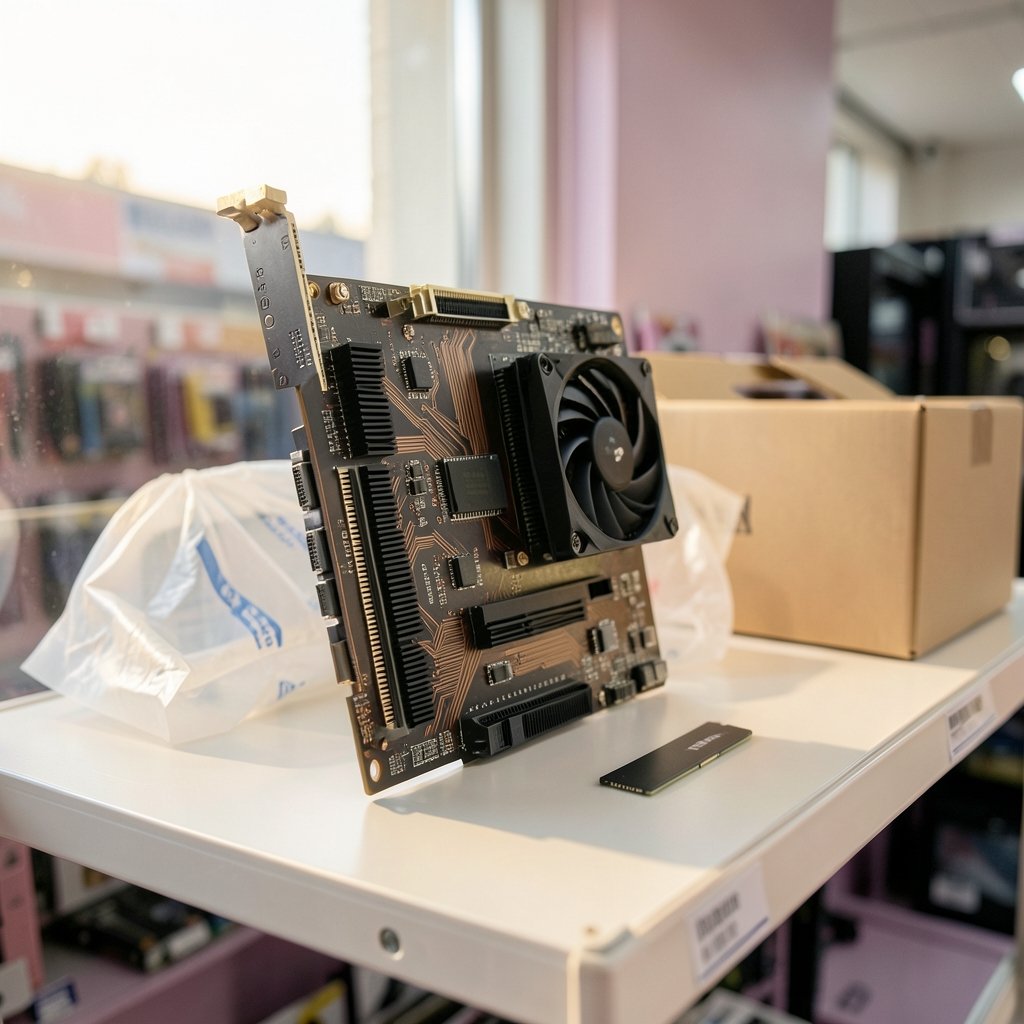
Both cards want a PCIe 5.0 x16 slot. Very few people have one. That is fine. A PCIe 4.0 x16 slot runs either card with a loss so small you will not notice it in games. The PCI Express specification, maintained by the standards body PCI-SIG, explains how each generation doubles bandwidth and how link width affects real throughput.
The risk is not generation. The risk is width. Some motherboards drop the primary graphics slot to x4 electrical when certain M.2 drives are installed, a detail buried in the manual. A card running at x4 on a PCIe 3.0 link can lose meaningful performance in texture-heavy titles. Before buying, open your motherboard manual and confirm the top slot runs at x16 with your current drive configuration.
Resizable BAR and Smart Access Memory
Both cards benefit from Resizable BAR, which NVIDIA markets under that name and AMD calls Smart Access Memory. It requires Above 4G Decoding enabled in the BIOS plus a ReBAR setting that older boards may lack entirely. Boards from roughly 2020 onward usually support it after a BIOS update. If your platform predates that, budget time for a BIOS flash before the card arrives, and check that your PC meets the requirements for a modern OS while you are at it, since the same firmware work often overlaps with a check of whether your PC supports Windows 11 before you upgrade.
Check Two: Power Supply Headroom
This is the single most common upgrade blocker. NVIDIA’s reference guidance for the RTX 5070 Ti lists a 750 W system power supply. AMD’s reference guidance for the RX 9070 XT lands in the same range, though partner cards with aggressive factory overclocks can push higher.
A 750 W recommendation is not a 750 W requirement, but it assumes a reasonably efficient modern unit. A ten-year-old 650 W supply with a tired capacitor may boot the card and then shut down under transient spikes. Practical rules that work:
- Add up the card’s board power, your CPU’s peak draw, and roughly 100 W for everything else.
- Leave at least 20 percent headroom above that figure.
- Check the unit’s 12 V rail rating, rather than relying only on the total wattage on the box.
- Confirm the age and warranty status of the PSU. Anything past seven years of hard use is a candidate for replacement.
The Connector Question
NVIDIA’s reference design uses the 12V-2×6 connector, the revised version of the earlier 12VHPWR standard that PCI-SIG updated in 2024 to improve sense-pin contact. Many RX 9070 XT partner cards instead use two standard 8-pin connectors. This matters because your PSU may not ship a native 12V-2×6 cable.
If it does not, use only an adapter approved by the PSU manufacturer, and seat the connector fully until it clicks. Partial insertion is the documented cause of most melting incidents. A card that draws 300 W through a half-seated plug is a fire risk, not a performance tweak.
Check Three: Physical Clearance and Cooling
Reference cards are compact. Partner cards are not. The RTX 5070 Ti reference design is a two-slot card around 304 mm long, while many RX 9070 XT models stretch to 2.5 or even 3 slots and add length for bigger coolers.
Measure three things before ordering: the maximum GPU length your case lists, the clearance between the card and the front fans or drive cage, and the space behind the card for the power cable to bend without pressing against the side panel. That last one catches people constantly. A stiff 12V-2×6 cable needs roughly 35 mm of clearance before it bends, and a side panel pressing on it is exactly the failure mode you want to avoid.
Airflow matters too. A 300 W card in a case with two intake fans and a solid front panel will run hot and loud regardless of which brand you choose. If you are planning a full rebuild around the card, it is worth thinking about the wider platform timeline, including questions like whether the Nvidia RTX 60 series skips a 2027 launch and arrives in 2026, because a card bought now may serve through two generations.
Check Four: CPU and Resolution Balance
A fast GPU paired with a slow CPU produces the same frame rate as a slow GPU. At 1440p and below, the RX 9070 XT’s raster advantage can be masked entirely by a mid-range processor from several generations back. At 4K the GPU does more of the work and the gap between the cards widens.
The honest test is to look at reviews of the specific games you play at your specific resolution, ideally with a CPU close to yours. Launch reviews from March 2025 show the two cards swapping places depending on the title, which is why blanket claims about one card being faster are misleading. If you run a 1440p high-refresh monitor with an older six-core CPU, spending part of the budget on a CPU upgrade may deliver more frames than choosing the faster GPU.
There is a related trap: buying a card now that you plan to pair with a CPU you will upgrade in 2027. Socket support rarely lasts that long. Confirm that the platform you intend to move to still accepts the memory and board you own, or plan the CPU and motherboard as one purchase. (Intel support: motherboard and chipset compatibility overview)
Check Five: Drivers, Operating System and Display
NVIDIA’s 50-series cards need a current Game Ready or Studio driver branch and a 64-bit Windows 10 or Windows 11 install. AMD’s RX 9000 series needs current Adrenalin drivers. Linux users should verify Mesa and RADV support for AMD and the open kernel module status for NVIDIA, both of which lagged at launch and change frequently.
On the display side, both cards support DisplayPort 2.1 and HDMI 2.1b. To run 4K at high refresh without display stream compression, you need a monitor and cable that also support DP 2.1. Check the monitor’s spec sheet, rather than only the GPU’s. A card capable of 240 Hz means nothing plugged into a 60 Hz panel.
How the Cards Compare on the Checks That Matter
| Compatibility area | Which card is easier | Why |
|---|---|---|
| PSU connectors | RX 9070 XT on 8-pin models | Standard cables, no adapter needed |
| Case fit | RTX 5070 Ti reference | Smaller two-slot design |
| Older BIOS platforms | Tie | Both need ReBAR and current drivers |
| Linux support | AMD, generally | Mature open-source driver stack |
| Feature set | RTX 5070 Ti | Stronger ray tracing and DLSS |
The pattern is clear enough. If you have a modern PSU with native 12V-2×6 support and a roomy case, the RTX 5070 Ti is the simpler fit. If your PSU is older but healthy and uses 8-pin cables, an RX 9070 XT partner card avoids the adapter question entirely.
Common Mistakes That Sink Upgrades
The same errors come up again and again in build threads and support forums. Watch for these:
- Buying the card before checking the PSU’s connector type and age.
- Assuming the top PCIe slot runs at x16 without reading the manual.
- Forgetting the BIOS update needed for Resizable BAR.
- Measuring case length but not cable bend clearance.
- Pairing a high-end GPU with a CPU that cannot feed it at 1440p.
- Skipping the monitor check and capping the card at 60 Hz.
None of these are exotic. Each one is a five-minute check that prevents a frustrating return.
Conclusion
The RTX 5070 Ti and RX 9070 XT are close enough in performance that the decision usually comes down to your existing hardware. Run the checks in order: slot width and BIOS support, PSU wattage and connector type, physical clearance, CPU balance, then drivers and display. If your system passes all five, either card will serve well into 2027 and beyond. If it fails one, fix that first. The best graphics card is the one your machine can actually feed, cool and power without drama.
FAQ
Does the RTX 5070 Ti work in a PCIe 4.0 slot?
Yes. Both cards run fine in a PCIe 4.0 x16 slot with a performance loss small enough that most players will never notice it. The real concern is slot width, not generation. Confirm the slot runs at x16 electrically rather than dropping to x4 when M.2 drives are populated.
Is a 750 W power supply enough for the RX 9070 XT?
AMD’s reference guidance lists 750 W, and that is generally sufficient for a modern, healthy unit paired with a mainstream CPU. Partner cards with factory overclocks and power-hungry processors can push closer to the limit. Aim for at least 20 percent headroom above your calculated peak draw.
Do I need a special cable for the RTX 5070 Ti?
The reference design uses the 12V-2×6 connector. If your PSU does not include a native cable, use only an adapter approved by the PSU manufacturer and seat it fully. Many RX 9070 XT partner cards use two standard 8-pin connectors instead, which avoids the issue entirely.
Will my older CPU bottleneck these cards?
At 1440p and below, yes, a mid-range or older CPU can hold either card back. At 4K the GPU does more work and the CPU matters less. Check reviews of the games you actually play with a processor similar to yours before deciding.
Do both cards support Resizable BAR?
Both benefit from it, under the names Resizable BAR for NVIDIA and Smart Access Memory for AMD. You need Above 4G Decoding enabled in the BIOS and a board that supports the feature, which usually means a BIOS update on pre-2020 hardware.
Which card is the better fit for a small case?
The RTX 5070 Ti reference design is a two-slot card around 304 mm long, while many RX 9070 XT partner models are 2.5 to 3 slots and longer. In a tight case, check the exact model’s dimensions and leave room for the power cable to bend without pressure from the side panel.



