
Is a newer graphics card always the safer upgrade? Not when you are moving between two very different generations of hardware. The RTX 5080 and RTX 4090 sit on opposite sides of that line. One is a Blackwell card from 2025 with newer memory and a newer connector standard. The other is an Ada Lovelace flagship from 2022 that still carries more raw compute and more VRAM. Choosing between them in 2027 is less about which card wins a benchmark chart and more about whether the rest of your PC can actually feed it.
This guide walks through the checks that matter before money changes hands: power, physical space, motherboard slots, drivers, and the small settings people forget. It also flags where the “2027” framing gets shaky, because no public roadmap confirms what happens that year.
The Two Cards Side by Side
Start with the numbers, because the upgrade decision hinges on them.
| Spec | RTX 4090 | RTX 5080 |
|---|---|---|
| Architecture | Ada Lovelace (AD102) | Blackwell (GB203) |
| Launch | October 2022 | January 2025 |
| CUDA cores | 16,384 | 10,752 |
| Memory | 24 GB GDDR6X | 16 GB GDDR7 |
| Memory bus | 384-bit | 256-bit |
| Board power (TGP) | 450 W | 360 W |
| PCIe interface | PCIe 4.0 x16 | PCIe 5.0 x16 |
| Power connector | 12VHPWR (or 3x 8-pin on some models) | 12V-2×6 |
The pattern is clear. The 4090 has roughly 52 percent more CUDA cores and 50 percent more VRAM. The 5080 answers with a newer architecture, faster GDDR7 memory, lower board power, and a revised power connector. Neither card simply “wins.” Which one suits you depends on resolution, workload, and the hardware already sitting in your case.
Check One: Power Supply Headroom
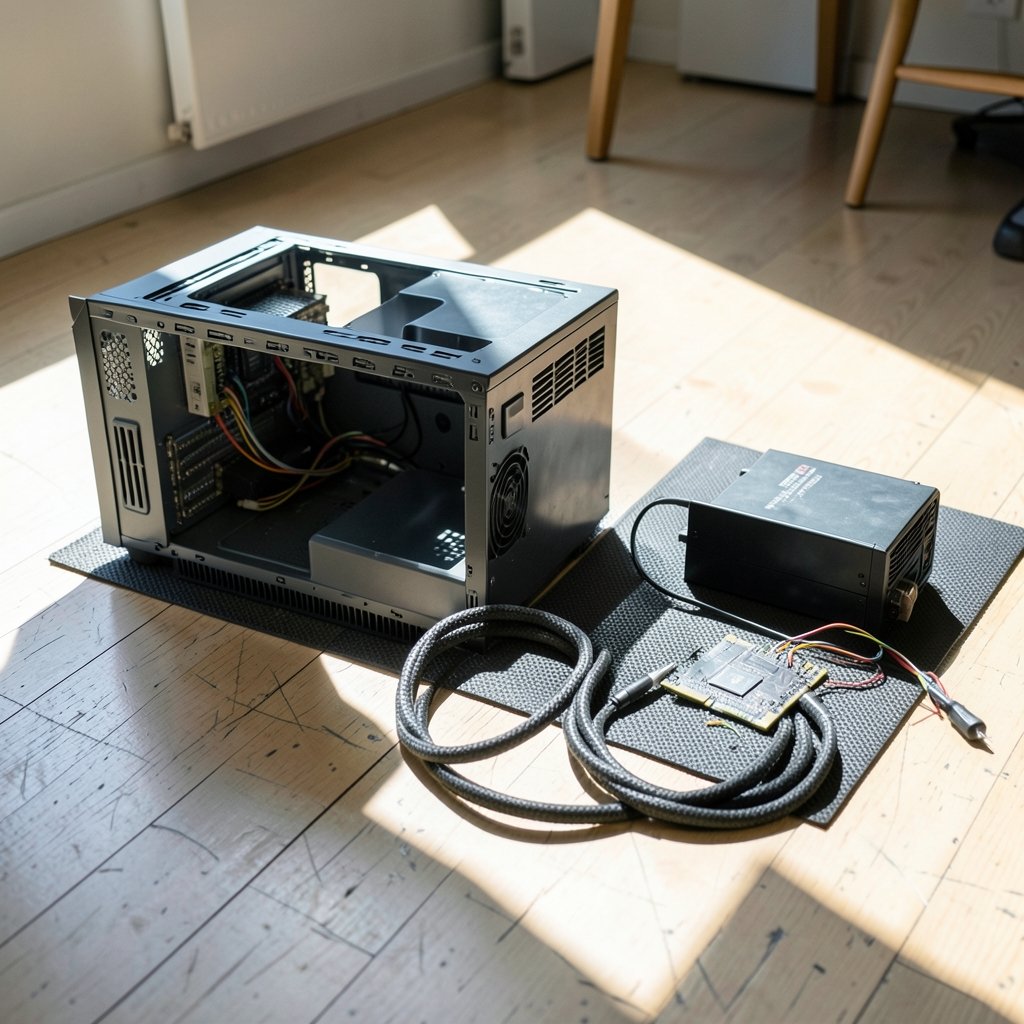
This is where most upgrades quietly fail. A 450 W card does not draw 450 W in a smooth line. It pulls short bursts well above its rated board power, and a tired or undersized PSU will shut the system down mid-game.
NVIDIA’s guidance for a 4090-class system has generally pointed toward an 850 W unit or better, while a 5080 build needs less headroom because the card is rated 90 W lower. Before buying either card, add up the CPU, motherboard, drives, and fans, then leave at least 20 percent spare capacity. A 750 W unit that ran a mid-range card for years is not automatically ready for a 4090. (NVIDIA DLSS technology overview)
Then look at the cable. The 4090 introduced the 12VHPWR connector, which drew widespread reports of melting when cables were not fully seated. The revised 12V-2×6 standard followed, and the 5080 uses it. If your PSU lacks a native cable, use the adapter bundled with the card and push it in until it clicks. A half-seated connector is the single most common physical mistake in this class of upgrade.
Check Two: Case Clearance and Cooling
The 4090 is a genuinely enormous card. Many board-partner versions run past 300 mm long and close to three and a half slots thick. The 5080 reference design is smaller, but third-party variants vary so widely that the model number tells you almost nothing about size.
Measure three things before ordering: the maximum GPU length your case allows with front fans installed, the number of free expansion slots, and the gap between the card and the side panel. Cards that fit can still choke if they sit millimeters from a solid panel. Also check that your PSU cables can bend without pressing on the card’s power socket. (PCI Express)
A practical tip that saves returns: look up the exact model’s specification sheet, not the GPU family page. Length, thickness, and power connector position differ between brands and even between revisions of the same model.
Check Three: PCIe Slots and Motherboard Support
Here is the reassuring part. PCIe generations are backward and forward compatible. A PCIe 5.0 card like the 5080 runs fine in a PCIe 4.0 slot, which is what most 4090-era motherboards offer, and the link simply negotiates down to the lower common speed. At x16, the bandwidth difference rarely shows up in real gaming.
Two caveats are worth knowing. First, confirm the slot is electrically x16, not a physically long x4 slot that some budget boards use for the second position. Second, enable Resizable BAR in the motherboard BIOS. Both cards benefit from it, and older boards may need a BIOS update before the setting appears. If you are also planning a platform refresh, it is worth checking whether your current PC even qualifies for a newer operating system before you spend on graphics, using a guide on how to check if your PC supports Windows 11 before you upgrade.
Check Four: Drivers, OS, and Software
A 5080 needs a driver branch released from January 2025 onward. Drop it into a system with a two-year-old driver and you may get a black screen or a card that reports as an unknown device. On Linux, the proprietary NVIDIA driver has a minimum version for Blackwell support, so check the release notes before assuming your distribution’s packaged driver is new enough.
The 4090 is more forgiving because its driver support stretches back to 2022. Either way, do a clean install rather than layering a new driver over an old one. On Windows, the official driver download page lists the current Game Ready and Studio branches, and the release notes state which architectures each version supports.
One more software check: if your work depends on CUDA-accelerated tools, confirm the application supports your chosen architecture. Some older plugins and renderers lag behind new GPU generations by months.
Check Five: What You Actually Do With the Card
Specs only matter against a workload. The 4090’s advantages show up in raw rendering, large language model inference, and any task that fills 24 GB of VRAM. The 5080’s 16 GB is plenty for gaming at 1440p and most 4K scenarios, but it is a real ceiling for heavy 3D scenes and big AI models.
For gaming, the picture is genuinely mixed. The 4090 has more cores and memory bandwidth. The 5080 has newer architecture and features tied to the Blackwell generation, including the latest version of DLSS with multi-frame generation. Benchmark results swing by title and resolution, so treat any single “faster” claim with suspicion and look for comparisons dated to the games you play. If your interests lean toward AI tooling rather than games, the same caution applies to software switches, which is why it helps to read about Cursor alternatives and their real limits before switching your whole workflow.
The 2027 Question: What Is Actually Known
Searches for this comparison often carry a 2027 date, which suggests people are planning around a future launch or a support deadline. Be careful here. No public roadmap confirms what NVIDIA releases in 2027, and any claim about driver support ending or a new PCIe generation arriving that year should be treated as speculation rather than fact.
What can be said with confidence is that both cards will still work in 2027 on the platforms described above. Driver support for older architectures typically continues for years after launch. The practical risk is not that the card stops functioning; it is that a 2027 title or application assumes newer features. Buying a 4090 in 2027 means buying a mature card with a long track record. Buying a 5080 means buying into the current feature set. If you are weighing a GPU purchase against other tech spending this year, the same discipline applies to software subscriptions, so it pays to review Notion alternatives and their limitations before switching tools mid-project.
Common Mistakes That Cost Money
A few patterns show up again and again in upgrade threads and support forums.
- Trusting the wattage badge alone. A cheap 850 W unit with weak transient response can trip where a quality 750 W unit holds. Read reviews instead of relying on the wattage number alone.
- Forgetting the CPU. A 4090 paired with an older mid-range processor will sit idle waiting for frames. Balance matters more than any single part.
- Skipping the BIOS update. Resizable BAR and newer card detection sometimes need a board firmware update first.
- Reusing a daisy-chained cable. Use separate PCIe cables or the proper 12V-2×6 cable; adapters stacked on splitters are asking for trouble.
- Buying before measuring. Case clearance is the number one reason cards go back to the retailer.
A Step-by-Step Pre-Purchase Checklist
Work through this in order and the decision becomes much clearer.
- Write down your PSU model, wattage, age, and connector types.
- Measure case GPU length, slot width, and side-panel clearance.
- Confirm your motherboard’s PCIe slot is x16 and check for a BIOS update.
- Verify your operating system and driver situation, especially on Linux.
- List the applications and games you actually run, and note their VRAM needs.
- Compare current benchmark results for your specific workloads, dated to recent months.
- Only then compare prices and pick the card that fits your system rather than the one with the bigger number.
If a financing option enters the picture, slow down. High-interest lending for a depreciating component rarely ends well, and it is worth reading borrower experiences such as these BMG Money reviews borrowers should check before signing before committing to any loan terms.
Conclusion
The RTX 5080 and RTX 4090 are both excellent cards, and neither is a universal upgrade. The 4090 rewards buyers who need maximum compute and 24 GB of VRAM, provided their PSU, case, and cooling can handle a 450 W flagship. The 5080 rewards buyers who want the current architecture, lower power draw, and the revised power connector, accepting 16 GB of memory as the trade.
The compatibility checks matter more than the benchmark gap. Power headroom, physical clearance, slot generation, BIOS settings, and driver versions decide whether an upgrade feels seamless or turns into a week of troubleshooting. Do those checks first, verify every specification against the manufacturer’s own page for the exact model, and treat any 2027-specific claim as unconfirmed until an official source says otherwise. A card that fits your system today will still serve you well long after the launch hype fades.
FAQ
Is the RTX 5080 compatible with a PCIe 4.0 motherboard?
Yes. PCIe generations are backward and forward compatible, so a PCIe 5.0 card negotiates down to PCIe 4.0 speed in an older slot. At x16, the performance difference is small in most games. Just confirm the slot is electrically x16 and enable Resizable BAR in the BIOS.
Does the RTX 4090 need a bigger power supply than the RTX 5080?
Generally, yes. The 4090 is rated at 450 W board power versus 360 W for the 5080, and NVIDIA’s system guidance for a 4090 build has pointed toward roughly 850 W. Always leave at least 20 percent headroom and check that your PSU has the correct 12VHPWR or 12V-2×6 cable.
Which card has more VRAM, and does it matter?
The RTX 4090 has 24 GB of GDDR6X; the RTX 5080 has 16 GB of GDDR7. For gaming at 1440p and most 4K settings, 16 GB is sufficient. For large 3D scenes, video work, or AI models, the extra 8 GB on the 4090 can be the difference between running and not running.
Can I use an RTX 5080 with an older NVIDIA driver?
No. The 5080 requires a driver branch released from January 2025 onward, and Linux users need a sufficiently recent proprietary driver. Install the latest driver cleanly rather than upgrading over an old installation, and check the release notes for architecture support.
Is the 12VHPWR melting issue still a concern in 2027?
The revised 12V-2×6 connector addresses several weaknesses of the original design, and the 5080 uses it. The main practical risk remains an improperly seated cable. Push the connector in until it clicks, avoid sharp bends near the socket, and use the cable supplied with your PSU where possible.
Should I wait for whatever comes after these cards?
Only if you can wait indefinitely. No public roadmap confirms a 2027 release or a support cutoff, so planning around rumored dates is risky. If your current card meets your needs, waiting costs nothing. If it does not, buy the card that fits your system today and verify its specifications against the manufacturer’s page for that exact model.



