
What if you bought the “best” gaming CPU today and found out in 2027 that it was a dead end? That scenario is more realistic than most buyers think. The Ryzen 7 9800X3D, Ryzen 9 9950X3D, and Intel Core Ultra 9 285K are all strong chips, but they sit on different platforms with very different long-term promises. Choosing between them is less about benchmark bars and more about what each socket will let you do two or three years from now.
This guide walks through the practical compatibility checks that actually matter before a 2027 upgrade: socket life, memory, BIOS support, cooling mounts, power headroom, and operating system requirements.
Why the Socket Matters More Than the Benchmark
Every CPU comparison eventually turns into a bar chart. Resist that. The single most expensive mistake in a 2027 upgrade plan is picking a processor without checking what motherboard platform it locks you into.
| Processor | Socket | Chipset | Platform Memory |
|---|---|---|---|
| Ryzen 7 9800X3D | AM5 | X670E, X870E, B650 and similar | DDR5 only |
| Ryzen 9 9950X3D | AM5 | X670E, X870E, B650 and similar | DDR5 only |
| Core Ultra 9 285K | LGA1851 | Z890 and related 800-series | DDR5 |
The takeaway is simple. Both AMD chips share one socket, so moving between them later is a drop-in swap if the board supports it. The Intel chip lives on a completely separate socket. Switching camps in either direction means a new motherboard, and usually a fresh Windows install.
AMD launched the 9800X3D in November 2024 and the 9950X3D in March 2025. Intel’s Core Ultra 200S family, including the 285K, arrived in October 2024. All three are current-generation parts, but “current” says nothing about what comes next.
The AM5 Longevity Question
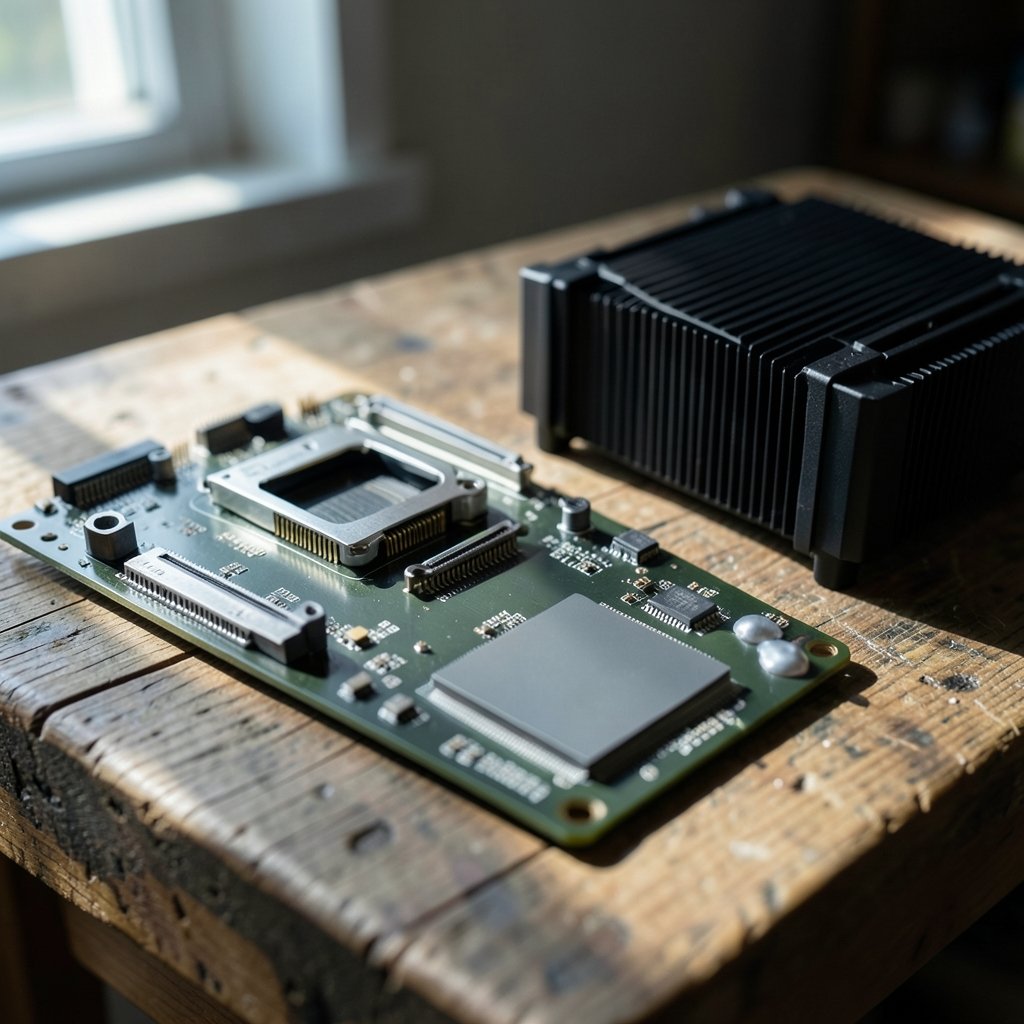
AMD has publicly committed to supporting the AM5 socket through 2027 and beyond. That statement is the strongest argument for either Ryzen chip in this comparison. It is a marketing commitment rather than a contractual guarantee, and it does not promise that every future CPU will work on every AM5 board. But it does mean the platform has a stated runway.
For a 2027 upgrade, that matters enormously. A buyer who picks the 9800X3D now could plausibly drop in a newer AM5 processor later without touching the motherboard, RAM, or cooler. The same buyer picking the 285K has no such assurance.
What AM5 Longevity Does Not Guarantee
Be precise about the limits. A board maker can only add support for a new CPU if the firmware has room and the power delivery is adequate. Budget B650 boards may not receive support for every future flagship part. Before assuming a drop-in upgrade, check the motherboard vendor’s CPU support list for your exact model. That list, not a press release, is the document that decides whether a new chip boots. (Intel processor and motherboard compatibility support)
The LGA1851 Uncertainty
Intel has not publicly committed to a successor generation on LGA1851. Historically, Intel has changed sockets roughly every two generations, which makes any long-term assumption risky. As of the latest available information, no official statement confirms a drop-in CPU upgrade path on Z890 beyond the Core Ultra 200S series.
That does not mean the 285K is a bad purchase. It means the 2027 upgrade path is genuinely unknown. Anyone planning around an Intel platform should treat the motherboard as a two-to-three-year part and budget accordingly.
Memory: Both Are DDR5, But Profiles Differ
Here is a piece of good news. Both AM5 and Z890 platforms use DDR5, so an existing DDR5 kit may carry over between builds. The JEDEC DDR5 standard defines the baseline, and both platforms sit on top of it.
The catch is validation. AMD boards use EXPO memory profiles and Intel boards use XMP. The profiles are not interchangeable, and high-speed kits are validated per board. A kit that runs at its rated speed on one motherboard may fall back to a slower default on another. Always check the motherboard’s QVL (qualified vendor list) before assuming a memory kit will hit its advertised numbers.
In practice, the safest move is to buy memory that appears on the QVL of the specific board you intend to keep. That single check prevents more post-upgrade boot loops than any other step.
BIOS and Firmware: The Most Common Blocker
New CPU support on an existing board almost always requires a BIOS update. This applies to both camps. AM5 boards receive AGESA firmware updates, and Z890 boards receive their own firmware revisions.
The trap is ordering. Some boards need the BIOS update applied before the new CPU is installed. If the board will not POST with the new chip, you cannot flash it the normal way. Look for a board with BIOS Flashback or a similar feature that updates firmware from a USB drive without a CPU installed. It costs little and saves a lot of grief.
A practical checklist before any CPU swap:
- Identify the exact motherboard model and revision number.
- Download the latest BIOS from the vendor’s support page.
- Confirm the release notes list the target CPU as supported.
- Check whether the update requires a currently supported CPU or supports USB flashing.
- Update the BIOS before removing the old processor.
- Clear CMOS after the swap if the board fails to POST.
People skip step three constantly. A BIOS update that does not list your CPU changes nothing.
Cooling and Mounting: Small Details, Real Headaches
AM5 uses the same mounting hole pattern as AM4, so many existing AM4 coolers fit AM5 with the bracket you already own. That is a genuine cost saving for anyone upgrading from a Ryzen 5000 build.
LGA1851 is less forgiving. Its integrated loading mechanism and mounting pattern differ from LGA1700 in some respects, so an LGA1700 bracket may not simply transfer. Verify against the cooler vendor’s compatibility database rather than assuming. The same logic applies to contact frames and offset mounts.
There is also a thermal reality check. The 9950X3D and 285K carry higher package power limits than the 9800X3D. A cooler that handled a mid-range chip quietly may become audible under a sustained all-core load. If silence matters, plan the cooler alongside the CPU, not after.
Power Supply Headroom
Power draw is where the three chips diverge most in practical terms. The 9800X3D is the most modest of the group. The 9950X3D and 285K pull more under heavy multi-threaded loads.
Exact figures should be read from the manufacturer spec pages at the time of purchase, because they can be revised. The planning method is what matters:
| Scenario | What to Check |
|---|---|
| Keeping an existing GPU | Compare PSU wattage against CPU plus GPU peak draw with 20 to 30 percent headroom |
| Planning a 2027 GPU | Assume the next GPU draws more, not less |
| Small form factor build | Check PSU physical size and connector type as well as wattage |
| Older PSU | Check ATX version and whether it has the native connectors your board needs |
A quality 750W unit covers most single-GPU builds around these chips. Anything with a high-end graphics card and a 9950X3D deserves a closer look at transient spikes.
Operating System and Driver Support
All three platforms target Windows 11 as the supported operating system. Before upgrading, confirm the processor appears on Microsoft’s official list of supported processors for your Windows version. Running an unsupported CPU can block updates and cause odd scheduling behavior.
Driver hygiene matters too. Chipset drivers control how the OS schedules work across cores, and X3D parts depend on that scheduling to place game threads on the right cache die. Install the latest chipset driver from the motherboard vendor after any CPU change. Skipping this step is a common cause of “my new CPU feels slower” complaints. (3D V-Cache explained)
Graphics and Storage Lanes
Both platforms expose PCIe 5.0 for graphics and NVMe on premium boards, but lane allocation varies by board design. A board might split lanes between slots in ways that reduce bandwidth when certain combinations are populated. Before planning a 2027 GPU or SSD addition, read the specific board’s lane diagram. The CPU spec sheet alone will not tell you.
This is also where a pre-purchase compatibility check pays off. If you already know you will add a second NVMe drive, confirm the board does not steal lanes from the graphics slot to do it.
A Practical Pre-Upgrade Checklist
Before committing to any of these three processors, work through the same sequence regardless of brand:
- Confirm the socket and chipset of your current or planned motherboard.
- Check the motherboard vendor’s CPU support list for the exact model and revision.
- Verify the required BIOS version and whether it can be flashed without a CPU.
- Check the memory QVL for your kit and confirm EXPO or XMP support.
- Verify cooler mounting compatibility for the specific socket.
- Calculate PSU headroom against CPU plus GPU peak draw.
- Confirm OS support and plan a clean chipset driver install.
- Review the board’s PCIe lane allocation for future add-in cards.
If you are also refreshing the rest of the machine, the same discipline applies elsewhere. Anyone weighing a laptop purchase alongside a desktop build should read a money pilot legit check before you risk your money, and buyers considering a financing offer for a new rig should run a bmg money reviews borrowers should check before signing before agreeing to terms. Software choices deserve the same scrutiny: people comparing note-taking tools should review notion alternatives their limitations check before switching, and anyone moving to an AI code editor should read cursor alternatives have real limits check before switching first.
Which One Fits a 2027 Plan?
The 9800X3D is the low-risk gaming pick. It sits on a socket with a stated runway through 2027, uses less power, and is the easiest to cool. For most gamers, it is the sensible center of a build that can be refreshed later.
The 9950X3D is the choice for people who game and also render, compile, or stream heavily. It shares the AM5 platform advantage but asks more of the cooler and power supply.
The 285K is a capable chip on a platform with an unclear upgrade path. Buy it for what it does today, not for what it might accept in 2027. If a long-lived socket is a priority, that is the deciding factor.
Conclusion
The compatibility checks that decide a 2027 upgrade are boring, and that is exactly why people skip them. Socket life, BIOS support lists, memory QVLs, cooler mounts, power headroom, and OS support do not appear in launch reviews, but they determine whether a build ages gracefully or hits a wall.
Between these three, the AMD pair offers the more predictable path because AM5 has a stated commitment through 2027 and beyond. The Intel chip is competitive on merit but carries genuine uncertainty about what comes next. Whichever way you lean, verify the motherboard’s CPU support list before you buy. It is the one document that turns a guess into a plan.
FAQ
Is the Ryzen 9800X3D compatible with the same motherboards as the 9950X3D?
Yes. Both are AM5 processors and work on the same chipsets, including X670E, X870E, and B650 boards. The main requirement is a BIOS version that lists the specific CPU as supported, so update firmware before installing either chip.
Will a 2027 CPU work in a motherboard bought today?
It depends entirely on the board and the vendor’s support list. AM5 has a stated commitment through 2027 and beyond, which improves the odds, but no vendor guarantees every future CPU on every board. LGA1851 has no confirmed successor path. Check the CPU support list for your exact model before assuming anything.
Can I reuse my DDR5 memory if I switch between AMD and Intel?
Often yes, since both platforms use DDR5. However, EXPO profiles on AMD boards and XMP profiles on Intel boards are not interchangeable, and speed validation is per board. Confirm your kit appears on the target motherboard’s qualified vendor list before relying on it.
Do I need a new cooler for these processors?
Not necessarily. AM5 uses the same mounting pattern as AM4, so many existing coolers fit with the bracket you already have. LGA1851 mounting differs from LGA1700 in some respects, so verify against the cooler vendor’s compatibility list. Also check that the cooler handles the higher package power of the 9950X3D or 285K.
What is the most common reason a CPU upgrade fails to boot?
An outdated BIOS. New processors usually need a firmware update that lists them as supported, and some boards require that update before the new chip is installed. Choose a board with USB BIOS flashing so you can update without a working CPU.
Is the Intel Core Ultra 9 285K a bad choice for a long-term build?
Not bad, just less predictable. It performs well today, but Intel has not publicly committed to a successor generation on LGA1851. If you value a confirmed upgrade path over the next few years, that uncertainty should weigh in your decision.



