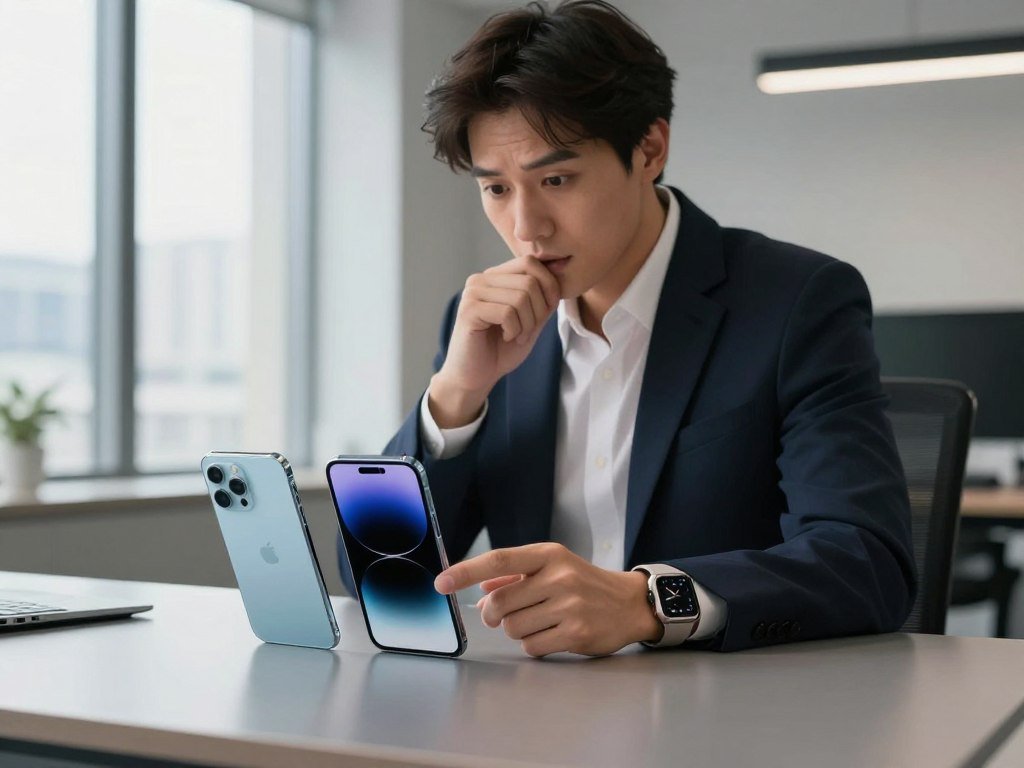
A person who already relies on a Mac and Apple Watch has a different shortlist from someone who wants an S Pen and more control over the home screen. Your current devices and daily phone habits can shape the choice as much as the phone itself.
Ecosystem lock-in means the convenience of connected devices and services can make changing to another phone platform more disruptive. For a flagship comparison, the iPhone 18 Pro Max and Samsung Galaxy S26 Ultra are the closest match in this article.
An iPhone suits you if you want a straightforward experience and already use Apple devices. A Samsung Galaxy may suit you better if you value camera flexibility, customization or productivity tools. Neither brand is the right answer for every user, and the decision depends on what you do each day.
Screen size, comfort, favorite apps and the devices you connect all matter. Think about the phone you will carry, not just the model that looks strongest in a product list. The same goes for your existing watch, computer and earbuds.
Key Takeaways
- Choose iPhone for a familiar iOS experience and close ties to Apple devices.
- Consider Samsung Galaxy for more camera zoom options and an integrated S Pen.
- Compare phones from the same tier and with the same storage.
- Look beyond battery capacity when judging battery life.
- Test your usual apps and tasks before choosing a new phone.
- Treat shipment rank and switching plans as market signals, not personal advice.
Treat your current devices and the way you use your phone as the first filters, not the logo on the back.
Samsung Galaxy vs iPhone: What Do 2026 Buyers Actually Choose?
Samsung shipped more smartphones worldwide than Apple in Q2 2026, while Apple recorded faster year-over-year shipment growth. Samsung shipped 62.7 million phones for 22.7% global share; Apple shipped 55.7 million for 20.2% share.
Samsung led global smartphone shipments that quarter, but shipment rank does not prove which phone is better for you. Samsung’s shipments grew 8.1% from the prior year, while Apple’s grew 14.9%.
Market leadership measures shipments, not how well a phone fits one person’s needs.
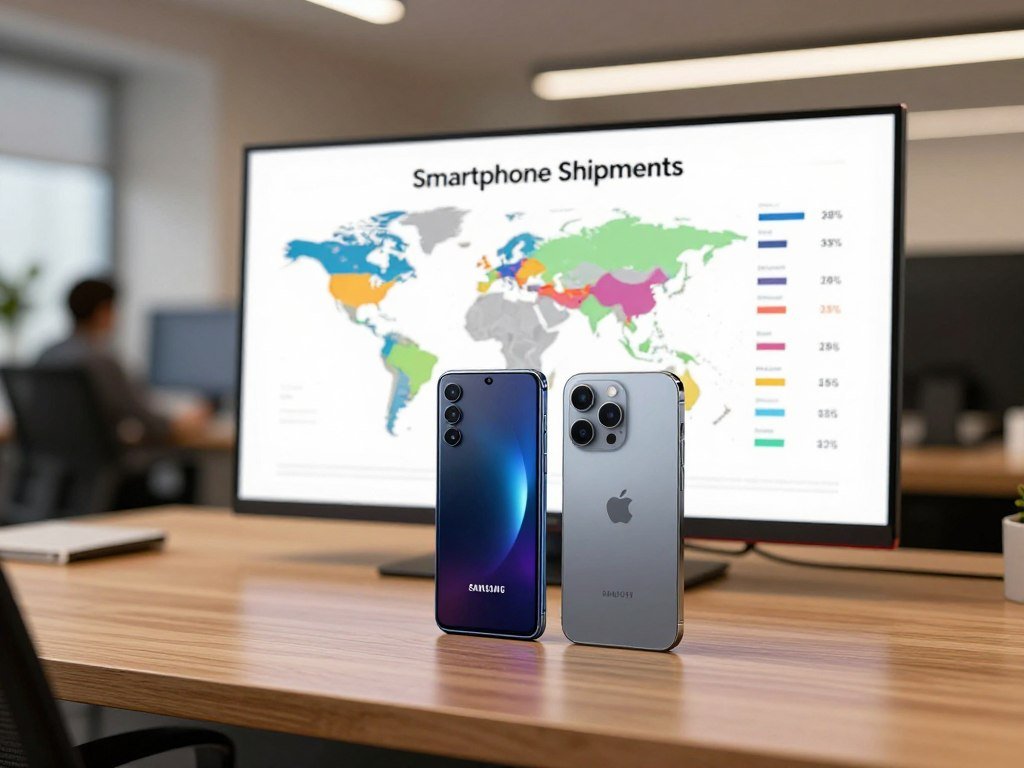
IDC forecast iOS would reach a record 23.6% of global smartphone share in 2026, almost four percentage points above 2025. That forecast points to Apple’s growing share, even as Samsung led the quarter’s shipments.
Those shipment figures cover phones shipped worldwide. They are different from a survey of U.S. users about their plans to stay with a brand. In that 2026 survey of more than 5,000 iPhone and Android users, 96.4% of iPhone users planned to stay with Apple, compared with 86.4% of Android users.
Among Samsung users in the survey, 90.1% planned to stay with Samsung, while 9.9% said they would switch. A plan to stay is not the same as a completed purchase, and survey responses do not cover every buyer.
IDC’s Q2 2026 shipment report also puts the brand growth figures in context. Shipment share can show which companies sell more phones in a period, while loyalty answers a separate question about stated plans.
Use those measures to understand the market, not to decide which models belong in your pocket. Models in the same brand can serve very different users, and an overall lead says little about your own routine.
Read market leadership as a measure of shipments, not as proof that either phone is the right fit for you.
Which Models Make a Fair Comparison?
A fair comparison starts with two phones from the same tier, not simply two phones carrying competing brand names. For large flagship models, compare the iPhone 18 Pro Max with the Samsung Galaxy S26 Ultra.
Match the phone’s tier, storage, size and purchase condition before judging its value. A base model and an Ultra may differ in features and price because they target different buyers.
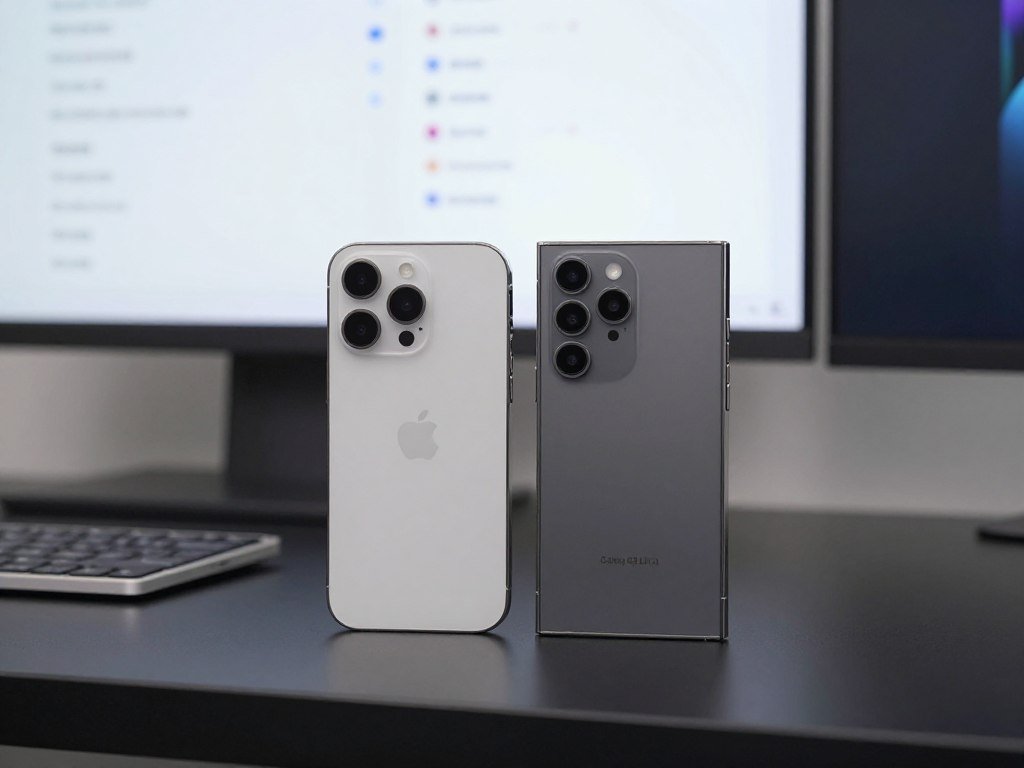
Standard iPhone models and smaller Pro models belong in separate, like-for-like comparisons. A base model can look like the better deal next to an Ultra simply because the two phones are not equivalent.
- Match the model tier, such as flagship against flagship.
- Compare the same storage capacity on each phone.
- Consider screen size and weight, not just the model name.
- Compare the same purchase condition, such as new with new.
Storage can shape the price, while a larger phone may feel less comfortable to carry. Models with the same family name may also have different screen sizes or features, so check the full product name.
These checks matter when you compare an iPhone Pro or Pro Max with Samsung’s Ultra line. The iPhone Pro Pro Max wording sometimes appears in searches, but the actual model name is iPhone 18 Pro Max.
Review the configuration you would use, rather than a low-storage version you would never buy. That gives you a more useful basis for comparing options and deciding whether a model meets your needs.
Compare the configuration you would actually buy, since storage and size can change which model makes sense.
What Do the Flagship Models Cost, and What Counts as Value?
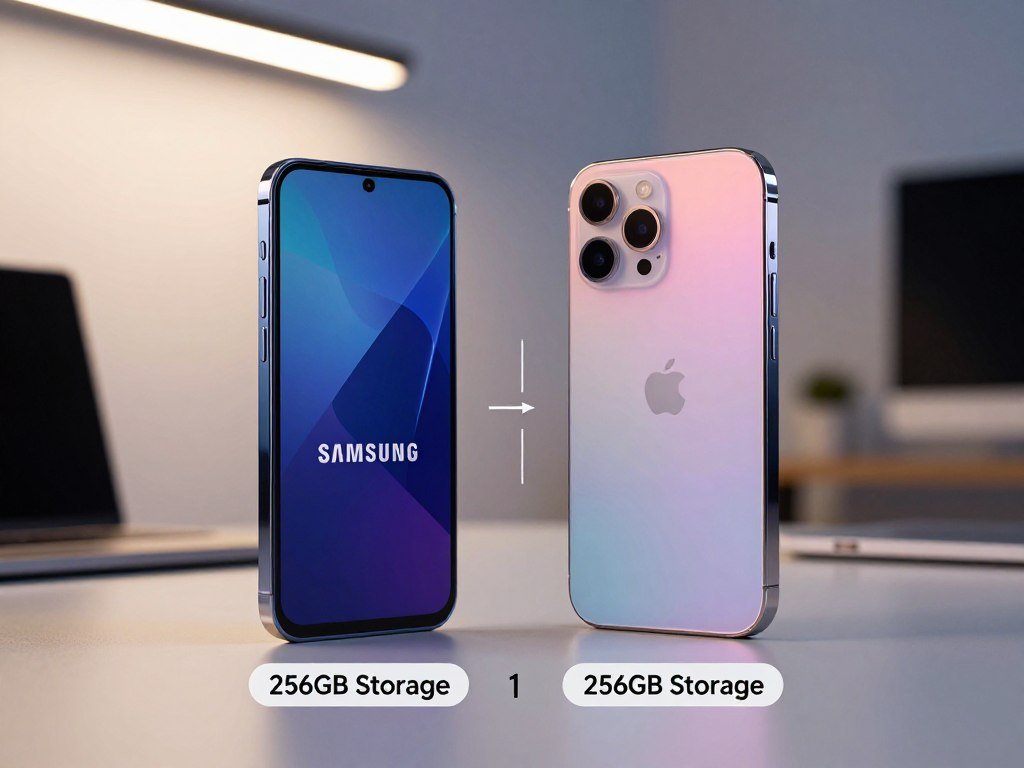
At the listed starting configurations, the Galaxy S26 Ultra costs $1 more than the iPhone 18 Pro Max. The Samsung starts at $1,300, while the Apple phone starts at $1,299.
Both listed starting prices are for 256GB models. That makes the starting gap small, though a buyer’s final price can change with storage, carrier terms or a trade-in.
The upfront price of each flagship
The $1 difference is not enough to settle which phone is the better choice. Compare the exact configuration and the payment terms available to you, since a monthly payment can hide the total cost.
IDC forecast worldwide smartphone shipments would fall 16.7% in 2026, to just over one billion units. It also forecast the average selling price would rise 27.6% to $581.
That $581 amount is the worldwide average selling price for smartphones, not the price of either flagship or a U.S. price estimate. It covers a broad market with many lower-cost phones.
Value beyond the sticker price
Value depends on how much you use a phone’s features and how long you plan to keep it. A wider feature set does not make a phone a better buy if those tools will sit unused.
Four details can change your U.S. checkout total:
- The storage configuration you select.
- Carrier financing and its payment terms.
- The trade-in value of your current phone.
- Taxes on the purchase.
For example, a trade-in may lower the amount due at checkout, while a larger storage option can raise it. Financing can spread payments over time, but compare the full amount owed before choosing.
Value also includes features you will use each week, not just the number on the price tag. A phone that supports your work, apps or preferred camera habits may be worth more to you.
Compare the total due for the same storage and purchase terms before deciding that one flagship is cheaper.
Which Phone Has the Better Display and Design?
Both flagships have 6.9-inch screens, but their resolutions, refresh-rate behavior and weights differ. The Samsung Galaxy S26 Ultra has the higher listed resolution and weighs less.
The Galaxy weighs 214 grams, compared with 249 grams for the iPhone 18 Pro Max. A lighter phone can feel easier to hold during long calls, reading sessions or video playback.
Screen specifications and viewing comfort
The iPhone 18 Pro Max uses a 6.9-inch OLED display with 2,868×1,320-pixel resolution and a 120Hz refresh rate. The Samsung Galaxy S26 Ultra has a 6.9-inch AMOLED display with 3,120×1,440-pixel resolution and an adaptive 1–120Hz refresh rate.
| Attribute | iPhone 18 Pro Max | Galaxy S26 Ultra |
|---|---|---|
| Display size and panel type | 6.9-inch OLED | 6.9-inch AMOLED |
| Resolution and refresh rate | 2,868×1,320 pixels, 120Hz | 3,120×1,440 pixels, adaptive 1–120Hz |
| Weight | 249 grams | 214 grams |
An adaptive refresh rate lets a display adjust its refresh rate to match what is on screen. It can use a lower rate for still content and a higher one when motion needs to look smoother.
Resolution alone does not settle which screen you will prefer. Brightness, color and the way a display handles motion can affect your experience, so the higher pixel count does not automatically make one screen the right fit.
Size and weight in everyday use
The two phones share a large screen size, which suits reading, maps and video but can make one-handed use harder. A phone can feel different in your hand even when its screen size matches another model.
The 35-gram weight difference may matter if you hold your phone for long periods. Cases also add weight, so the phone you carry may feel heavier than its listed weight.
If you often use your phone one-handed, hold a model of similar size before committing to either large flagship.
iPhone or Samsung: Which Has the Better Camera?
Choose Samsung for more built-in optical zoom options, and lean toward iPhone if consistent video and simple point-and-shoot results matter most. The right camera depends on the shots you take, not just its largest number.
The Galaxy S26 Ultra offers more optical zoom choices, while the iPhone 18 Pro Max is a strong fit for straightforward shooting and video.
Camera hardware and zoom reach
The iPhone 18 Pro Max has a 49-megapixel wide camera, a 48-megapixel ultrawide camera and a 48-megapixel telephoto camera with 4× optical zoom. The Galaxy S26 Ultra adds two telephoto cameras with different zoom ranges.
| Camera detail | iPhone 18 Pro Max | Galaxy S26 Ultra |
|---|---|---|
| Main or wide camera | 49-megapixel wide | 200-megapixel main |
| Ultrawide camera | 48 megapixels | 50 megapixels |
| Telephoto cameras and optical zoom | 48 megapixels, 4× optical zoom | 50 megapixels, 5×; 10 megapixels, 3× |
The two Galaxy telephoto cameras give you a 3× or 5× optical option. That range can help when you photograph a distant subject without walking closer.
Megapixel counts do not directly predict photo quality. Lighting, image processing and the intended use of a photo also shape how the result looks.
Photos, video and everyday consistency
The iPhone works well for people who want to open the camera and start shooting. Its straightforward approach can help when a moment moves quickly or you do not want to adjust many settings.
For video, the iPhone 18 Pro Max is a strong choice if you value consistent results across everyday clips. Samsung suits people who want more zoom choices and room to frame faraway subjects.
Camera preference can depend on what you photograph most. A parent filming a school event may care more about stable video, while someone shooting a stage performance may value longer optical reach.
The iPhone camera guide also compares lens reach and shooting controls across Apple models. That can help if you are choosing between the iPhone Pro and Pro Max as well as comparing brands.
Camera design is not a contest of megapixel labels, even when a listing gives those figures a lot of space. Pick the set of lenses and controls that suits your usual photos, from close-up details to distant action.
Match your choice to the photos and clips you actually make, not the largest number printed beside a camera.
Which Is Better for Battery Life, iPhone or Samsung?
A larger battery-capacity number does not automatically mean a phone will last longer between charges. Battery life depends on screen use, signal strength, apps and settings.
The listed capacity figures alone do not establish which phone lasts longer in your routine. The Galaxy S26 Ultra has a 5,000-mAh battery, while Apple lists 5,391 mAh for the physical-SIM iPhone 18 Pro Max edition.
Milliamp-hours, written as mAh, describe battery capacity. They do not tell you exactly how many hours a phone will last, since different apps and connections use different amounts of power.
The iPhone capacity figure applies to the physical-SIM edition listed on Apple’s Ireland website. That condition matters because versions of a phone can differ across regions.
In everyday use, long video sessions, games and weak signal can affect battery life. Lower screen use and fewer background tasks can help a charge last longer, though your mix of apps matters.
Battery life can also change as a battery ages. A phone that once lasted through a full day may need more frequent charging after years of regular use.
Samsung lists 60-watt wired charging for the Galaxy S26 Ultra. In a lab test, the phone recharged from 0% to 76% in 30 minutes.
The Galaxy’s 30-minute lab result is a measured test, not a promise for every charger or daily charging session. The starting charge, charging setup and conditions can affect the outcome.
For buyers comparing an iPhone Samsung pair, it helps to separate the time spent charging from the time spent using the phone. Fast charging can be useful when you have a brief break, even if it does not prove which battery lasts longer.
Check the phone’s battery performance against your own day, including travel, work calls and evenings away from an outlet. Those habits tell you more about your likely experience than the capacity label alone.
If charging speed matters most, the Galaxy’s stated wired-charging result is the clearer advantage in this comparison.
Which Phone Is Faster for Daily Use and Gaming?
A quick match or video stream is unlikely to trouble either of these flagship phones. Both the iPhone 18 Pro Max and Galaxy S26 Ultra are built for demanding daily use.
Everyday speed alone is a weak reason to switch unless a specific app or task feels slow. The practical difference for gaming is more about the experience and controls you prefer.
Everyday speed and app responsiveness
Both phones should feel responsive when you open common apps, move between tasks or play a short game. A particular game or work app may still behave differently on each platform.
For a serious performance check, try your own demanding tasks rather than relying on one speed claim. A long game session can feel different from a brief launch test, especially if you care about heat and steady play.
Gaming reviews often test more than a quick benchmark. IGN describes a method that includes demanding games and checks for frame-rate consistency, heat and performance over time.
The IGN phone testing method is useful because it looks at sustained play, not just a short burst. That distinction matters if you play for long stretches.
Gaming controls versus consistency
The iPhone is the simpler pick for a consistent gaming experience. Samsung suits players who want more settings and multitasking controls while using Android.
Check these three points before choosing:
- Whether your preferred games support your controller.
- How comfortable the phone feels during sustained play.
- Which gaming settings you want to control.
A controller can change how much screen space your hands cover, while a long session can make weight and grip more noticeable. Your favorite game may also support different features across iOS and Android.
Samsung vs iPhone which is faster has no useful answer apart from the task you care about. Both current flagships are made for demanding use, so pick based on the apps and controls that matter to you.
For gaming, choose iPhone if you prefer a steady, direct setup; choose Samsung if you want more ways to adjust play and multitask. Neither approach is better for every player.
Test the games you play most and the controls you actually use rather than choosing from a single speed claim.
What Is the Difference Between iOS and Android on These Phones?
The biggest software difference is how much the phone lets you change before it feels like your own. iOS favors a consistent default setup, while Android on Samsung Galaxy phones gives you more ways to adjust the experience.
Choose iOS for a more uniform interface or Android for more control over the home screen and system behavior. Samsung uses Android with its One UI interface.
iOS favors a consistent default experience
iOS is Apple’s operating system. Its interface tends to feel similar across iPhones, which can make it easier to move between Apple models without learning a new layout.
A familiar setup can help if you want to start using a phone without spending time changing its menus. Many apps also follow a similar design across iOS, though their features can differ.
That consistency can feel limiting if you want your phone to work in a very specific way. The default experience may suit you well, but it offers fewer places to adjust the look and behavior.
Android offers more ways to customize
Samsung Galaxy phones run Android with Samsung’s One UI. Android gives users more options for changing the home screen and system behavior.
Consider these four areas when you choose a software experience:
- Home-screen layout, including icons and widgets.
- Themes that change colors and visual details.
- Default apps for common tasks.
- System settings that control how the phone behaves.
More choices can be useful if you enjoy making a phone feel personal. They can also feel like extra work if you would rather use a ready-made setup and get on with your day.
People who value a consistent user experience may prefer iOS, while tinkerers may enjoy Android’s broader options. Neither preference says anything about how skilled someone is with a phone.
Software can shape the feel of phones even when the hardware is close in size and price. Try a friend’s phone for a few minutes, if possible, and notice how easily you find the tools you use.
Choose the interface you will enjoy using every day, not the one with the longest feature list.
Which Phone Is More Secure and Private?
Neither Apple nor Samsung is categorically more secure for every user. Keeping your exact phone model updated and protecting your account access matter on either platform.
Security depends on built-in protections, update support and how you protect your accounts. A strong screen lock and careful app choices also help keep personal information safer.
Samsung says selected Galaxy models receive seven years of security updates from launch. The update schedule and delivery can vary by model, so the same support does not apply to every Samsung phone.
Updates can fix software flaws and help defend against newer threats. Install them when they are available for your model, and use a password or passcode that others cannot easily guess.
Some Samsung Galaxy phones include Secure Folder for apps and files. It gives you a separate protected space for content you do not want mixed with your regular files.
Maintenance Mode can restrict access to personal data while a phone is being repaired. Secure Folder and Maintenance Mode availability depends on the model and software version.
Privacy also comes down to the apps you install and the permissions you grant. Review access to your location, camera and microphone when an app does not need those tools.
The security search answer is not a simple brand ranking. A phone that receives updates and has a protected account is a better starting point than one left out of date.
Check the update commitment for the exact model you plan to keep, rather than assuming every phone in a brand’s lineup has the same support.
What Can Samsung Galaxy Do That iPhone Cannot?
Samsung’s clearest advantages show up when you want to use a phone as a work tool, customize its interface or manage files directly. Several Android tools offer practical choices that iPhone does not match in the same way.
The Galaxy S26 Ultra has an integrated S Pen, while compatible Samsung phones can also offer desktop mode and split-screen use. These features matter most if they fit your routine.
S Pen and Privacy Display features
The Galaxy S26 Ultra includes an integrated S Pen for writing notes, marking up documents or making precise selections. You do not need to carry a separate pen for those tasks.
Its Privacy Display can make selected apps or notifications harder to see from an off-angle view. That may help when you check a private message in a crowded place.
Those tools can make Samsung a useful fit for people who write on their phone or often view private details in public. They will matter less if you rarely use a stylus or check sensitive information while traveling.
Desktop work and two-app multitasking
Samsung DeX provides a desktop mode on compatible Android phones. It can show phone content in a desktop-style layout when you connect the phone to a supported display or setup.
Android also offers split-screen use for two apps at once. You can keep a message or document open beside another app, while iPhones do not have split-screen mode as of this 2026 comparison.
iPhones also lack a comparable desktop mode as of this 2026 comparison. DeX and split-screen can help if you often switch between reference material and a task on one device.
App choice and file access on Android
Android allows third-party home-screen launchers and broader app-installation choices. You can install alternative app stores such as F-Droid and Aurora, though these examples are not endorsements.
Alternative app installation depends on regional eligibility. iPhones use Apple’s App Store, except for alternative-installation options in eligible regions.
Android’s file manager can show folders for downloads, pictures, DCIM, documents, notifications, music and ringtones. The iPhone Files app offers more limited access to the phone’s file structure.
For people looking up 10 reasons why Samsung is better than iPhone, the useful answer is that these tools help when you need them. They do not make Samsung the better choice for every person.
Check whether a feature is supported on your exact model and in your region before making it the reason to switch.
How Likely Are Users to Switch Between iPhone and Samsung?
Among iPhone users who said they planned to switch brands, Samsung was the most common intended next brand. In a 2026 U.S. survey, 69.7% of those would-be switchers named Samsung.
These results describe plans and stated reasons, not completed phone transfers. Among Android users who said they would switch, 26.8% named an iPhone as their intended next brand.
Why some iPhone users consider Samsung
Among iPhone users who said they would switch, 25.8% cited better value, 24.7% said iPhones were too expensive, and 22.5% cited better technology.
Those answers point to what some users hope to gain, not what every iPhone owner thinks. The value of an iPhone Galaxy switch depends on the exact models, storage and deal being compared.
A person considering Samsung may want a different camera setup or more control over the phone. Another may be reacting to a price or deal rather than a platform feature.
Why some Android users consider iPhone
Among Android users who said they would switch brands, 31.8% cited better value and 27.1% cited better technology. Those responses reflect the views of would-be switchers, not all Android users.
In that group, an iPhone was the intended destination for 26.8%. Some may want an Apple iPhone because they already use Apple devices, while others may be weighing a specific model or offer.
Better value means different things to different people. One buyer may focus on the upfront deal, while another may care more about the features they will use over time.
The reasons also show that “better technology” is a personal judgment. A feature that attracts one person may not matter to someone who uses a phone mainly for calls, photos and messages.
Survey answers can help you understand the interest behind switching, but they cannot predict what you will prefer after a change. Consider how your usual apps and connected devices fit into the decision.
Treat switching intentions as a sign of interest, not as a count of people who have already changed phones.
Apple vs Samsung: Which Phone Fits Your Priorities?
If you already depend on an Apple Watch and Mac, an iPhone is usually the easier fit; if zoom or an S Pen matters more, favor Samsung. The iPhone 18 Pro Max and Samsung Galaxy S26 Ultra are the flagship choices compared here.
Start with the devices and phone tasks you already rely on, then weigh the features you would use. Connected products work best when your computer, watch, earbuds and phone share a platform.
| Priority | Better fit | Why |
|---|---|---|
| Video and existing Apple devices | iPhone | Consistent shooting and links with Mac, iPad, Apple Watch and AirPods |
| Optical zoom and S Pen use | Samsung Galaxy | More zoom options and an integrated S Pen on the Galaxy S26 Ultra |
| Customization and multitasking | Samsung Galaxy | More Android controls and multi-window tools |
| Straightforward daily use | iPhone | A more consistent iOS experience |
Apple’s connected-device benefits are strongest if you already use a Mac, iPad, Apple Watch or AirPods. Messages, calls and other day-to-day tasks can feel more convenient when those devices work together.
Samsung connects Galaxy phones with its tablets, watches and Buds, and also offers links with Windows PCs. That may suit you if a Windows laptop is already part of your work or home setup.
The best match is the phone that supports the tools you use, not the one with the longest list of features.
The Apple vs Samsung comparison chart can narrow your choice, but your exact apps and accessories still matter. An iPhone Galaxy switch may change how you connect a watch or earbuds.
For broader model options, compare the best phones by use and budget, including less costly models. You may not need a large flagship if your main tasks are messaging, maps and everyday photos.
Before buying, confirm that your essential apps and accessories work with the model you plan to use.
Conclusion
The better fit is the phone that matches your daily habits and the devices you already use. Choose iPhone when a familiar iOS experience and Apple products matter most.
Choose Samsung Galaxy when customization, optical zoom or the S Pen matters more. Your choice should reflect the tools you will use, rather than a brand’s general reputation.
Write down the three phone tasks you do most often, such as messaging, taking photos or managing work files. Then try those tasks on your leading choice in a store or on a friend’s phone.
List your three most-used phone tasks, then try them on your leading choice before you commit.
FAQ
What can Androids do that iPhones can’t?
Android phones can offer desktop mode through Samsung DeX on compatible models, split-screen for two apps, third-party launchers and broader file access. You can also install some alternative app stores, depending on your region and phone. These tools suit people who want more control, though they may take extra setup. Check app availability before switching platforms.
Why do people choose Samsung over iPhone?
People often choose Samsung for customization, more optical zoom options, Android multitasking or the integrated S Pen on the Galaxy S26 Ultra. Those features can help with notes, distant photos and using two apps side by side. They matter most if you will use them often. An iPhone may suit you better if you value Apple’s connected devices or a more consistent interface.
Is it worth switching from iPhone to Samsung?
Switching can be worthwhile if Samsung’s zoom, S Pen or Android flexibility would improve the way you use your phone. Before you change, consider which Apple devices and apps you rely on. An Apple Watch, Mac or iPad may fit more easily with an iPhone. The best choice depends on the specific phone and the tasks you want it to handle.
Are a lot of people switching from iPhone to Samsung?
The 2026 U.S. survey measured stated plans, not completed switches. Among iPhone users who said they would switch brands, 69.7% named Samsung as their intended next brand. That figure does not mean 69.7% of all iPhone owners switched, or even planned to switch. It describes only the iPhone users in the survey who said they would leave their brand.
Can I move my data from an iPhone to a Samsung Galaxy?
Yes, Samsung Smart Switch can transfer many kinds of data from an iPhone to a Samsung Galaxy. The exact items that move can depend on how you stored them and which apps you use. Check important app logins, messages and paid content on the new phone before wiping the old one. Keep the iPhone available until you confirm that key files and accounts work.
Do iPhones or Samsung phones last longer?
Physical lifespan depends on care, battery condition and repairability, so the brand alone cannot tell you which phone will last longer. Samsung promises seven years of security updates from launch for selected Galaxy models, with update delivery varying by model. A phone can remain usable after its battery weakens, but repairs may affect how long it makes sense to keep. Check support for the exact model you buy.



