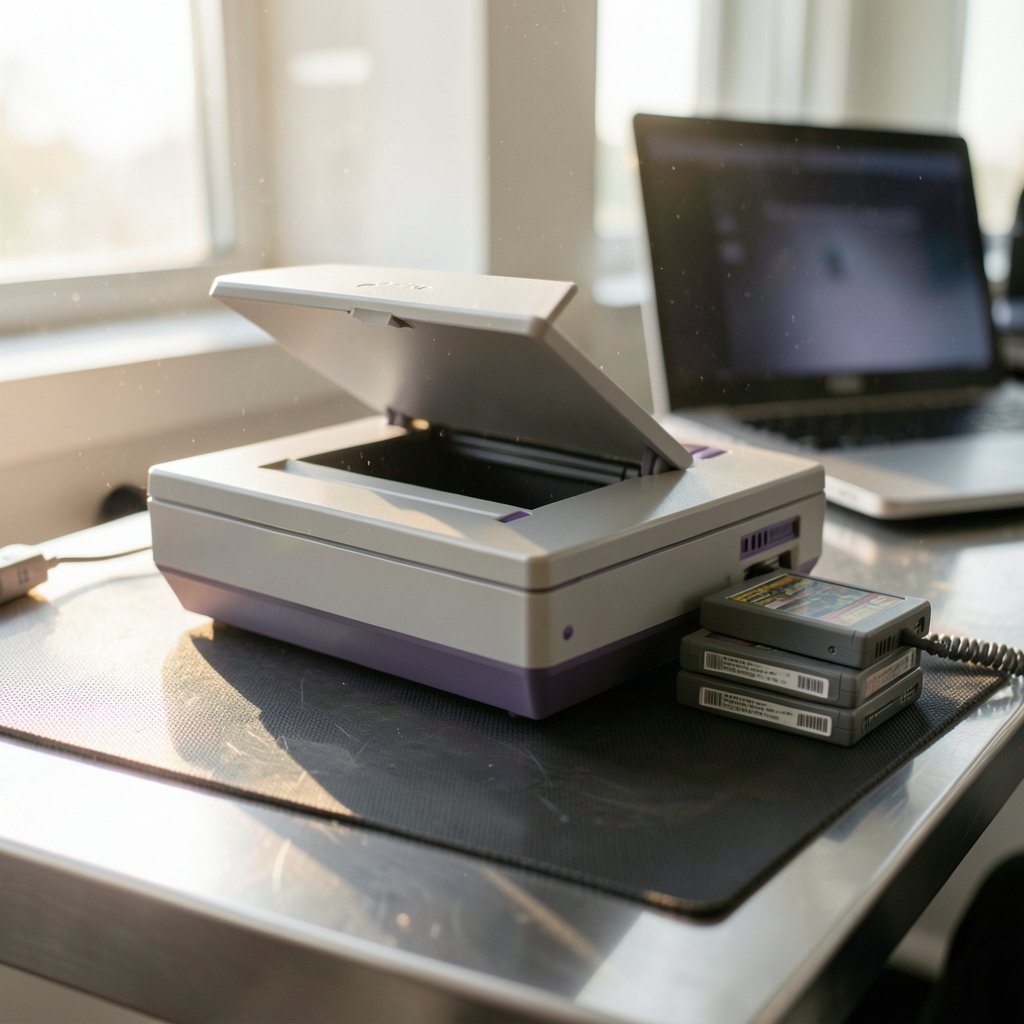
What exactly is inside that small `.smc` file sitting in a folder on your desktop, and why does a 30-year-old game console still generate so much debate about it? SNES ROMs sit at an odd crossroads: they are technical artifacts, preservation tools, emulator fuel, and copyright flashpoints all at once. For anyone who grew up with a Super Nintendo controller in hand, they are also a way to revisit games that cost $60 in 1993 and now sit in a closet on a shelf. This article unpacks what these files actually are, how they are made and used, what the legal picture looks like, and the practical details that trip people up.
What an SNES ROM Actually Is
A ROM is read-only memory. On a Super Nintendo cartridge, the game code, graphics, sound samples, and level data live on mask ROM chips that were burned at the factory. Those chips cannot be rewritten, and that is the whole point: the data is fixed and survives as long as the hardware does.
An SNES ROM file is a dump of that chip data, copied byte for byte into a file that an emulator can read. Nothing magical happens in the copying. A dumper reads the cartridge’s address space and writes out exactly what it finds. The resulting file is typically 512 KB to 4 MB, with a handful of later titles pushing toward 6 MB once special coprocessors are involved.
The Super Famicom launched in Japan on 21 November 1990. The Super Nintendo Entertainment System followed in North America in August 1991 and in Europe in April 1992. That timeline matters for ROMs because it explains the regional mess: Japanese, American, and European cartridges carry different headers, different languages, and sometimes different content. A complete collection is never as simple as one file per game.
The Two File Formats You Will Keep Running Into
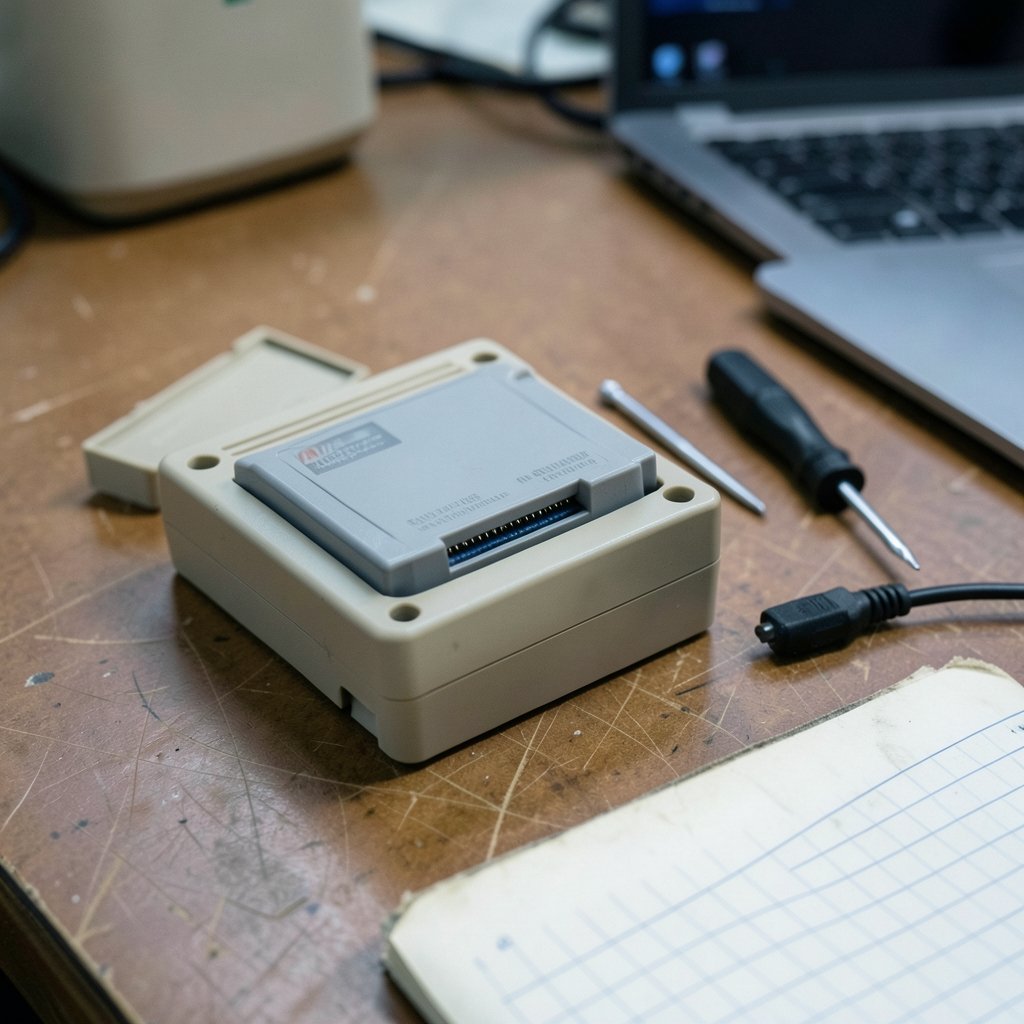
Almost every SNES ROM you encounter is one of two extensions, and the difference is not cosmetic.
| Format | Extension | What It Contains | Practical Effect |
|---|---|---|---|
| Headered | `.smc` | Game data plus a 512-byte copier header | Emulators may misread size and checksum |
| Headerless | `.sfc` | Pure cartridge data only | Cleaner, preferred by accurate emulators |
The 512-byte header on `.smc` files was added by old backup devices, not by Nintendo. It carries no game data. Accurate emulators usually detect and strip it automatically, but sloppy tools sometimes do not, and that mismatch is a classic cause of games that refuse to boot or save properly. If a ROM behaves strangely in one emulator and fine in another, the header is the first thing to check.
A second practical wrinkle: some ROM files are interleaved or deinterleaved, meaning the byte order has been rearranged. Most modern emulators handle both, but older utilities can produce files that look valid and are not. Verifying a file against a known checksum is the reliable way to know what you have. That is a habit worth building early, because the SNES emulation scene has no shortage of mislabeled downloads.
Why Coprocessors Complicate Everything
The SNES was not a single fixed machine. Nintendo shipped cartridges with extra chips inside them, and those chips do real work.
The Super FX chip powered the polygon graphics in Star Fox and Stunt Race FX. The SA-1 chip added a faster processor to games like Super Mario RPG. The DSP-1 handled math for titles such as Pilotwings. There were also the CX4, SPC7110, and a handful of others, each with its own quirks.
An emulator that ignores these chips will boot the game and then fail in spectacular ways: missing polygons, frozen screens, wrong math, silent audio. This is why “just download an emulator” is incomplete advice. The emulator has to specifically support the coprocessor used by the game you want to play. If you are choosing between emulator options and want to understand how they differ in accuracy and compatibility, a comparison of the main SNES emulation paths is a sensible starting point, such as this breakdown of bsnes vs snes9x vs retroarch which snes setup fits you best. The short version: accuracy-focused emulators handle exotic chips better, while lighter emulators run faster on modest hardware.
How Dumping Works in Practice
Dumping a cartridge is a hardware activity, not a software trick. You need a reader device that connects the cartridge’s edge connector to a computer, plus software that walks the address space and writes the output to a file.
The practical steps look like this:
- Clean the cartridge contacts. Dirty pins produce dumps with corrupted bytes, and corrupted bytes produce games that crash halfway through.
- Connect the cartridge to a dumper and confirm the reader detects the correct ROM size.
- Dump the cartridge, then dump it a second time.
- Compare the two files. If they do not match byte for byte, clean the cartridge and start again.
- Verify the finished file against a known checksum database before trusting it.
Step four is the one people skip, and it is the one that matters. A dump that is 99.9 percent correct will still fail, and the failure often appears hours into a game rather than at the title screen. Two matching dumps is the minimum bar for calling a file good.
Common mistakes worth naming: dumping with a nearly dead battery in a save-equipped cartridge, which can corrupt save memory; assuming a file that boots is a file that is correct; and mixing up regional variants so that a patch designed for the Japanese release gets applied to the American one.
The Legal Picture, Honestly Stated
This is where the conversation gets uncomfortable, and it deserves a straight answer rather than hand-waving.
Emulators themselves have generally been treated as legal in the United States. The 2000 case Sony v. Connectix is the usual reference point: a company can build a program that emulates hardware without infringing the hardware maker’s copyright. That principle has held up.
ROM files are a different matter. Distributing copies of copyrighted games is infringement, full stop. Nintendo has enforced this repeatedly, including a 2018 action against ROM-hosting sites that ended in a $12.23 million judgment in 2021. The company has sent takedown notices and pursued distributors across multiple jurisdictions.
The murky part is personal dumping. In the US, the 1992 Sega v. Accolade and 1993 Lewis Galoob Toys v. Nintendo decisions are often cited to argue that copying a cartridge you own for personal use falls under fair use. That argument is widely repeated and plausible, but it has not been squarely confirmed by a court for ROM dumping specifically. Treat “I own the cartridge, so I can download it” as a contested claim, not a settled rule. Owning a cartridge does not obviously license you to download someone else’s copy, and the law varies by country regardless.
Preservation is the strongest counterargument. Cartridges degrade. Batteries die, boards corrode, and mask ROMs eventually fail. Archivists and researchers argue that dumping is the only way to keep software from vanishing, and the Video Game History Foundation, founded in 2017, has pushed for preservation exemptions in copyright rulemaking. That is a genuine public interest, and it is separate from the question of whether an individual should download a file.
What ROMs Are Used For Beyond Playing
Emulation gets the headlines, but ROM files do a lot of quiet work.
Preservation is the big one. A verified dump stored in more than one location is the closest thing software has to a backup. When an original cartridge dies, the dump is what remains.
Research and documentation depend on ROMs too. Historians examining cut content, unused graphics, or regional differences need the actual data. So do the people who maintain technical references on how specific games work internally.
Translation and patching communities rely on ROMs as raw material. Fan translations of Japan-only releases, bug-fix patches, and romhacks all start from a dumped file and apply changes to it. This is a large, long-running, and largely non-commercial scene.
Homebrew development uses ROMs as a target format. People write new games for the SNES today and distribute them as ROM files, which is entirely legitimate because they own the code.
Practical Setup Advice That Saves Frustration
A few habits separate a setup that works from one that fights you.
Keep an organized library. Name files consistently, note the region, and store checksums alongside them. A folder of files called `game1.smc` through `game400.smc` is a future headache.
Match the emulator to the game. Accuracy-focused emulators handle coprocessor titles and timing-sensitive games better. Lighter emulators are fine for straightforward action games on weak hardware. If a specific game misbehaves, try a different emulator before assuming the file is bad.
Handle saves deliberately. Battery-backed saves in emulators live in separate save files. Back them up. Losing a 40-hour save because a folder got moved is a preventable tragedy.
Be careful with patches. Apply patches to a copy, never the original, and confirm the patch expects the same region and revision as your file. A patch applied to the wrong version produces garbage.
Do not trust file size alone. Two files of identical size can differ in a single byte. Checksums are the only reliable check.
Conclusion
SNES ROMs are simpler than the debate around them suggests. They are dumps of cartridge data, saved as files, read by emulators. The technical side is well understood: watch the header, verify your checksums, and make sure your emulator supports the coprocessor the game needs. The legal side is messier, and honesty about that is more useful than confident claims in either direction. Emulators are broadly accepted; distributing copyrighted game files is not; personal dumping sits in a gray zone that varies by country and has never been cleanly resolved. What is not in doubt is the value of the underlying work. Every verified dump is a small act of preservation, and the games are worth keeping.
Frequently Asked Questions
What is the difference between a .smc and a .sfc file?
A `.smc` file usually includes a 512-byte header added by old backup hardware, while a `.sfc` file is the raw cartridge data with no header. The header contains no game content. Accurate emulators strip it automatically, but mismatches can cause boot or save problems, so headerless files are generally the cleaner choice.
Do SNES ROMs work on every emulator?
No. Compatibility depends on the emulator’s accuracy and on whether it supports the coprocessor chips used by specific games. Titles using the Super FX, SA-1, or DSP-1 chips need explicit support. A game that boots but shows missing graphics or freezes is usually hitting an emulator limitation rather than a bad file.
Is it legal to download SNES ROMs if I own the cartridge?
This is widely claimed but not settled. US court decisions on emulators and on copying for interoperability are often cited in support, but no court has squarely confirmed that downloading a ROM of a game you own is lawful. Distributing ROMs is clearly infringement, and rules differ by country.
Why do some SNES ROM files fail to load at all?
The most common causes are a misapplied or unstripped header, an interleaved file that the emulator does not deinterleave, a corrupted dump from dirty cartridge contacts, or a file that is simply mislabeled. Verifying the file against a known checksum resolves the question quickly.
How large are SNES ROM files?
Most range from 512 KB to 4 MB. Early titles sit at the low end, and later games with coprocessors and larger asset sets push toward 6 MB. File size alone is not a reliable indicator of a correct dump, since a single wrong byte does not change the size.
Can I play SNES ROMs on a phone or handheld?
Yes, provided the device has enough power and a suitable emulator. Accuracy-heavy emulators can struggle on older phones, while lighter ones run well. The same rules apply as on desktop: match the emulator to the game and keep backup copies of your save files.