
What happens to your monitor cable the hundredth time your standing desk rises to full height? If you have never thought about that question, you are in good company. Most people spend hours comparing desk frames and tabletops, then finish the build by zip-tying every cable into a tight, tidy bundle. It looks great in a photo. Six months later, the display flickers, the USB hub disconnects at random, and nobody suspects the tidy bundle is the culprit.
Cable slack management is the unglamorous practice that prevents all of it. It is also the one part of a desk setup that almost nobody plans before the desk arrives. This guide covers what slack actually needs to do, where setups usually fail, and which hardware genuinely helps.
Why Slack Matters More Than Tidiness on a Height-Adjustable Desk
A fixed desk never moves, so its cables only need to stay out of the way. A sit-stand desk changes that math entirely. The frame travels through a vertical stroke every time you switch postures, and every cable spanning from the desk surface to the floor or wall must absorb that travel.
Two failure modes dominate. At maximum height, a cable that was cut too short goes into tension. The strain lands on the connector, the port solder joints, or the cable’s internal conductors. At minimum height, the same cable can loop, sag, or get pinched between frame joints and the floor. The extremes are where damage happens, and the middle of the range is where everything looks fine. That is why problems sneak up slowly.
The fix is a service loop: a deliberate, controlled amount of loose cable secured at one end so it can extend and retract without stressing either termination. Think of it as a shock absorber made of wire. Neatness still matters, but strain relief matters more.
The Real-World Slack Budget: How Much Loose Cable You Need
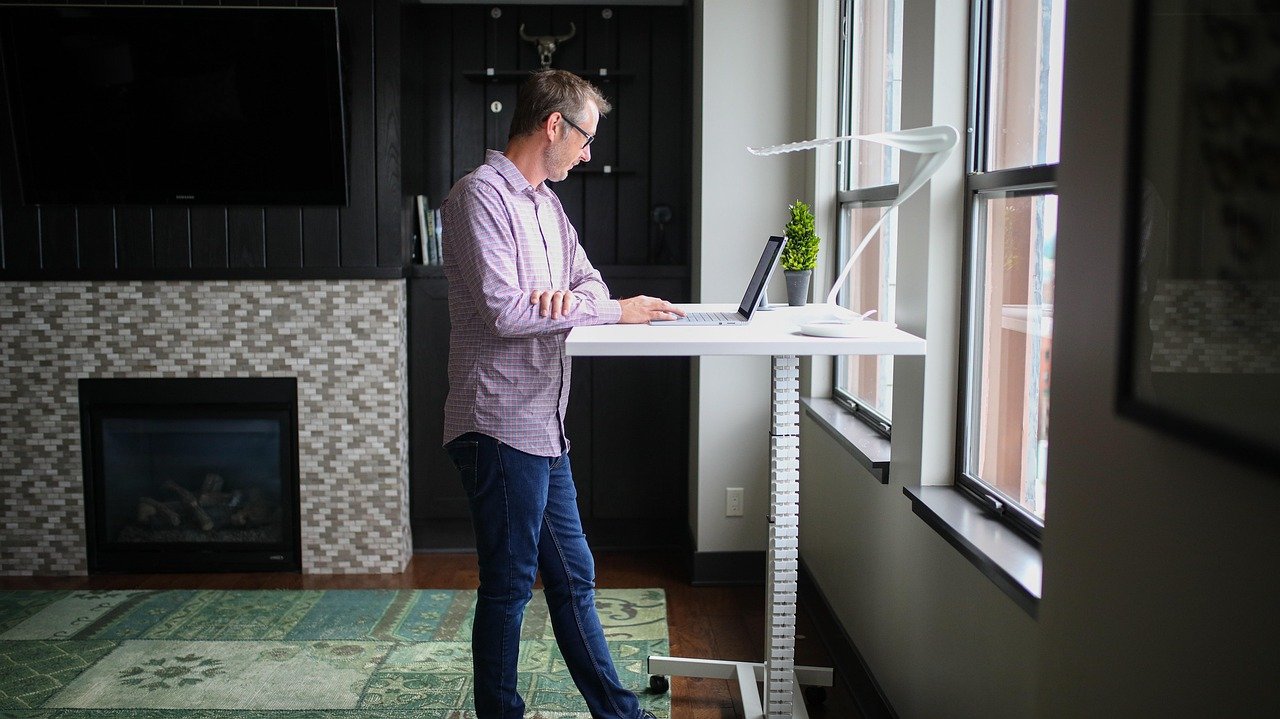
The honest answer is that it depends on your desk’s stroke, which varies by model. Before buying anything, check the spec sheet for the height range and calculate the difference between the lowest and highest position. That number is your baseline travel.
| Cable Route | Slack Strategy | Common Mistake |
|---|---|---|
| Desk surface to floor or wall | Service loop plus a floor-level anchor | Cutting the cable to exact length at mid-height |
| Desk surface to under-desk PC | Loop secured under the desktop, free at the tower | Tight coil zip-tied to the frame |
| Desk to wall outlet | Retractable reel or generous fixed loop | Routing straight with no give |
| Power strip to wall | Loop at the strip, anchored at the wall | Letting the plug bear the cable’s weight |
| Monitor to PC on the desk | Small loop behind the monitor arm | Pulling taut for a clean look |
A practical rule many installers follow is to build the loop at the desk’s lowest position and test the full rise before committing to any tie. If the loop pulls tight at the top, add length. If it sags into a hazard at the bottom, shorten it or add a guide.
Where Cables Actually Fail: Lessons From Common Setups
The tight-bundle trap
The most frequent mistake is treating cables like decorative elements. Zip ties pulled snug along a moving leg look professional and behave badly. Every tie point becomes a stress concentration, and the cable cannot redistribute length as the desk travels. The result is a slow pull on connectors that often shows up first as intermittent USB dropouts.
The better habit is to bundle cables loosely with hook-and-loop straps and leave the section that crosses the moving gap completely free. Hook-and-loop wins over zip ties here because it can be adjusted as you test the range, and readjusted again when you add a device.
Routing through moving joints
Cables threaded through scissor mechanisms, crossbars, or the gap between the lifting column and the frame get abraded every cycle. Routing along the static column, or through a proper cable chain, keeps the cable out of the pinch zone. If a cable must cross a joint, give it a wide, gentle arc rather than a sharp bend.
Forgetting the floor end
People obsess over the desk side and ignore the wall. A power cable that runs from a desk-mounted strip to a wall outlet needs the same travel allowance as everything else. If the strip is mounted to the desk, the run to the wall changes length constantly. Either mount the strip on the floor or wall, or give that run a reel or a large loop.
Anchoring only one end
A loop that is loose at both ends flops around. Secure one end of the loop firmly, leave the other end free to move, and the cable will extend predictably. This is the single most useful habit in the whole discipline.
Hardware That Earns Its Place
Not every gadget is necessary, but a few are genuinely worth the money. If you are already comparing workspace gear, the same logic that applies to a project management software for teams comparison applies here: buy for the workflow, not the spec sheet.
Under-desk cable trays catch the bulk of the slack and keep it off the floor. They work best paired with a service loop at each end rather than as the only solution.
Cable chains (drag chains) constrain cables to a fixed bend radius as the desk moves. They are the gold standard for heavy or stiff cables, including thick display cables and power leads, because the chain takes the mechanical load instead of the connector.
Retractable reels are convenient for a single cable, such as a charging lead, but they add a failure point of their own. Cheap reels with weak springs are worse than a plain loop.
Spiral wrap and split loom protect cables from abrasion where they pass near metal, but they do not manage length. Use them for protection, not for slack.
Adhesive mounts and clips are the unsung heroes. A well-placed clip that holds the loop’s fixed end turns a floppy mess into a controlled system. Clean the surface first, and expect adhesive to fail on textured or dusty undersides.
A Step-by-Step Method That Actually Works
- Lower the desk to its minimum height. This is the position where slack is most likely to sag or pinch.
- Plan the routes before mounting anything. Decide which cables stay on the desk, which go to a floor PC, and which must reach the wall.
- Mount the tray, strip, or anchor points. Leave the moving sections unsecured for now.
- Build a service loop at each transition point. Secure one end, leave the other free, and size the loop generously.
- Raise the desk to maximum height slowly. Watch every cable. Anything that goes taut needs more length.
- Lower it again and check for sagging, snagging, and pinch points. Trim or reroute as needed.
- Cycle the desk several times. Then tighten the hook-and-loop straps, but never to the point of compressing the cable.
- Label the ends. Future you will add a device and thank present you.
The whole process takes maybe half an hour. Skipping it takes minutes and costs a cable, a port, or a monitor.
Ergonomics and Safety: The Part People Skip
Cable management is about hardware longevity and avoiding routing hazards. A loop of slack hanging near the floor is a trip hazard, and a desk that rises into a taut power lead can unseat a plug or damage an outlet. Keep runs clear of foot traffic, and avoid routing power and data cables so tightly together that you cannot tell them apart later.
Ergonomic guidance from public health sources consistently emphasizes clear, uncluttered work areas as part of a safe setup, and height-adjustable desks are no exception. If your setup includes a lot of peripheral gear, the same cable discipline that keeps a desk safe also keeps a workstation usable, whether you are running a legal practice with case management software for law firms or a gaming rig with a gaming ethernet cable snaking behind the tower. Cables do not care what they connect; they only care about bend radius and travel.
One more practical note: if you use a keyboard or instrument stand near the desk, keep its cabling on a separate route so a desk adjustment never tugs on stage gear. A stable keyboard stand for stage performance is a different problem, but the principle is identical. Separate the moving system from the static one, and give each its own slack.
Choosing Cable Types That Tolerate Movement
Not all cables handle repeated flexing equally well. Stiffer cables, especially thick power leads and some display cables, resist bending and transfer force to their connectors. Softer, more flexible cables with stranded conductors generally tolerate movement better. (Ergonomics)
If you are buying new cables for a sit-stand setup, favor ones with a bit of give, avoid right-angle connectors that fight the routing, and pick lengths that leave room for a loop rather than forcing a taut run. A cable that is one size too long is almost always better than one that is exactly long enough.
Conclusion
Standing desk cable slack management comes down to one idea: give every cable a controlled place to put its extra length, and never let a connector absorb the desk’s travel. Build service loops at each transition, anchor one end, test the full height range before you commit, and choose hook-and-loop over zip ties. It takes half an hour, costs very little, and quietly protects every device on the desk for years. The tidy bundle in the product photo is not the goal. The goal is a setup that still works on the thousandth rise.
Frequently Asked Questions
How much cable slack does a standing desk need?
Enough to cover the desk’s full vertical travel plus a comfortable margin, with the loop built at the lowest position and tested at the highest. Check your desk’s height range on its spec sheet, then add extra length for the loop itself and for any routing around the frame.
Can I just use zip ties to keep cables neat?
Zip ties pulled tight are the most common cause of cable strain on height-adjustable desks. They prevent the cable from redistributing length as the desk moves. Use hook-and-loop straps instead, and leave the section that crosses the moving gap unsecured.
What is a service loop, and why does it matter?
A service loop is a deliberate loose section of cable, secured at one end and free at the other, that absorbs movement without stressing connectors. It matters because the alternative is tension at the plug, which damages ports and causes intermittent faults long before a cable visibly fails.
Do I need a cable chain for my standing desk?
Not always, but they help with stiff or heavy cables such as thick power leads and display cables. A cable chain controls the bend radius and carries the mechanical load, which protects connectors. For light, flexible cables, a tray plus a service loop is often enough.
Why does my monitor cut out when I raise the desk?
That symptom usually points to a cable going into tension at maximum height. The connector or conductors are being pulled, causing intermittent signal loss. Lower the desk, add slack, rebuild the loop, and test the full range again before assuming the monitor is faulty.
Where should the power strip go on a sit-stand desk?
Either mount it to the desk and give the run to the wall outlet a reel or a generous loop, or mount it on the floor or wall so its connection to the desk never changes length. The mistake to avoid is fixing the strip to the desk and running a taut cable to a wall outlet.