
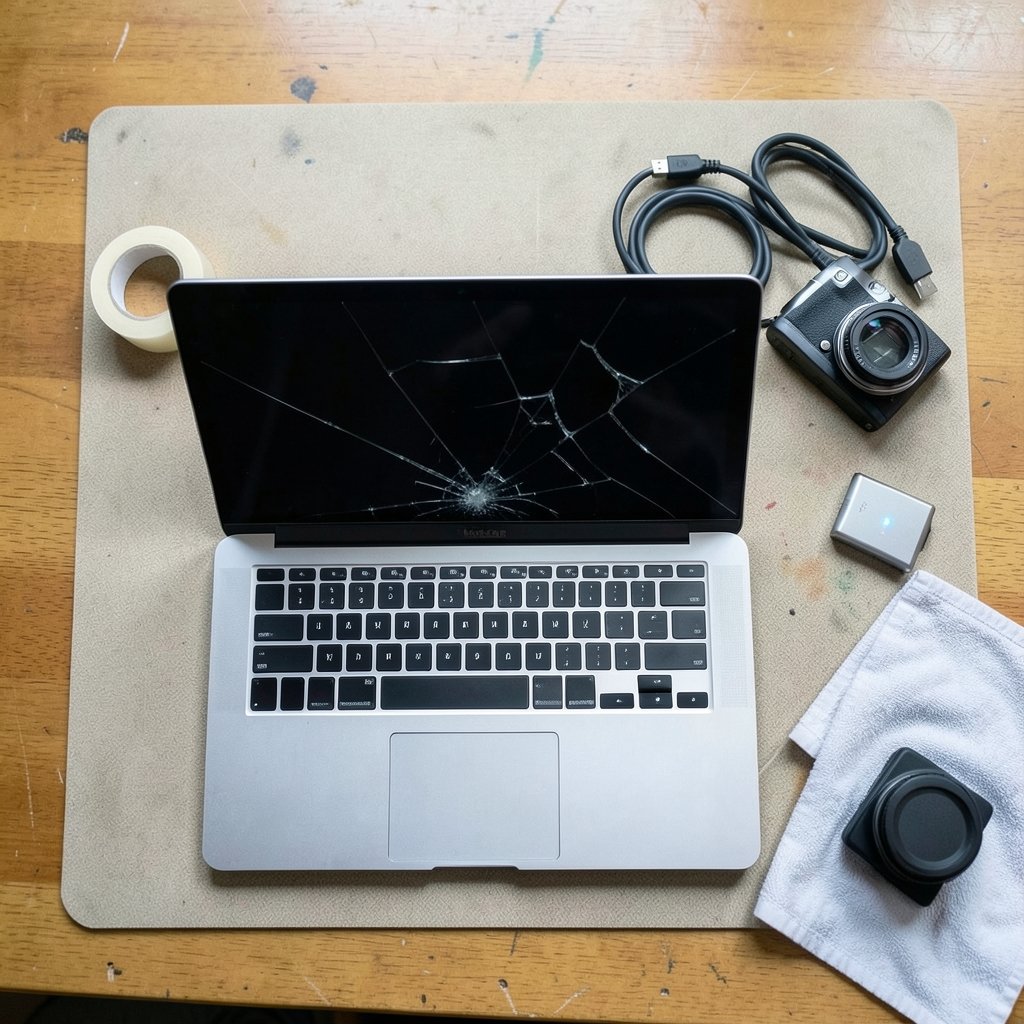
A cracked screen usually announces itself with a sickening crunch, followed by a spiderweb of glass and one urgent question: what now? If you own a Surface Laptop 3, that question gets complicated fast. The screen is glued down, Microsoft treats most cracks as accidental damage, and a repair quote can rival the laptop’s resale value. This guide walks through the realistic options, what each one costs you in time and money, and how to protect your data while you decide. (How to Fix Laptop Green Screen: Step-by-Step Guide)
Why the Surface Laptop 3 Screen Cracks So Easily
The Surface Laptop 3 came in two sizes, 13.5 inches and 15 inches, when it launched in late 2019. The 15-inch model was the first Surface Laptop offered with an AMD Ryzen processor option. Both sizes share a design trait that matters here: the display assembly is a single bonded unit. Glass, digitizer, and LCD or OLED panel are fused together, and the whole sandwich is adhered to the chassis.
That construction looks premium, but it has a practical downside. There is no separate glass layer to replace. A hairline crack in the top glass often spreads into the touch layer or the panel itself, and once the panel is compromised you get dead pixels, flashing bands, or a display that flickers when you tilt the lid. Common community reports point to three culprits: pressure inside a backpack, short drops onto a corner, and stress near the hinge. Some owners have reported cracks appearing without any drop at all, though those accounts are anecdotal and should be treated as unconfirmed rather than as evidence of a design defect. (Toughened (tempered) glass)
First 10 Minutes After the Crack: What to Do
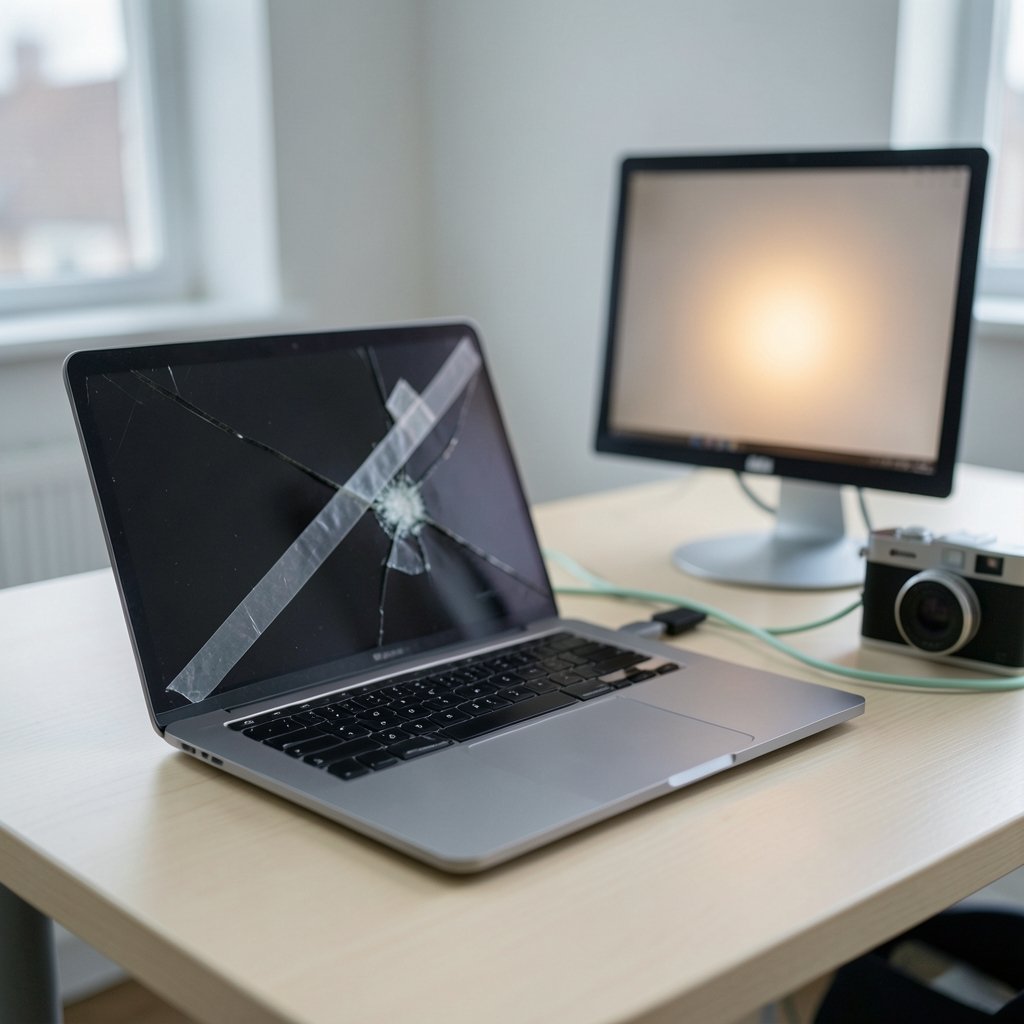
The instinct is to poke at the glass or press the screen to see how bad it is. Don’t. Pressing on a cracked panel can push shards into the LCD and turn a cosmetic crack into a dead display.
- Power the machine off if the screen still responds, or force a shutdown by holding the power button for about 10 seconds.
- Do not close the lid. A closed lid presses the cracked glass against the keyboard and palm rest.
- Put a strip of clear tape over the crack if glass is loose, so shards don’t migrate into the hinge.
- Back up your data immediately if the laptop still boots and you can see enough to navigate. Connect an external monitor over USB-C or a Surface Connect dock if the built-in display is unreadable.
- Photograph the damage from several angles before you move the device anywhere. Those photos matter later if you file a claim.
If the machine won’t wake at all and you suspect the display rather than the system, the troubleshooting logic in this guide to fixing a black screen on Windows 11 step by step covers how to tell a dead panel from a crashed operating system. A cracked Surface that still chimes, spins up its fan, or responds to Caps Lock is usually a display problem, not a dead computer.
Is a Cracked Screen Covered by Warranty?
Almost certainly not, and it’s better to know that before you spend an hour on hold. Standard manufacturer warranties cover manufacturing defects, not accidental damage. A crack from a drop, a bag, or a knee is classified as accidental damage, and accidental damage requires a separate protection plan such as Microsoft Complete. If you bought that plan, file the claim early. If you didn’t, you’re looking at an out-of-warranty repair.
There’s one gray zone worth knowing. If the crack started at the hinge or at a pressure point with no impact mark, some owners have argued for defect coverage. That argument is hard to win without documentation, which is why the photos from the first ten minutes matter. Take them before anything else.
Repair Options Compared
Here’s the honest landscape for a Surface Laptop 3 with a broken display.
| Option | Typical turnaround | What you get | Main risk |
|---|---|---|---|
| Microsoft official service | One to three weeks including shipping | Genuine panel, workmanship guarantee | Highest price; device leaves your hands |
| Authorized repair partner | A few days to two weeks | Genuine or approved parts | Availability varies by region |
| Independent repair shop | Same day to one week | Often a pulled or third-party panel | Quality varies widely; possible warranty complications |
| DIY display assembly swap | Several hours plus parts shipping | Cheapest parts cost | High breakage risk; adhesive work is unforgiving |
| External monitor only | Minutes | A working desktop again | Not portable; cosmetic crack remains |
The Surface Laptop 3 is not a user-serviceable device in the usual sense. Microsoft’s official position has been to route screen repairs through Microsoft support or authorized service providers, and the device predates the company’s self-repair parts program, which launched later and initially covered other Surface models. Whether the Laptop 3 was added to that program afterward is worth checking directly, because coverage changed over time. Independent teardowns have consistently rated the display removal as difficult: the assembly is adhesive-bonded, the glass is thin, and prying in the wrong spot cracks a replacement panel before it’s even installed.
What About Third-Party Shops?
A good independent shop can save you real money, and many do competent work. Two cautions. First, ask whether the replacement panel is genuine, OEM-grade, or a budget aftermarket unit, because color accuracy and touch responsiveness vary a lot. Second, understand that unauthorized repairs can affect warranty coverage on remaining components, and the exact language varies by region. Get the quote in writing, including what happens if the repair fails.
The DIY Route
If you’re experienced with heat mats, suction cups, and adhesive strips, a display assembly swap is doable. If you’ve never opened a laptop, this is not the model to learn on. The failure mode is expensive: a cracked replacement panel costs as much as the repair you were trying to avoid.
Repair or Replace? A Decision Framework
Run these questions in order.
- Is the laptop still under a protection plan that covers accidental damage? If yes, stop here and file the claim.
- Does the machine otherwise work well? A 2019 laptop with a healthy battery, enough RAM, and no thermal issues is still useful. A failing hinge plus a cracked screen plus a swollen battery is a different story.
- What is the repair quote as a fraction of a comparable replacement? If the quote approaches half the price of a newer equivalent, replacement usually wins on value.
- Do you depend on the touchscreen and pen input? If so, a cheap aftermarket panel may disappoint, and genuine parts matter more.
- Can you work from an external monitor for a few weeks? If yes, you have leverage to wait for a better quote.
One practical note that surprises people: a cracked screen doesn’t always mean a dead laptop. If the panel still displays, even with a dark blotch or a line, you can often keep using it docked while you decide. The same diagnostic patience applies to display faults that look catastrophic but aren’t, such as the patterns described in this guide to black lines on a Lenovo laptop screen, where the fix sometimes turns out to be a cable or driver issue rather than physical damage.
Protecting Your Data When the Screen Is Unreadable
Data loss is the part people panic about, and it’s usually avoidable. If the Surface still powers on, connect it to a TV or monitor with a USB-C to HDMI cable. You may need to blind-type your password, or use a keyboard shortcut to project the display. Once you can see the desktop, copy everything important to an external drive or push it to cloud storage.
If OneDrive was syncing, your files are likely already safe and accessible from another device. If the machine won’t boot at all, a repair shop can often pull the SSD, though on Surface hardware that’s a more involved job than on a standard laptop. The lesson for next time is boring but real: automatic cloud backup turns a cracked screen from a disaster into an inconvenience.
Common Mistakes That Make It Worse
Pressing the crack to “check” it. Every press risks delaminating more of the panel. Leave it alone.
Closing the lid for transport. The lid flexes against the base and can finish off a weakened panel. Carry it open, face up, in a padded sleeve.
Buying the cheapest panel online without checking the connector revision. Surface Laptop 3 models differ by size and configuration, and a panel that fits a 13.5-inch unit won’t fit the 15-inch chassis. Match the exact model number before ordering anything.
Skipping the backup because “it still works.” A cracked panel can fail completely without warning, sometimes within days. Back up first, troubleshoot second.
Using harsh cleaners around exposed glass edges. Once the top glass is compromised, liquid can wick into the panel layers. If you’re cleaning around damage, follow safe habits like those in this guide on how to clean a laptop screen without damaging the coating.
Preventing the Next Crack
Most cracked laptop screens come from three habits, and all three are fixable.
- Stop putting the laptop in a backpack loose. Use a padded sleeve, and make sure nothing else in the bag presses on the lid. A hard case adds real protection for a device this thin.
- Open the lid from the center. Grabbing one corner twists the hinge and stresses the glass near the bezel.
- Never carry the machine by the screen. It feels obvious until you’re in a hurry.
- Check your bag before you sit it down. The classic crack story involves a laptop at the bottom of a bag under a water bottle or a book.
If you ever notice pressure marks or dark blotches appearing without a drop, treat them as an early warning. The causes and warranty angles for those marks are covered in this guide to black pressure marks on laptop screen causes, fixes, and warranty questions, and catching them early is far cheaper than replacing a panel.
When the Crack Is Really Something Else
Not every broken-looking screen is broken glass. Before you accept a repair quote, rule out the software side. A display that turns solid green after a driver update, or one that goes black only in certain apps, may not have physical damage at all. The step-by-step diagnostic plan in this guide to fixing a laptop green screen walks through the software causes in order, and it’s worth ten minutes before you spend hundreds on hardware. Similarly, if the screen works but the layout is driving you crazy on an external display, this practical guide to split screen on Mac that actually works covers the multitasking side.
And if you’re comparing repair costs against a new budget machine, it helps to know what the low end of the market actually offers now. This look at the Lenovo Xiaoxin 14 SE with Intel Wildcat Lake for budget laptop buyers gives a sense of what entry-level hardware delivers, which is useful context when a repair quote starts to look unreasonable.
Conclusion
A cracked Surface Laptop 3 screen is rarely a quick fix and almost never a warranty claim. The device’s bonded display assembly makes repairs expensive, and Microsoft’s service model means the official route is the safest but not the cheapest. The practical playbook is simple: photograph the damage, back up your data immediately, check whether a protection plan covers you, and then compare the repair quote against what the machine is actually worth to you. If the laptop is otherwise healthy, an official repair can be worth it. If it’s aging and the quote is steep, an external monitor plus a plan for a replacement is a perfectly rational choice. Either way, the crack is a hassle, not a catastrophe, as long as your data is safe before the panel gives out.
Frequently Asked Questions
Does Microsoft’s warranty cover a cracked Surface Laptop 3 screen?
No, in most cases. Standard warranty coverage addresses manufacturing defects, not accidental damage. A crack from a drop, pressure in a bag, or impact is classified as accidental damage and requires a protection plan like Microsoft Complete. If the crack appears to originate at the hinge with no impact point, document it thoroughly and ask, but expect the claim to be evaluated as accidental damage.
How much does a Surface Laptop 3 screen replacement cost?
Pricing varies by region, model size, and provider, so any single number you read online should be treated with suspicion. The reliable approach is to request a quote directly from Microsoft support and one from a reputable local shop, then compare both against the device’s current resale value. As a rule of thumb, if the quote approaches half the cost of a comparable replacement laptop, replacement usually makes more financial sense.
Can I replace the screen myself?
Technically yes, practically risky. The display is adhesive-bonded, the glass is thin, and prying in the wrong spot destroys the replacement panel before installation. Experienced repairers manage it with heat mats and proper tools. For a first-time repair, the odds of a costly mistake are high enough that a professional quote is usually the smarter spend.
Is my data lost if the screen cracks?
Almost never, unless the crack came with a serious impact that also damaged the internals. If the laptop still powers on, connect an external monitor over USB-C or a Surface Connect dock and copy your files. If OneDrive was syncing, your data is already accessible from another device. Back up before you do anything else, because a cracked panel can fail completely with little warning.
Can a cracked screen get worse over time?
Yes. Cracks spread, especially with heat cycling from normal use and with any pressure on the lid. Moisture and dust can work into the panel layers through exposed edges. A hairline crack that only affects a corner can turn into a dead display within weeks, which is why backing up and getting a quote early is worth the effort.
Should I repair or replace the laptop?
Repair makes sense when the machine is otherwise healthy, you rely on the touchscreen, and the quote is well below the cost of a comparable new device. Replace when the repair quote is steep relative to resale value, when other components are also failing, or when you can work docked to an external monitor long enough to shop for a replacement on your own timeline.



