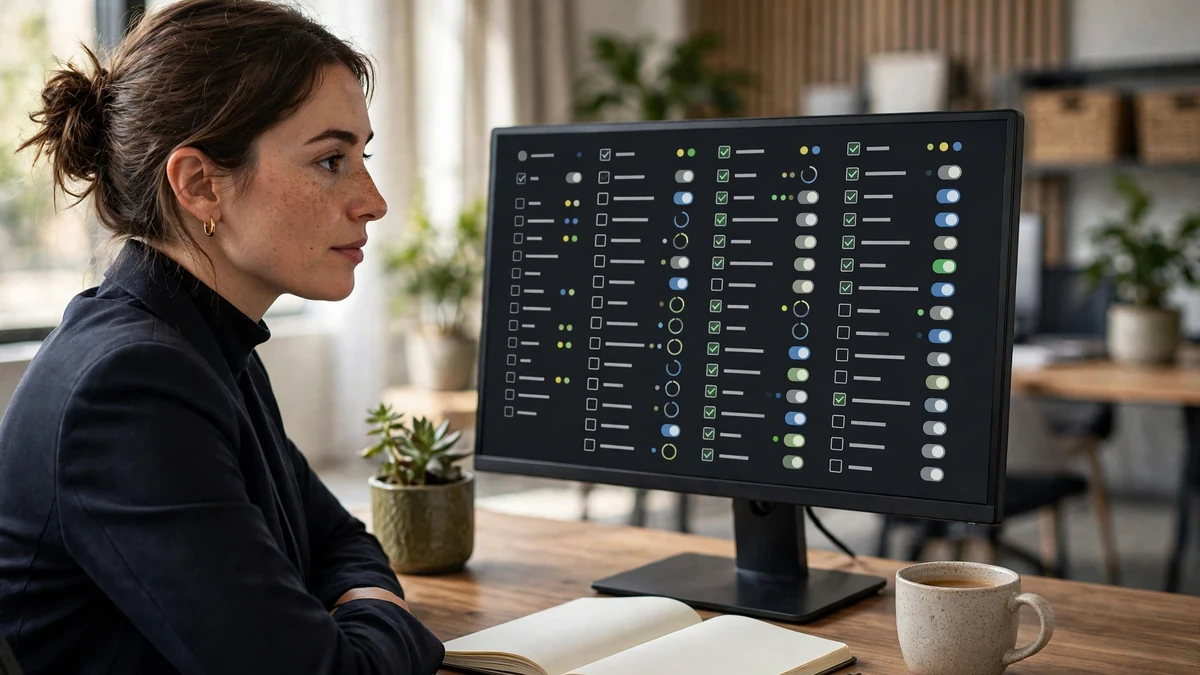
What Is AI Compliance Automation?
AI compliance automation is the use of artificial intelligence to carry out the repetitive work of staying compliant with rules, standards and internal policies. Instead of people manually checking documents, filling in spreadsheets and chasing approvals, software watches data, flags risks, gathers evidence and prepares reports. The goal is not to replace human judgement, but to remove the routine checking so people can focus on the decisions that actually need them.
The idea matters because compliance work keeps growing. Companies face more regulations, more data and more audits than they did a few years ago, while the teams doing the work often stay the same size. Manual checks are slow, easy to get wrong when repeated thousands of times, and hard to prove afterwards. Automation promises faster checks, fewer errors and a clearer record of what was done and when.
This explainer covers what AI compliance automation is, how it works in practice, the main types on the market in 2027, its benefits and risks, and where it is actually being used. It is a software and process explainer, not legal advice: the tools help teams follow rules, but they do not decide what the rules mean for any particular company.
Key takeaways
- AI compliance automation uses software to monitor, check, document and report on compliance tasks.
- It works best on repetitive, high-volume checks, such as document review, access logs and policy matching.
- It reduces manual errors and speeds up audits, but it cannot interpret ambiguous rules on its own.
- Human review stays essential for judgement calls, exceptions and anything with serious consequences.
- Good tools produce a clear audit trail showing what was checked, when and by which rule.
What AI compliance automation means
At its simplest, AI compliance automation means letting software do the checking that people used to do by hand. A compliance rule might say that only certain staff may access customer records, that contracts must contain specific clauses, or that financial reports must follow a set format. The automation reads the data, compares it with the rule, and reports what matches, what does not, and the evidence behind the result.
The “AI” part usually means machine learning and natural language processing rather than a single clever program. Machine learning spots patterns in large sets of transactions or logs, while language tools read contracts, policies and emails to extract the clauses and dates that matter. Together they can process in minutes what would take a team days, and they do it the same way every time.
It is important to separate automation from decision-making. Most tools are designed to surface issues and gather evidence, then hand the decision to a person. A system can flag that a document is missing a signature, but a human decides whether the missing signature is a minor delay or a serious breach. That boundary is what keeps the process trustworthy.
How AI compliance automation works
The process usually starts with connecting the tool to the systems where compliance data lives: document stores, customer databases, finance systems, HR records and cloud services. The tool maps the rules it must check, either from a built-in library of common standards or from rules the company writes itself, and then runs checks on a schedule or continuously as new data arrives.

When a check runs, the system compares the data against each rule and produces three things: a pass or fail result, the evidence behind it, and a priority rating for anything that failed. A missing approval on a low-value expense might be rated low, while an unauthorised access to sensitive records would be rated high and alerted immediately. Results flow into a dashboard where the compliance team can see the whole picture at once.
Over time, the better tools learn from how the team responds. If reviewers repeatedly mark a type of flag as harmless, the system can lower its priority, reducing noise. This learning must be watched: a tool that quietly stops flagging real issues is worse than one that flags too much.
Types of AI compliance automation
Document and contract review tools read agreements, policies and filings to check that required clauses are present, dates are valid and terms match company standards. They are useful wherever a team reviews large numbers of similar documents, and they can pull out the key facts for a human to confirm rather than asking a person to read every page.
Monitoring and audit tools watch systems continuously for rule breaches. They check who accessed what, whether data moved where it should not have, and whether changes followed the approved process. These tools are common in finance and technology, where logs are plentiful and rules are precise. A related idea is covered in our explainer on what AI agent identity is, which deals with how automated systems themselves are identified and controlled.
Reporting and evidence tools gather the proof that an audit needs: logs, approvals, policy versions and check results, organised by rule and date. Instead of a team spending weeks assembling evidence before an audit, the tool keeps it organised as work happens. Risk assessment tools form a fourth type, scoring vendors, transactions or projects against a set of risk factors so the team can focus attention where it matters most.
Benefits and risks
The clearest benefit is speed. Checks that took days can run in minutes, and audits that once needed weeks of preparation can draw on evidence collected continuously. Consistency is the second benefit: software applies the same rule the same way every time, so results do not depend on who happened to do the checking that week.
Cost and coverage follow. A team can monitor more systems without hiring in proportion, and gaps that manual sampling would miss can be caught because the tool checks everything rather than a sample. Every check is logged, so a company can show what was checked, when and against which rule.
The risks are real and worth naming. A tool trained on poor data can miss problems or flood the team with false alarms, and over time staff may start trusting its output without checking. Rules written badly will be applied badly at scale, and a system that quietly changes its own behaviour through learning can drift away from what the team intended. There is also a privacy angle: these tools often read sensitive documents and logs, so access controls and data handling matter as much as the checks themselves.
Real-world uses
Financial firms use compliance automation to watch transactions, check customer records and prepare the evidence regulators ask for. A common example is screening new accounts against internal policy, where the tool gathers documents, checks them against the rules and flags only the cases a person needs to review. Our guide to using AI for financial forecasting in a small business shows the same pattern: software handles the volume, people handle the judgement.
Technology and software companies use it to track data handling, access controls and security policies across cloud services. When a developer changes a setting or a new vendor is added, the tool checks whether the change breaks a policy and records the result. Healthcare and other regulated sectors use similar tools for record-keeping and access monitoring, where the rules are strict and the evidence trail matters.
Smaller companies use lighter versions of the same idea: automated checklists for onboarding, contract templates with built-in clause checks, and dashboards that show which policies are out of date. The scale differs, but the principle is identical, and the tools are increasingly priced for teams that once relied on spreadsheets alone.
AI compliance automation at a glance
The table below summarises the main types, what each one does, and where it fits best.
| Type | What it does |
|---|---|
| Document review | Reads contracts and policies, checks clauses and dates |
| Monitoring | Watches systems and logs continuously for rule breaches |
| Reporting | Gathers audit evidence by rule, organised and dated |
| Risk scoring | Rates vendors, transactions or projects by risk factors |
| Best for | Repetitive, high-volume checks with clear rules |
| Needs a human for | Ambiguous rules, exceptions and serious decisions |
| Key output | A dated audit trail of every check and its evidence |
Automation compared with manual compliance
Manual compliance relies on people reading documents, sampling records and writing reports. It is flexible: an experienced reviewer can spot a problem no rule anticipated. Its weakness is scale: people get tired, sampling misses things, and proving what was checked is hard.
Automated compliance is the opposite. It checks everything, applies rules consistently and keeps a complete record, but it only understands the rules it was given. A new situation that falls outside those rules can pass unnoticed, and a badly written rule will be applied with the same confidence as a good one. The strongest setups combine the two: automation does the volume and the record-keeping, while people handle the exceptions, the ambiguous cases and the periodic review of the rules themselves.
Standards give teams a shared language for that setup. Our explainer on what ISO 42001 is covers the management standard for AI systems, which many teams use as the frame for deciding what their automation should check and how its results should be reviewed.
Frequently asked questions
Does AI compliance automation replace compliance officers?
No. It removes repetitive checking and evidence gathering, but the judgement calls, the interpretation of ambiguous rules and the final decisions still need people. Teams usually redeploy the saved time to higher-value work, such as reviewing exceptions and improving the rules.
Is AI compliance automation only for large companies?
Not any more. Large firms were the first users, but smaller tools now cover common checks such as document review and policy tracking. A small team can start with one area, such as contract checks, and expand once the workflow proves itself.
How accurate are these tools?
Accuracy varies by task and by the quality of the data and rules. Clear, repetitive checks can be highly accurate, while open-ended interpretation is much harder for software. Test any deployment against known cases and check it regularly, since accuracy can drift.
What data does a compliance automation tool need?
It needs access to the systems and documents the rules cover, such as contracts, logs, customer records and policy files. That access should be limited to what the checks require, logged, and reviewed, because the tool itself becomes a system that handles sensitive information.
Can automation prove compliance to an auditor?
It can provide the evidence an auditor asks for, such as dated logs of checks, approvals and rule versions. Whether that evidence satisfies a particular audit depends on the rules involved and the auditor’s requirements, so teams should confirm what evidence is expected before relying on the tool alone.
What is the biggest mistake teams make when adopting it?
Trusting the tool too quickly. The common error is to automate a large set of checks, stop looking at the results in detail, and discover months later that a rule was written wrong or the tool drifted. Start small, review the output closely, and expand only when the results are consistently right.
The bottom line
AI compliance automation is a practical answer to a real problem: compliance work is growing faster than the teams doing it, and manual checking cannot keep up with the volume. Used well, it makes checks faster, more consistent and easier to prove, and it frees people to spend their time on the decisions that actually need human judgement.
The limits matter as much as the benefits. These tools follow the rules they are given, they can be wrong at scale, and they cannot interpret ambiguity or take responsibility for a decision. The teams that get the most from them treat automation as a capable assistant with a clear audit trail, not as a replacement for the people who own the outcome.