

Quick Answer: Which AI avatar generators are best for beginners?
For most beginners, browser-based talking-head tools such as HeyGen and Synthesia are the easiest starting point, because they turn typed text into a finished presenter video without any editing skill. D-ID is a strong alternative when the goal is simply animating a single photo into a short speaking clip. The term “AI avatar generator” also covers stylized profile-image apps and real-time avatars for streaming or VR, which solve very different problems. Before committing, check the output type you actually need, whether a free tier exists, watermark and disclosure options, language support, export format, and how the tool handles your uploaded photos.
Curious about AI avatars but not sure where to start? The internet is packed with flashy demos, and half of them hide a paywall behind the third click. The good news is that beginners do not need the fanciest platform. They need the one that matches what they want to make.
First, Decide What “Avatar” Means to You
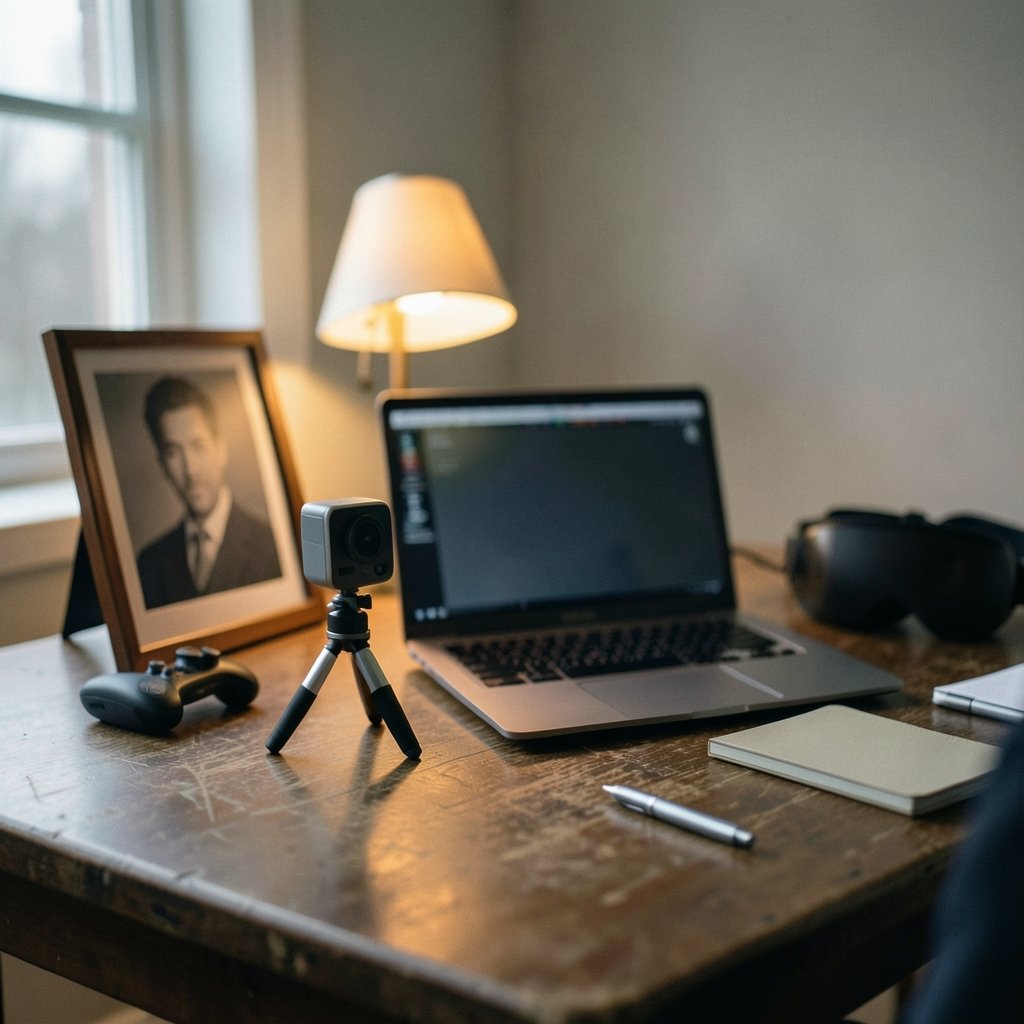
This is the mistake almost everyone makes. People search for “best AI avatar generator,” land on a tool built for something else, and conclude the technology is overhyped. In reality, the label covers at least three different product categories.
Talking-head video avatars. You type a script or upload audio, and a realistic presenter speaks it on screen. This is the category most people mean when they talk about AI avatars for business, training, or social content.
Stylized image avatars. You upload selfies and get back illustrated or painted portraits for profile pictures. These tools produce still images, not video.
Real-time animated avatars. These drive a character that moves with your face or voice, used for streaming and virtual reality.
Pick your output type first. Everything else, including which tool is “best,” follows from that choice.
The Best Talking-Head Avatar Tools for Beginners
If the goal is a video of a presenter speaking a script, three platforms come up again and again in beginner discussions. Each takes a different route to the same destination.
| Tool | Best for | Beginner-friendly because | Watch out for |
|---|---|---|---|
| HeyGen | Quick avatar cloning and multilingual videos | Fully browser-based, simple script-to-video flow | Free tier limits and watermarking vary; verify current terms |
| Synthesia | Template-driven business and training videos | Built for non-editors, large template library | Enterprise focus; pricing tiers change often |
| D-ID | Animating a single photo into a short clip | Photo-to-talking-head is its core trick | Short clips on free plans; less suited to long videos |
HeyGen drew a lot of attention in 2023 and 2024 for making avatar cloning and multilingual lip-sync feel almost casual. You record a short sample, and the system builds a digital version of you that can speak other languages. For a beginner, the appeal is that everything happens in a browser tab. No installs, no timeline editing.
Synthesia, founded in 2017, leans toward workplaces. Its templates assume you want a polished training or explainer video and have no interest in learning video editing. That structure is genuinely helpful when you are starting out, because it removes dozens of small decisions.
D-ID, also founded in 2017, popularized the photo-to-talking-head trick. You give it a portrait, give it text, and get back a short clip of that face speaking. It is the fastest route from “I have a photo” to “I have a video,” which makes it a great first experiment.
If you later want to branch into animated content rather than human presenters, the workflow overlaps with what you would learn from a guide to the best AI animation generators for beginners. The habits transfer: start simple, learn the export settings, then add complexity.
What Actually Matters When You Are Starting Out
Beginner-friendly is not a marketing phrase. It describes a set of concrete features. Here is what to check before you invest time in any platform.
No software install. Browser-based tools win for beginners because there is nothing to configure and nothing to update. If a tool demands a powerful graphics card, it is probably not a beginner tool.
A template library. Templates are training wheels. They show you what a finished video looks like and let you reverse-engineer the structure.
Text-to-speech in multiple languages. Even if you only need English today, multilingual voices are a good sign the platform is investing in its core engine.
Standard MP4 export. You want a file you can drop into any editor, upload to any platform, or send to a colleague. Proprietary formats are a trap.
Clear consent and watermark controls. This is the one beginners skip, and it matters most. More on that below.
A real free tier. Free plans are common across these tools, but they usually come with watermarks, short video length caps, or resolution limits. That is fine for learning. Just know the ceiling before you plan a project around it.
One practical tip from watching people try these tools for the first time: write your script before you open the platform. Beginners who log in “just to look around” tend to generate aimless test clips and never finish anything. A 60-second script gives you a real project and a real test of the tool.
The Privacy Question Beginners Underestimate
In late 2022, a wave of avatar apps let people upload a batch of selfies and receive stylized portraits. It was fun, it went viral, and it triggered a serious conversation about what happens to those photos. Reporting at the time noted that at least one popular app’s privacy policy appeared to permit use of uploaded images for model training, and the policy was later revised.
The lesson for beginners is simple: read what the tool says about your face. A photo of your face is biometric-adjacent data. Before uploading a batch of selfies or recording a cloning sample, check three things.
- Does the tool say it trains models on your uploads?
- Can you delete your data, and does deletion actually remove the model?
- Who else can see or use the avatar you create?
This is the same instinct you would apply to any service that stores personal data. If you already think carefully about which apps hold your information, the habit carries over. The same caution that makes people compare LastPass alternatives for beginners applies here: convenience is not the only criterion.
Disclosure, Watermarks, and the Rules Around Synthetic Media
AI avatar videos are synthetic media. That means they sit in the same bucket as deepfakes, and regulators have started paying attention.
The EU AI Act, Regulation (EU) 2024/1689, entered into force on 1 August 2024. It includes transparency obligations for synthetic content, including deepfakes, under Article 50, with obligations applying in phases. The practical takeaway for a beginner is not to memorize article numbers. It is to assume that disclosing AI-generated content is the direction of travel, and to build the habit now.
Several major platforms include watermarking or disclosure options in their exports. Check whether yours does, and leave it on unless you have a good reason not to. If you are publishing to a platform that requires AI labels, a visible watermark saves you a headache later.
There is also a basic ethical line that no regulation needs to spell out. Do not clone someone’s face or voice without their permission. Do not make a video that puts words in a real person’s mouth. Most tools now require consent verification for cloning, and that is a feature, not an obstacle.
How to Make Your First Avatar Video Without Wasting a Weekend
Beginners lose the most time to scope creep. Here is a sequence that works.
- Write a 60 to 90 second script. Short enough to fit free-tier limits, long enough to test the tool properly.
- Pick one tool and one template. Do not comparison-shop mid-project. You can compare after you have one finished video.
- Choose a stock avatar first. Test the workflow before you clone yourself. Cloning adds a consent step and a recording session, and you want to know the rest works first.
- Generate, then watch the whole thing. Listen for mispronounced words and awkward pauses. Fix the script, not the avatar.
- Export and check the file. Confirm the format, resolution, and watermark situation before you publish anywhere.
A common mistake is judging a tool by its demo reel. Demos use carefully written scripts and studio lighting. Your script will have product names and odd phrasing, and that is where text-to-speech engines stumble. Test with your real content.
Another mistake: ignoring pacing. Beginners often write scripts the way they write emails, with long clauses and nested ideas. Spoken text needs short sentences. Read your script out loud before you paste it in. If you run out of breath, the avatar will too.
Where AI Avatars Fit in a Beginner’s Toolkit
It helps to see avatar tools as one piece of a larger content workflow, not a magic button. The same is true of most AI tools people discover in a burst of enthusiasm. Someone who gets excited about turning images into motion, for example, will get more from a practical walkthrough of an AI video generator from images than from signing up for five platforms at once.
The realistic use cases for a beginner are narrow and useful. Explainer videos for a small business. Training clips that would otherwise never get made. Social posts where a talking head adds trust but filming is impractical. Multilingual versions of content you already have.
The unrealistic use cases are the ones that get abandoned. A feature-length film. A fully synthetic influencer. Anything where the novelty is the point. Avatar tools are at their best when they remove a barrier, not when they replace a skill you actually enjoy.
One more practical note: keep your source files. Save the script, the avatar ID, and the export settings. Platforms change their interfaces and pricing regularly, and a project you can rebuild in ten minutes is worth far more than one you have to reverse-engineer.
Conclusion
The best AI avatar generator for a beginner is the one that matches the output you actually need and lets you finish a real project this week. For talking-head videos, HeyGen and Synthesia offer the smoothest browser-based paths, with D-ID as the quickest route from a single photo to a speaking clip. For stylized profile images or real-time streaming avatars, look at tools built for those jobs instead.
Whatever you choose, start with a short script, a stock avatar, and a free tier. Read the privacy terms before you upload your face. Leave the watermark on. And treat any “best of” list, including this one, as a snapshot rather than a verdict, because these platforms change fast and rankings shift with them.
Frequently Asked Questions
Do I need video editing skills to use an AI avatar generator?
No. The leading talking-head platforms are built for people who have never opened a video editor. You type a script, pick an avatar and a template, and export a finished file. Basic instincts help, such as knowing that short sentences sound better than long ones, but timeline editing is not required.
Are free AI avatar tools good enough to publish real content?
They can be, with caveats. Free tiers typically cap video length, resolution, or both, and many add a watermark. For a first project, a learning video, or a test run with a client, that is usually fine. For anything customer-facing at scale, expect to pay for a plan or accept the watermark as a disclosure feature.
Can I create an avatar of myself?
Yes, and most major platforms support it. The process usually involves recording a short consent video and a sample of your speech, after which the system builds a digital version of you. Expect a verification step. That step exists to stop people from cloning faces without permission, and it is worth taking seriously.
How realistic are AI avatars in practice?
Realistic enough to be useful, not realistic enough to fool a careful viewer. Stock avatars look polished but slightly uncanny up close. Cloned avatars capture likeness and voice well but can miss small mannerisms. For training videos and explainers, the quality is more than sufficient. For anything requiring genuine emotional performance, human footage still wins.
Is it legal to publish AI avatar videos?
In most places, yes, provided you have rights to the likeness and voice used and you disclose synthetic content where required. Rules are evolving, and the EU AI Act’s transparency obligations for synthetic media are being phased in. The safe habit is simple: get consent, keep watermarks or labels on, and do not misrepresent a synthetic presenter as a real person.
What is the biggest mistake beginners make with avatar tools?
Starting with the tool instead of the project. People sign up for three platforms, generate a handful of aimless test clips, and lose interest. The beginners who succeed write a short script first, pick one tool, and finish one video end to end before exploring anything else.



