
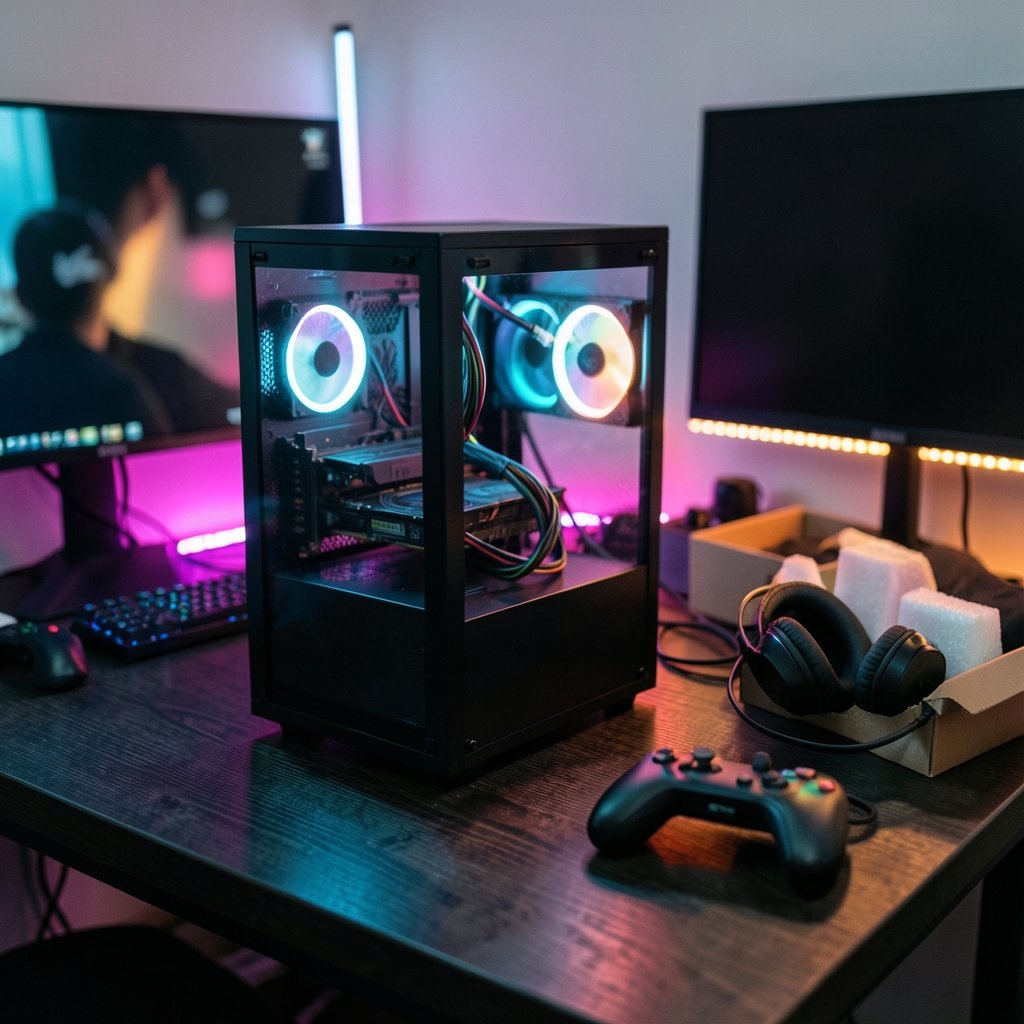
Quick Answer: Which budget prebuilt gaming PCs are worth buying?
The budget prebuilt gaming PCs worth buying are the ones that put most of their money into a real discrete graphics card, use standard off-the-shelf parts, and come with a clear warranty and return window. Shoppers can act on this by comparing listings from major retailers, checking manufacturer refurbished outlets, and reading the full spec sheet rather than the marketing headline.
Alternatives worth weighing include building a PC from parts, buying an open-box unit, or spending the same money on a current-generation console, which often delivers more gaming performance per dollar at the very low end. Each option trades convenience against upgradability and warranty simplicity in a different way.
Before buying, compare the graphics card model, the power supply quality and rating, the CPU and GPU pairing, RAM speed and channel count, SSD type and capacity, case and motherboard standard, warranty length, and return policy.
The Budget Prebuilt Trap Nobody Warns You About
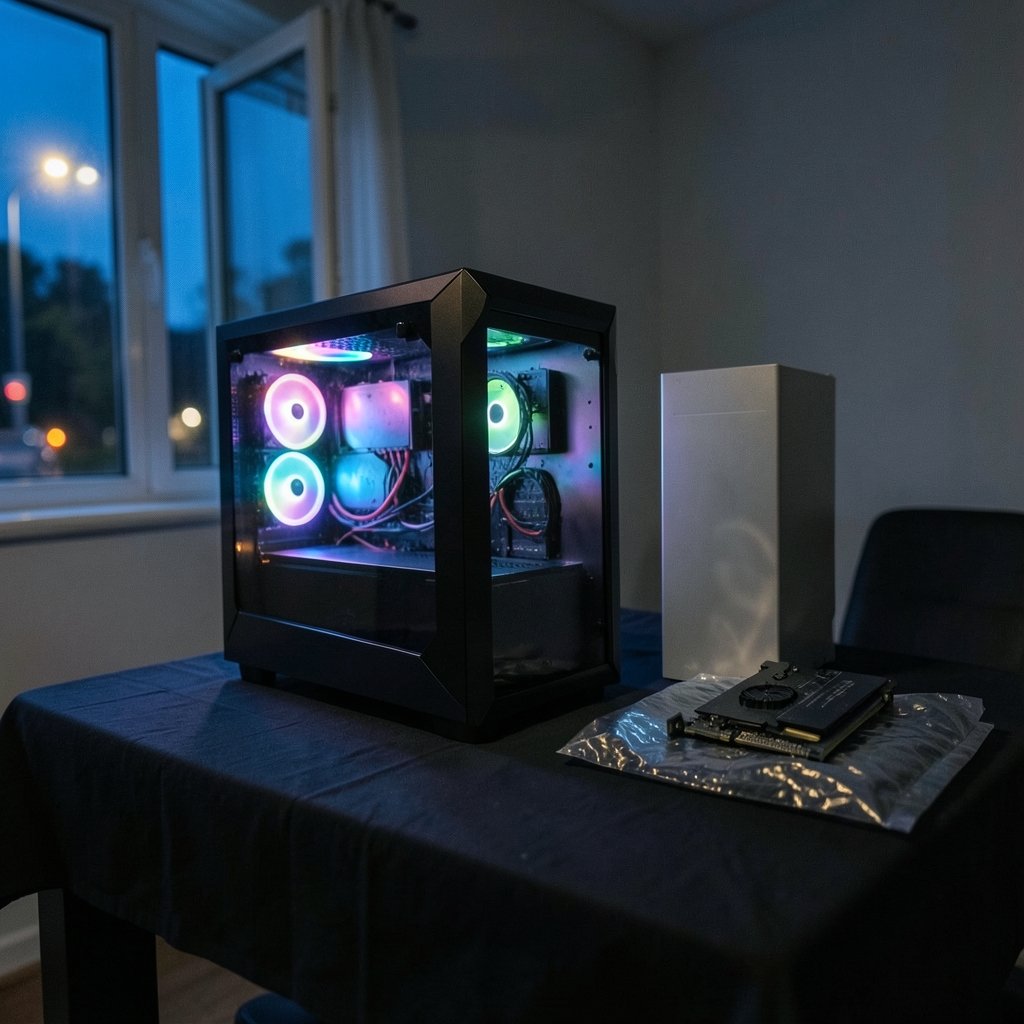
Ever noticed how a budget prebuilt listing shouts about “16GB RAM and a powerful graphics card” in giant letters, then whispers the actual model numbers in six-point gray text at the bottom? That is not an accident. It is a sales strategy, and it works because most buyers compare numbers instead of parts.
The truth is simpler than the marketing suggests. A budget prebuilt is worth buying when the money goes into the graphics card and the parts around it are honest. It is a bad deal when the case looks like a spaceship and the power supply inside is a mystery box with no certification label. This guide walks through what actually matters, where the hidden costs live, and which buying routes tend to produce a machine that still feels good two years later.
One caveat up front: prebuilt pricing and model availability shift constantly, and they vary by region. Treat every dollar figure here as a framework for thinking, not a quote. Check current listings before committing.
Why the Graphics Card Decides Everything
In this price tier, the discrete GPU is the dominant performance variable. It matters more than the CPU core count, more than whether the RAM is 16GB or 32GB, and far more than the RGB lighting. A modest processor paired with a decent graphics card will run modern games at playable settings. A powerful processor paired with a weak or integrated GPU will not.
Cards in the budget conversation over recent years have included the NVIDIA GTX 1650, GTX 1660 Super, RTX 3050 and RTX 3060, plus AMD’s RX 6600. Availability and pricing for any specific card in 2026 should be verified rather than assumed, because component prices have a habit of moving in ways nobody predicts.
The practical rule: find the GPU model first, then judge everything else around it. If a listing will not state the exact GPU model, that is your answer. Walk away.
The Hidden Costs That Sink Budget Builds
Proprietary parts kill upgradability
Major manufacturers have a long, well-documented habit of using proprietary motherboards, power supplies, and cases in their budget lines. That means the machine you buy is roughly the machine you keep. Want a new GPU in two years? The power supply may not have the right connectors, or the case may not fit a full-length card.
Standard off-the-shelf parts cost a little more upfront and save a lot of money later. When comparing, look for listings that name the motherboard chipset and confirm a standard ATX or micro-ATX form factor.
Power supply quality is the quiet dealbreaker
Budget prebuilts sometimes ship with generic, uncertified power supplies. The 80 PLUS program is an industry certification for power supply efficiency, and while a certification badge is not a guarantee of quality, the total absence of one is a useful warning sign. An under-spec PSU paired with a power-hungry GPU is a recipe for instability, and in the worst cases, for damaged components.
Bottlenecks hide in plain sight
A strong GPU matched to a weak CPU produces stutter that no benchmark screenshot will show. The same goes for single-channel RAM in a machine advertised as “16GB” with no mention of speed or channel configuration. Look for listings that specify RAM speed and confirm dual-channel operation.
Storage listings play games with words
“SSD included” can mean a 256GB SATA drive rather than a 1TB NVMe unit. Capacity and type both matter. A small boot drive fills up fast once Windows, a few games, and updates land on it.
A Practical Comparison Table
| What to check | Green flag | Red flag |
|---|---|---|
| GPU | Exact model named, current generation | “Powerful graphics” with no model |
| CPU | Named model, reasonable pairing with GPU | Unnamed or clearly mismatched |
| RAM | 16GB dual-channel, speed stated | “16GB” with no speed or channel info |
| Storage | 1TB NVMe SSD specified | “SSD” with no capacity or type |
| Power supply | Named brand, 80 PLUS certified | No brand, no certification |
| Motherboard | Standard form factor, chipset named | Proprietary, unlisted |
| Warranty | Clear length and terms in writing | Vague or buried in fine print |
| Returns | Defined window, stated conditions | Restocking fees unmentioned |
Print that table in your head before you shop. It will save you from most bad purchases.
Refurbished and Open-Box: The Underrated Route
Manufacturer refurbished programs and retailer open-box units are a recognized budget path, and they often come with warranty backing. The catch is that terms and warranty lengths vary by program and change over time, so verify the current conditions rather than trusting an old forum post.
Two practical tips from watching people navigate this. First, buy refurbished directly from the manufacturer or a major retailer, not a marketplace seller with a username made of random numbers. Second, confirm in writing whether the warranty is full, limited, or shorter than the new-unit warranty. In the United States, the Magnuson–Moss Warranty Act of 1975 sets disclosure rules for written warranties, which is why a legitimate seller should be able to hand you clear terms rather than a verbal promise.
Open-box units are a slightly different gamble. Inspect on arrival, photograph the packaging before opening, and test the machine within the return window rather than a week after it closes.
When a Console or a Laptop Makes More Sense
At the very low end, a current-generation console has often delivered more gaming performance per dollar than a sub-$600 prebuilt. The PlayStation 5 and Xbox Series X both launched in November 2020, and the comparison still holds when prices are checked carefully. If the goal is playing games rather than owning a flexible desktop, the console math is hard to beat.
If portability matters more than upgradability, a laptop changes the equation entirely. There is a solid breakdown of options in this guide to the best gaming laptops under 1000 that actually fit the budget, which covers the trade-offs between screen size, cooling, and GPU tier at that price point.
And if the desktop route wins, it helps to see what a slightly higher budget buys. This roundup of the best prebuilt gaming PCs for 2026 shows where the value curve bends, which is useful for deciding whether stretching the budget is worth it.
Don’t Forget the Monitor
A prebuilt is only half the setup. A machine capable of high frame rates paired with a slow, dim panel wastes the hardware. Buyers new to this should read a practical buying guide for a gaming monitor worth buying before spending, because refresh rate, panel type, and resolution interact with the GPU in ways that are easy to get wrong.
Budget for the display in the total. A $700 tower plus a $150 monitor is a different purchase than a $850 tower plus whatever old screen is in the closet.
Common Mistakes Buyers Make
The first mistake is buying on RAM capacity alone. The second is ignoring the power supply entirely. The third is assuming upgradability without checking the motherboard and case standard.
The fourth is skipping the return window test. Set the machine up the day it arrives, run a demanding game for an hour, and watch for crashes, coil whine, or thermal throttling. Problems found in week one are a return. Problems found in month three are a repair.
The fifth is forgetting peripherals. A budget tower plus a cheap keyboard, mouse, and headset adds up fast. Some bundles include them; check whether the included gear is usable or just filler.
Conclusion
A budget prebuilt gaming PC is worth buying when the graphics card is named and current, the parts around it are standard rather than proprietary, the power supply carries a real certification, and the warranty and return terms are clear in writing. Everything else, from RGB to case shape, is decoration.
Buyers who check the GPU first, verify the spec sheet line by line, and treat refurbished and open-box routes as legitimate options tend to end up with machines that hold up. Buyers who chase headline numbers end up replacing a power supply in year two. The difference is not luck. It is a checklist, applied before checkout rather than after.
FAQ
Is it better to build a PC or buy a budget prebuilt?
Building from parts has historically offered better price-to-performance and far better upgradability, at the cost of your time, a single warranty covering one part rather than the whole machine, and the troubleshooting burden falling on you. A prebuilt wins on convenience and support. For a first-time buyer who wants to plug in and play, a well-chosen prebuilt with standard parts is a reasonable call.
How much RAM do I actually need for gaming?
16GB is the practical floor for modern gaming, and it should be dual-channel with the speed stated in the listing. 32GB is nice to have but rarely changes the experience in this price tier. What matters more is whether the RAM is running in dual-channel mode, because single-channel configurations can noticeably hurt frame rates.
What does 80 PLUS certification mean on a power supply?
It is an industry certification for power supply efficiency, rated in tiers. A certified unit is not automatically high quality, but the absence of any certification on a budget build is a warning sign. If a listing does not name the power supply brand or model, ask before buying.
Are refurbished prebuilt gaming PCs safe to buy?
They can be, especially when bought directly from a manufacturer’s refurbished program or a major retailer with a stated warranty. The key is verifying the current warranty length and terms in writing, since these vary by program and change over time. Avoid marketplace sellers who cannot produce clear terms.
What should I check first when a prebuilt arrives?
Set it up immediately and test it inside the return window. Run a demanding game for at least an hour, watch for crashes, unusual noise, or thermal throttling, and confirm the parts inside match the listing. Photograph the packaging before opening in case a return is needed.
Does a gaming console offer better value than a cheap prebuilt?
At the very low end, often yes. A current-generation console has frequently delivered more gaming performance per dollar than a sub-$600 prebuilt, and the comparison depends heavily on current prices. The trade-off is flexibility: a PC handles work, upgrades, and a wider library, while a console does one job very well for less money.



