
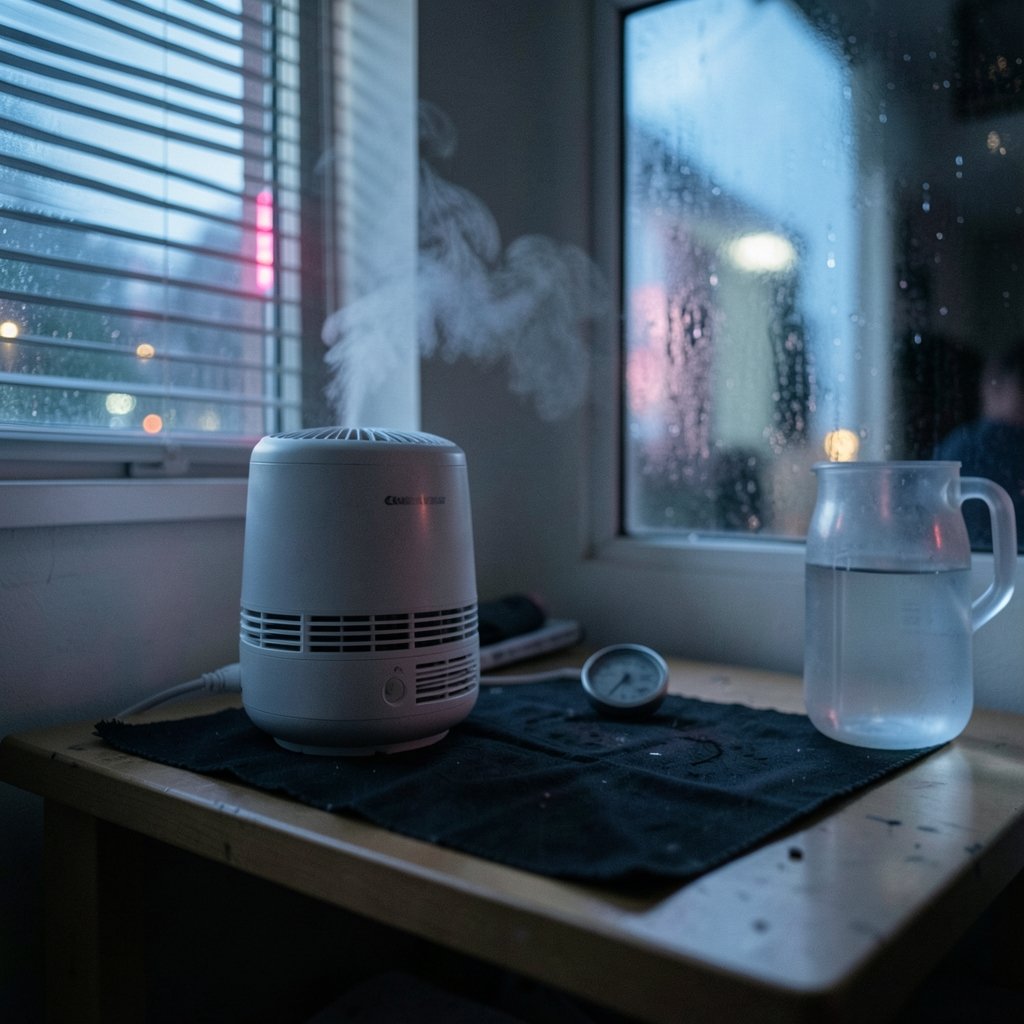
You set your humidifier to 45%, it runs all night, and by morning the windows are fogged, the walls feel damp, and your hygrometer says 62%. What happened? The short answer: humidifier humidity sensors are frequently inaccurate, and the number on the display is often a rough guess dressed up as a precise reading. That gap between what the machine believes and what your room actually feels matters more than most people realize, because the difference between a comfortable 45% and a mold-friendly 65% is exactly the kind of error cheap sensors make. (Humidifier)
This article explains why built-in humidistats drift, how far off they can be, what the practical consequences are, and what actually works when you want a trustworthy humidity reading.
What “inaccurate” actually means in practice
A humidity sensor’s error isn’t a single number. It’s a combination of factors that stack on top of each other:
- Base accuracy. Even a good low-cost capacitive sensor carries a spec around ±2–5% relative humidity at a reference temperature of 25 °C. That’s the manufacturer’s best case, in a lab, on day one.
- Temperature drift. Step outside that comfortable temperature band and accuracy degrades. A humidifier sitting near a cold window in winter, or next to a radiator, is not operating in lab conditions.
- Contamination. Dust, mineral scale, and condensation on the sensing element all push readings off course over time.
- Age. Sensor elements degrade. A unit that was within ±3% when new can wander considerably after two or three seasons of hard use.
Stack those together and a display reading of 50% might correspond to a real 40% or a real 60%. For comfort purposes, that’s tolerable. For mold prevention near the upper limit, it’s a genuine problem.
Why built-in humidistats drift so badly
The sensor is a commodity part, not an instrument
Most consumer humidifiers use a low-cost capacitive humidity element. These parts are genuinely good for what they cost, but they’re specified for reference conditions and they’re not field-calibratable. There’s no adjustment screw, no calibration menu, no way for a user to correct a reading that has drifted. The humidifier treats the sensor output as ground truth, and the sensor has no way to tell the machine it’s wrong.
Mineral dust coats everything
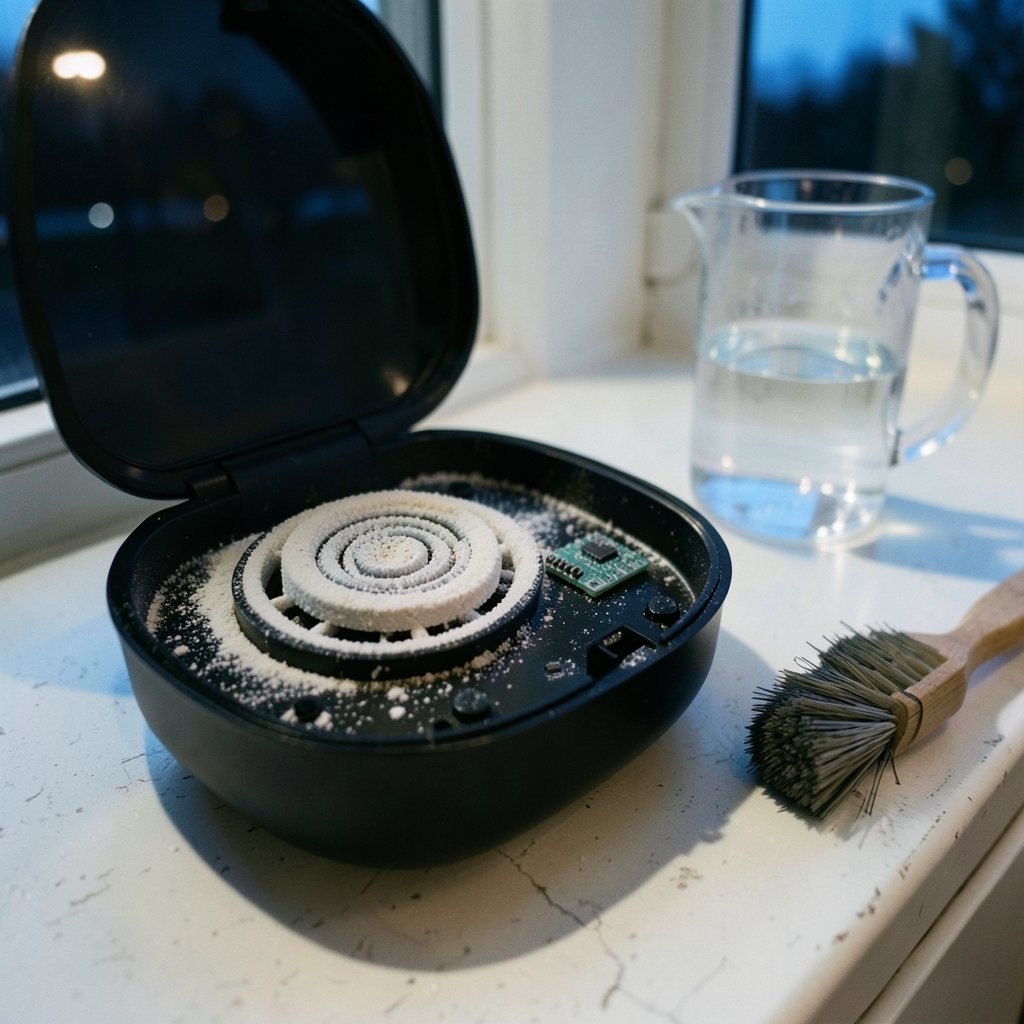
Ultrasonic humidifiers are notorious for emitting fine white mineral dust, especially if you’re running tap water through them. That dust settles on nearby surfaces, and it settles on the sensor too. A coated sensing element responds more slowly and reads less accurately. Evaporative and steam humidifiers avoid the white-dust issue but still accumulate scale and dust internally. (Use and Care of Home Humidifiers)
Condensation and moisture films
A sensor living inside a humidifier sits in one of the wettest microclimates in your home. Thin films of condensation, especially in cool mist units, can temporarily saturate the element and produce readings that lag reality by a significant margin. The machine thinks the room is drier than it is, keeps running, and overshoots.
Placement confuses the machine
The sensor measures the air immediately around the humidifier, not the air where you’re sitting. A unit tucked in a corner, placed against a wall, or sitting on a shelf will read a local microclimate that can differ substantially from the rest of the room. Warm mist rises; cool mist falls; either way, the reading at the intake is not the reading at your desk.
How far off can the reading be?
Published product testing has found built-in humidistats reading room humidity inaccurately, sometimes by 10 percentage points or more, with readings drifting further as sensors age or accumulate mineral buildup. That’s not a small discrepancy. At the top end of the recommended range, a 10-point error is the difference between a healthy room and a mold risk.
| Real room humidity | Display reads low by 10% | Display reads high by 10% |
|---|---|---|
| 35% (dry) | Shows 25% — unit over-runs | Shows 45% — unit under-runs |
| 45% (ideal) | Shows 35% — unit over-runs | Shows 55% — unit idles too early |
| 55% (upper limit) | Shows 45% — unit pushes toward 65% | Shows 65% — unit shuts off prematurely |
| 65% (too damp) | Shows 55% — unit keeps humidifying | Shows 75% — unit finally stops |
The pattern is clear: a sensor that reads low causes over-humidification, which is the risky direction. A sensor that reads high causes under-humidification, which is merely uncomfortable. You don’t get to choose which direction your unit errs, which is why an independent check matters.
Why the stakes are higher than they look
Indoor relative humidity guidance from public health and building standards bodies converges on roughly 30–50% as the comfortable, healthy band, with warnings that sustained humidity above about 60% promotes mold growth and dust mites. That upper boundary is where sensor error becomes a real problem rather than a cosmetic annoyance.
If your humidifier’s sensor reads 10 points low, and you’ve set it to 50%, the unit will happily push the room toward 60% and beyond before it thinks it has hit target. That’s the mold-favorable zone, and it’s exactly where you don’t want to spend a winter. The same error is harmless in the middle of the range and dangerous at the edge.
There’s a second-order problem too. Over-humidification in a closed-up house in winter leads to condensation on cold surfaces: window glass, exterior wall corners, metal frames. That condensation is where mold actually starts, and it happens well before the room “feels” damp.
How to check whether your sensor is lying
You don’t need lab equipment. You need a second opinion.
- Buy a standalone hygrometer. A cheap digital hygrometer is not a precision instrument either, but two independent sensors disagreeing is informative. If your humidifier says 45% and a hygrometer two feet away says 58%, trust neither absolutely, but investigate.
- Place the hygrometer where you actually are. Not next to the humidifier. Across the room, at sitting height, away from windows and heat sources.
- Run a salt-slurry check. Seal a small cup of damp salt (table salt mixed with a little water until it’s a thick slurry) in a jar or bag with your hygrometer for several hours at a stable room temperature. The air in the sealed container should settle near 75% relative humidity. This isn’t a certified calibration, but it will tell you whether your hygrometer is wildly off or roughly sane.
- Compare over several days. A single reading proves nothing. Log both numbers morning and evening for a week and look at the gap.
- Clean the sensor. Many manuals instruct users to clean the unit and sensor area regularly. Wipe away mineral film and dust, let everything dry fully, and see whether readings change.
What actually works in practice
Clean on a schedule, not when you remember
Mineral buildup is the single most common cause of drifting readings in humidifiers that use tap water. If your unit has a sensor well or intake grille you can reach, clean it monthly during heavy use. Use distilled water if your water is hard; it costs money, but it dramatically reduces white dust and scale.
Trust a separate hygrometer, not the display
Treat the humidifier’s built-in reading as a rough indicator of whether the unit is working, not as a measurement of your room. A standalone hygrometer placed in the living space is the number that should drive your decisions. If you’re also tuning peripherals on your desk, the same principle of trusting measured values over assumed ones applies to things like the best polling rate for mouse settings. The spec sheet and the real-world result are not always the same thing.
Set the target conservatively
If you can’t verify your sensor’s accuracy, set the humidifier a few points below your real target. Aiming for 40% on the dial when you want 45% in the room gives you a buffer against a sensor that reads low. It’s a crude fix, but it’s the one that prevents the mold-favorable overshoot.
Don’t rely on auto mode blindly
Auto mode depends entirely on the sensor being right. If the sensor is drifting, auto mode is drifting with it. Manual control plus an independent hygrometer plus a periodic visual check for window condensation is more reliable than any automatic setting on a consumer unit.
Watch the room, not the number alone
Fogged windows, a clammy feel, condensation on cold surfaces: these are physical evidence that humidity is too high, regardless of what any display claims. If the windows are sweating at a displayed 45%, the display is wrong.
When to stop troubleshooting and replace
Sensors degrade, and there’s a point where cleaning stops helping. Consider replacement or a warranty claim if:
- The reading hasn’t changed meaningfully across weeks of wildly different weather
- The unit runs constantly and never reaches its target
- You’ve cleaned the sensor thoroughly and the gap versus a hygrometer is still 10+ points
- The display shows the same number whether the tank is full or empty
Also worth knowing: many manufacturers describe built-in hygrometers as reference indicators rather than precision instruments in their manuals. If your unit’s documentation says that, the company has effectively told you not to trust the number to the decimal.
Conclusion
A humidifier’s humidity sensor is a cheap part doing a hard job in a hostile environment, and it will drift. That’s not a scandal; it’s a design reality. What matters is that you don’t treat the display as gospel. Clean the unit regularly, keep a separate hygrometer in the room where you actually live, set your target a few points conservative, and pay attention to physical signals like window condensation. Do those things and a ±10% sensor error stops being a mold risk and becomes what it should be: a minor annoyance you’ve already accounted for.
Frequently Asked Questions
How accurate is a humidifier’s built-in humidity sensor?
Most consumer humidifiers use low-cost capacitive sensors specified around ±2–5% relative humidity under reference conditions. In real use, with temperature swings, dust, and mineral buildup, errors of 10 percentage points or more are common, especially in older units.
Why does my humidifier say 50% when my hygrometer says 65%?
The two sensors are measuring different things in different places. The humidifier’s sensor sits inside the unit, in a wet microclimate, and may be coated with mineral film. The hygrometer is measuring the room. Trust the room measurement, and clean the humidifier’s sensor area to see if the gap closes.
Can I calibrate my humidifier’s humidity sensor?
Generally no. Consumer humidifiers rarely offer any calibration function, and the sensor elements aren’t designed for field adjustment. The practical workaround is to set the target conservatively and rely on an independent hygrometer for the real reading.
Does hard water make the sensor less accurate?
It can contribute. Hard water in ultrasonic humidifiers produces fine white mineral dust that settles on internal components, including sensors. Scale and film buildup on a sensing element slow its response and shift its readings. Distilled water and regular cleaning reduce the problem.
What humidity level should I actually aim for?
Public health guidance generally points to roughly 30–50% relative humidity indoors, with sustained levels above about 60% associated with mold and dust mite problems. Because sensor error tends to push you toward the upper end, aim for the middle of that band rather than the top.
Is it worth buying a separate hygrometer?
Yes, for most people. A standalone hygrometer costs little, gives you an independent reading in the room where you actually spend time, and lets you spot sensor drift before it turns into condensation and mold. Place it away from the humidifier, windows, and heat sources for the most useful reading.



