
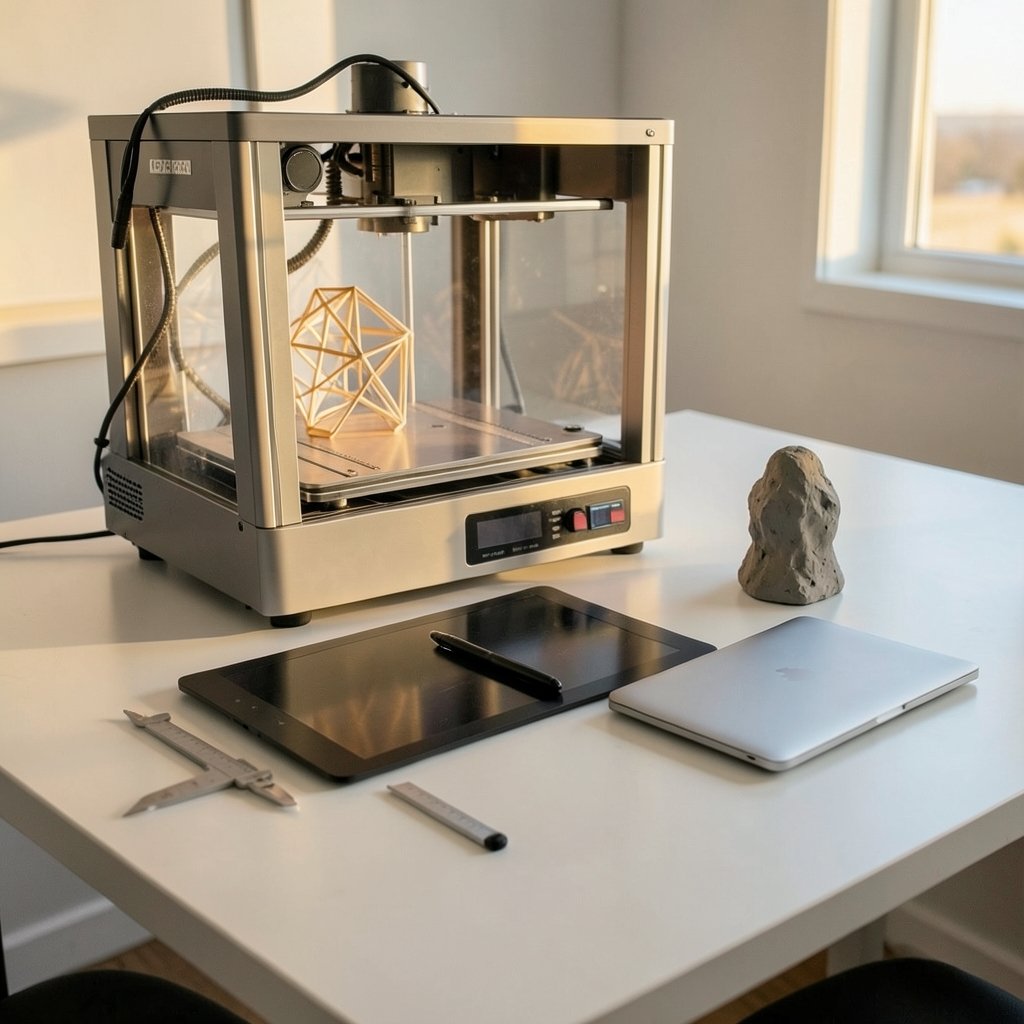
What if the most expensive 3D software in your pipeline is the one slowing you down? That question sounds odd until you watch a studio pay for a full suite and then use 15% of it. The search for 3D modeling tools alternatives is rarely about saving money first. It is about matching the tool to the job, the team, and the file formats everyone else already uses.
The market is wider than most people think. Between free open-source modelers, script-based CAD apps, and procedural giants, there is a credible option for nearly every workflow. The trick is knowing which one fits and where each one quietly falls short.
Why people look for 3D modeling alternatives in the first place

Three forces push people away from their default tool.
The first is cost structure. Many major suites moved to subscription-only licensing years ago, which means a freelancer who models occasionally pays the same monthly rate as a studio running full-time production. That mismatch sends a lot of people hunting.
The second is fit. A game artist building low-poly assets and a mechanical engineer designing a bracket have almost nothing in common except the word “modeling.” General-purpose suites often serve one far better than the other.
The third is interoperability. Files need to move between tools, and the glTF 2.0 format, which became an OASIS standard in 2021 after Khronos published it in 2017, has become a common bridge. When a tool exports clean glTF, switching costs drop dramatically.
The main categories of 3D modeling software
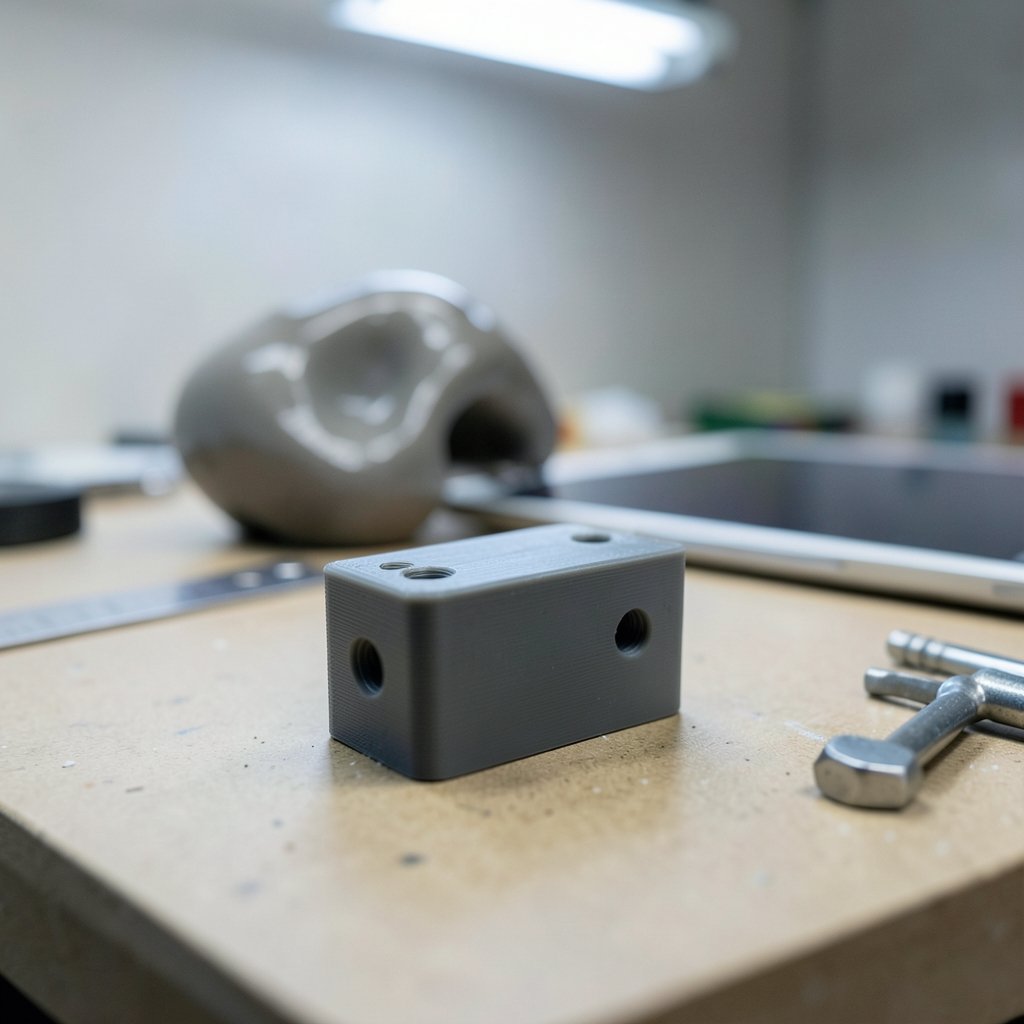
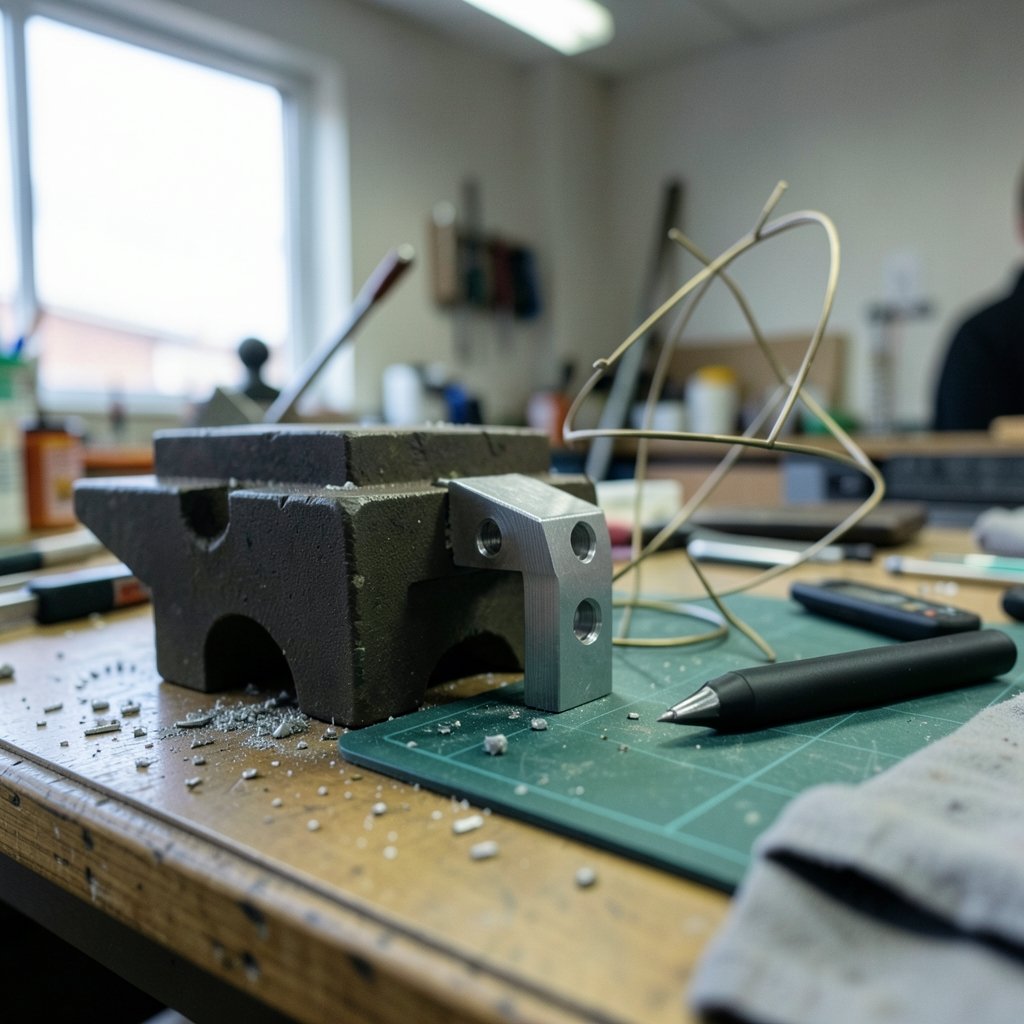
Before comparing names, it helps to sort tools by what they are built to do. Most bad tool decisions come from comparing across categories.
| Category | Best for | Typical examples |
|---|---|---|
| General-purpose modeling and animation | Game assets, film, product viz | Blender, Maya, 3ds Max |
| Parametric CAD | Mechanical parts, engineering | FreeCAD, commercial CAD suites |
| Script-based CAD | Repeatable, precise geometry | OpenSCAD |
| Subdivision modeling | Clean topology, character work | Wings 3D, Blender |
| Procedural and node-based | VFX, simulation, complex scenes | Houdini |
| Architectural and concept | Buildings, quick massing | SketchUp |
A parametric CAD tool is not a worse version of a general suite. It is a different instrument. Judging FreeCAD by how well it sculpts a character is like judging a wrench by how well it cuts bread.
Blender: the default free alternative, and why that label undersells it
Blender is free and open source under the GPL, and its 2.8 release in July 2019 rebuilt the interface and added the Eevee real-time renderer. That release is the reason so many people who bounced off Blender before 2019 came back and stayed.
Its modeling toolset is deep. The official Blender manual documents mesh modeling in enough detail to work as a genuine learning resource and as a reference. For readers who want a broader map of free options, the roundup of best open source ai tools 2027 15 free alternatives paid covers how free tiers compare across categories.
Where Blender wins in practice:
- Zero licensing friction. No seat counts, no renewal dates, no surprise invoices.
- One app, many jobs. Modeling, sculpting, UV work, animation, rendering, and video editing live in the same file.
- A massive learning ecosystem. Tutorials exist for nearly every task.
Where it frustrates people:
- CAD precision. It is not a parametric engineering tool, and forcing it to behave like one wastes time.
- Pipeline politics. Some studios and clients still expect native files from commercial suites.
- Add-on sprawl. Beginners install twenty add-ons before learning the core tools, then blame the software.
The most common mistake with Blender is treating it as a drop-in replacement for everything. It replaces a lot, but not CAD.
FreeCAD and OpenSCAD: open-source answers for parametric and script-based work
FreeCAD is an open-source parametric CAD modeler aimed at mechanical design and product modeling. The project dates back to around 2002, and its documentation lives on a community wiki that has grown into a serious reference.
Parametric modeling means dimensions drive geometry. Change a hole diameter from 6mm to 8mm and the model rebuilds. That workflow is essential for parts that get revised, and it is the reason engineers who try to do CAD in a polygon modeler eventually give up.
OpenSCAD takes a different path entirely. It is script-based: you describe geometry in code rather than dragging shapes. That sounds hostile until you need fifty variations of the same bracket, at which point a few lines of code beat an afternoon of clicking.
Practical guidance here matters more than feature lists:
- Pick FreeCAD if you need a visual CAD workflow with sketches, constraints, and assemblies.
- Pick OpenSCAD if your models are formulaic or generated from parameters.
- Do not pick either for organic shapes. Characters, creatures, and sculpted assets belong elsewhere.
The recurring mistake is expecting open-source CAD to open every proprietary CAD file perfectly. Import works, but complex assemblies often arrive with broken references. Test with real files before committing a project.
SketchUp, Houdini, and the specialist tiers
SketchUp built its reputation on speed of massing. Its free tier is web-based and limited compared with paid plans, and the desktop free version, SketchUp Make, was discontinued after its last release in 2017. That history trips people up constantly, because old tutorials still reference a free desktop app that no longer exists.
Houdini, from SideFX, is procedural and node-based. Instead of modeling a shape directly, you build a network that generates it. It offers a free Apprentice license for non-commercial use, with terms that change periodically, so check current conditions before planning around it. Houdini is overkill for simple asset work and indispensable for complex procedural scenes.
Specialist tools like Wings 3D focus on subdivision modeling with a clean, minimal interface. Smaller open-source projects like these can be excellent, but their maintenance activity varies, so verify recent releases before building a pipeline on one.
How to choose without wasting a month
The fastest way to choose is to run a real test rather than watch demos. Pick one small project you already finished elsewhere and rebuild it. That single exercise exposes interface friction, export problems, and missing features faster than any comparison chart.
A workable decision sequence:
- Name the deliverable. Game asset, machined part, architectural concept, or VFX shot.
- List the formats you must exchange. If glTF or a CAD format is required, filter by export quality first.
- Check the license terms in writing. Free tiers often restrict commercial use.
- Rebuild one real asset. Time it honestly.
- Test the round trip. Export, re-import, and inspect for broken geometry or lost materials.
Common mistakes worth flagging: choosing based on render output alone, ignoring how a tool handles topology and UVs, and assuming a free tool means a free pipeline. Training time is the real cost, and it dwarfs license fees for most individuals.
Team tools deserve the same scrutiny. If your 3D work feeds into project management, the way ClickUp alternatives change work when you switch tools explains how switching platforms reshapes daily habits beyond the bill. Design teams facing the same decision on the 2D side can compare notes in this breakdown of Figma alternatives design tools compared by team fit, because the “fit over features” logic carries over directly to 3D.
Where free tools genuinely beat paid suites
Free and open-source 3D tools win in specific, predictable situations.
They win on iteration volume. When there is no per-seat cost, juniors can experiment, and failed experiments cost nothing but time.
They win on long-term access. A file format tied to a subscription you stop paying is a liability. Open formats and open tools reduce that risk, which is exactly why glTF matters so much.
They win on learning. Blender’s documentation and community make it one of the cheapest serious educations in computer graphics available.
They lose on certified pipelines, on vendor support contracts, and on niche engineering standards where commercial CAD still dominates. Pretending otherwise helps nobody.
Conclusion
The best alternative to your current 3D modeling tool is not the most popular free one. It is the one whose category matches your deliverable, whose exports survive the round trip, and whose license lets you work the way you actually work. Blender covers most general modeling and animation needs at zero cost. FreeCAD and OpenSCAD handle parametric and script-driven geometry that polygon tools handle badly. Houdini and SketchUp serve procedural and architectural work that generalists only approximate.
Start with one real asset, rebuild it, and let the friction tell you the truth. The tool that disappears while you work is the right one, whether it costs nothing or a monthly fee.
Frequently asked questions
Is Blender a good replacement for paid 3D software?
For general modeling, sculpting, animation, and rendering, yes. Blender is free, open source, and its 2.8 release in 2019 modernized both the interface and the real-time rendering pipeline. It is a weaker fit for parametric engineering work, where dedicated CAD tools remain the better choice.
What is the best free alternative for CAD modeling?
FreeCAD is the strongest open-source option for parametric CAD, aimed at mechanical design and product modeling. OpenSCAD is the better pick if your geometry is generated from parameters or code. Neither is suited to organic character modeling.
Can I use Houdini for free?
Houdini offers a free Apprentice license for non-commercial use. The terms are set by the vendor and change over time, so read the current licensing conditions before planning commercial work around it.
Why did SketchUp’s free desktop version disappear?
The desktop free edition, SketchUp Make, was discontinued after its last release in 2017. The current free tier is web-based and more limited than paid plans. Many older tutorials still reference the discontinued desktop version, which causes confusion.
Do free 3D tools export files other software can open?
Most do, and glTF 2.0 is the most reliable common format for real-time assets. It became an OASIS standard in 2021. CAD formats are messier: imports often work but can arrive with broken references in complex assemblies, so always test with real files.
How long does it take to switch 3D modeling tools?
Interface familiarity takes a few weeks; genuine fluency in a new tool’s modeling approach takes months. The practical shortcut is rebuilding one finished asset in the new software and timing it. That single test reveals more than weeks of watching tutorials.
The honest answer is that switching costs are real but bounded. Most modelers report basic competence in a new package within a month of daily use, while the deeper habits — where tools live, how modifiers stack, which shortcuts become muscle memory — settle over a season of real work. Budget for a period of slower output rather than a cliff edge, and keep the old tool installed for deadline work during the transition. Two final habits separate people who choose well from people who churn. First, write down your requirements before you download anything — the formats, the license terms, the deliverable type — so enthusiasm for a shiny interface does not override the list. Second, revisit the decision yearly, because free tools move fast: Blender’s 2.8 rebuild, FreeCAD’s steady release cadence, and glTF’s 2021 standardization as an OASIS standard all changed the calculus within a few years. A choice that was wrong in 2018 may be right now, and vice versa. None of this requires loyalty to a brand. The 3D field rewards people who treat tools as interchangeable instruments chosen per job, not identities defended in comment sections. Learn one tool deeply enough to think in it, keep a second for the jobs the first handles badly, and let the work — not the feature matrix — decide which is which.



