

What if the camera you pick saves you two hours on every shoot, not because it shoots better footage, but because it gets you out of the edit faster? That is the question most DJI vs Insta360 comparisons skip. Spec sheets list sensors, frame rates, and prices. They rarely list the thing that eats your evenings: how long it takes to turn a card full of clips into something you can post. This comparison puts editing time first and treats image quality as the supporting act. Every workflow claim below comes from hands-on testing published by reviewers who ran both ecosystems through real shoots.
The Short Answer Before the Details
DJI and Insta360 solve different problems, and the gap shows up in post. DJI’s product line leans toward controlled, color-graded edits, especially if you already own other DJI gear. Insta360 leans toward footage that looks finished straight out of camera, with AI tools that assemble a rough cut for you. One reviewer summed it up neatly: neither camera is objectively better, and the right call depends entirely on how you shoot.
| Criteria | DJI (Osmo 360 II, Action 6, Pocket 4P) | Insta360 (X6, Ace Pro 2) |
|---|---|---|
| Editing philosophy | Manual precision, external apps welcome | Automated edits, app-first finishing |
| AI auto-edit | Basic highlight selection, results need polish | AI Director builds full edits in the background |
| Export flexibility | Export selected clips individually | Whole-project exports; selective re-export is limited |
| Stitching | Solid, but weaker in low-contrast scenes | Strong feature matching, near-invisible seams in daylight |
| Best for | Graded, multi-clip storytelling | Fast turnaround, social-first posting |
Where Editing Time Actually Goes
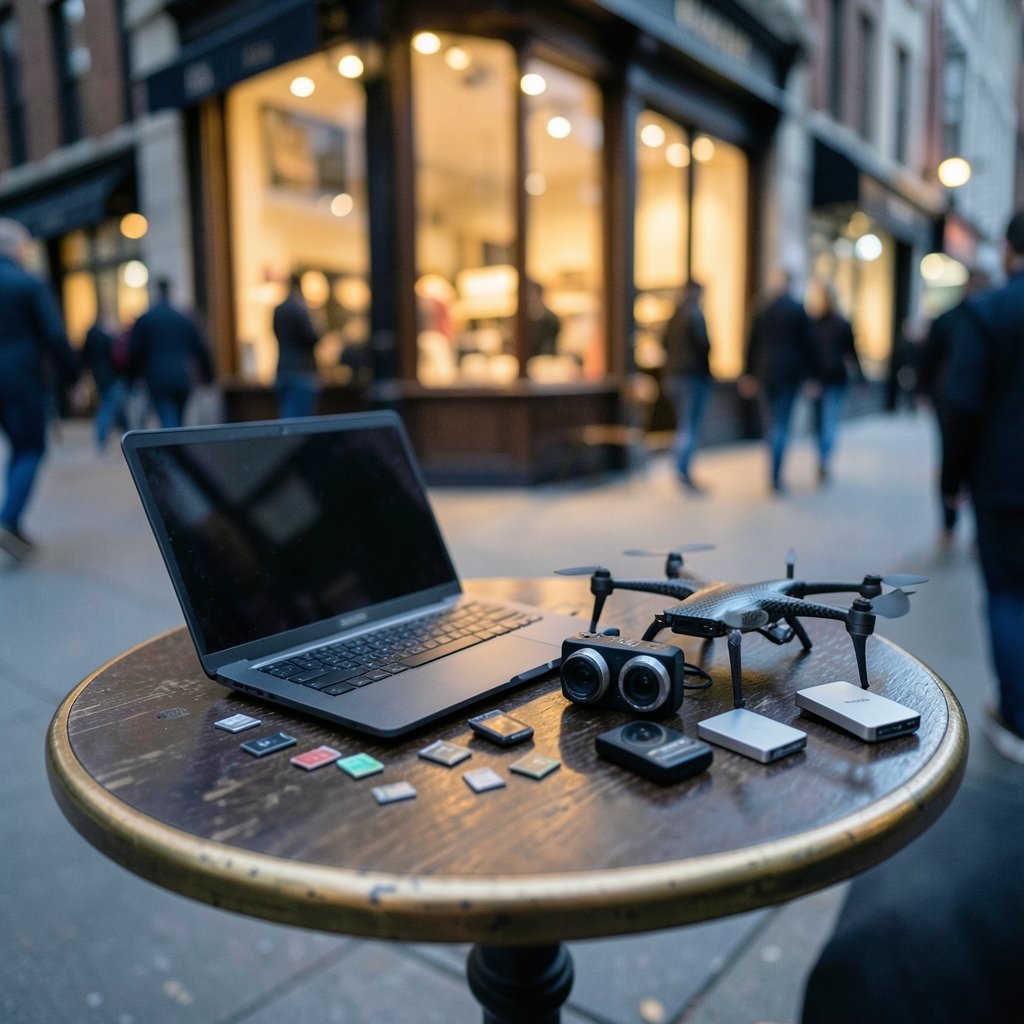
Most people budget for shooting and forget the three stages that follow: transferring files, reframing or trimming them, and exporting. In 360 workflows, reframing is the big one. You record everything and choose the frame later, which means more time in post. As one drone community discussion noted, recording a full 360-degree image means more time is needed to post-process the footage. (The Truth About Limited-Time Deals in 2027)
That single fact reframes the whole DJI vs Insta360 question. The camera that records the most flexible image also hands you the longest edit. The camera that makes decisions for you shortens the edit but takes some control away. Your job is to decide which trade you can live with on a Tuesday night.
DJI’s Workflow: Control First, Speed Second
DJI’s approach treats the camera as a capture device and the edit as a separate craft. The Osmo 360 II pushes hardware performance hard, with 8K video at 60fps and a protective lens coating, and it is built for people who want to shape footage themselves rather than hand it to an algorithm.
The app experience
The Osmo Pocket 4P shows what that looks like in practice. Editing 360 footage in the app is straightforward, with tools built for actually shaping the story rather than handing it off to AI. Trimming, tracking, GyroFrame for dynamic movement, motion blur adjustments, multi-clip cuts, and exports all happen in one pass. There is a Highlight Auto Selection option if you want help surfacing usable scenes for reels, but it is an assistant, not the editor. Reviewers consistently describe the appeal as having everything in one app instead of splitting the workflow across two, which makes the whole process feel lighter by the end of a shoot day.
The export advantage nobody talks about
Here is the detail that separates the two ecosystems for heavy editors. One experienced user who builds short clips in batches described exporting 50 to 100 small clips per project, then assembling them in a desktop editor. When a composition needs fixing, the clip has to be re-exported and re-imported. With DJI Studio, right-clicking a single clip exports just that clip. With Insta360 Studio, you can export the whole project or all clips separately, but not one clip or a selected group. For anyone doing iterative edits, that limitation is close to fatal, and it was the single biggest reason that user stuck with DJI’s software.
If you already run a multi-tool production stack, this pattern will feel familiar. The same logic applies when you compare workflows in other software categories, like the gorm vs sqlc vs ent workflow differences that matter when tooling choices ripple through a whole pipeline.
Insta360’s Workflow: Finish It Before You Sit Down
Insta360 bets that most creators do not want to edit at all. They want to post. The X6’s AI Director creates edits in the background while the camera charges, so a finished video can be waiting after a shoot. In one test, a 30-minute ride ended with a completed video ready the next morning, with no manual shot selection or framing required.
Auto-edit quality
Automation only saves time if the output is usable. In a side-by-side test of automatic edits, the X6’s results were more engaging while DJI’s felt repetitive, and the same pattern held for vertical videos. The tester’s conclusion was blunt: the X6’s automatic edits were good enough to use happily, while DJI’s still needed work. For beginners who want a finished video without learning 360 reframing, that is a strong reason to pick Insta360.
Stitching and app stability
Stitching is the hidden tax on 360 editing. The algorithms blend two fisheye lenses by matching overlapping features, and they struggle when contrast is low or lines are long and straight, like a city skyline. Insta360’s algorithm is exceptionally good at feature matching, and in most daylight scenes the seam is practically invisible. Stitching problems get worse with high-frequency detail, which is exactly where drone footage suffers because the camera sits much higher than a ground-based 360 rig.
The Camera Lineups That Matter for Editing Time
The DJI vs Insta360 decision is really several decisions. Each product pair has its own workflow personality.
| Pair | DJI strength | Insta360 strength | Editing-time winner |
|---|---|---|---|
| Action cams | 10-bit color, variable aperture, clean color-graded edits | Flip screen, faster workflow, finished-looking footage | Insta360 for speed, DJI for grading |
| 360 cameras | 8K60, durable lens coating, manual precision | AI Director, engaging auto-edits, strong stitching | Insta360 for auto, DJI for hands-on |
| 360 drones | Reframe the shot after landing | Mature phone and tablet apps with motion-based framing | Depends on whether you edit on mobile |
The drone comparison is the sharpest example. DJI’s Avata 360 captures everything at once and lets you frame the shot later, which moves creative decisions from the flight into post. Insta360’s apps have been on phones and tablets for years and work well there because you can use the accelerometers to frame footage on the fly. If you edit on a phone, that matters. One drone forum commenter doubted the DJI footage would be editable on a phone or tablet at all, which is a real workflow constraint if mobile is your only editing station.
Availability and Price Change the Math
Workflow speed means nothing if you cannot buy the camera. The Insta360 X6 launched globally on August 12, 2026 at $699.99 and shoots 8K50 video. The DJI Osmo 360 II followed a day later at roughly $460 in China with a slightly stronger spec sheet peaking at 8K60. The catch: DJI’s camera had not launched in the US at all and probably would not any time soon. A reviewer who has used every Insta360 X generation since the X3 went in expecting DJI to run away with it on paper. In practice, availability, software, and a few workflow details made it closer than the numbers suggest.
That is the pattern across the whole category. DJI wins spec sheets. Insta360 wins the practical path from shoot to post for a lot of people. Check current pricing and regional availability on official pages before you commit, because both shift.
Common Mistakes That Add Hours
Practical experience across both ecosystems surfaces the same avoidable errors again and again.
- Recording 360 when you do not need it. Every extra degree of coverage is extra reframing time. If you know the shot, shoot it flat.
- Skipping the selective export test. Before a big project, confirm your editor can re-export a single clip. Discovering this limitation mid-project costs hours.
- Editing 360 footage on a phone when the project is complex. Mobile apps are fast for simple cuts. Multi-track timing work belongs on a desktop.
- Trusting auto-edit blind. Auto-edits save time only if you review them. Budget ten minutes per clip for polish.
- Ignoring stitching conditions. Low-contrast scenes and long straight lines produce visible seams. Shoot with feature-rich foregrounds when you can.
These mistakes mirror what happens in other tool comparisons, where the workflow differences decide your outcome more than the feature list does. The same is true of the notion vs clickup workflow differences that decide your year, and of the cmr vs smr NAS drives workflow differences that matter once you are moving terabytes of footage around.
Verdict by Use Case
Choose DJI if you build controlled, color-graded edits, already own DJI gear, do iterative multi-clip work with frequent re-exports, and edit on a desktop. The Osmo 360 II’s manual toolset and DJI Studio’s selective export will save you real time on complex projects. The Action 6’s 10-bit color and variable aperture fit a graded pipeline.
Choose Insta360 if you want footage that looks finished out of camera, post to social fast, edit on a phone or tablet, or want AI to assemble a rough cut while the battery charges. The X6’s AI Director and the Ace Pro 2’s flip screen and faster workflow are built for exactly that.
If you are in the US and the DJI 360 camera is not available, the decision may be made for you. That is not a knock on the hardware. It is just the reality of the shelf.
Conclusion
Editing time is not a spec you can read off a box. It is the sum of your reframing habits, your export needs, your editing device, and how much control you are willing to trade for speed. DJI gives you control and rewards the effort with cleaner, graded results and better selective export. Insta360 gives you speed and rewards you with finished-looking footage and auto-edits you can actually post. Pick the trade that matches your Tuesday nights, not the one that wins the spec sheet.
FAQ
Which camera setup is faster for a beginner?
Insta360. The X6’s AI Director creates edits in the background while the camera charges, and testers found its automatic edits engaging enough to use without manual reframing. DJI’s automatic edits still needed work in the same tests.
Can I export just one clip in Insta360 Studio?
You can export the whole project or all clips separately, but not a single clip or a selected group. DJI Studio lets you right-click and export one clip. For iterative editing with frequent re-exports, that difference adds up fast.
Is DJI’s 360 camera available in the US?
At launch, the DJI Osmo 360 II had not launched in the US and probably would not any time soon, while the Insta360 X6 launched globally. Check current availability before planning a purchase around either camera.
Does 360 footage really take longer to edit?
Yes. Recording a full 360-degree image means more time is needed to post-process the footage, because you choose the frame after the fact. If you already know your shot, shooting flat saves reframing time.
Which camera handles stitching better?
Insta360’s algorithm is exceptionally good at feature matching, and seams are practically invisible in most daylight scenes. Both brands struggle in low-contrast conditions and with long straight lines, and drone footage is harder because of the altitude and fine detail.
Do I need a desktop to edit 360 footage?
Not always, but complex projects benefit from one. Insta360’s apps have worked well on phones and tablets for years, using motion controls to frame on the fly. Multi-track timing work, though, is still a desktop job.


