
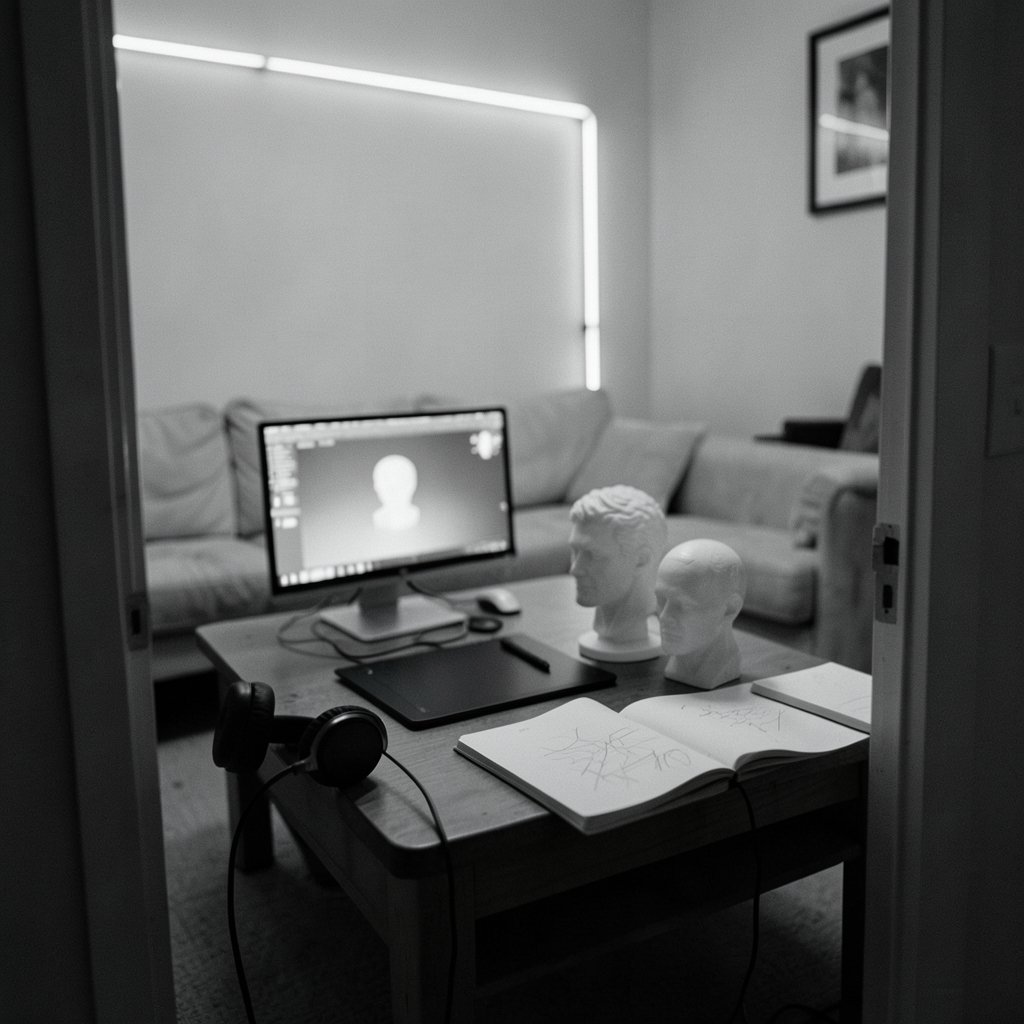
What if the most expensive 3D software you could buy was the one that cost nothing at all? That sounds like a riddle, but it is a real trap in this market. Free tools can lock you out of commercial work. Cheap subscriptions can hide limits that force an upgrade later. And the biggest invoice is often not the license fee at all, but the hours lost to a workflow that fights you.
This comparison breaks down how the major 3D modeling tools actually charge, what each pricing model really gives you, and where the hidden costs hide. The numbers here are structural, not gospel. Subscriptions, education tiers, and regional pricing shift constantly, so treat every figure as a checkpoint to verify on the vendor’s own licensing page before you commit. (Cloud load balancing tools practical comparison 2026)
Why 3D Software Pricing Is Harder Than It Looks
Most software pricing follows a simple rule: pay once, use forever, or pay monthly. 3D tools break that rule in every direction. You will find free and open source, free for non-commercial use only, subscription-only, and the occasional surviving perpetual license. Some vendors sell individual seats. Others sell bundles. A few give away the full tool but restrict what you can do with the output.
That last distinction matters more than the price tag. A free license that forbids commercial projects is worthless to a freelancer, and a cheap commercial license that blocks render farms can stall a studio. The same logic applies across the tooling world: a low headline price often hides a ceiling. Anyone who has studied how AI tools are priced has seen the same pattern, where the sticker price and the real monthly cost diverge sharply. The same is true here.
There is also a quieter cost: learning time. A tool that costs $300 a year but takes six months to become productive may cost more than a $1,000 tool you can use in a week. Price comparisons that ignore ramp-up time are only half the story.
The Five Pricing Models You Will Meet

Before comparing brands, it helps to name the models. Almost every 3D tool falls into one of five buckets.
| Pricing model | What it means | Typical catch |
|---|---|---|
| Free and open source | No cost, full features, community developed | Support comes from forums, not a help desk |
| Free non-commercial | Full tool, restricted use | Commercial work requires a paid upgrade |
| Subscription (monthly/annual) | Ongoing payment for access | Stops working when you stop paying |
| Perpetual license | One-time purchase | Increasingly rare; upgrades may cost extra |
| Education and indie tiers | Discounted or free access | Eligibility rules and revenue caps apply |
Each model suits a different kind of user. A student should almost never pay full commercial price. A solo freelancer should think hard before choosing subscription-only tools, because the cost never stops. A studio with ten seats should model five years of payments, not one.
Free and Open Source: Blender and the Zero-Cost Option
Blender is the anchor of the free tier. It is free and open source under the GPL, funded by donations and corporate members rather than license sales. That funding model has been stable for years, which is why Blender is a safe long-term bet despite costing nothing.
What you get for zero dollars is genuinely unusual: modeling, sculpting, animation, rendering, and compositing in one package. The trade-offs are real but manageable. Official support does not exist in the commercial sense, so you rely on documentation and community forums. Pipeline integration with some studio tools takes extra setup. And because there is no sales pressure, there is also no account manager to call when something breaks at 2 a.m. before a deadline.
For learners, hobbyists, and many small studios, Blender removes the pricing question entirely. The practical tip: budget for training instead of licenses. A few hundred dollars of courses will pay back faster than any subscription upgrade.
Subscription Heavyweights: Maya, 3ds Max, and Cinema 4D
Autodesk’s Maya and 3ds Max moved to subscription-only licensing years ago, and perpetual licenses are no longer sold. Maxon’s Cinema 4D follows the same subscription model. These are the industry-standard tools in film, games, and broadcast, and their pricing reflects that position.
The pattern across all three is similar: a monthly plan for short projects, an annual plan that lowers the effective monthly rate, and separate pricing for multi-year commitments. Exact figures change and vary by region, so confirm them directly with each vendor. What does not change is the structural risk: when you stop paying, you lose access. A studio that has built ten years of files around a subscription tool has no fallback if budgets tighten.
This is where subscription math gets interesting. Over five years, an annual subscription can easily exceed the cost of a mid-range workstation. That does not make subscriptions bad. It makes them a commitment, and commitments deserve a spreadsheet rather than a gut feeling.
ZBrush, Houdini, and the Middle Ground
ZBrush, now owned by Maxon after the Pixologic acquisition, moved from a perpetual model to subscription around 2022. Sculptors who bought perpetual licenses years ago still feel that shift. The lesson for buyers is blunt: perpetual licenses can disappear, so never assume today’s model is permanent.
Houdini, from SideFX, offers a more flexible ladder. There is a free Apprentice tier for non-commercial learning, an Indie tier for small commercial work under a revenue cap, and Core and FX tiers for larger productions. That structure is worth studying because it matches price to scale. A solo artist pays little. A studio pays more. Nobody pays for capacity they do not use.
Fusion 360 and SketchUp follow similar logic with free personal-use tiers and paid commercial plans. The pattern is consistent: vendors use free tiers to build habits, then charge when the work becomes commercial. That is fair, but it means you must read the eligibility rules carefully. Revenue caps and commercial-use definitions are where people get caught.
The Hidden Costs Nobody Puts on the Pricing Page
License fees are the visible cost. The invisible ones decide whether a tool is actually affordable.
Hardware. Rendering and simulation demand serious machines. A tool that runs poorly on your current workstation effectively costs the price of an upgrade. Cloud rendering can offset this, and the trade-offs are similar to what you see in cloud load balancing comparisons, where the cheapest per-hour option is rarely the cheapest overall.
Training and ramp-up. Every tool has a learning curve. Switching costs are real, and they show up as unpaid weeks.
Pipeline friction. Plugins, file formats, and render farm compatibility all add cost. A cheap tool that does not fit your pipeline is expensive in disguise.
Upgrade pressure. Some perpetual licenses charge for major version upgrades. Others stop receiving support. Model three to five years of upgrades rather than year one alone.
Seat management. Subscription tools often bill per seat. Freelancers who scale up and down need to check whether seats can be reassigned mid-term.
The pattern mirrors what happens with function-as-a-service tools, where per-invocation pricing looks trivial until volume arrives. In 3D, the equivalent is render time and seat count. Both scale faster than most people expect.
Matching the Tool to the Budget
The right choice depends less on price than on fit. A few practical rules work well in most cases.
- Students and beginners: start with Blender. It costs nothing, teaches transferable skills, and does not expire.
- Solo freelancers with steady commercial work: compare an annual subscription against the Indie tiers of Houdini and similar tools. Model three years of payments before deciding.
- Small studios: prioritize pipeline compatibility over license price. A tool that integrates cleanly saves more than a discount ever will.
- Large productions: negotiate multi-seat terms and confirm whether render nodes are billed separately. This single question can swing a budget by thousands.
A common mistake is buying the industry-standard tool before you have the work to justify it. Another is assuming free means limited. Blender has shipped feature films’ worth of work. The real question is not which tool is cheapest, but which tool lets you finish the job without a surprise invoice.
Where to Verify Prices Before You Buy
Pricing pages change without notice, and third-party comparison articles go stale within months. The only reliable approach is to check each vendor’s official licensing page on the day you decide. Look specifically for the commercial-use terms, the render node policy, and the upgrade path. Those three details cause most of the unpleasant surprises.
It also helps to watch how pricing evolves across the wider software market. The same dynamics that shape AI model comparisons, where capability tiers and access limits drive cost, apply to 3D tools. Vendors segment by capability, and buyers who understand the tiers pay less for the same output. (Ai tools pricing guide 2027 50 top tools really cost)
Conclusion
The 3D modeling pricing question has no single answer, but it does have a reliable method. Start with the licensing model rather than the number. Free and open source tools like Blender remove cost entirely for many users. Subscription tools like Maya, 3ds Max, and Cinema 4D deliver industry compatibility at the price of a permanent commitment. Middle-ground options like Houdini and ZBrush match price to scale, provided you read the eligibility rules.
Then add the invisible costs: hardware, training, pipeline friction, and upgrades. A tool is only affordable if you can still afford to use it in year three. Verify current figures on official vendor pages, model several years of payments, and choose the tool that fits your work rather than the one with the loudest marketing. Do that, and the cheapest option and the best option often turn out to be the same one.
Frequently Asked Questions
Is Blender really free for commercial work?
Yes. Blender is free and open source under the GPL, and that license permits commercial use. There are no revenue caps or commercial restrictions like those found on some free tiers of other tools. You can use it for paid client work, studio productions, and commercial products without paying a license fee. Support comes from documentation and community forums rather than a paid help desk, so budget for training and troubleshooting time instead of license costs.
Why did Autodesk stop selling perpetual licenses for Maya and 3ds Max?
Autodesk moved Maya and 3ds Max to subscription-only licensing years ago, and perpetual licenses are no longer offered. The company’s stated direction has been ongoing access with continuous updates rather than one-time purchases. For buyers, the practical effect is that access ends when payments stop. Studios should model multi-year subscription costs and keep file-format fallbacks in mind, since long-term project archives depend on continued access to the software.
Is ZBrush still available as a perpetual license?
ZBrush moved from a perpetual model to subscription around 2022, after Maxon acquired Pixologic. Sculptors who purchased perpetual licenses before that change retain their existing terms, but new buyers should expect subscription pricing. Because licensing models can change again, it is wise to confirm current terms directly with the vendor before committing to a long project. Never assume today’s purchase model will remain unchanged indefinitely.
What is the difference between Houdini Apprentice and Houdini Indie?
Houdini’s Apprentice tier is free but restricted to non-commercial use, making it ideal for learning and personal projects. The Indie tier is a paid license for small commercial work, subject to a revenue cap that qualifies a user as independent. Core and FX tiers serve larger productions with fewer restrictions. This ladder structure means artists can start free, move to Indie when paid work begins, and upgrade only when scale demands it.
Do I need to pay extra for render nodes?
It depends on the vendor, and this is one of the most commonly overlooked costs. Some subscriptions include rendering on the artist’s own machine but bill separately for network render nodes or farm usage. Others bundle a set number of nodes. Always ask this question before signing a multi-seat agreement, because render capacity can add a significant percentage to the total cost of ownership over a production cycle.
How far ahead should I model software costs?
Three to five years is a sensible horizon for most buyers. That window captures subscription totals, major version upgrades on perpetual licenses, hardware refreshes, and training time. Comparing only year-one prices hides the real difference between models. A tool that looks cheap in year one can cost more by year three once upgrades and seat expansions are included, while a higher upfront cost may flatten out over time.



