
What if the chip that wins every gaming benchmark is quietly slowing down your actual work? That question drives the 7800X3D vs 9800X3D debate, and it is the one most buyers get wrong. People compare frame rates, nod approvingly, and then find that their compile times, exports, and simulations feel sluggish compared with a cheaper non-X3D part. In 2027, with both chips widely available and heavily discounted at different points, the better question is not which one is faster. It is which one is faster at your workflow. (Use claude writing practical workflow that actually works)
One clarification up front: there is no confirmed AMD Ryzen 9850X3D. Any article promising a three-way shootout with that chip is speculating about hardware nobody has announced. This piece sticks to the two chips that exist, explains the architectural reason their workloads diverge, and shows how to decide between them based on what you actually do all day.
Why cache placement changes everything
Both the Ryzen 7 7800X3D and the Ryzen 7 9800X3D are 8-core, 16-thread processors with 96 MB of L3 cache, built around AMD’s 3D V-Cache technology. On paper they look almost identical. The difference is physical, and it matters more than the spec sheet suggests.
On the 7800X3D, the extra cache sits on top of the compute die. That stacking constrains how hard the cores can be pushed, because heat has to travel through the cache layer to escape. The result is a chip with relatively low clocks that shines in cache-sensitive work like gaming and struggles in workloads that reward raw frequency.
The 9800X3D changed that arrangement. The cache now sits below the compute cores, which lets AMD raise clocks substantially and allow overclocking. That single change is why the 9800X3D closes much of the productivity gap that made the 7800X3D a specialist’s chip. For background on how stacked cache works and why placement matters, read about the general concept of 3D stacked cache separately from any one product. (3D V-Cache: Stacked L3 Cache Technology)
The practical takeaway: the 7800X3D is a gaming-first design with a real productivity tax. The 9800X3D is a more balanced chip that still keeps the gaming advantage.
Gaming performance: closer than the marketing implies
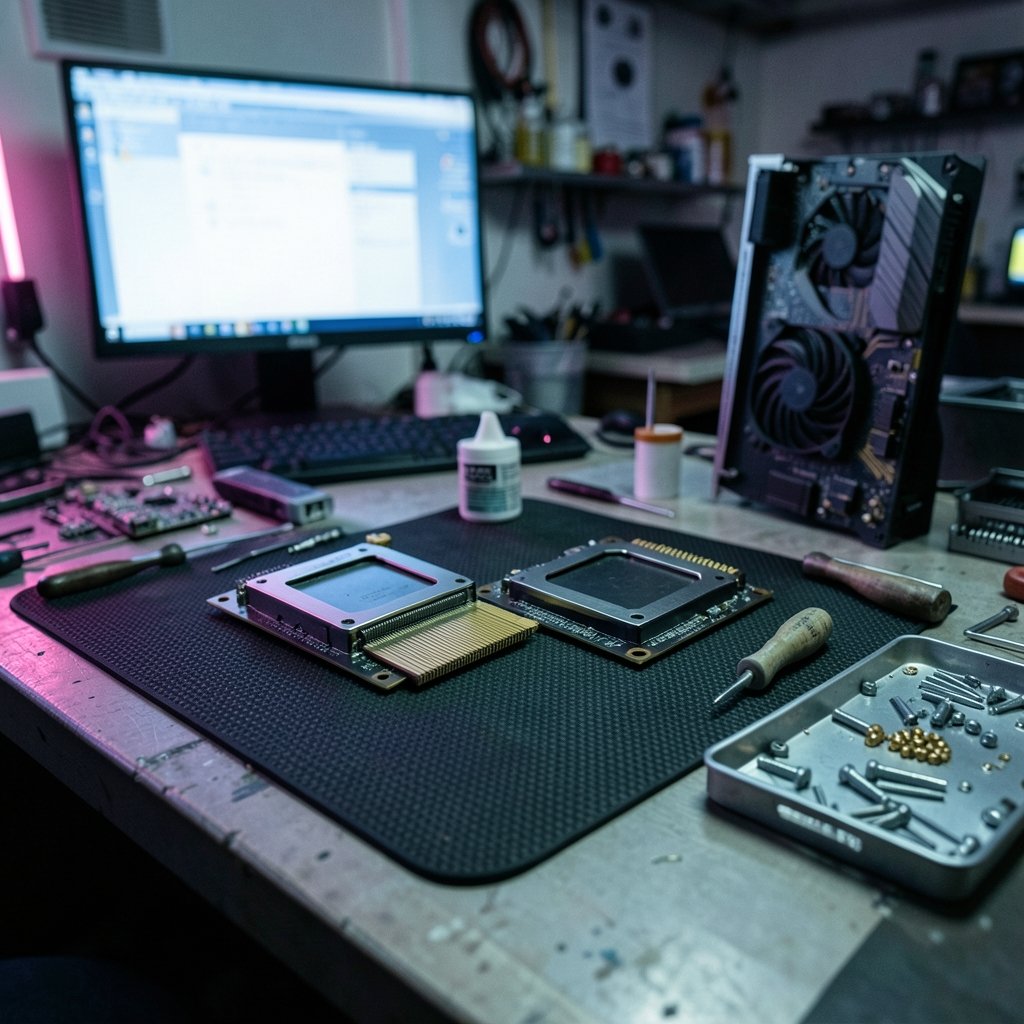
In games, both chips are excellent. The 7800X3D built its reputation by beating far more expensive processors in titles that love cache, and it remains genuinely fast. The 9800X3D is faster still, thanks to higher clocks and the newer architecture, but the gap in most games is modest rather than transformative.
Here is the honest framing. If you already own a 7800X3D and game at 1440p or 4K, the 9800X3D is not a compelling upgrade on gaming alone. The GPU is doing most of the work at those resolutions. If you are building fresh and gaming is your priority, the 9800X3D is the better buy, but the 7800X3D at a steep discount is not a mistake.
The mistake is buying either chip purely on gaming reviews when half your week is spent in a code editor or a video timeline.
Where the workflow differences show up
This is the part that rarely gets enough attention. Productivity workloads split into two rough camps: those that love cache, and those that love clocks and core count.
| Workload | Leans toward | Why |
|---|---|---|
| Gaming | 9800X3D, then 7800X3D | Cache-sensitive, benefits from low latency |
| Code compilation | 9800X3D | Higher clocks speed up single-threaded build steps |
| Video export and encoding | 9800X3D | Frequency and newer architecture help sustained loads |
| 3D rendering | Neither, ideally | Higher-core non-X3D chips usually win |
| Simulation and data crunching | Depends on threading | Check benchmarks for your specific tool |
| Large project indexing | 9800X3D | Responsiveness improves with clock headroom |
The pattern is clear. The 9800X3D narrows the gap in frequency-bound work without giving up its gaming edge. The 7800X3D, by contrast, can feel noticeably slower in tasks that hammer a few threads hard, like compiling a large project or scrubbing a heavy timeline.
The compile-time trap
Developers are the group most likely to be surprised. A build that takes three minutes on a modern high-clock chip can stretch longer on the 7800X3D, and those minutes compound across a day. It is not dramatic, but it is the kind of friction you notice after a week. If your workflow involves frequent rebuilds, incremental compiles, or running a local development server alongside an editor, clock headroom pays off in ways benchmarks rarely capture.
A practical tip: measure your own build times before and after a platform change. Generic benchmark charts will not tell you how your specific project behaves, because build performance depends heavily on how parallel your toolchain is.
The export and render reality
Video editors sit in a similar spot. Timeline scrubbing and preview rendering benefit from the 9800X3D’s higher clocks. Final exports are more nuanced, since encoder choice matters as much as the CPU. If you export frequently, the 9800X3D is the safer pick. If rendering is your main job, neither X3D chip is the ideal answer, and a higher-core processor will usually serve you better. (AnandTech Explainer: Hybrid x86 CPU Architectures)
Common mistakes buyers make
A few traps show up again and again when people weigh these two chips.
Buying on gaming benchmarks alone. Reviews lead with frame rates because they are easy to measure. Your spreadsheet, compiler, and export queue do not care about frame rates.
Assuming more cache always helps. Cache helps when your workload reuses data heavily. Plenty of professional tools do not, and those benefit more from clocks or cores.
Ignoring the platform cost. The 9800X3D sits on a newer platform with its own motherboard and memory considerations. Budget for the whole build, rather than the chip alone.
Waiting for a 9850X3D that may never come. If a successor arrives, it will be announced properly. Planning a 2027 build around unannounced hardware is a recipe for delay. Buy for the workloads you have now.
Overlooking cooling. The 9800X3D runs higher clocks and can be overclocked, so it rewards a decent cooler. Skimping here erodes the advantage you paid for.
Matching the chip to your actual week
The most reliable way to choose is to audit your own time. Spend a week noting what your machine does under load. Then map it honestly.
If more than half your compute time is gaming, the 9800X3D is the cleaner choice, and the 7800X3D is a strong value alternative. If your week is split between gaming and development, the 9800X3D earns its premium through responsiveness. If your work is dominated by rendering, encoding, or heavy simulation, step back and consider a higher-core non-X3D chip instead, because neither of these is optimized for that.
There is also a workflow angle beyond the CPU itself. The tools you run around the chip shape the experience as much as the silicon does. If you are refining a writing or documentation pipeline alongside your development work, a practical Claude writing workflow can matter more to your daily output than a few hundred megahertz. Similarly, if your projects live in local-first notes, comparing Obsidian vs Logseq by workflow helps you avoid tool churn that costs more time than any hardware upgrade saves.
For people who keep their whole working life on a laptop and a desktop, storage and sync choices quietly affect perceived speed too. Picking Dropbox alternatives by use case or Google Drive alternatives by use case can remove sync friction that makes a fast machine feel slow. And if background assistants are eating resources on your workstation, learning to disable Copilot on Windows 11 without breaking your workflow keeps the CPU focused on your actual tasks.
None of this replaces the chip decision, but it reframes it. Hardware sets a ceiling. Workflow determines how close you get to it.
The upgrade math for existing owners
If you already run a 7800X3D, the 9800X3D is a real but situational upgrade. Gamers at high resolution will see limited returns. Developers and editors will feel the clock headroom more than they expect. The honest test is to time your three most common heavy tasks and compare against published benchmarks for your specific tools.
If you are building new in 2027, the calculus is simpler. The 9800X3D is the more versatile chip and the safer default for a mixed-use machine. The 7800X3D remains a smart buy when it is heavily discounted and your work is mostly gaming. Neither is wrong. They are simply optimized for different weeks.
Conclusion
The 7800X3D vs 9800X3D question is not really about which chip is faster. It is about which one stops getting in your way. The 7800X3D is a gaming specialist with a genuine productivity tax, born from cache stacked above the cores. The 9800X3D moves that cache below the cores, raises clocks, and becomes the more balanced tool for people who both play and work on the same machine.
As for the 9850X3D, treat it as unannounced until AMD says otherwise. Build for the workloads you have, measure your own tasks instead of trusting generic charts, and budget for the full platform rather than the chip alone. Do that, and the decision becomes far less agonizing than the benchmark wars suggest.
FAQ
Is there an AMD Ryzen 9850X3D?
No. As of now, AMD has not announced a Ryzen 9850X3D. Any comparison involving that chip is based on speculation rather than confirmed hardware. Treat claims about its specs or release date with caution until AMD makes an official announcement.
Is the 9800X3D better than the 7800X3D for work?
Generally yes, for mixed workloads. The 9800X3D runs higher clocks because its cache sits below the compute cores, which helps in compilation, video export, and other frequency-sensitive tasks. The 7800X3D is still capable, but it carries a clearer productivity penalty.
Should I upgrade from a 7800X3D to a 9800X3D?
Only if your work is compute-heavy. Gamers at 1440p or 4K will see modest gains. Developers, editors, and anyone who spends hours waiting on builds or exports will notice the clock headroom more. Time your own tasks before deciding.
Why does cache placement matter so much?
Stacking cache above the cores traps heat and limits clock speeds. Moving it below the cores lets the chip run faster and cooler under load. That physical change is the main reason the 9800X3D closes the productivity gap while keeping its gaming advantage.
Are X3D chips good for 3D rendering?
Usually not the best choice. Rendering tends to reward core count and sustained multi-threaded throughput, where higher-core non-X3D processors often win. If rendering is your main workload, compare those chips rather than the X3D models.
Do I need a new motherboard for the 9800X3D?
It depends on your current platform. The 9800X3D uses a newer socket and chipset generation, so older boards will not support it. Budget for the motherboard and memory alongside the processor when comparing total cost.
The takeaway is to match the silicon to the schedule, not to the leaderboard. A chip is a tool, and the right tool is the one whose strengths line up with the hours you actually spend. If your week is mostly frames, save the money. If your week is split, pay for the balance. If your week is mostly renders, look past both X3D models entirely. Write down your three heaviest recurring tasks, note how long each takes today, and let those numbers decide. That single habit will serve you better than any spec sheet, and it will keep you from chasing a 9850X3D that exists only in forum threads. Buy for the work in front of you, and revisit the question when the work changes. (Keyboard foam mod sound differences actually changes)



