

What happens when the password manager everyone recommends simply doesn’t fit how you work? 1Password has earned its reputation. It is polished, friendly, and packed with features that make password security feel effortless for families and teams. But “best overall” never means “best for everyone,” and a growing number of users hit walls that no amount of polish can fix. Closed-source code, cloud-only vaults, no self-hosting, and a subscription that never ends are real limitations, not nitpicks. This article maps those limitations honestly, then shows which alternatives solve each one, so you can pick a tool that matches your threat model instead of a marketing page.
Where 1Password Genuinely Excels
Before piling on the criticism, credit where it’s due. 1Password’s Watchtower feature flags weak and breached passwords. Travel Mode removes sensitive vaults from your devices when you cross borders. Passkeys support is mature. The interface is arguably the friendliest in the category, and its family plan makes onboarding non-technical relatives painless.
None of that is in dispute. The question is narrower: which specific limitations push people toward alternatives, and which alternatives actually address them? That framing matters because switching password managers is a hassle. You should only do it for a concrete reason. (Steam deck out of stock alternatives 2026)
Limitation 1: Closed Source Means Trust Without Verification
1Password is proprietary software. You cannot inspect its code, and independent researchers cannot audit the full stack the way they can with open-source tools. The company publishes security audits and maintains a bug bounty, which is commendable, but audits cover snapshots, not every release.
For most households, this is fine. For security professionals, journalists, and privacy advocates, it is a dealbreaker. Open-source managers like Bitwarden and KeePassXC let anyone verify encryption claims. That transparency is a legitimate reason to switch, and it is the single most common motivation cited in community discussions about leaving 1Password.
Limitation 2: No Self-Hosting and No True Offline Mode
1Password 8 moved to a cloud-first architecture. Local `.opvault` files were deprecated, and every account syncs through 1Password’s servers. If you want your encrypted vault on infrastructure you control, you are out of luck. There is no official self-hosted server.
This limitation matters in three scenarios: regulated industries that forbid third-party cloud storage of credentials, users in regions with unreliable connectivity, and anyone who simply refuses to depend on a vendor’s continued existence. Bitwarden offers a self-hosted server, and KeePassXC stores your database as a local file you can sync however you like, including via your own Nextcloud instance.
Limitation 3: Linux Users Get a Second-Class Experience
Linux support has historically lagged. The desktop client exists, but feature parity with macOS and Windows has been inconsistent, and many Linux users still rely on the browser extension alone. If your workflow is a Linux workstation, that gap is annoying at best.
The common workaround is browser-first: install the extension, skip the desktop app, and accept that biometric sign-in and some integrations may not work. If that compromise bothers you, KeePassXC was built Linux-first and feels native on every distribution.
Limitation 4: The Subscription Never Stops
1Password is subscription-only. There is no perpetual license, no free tier beyond a trial, and no way to buy the software outright. Over a decade, a family plan adds up to a meaningful sum, and if you stop paying, you lose access to your vault (though you can always export your data).
This is where the economics of alternatives get interesting. Bitwarden has a genuinely usable free tier and a premium tier that costs a fraction of 1Password’s. KeePassXC is free forever because it is a local file, not a service. If cost predictability matters, it is worth comparing plans carefully before committing; a detailed breakdown of how much 1Password costs shows how the subscription stacks up over multiple years.
Limitation 5: Bundled Competitors Offer More for the Same Money
A newer pressure point is bundling. Proton Pass comes included with Proton’s privacy suite, and Dashlane bundles a VPN and dark web monitoring. If you already pay for one of those ecosystems, adding 1Password means paying twice for overlapping value.
The comparison gets nuanced fast. Proton Pass is younger and less feature-complete, but it is open source and included in plans many people already hold. A side-by-side look at Proton Pass vs 1Password helps clarify whether the bundle genuinely replaces a standalone manager or just looks like it does on paper.
How the Main Alternatives Compare
The table below summarizes the trade-offs. Treat it as a starting map, not a final verdict, because every one of these tools ships updates constantly.
| Tool | Open Source | Self-Hosted | Free Tier | Best For |
|---|---|---|---|---|
| 1Password | No | No | Trial only | Families, polish, passkeys |
| Bitwarden | Yes | Yes | Yes, generous | Self-hosters, budget users |
| KeePassXC | Yes | N/A (local file) | Free forever | Offline purists, Linux users |
| Proton Pass | Yes | No | Yes | Proton account users |
| Dashlane | No | No | Limited | Bundle seekers |
The pattern is clear. Each alternative wins on one axis where 1Password deliberately chose not to compete: openness, control, price, or bundling. None of them matches 1Password’s overall polish, and pretending otherwise would be dishonest.
Practical Tips for Switching Without Regret
Switching password managers is where people make mistakes. Here is what actually works in practice.
- Export first, delete later. Every manager offers CSV or JSON export. Do the export, verify the file opens, and only then cancel the old subscription. Never cancel first.
- Clean up during the move. Exports are the perfect moment to delete dead accounts. A migration is a free audit.
- Re-secure your emergency kit. New manager, new recovery codes, new emergency sheet stored offline. This step gets skipped constantly, and it is the one that hurts.
- Run both for two weeks. Keep 1Password active while you test the alternative on a few sites. You will discover missing features before you are committed.
- Check 2FA and passkey support. If you rely on hardware keys or passkeys, confirm the new tool supports them before migrating.
The most common failure is rushing. People export, cancel, then discover their new tool handles secure notes or attachments poorly. Give yourself a buffer.
The Privacy Angle: What the Research Says
The broader case for open-source security tools rests on a simple principle: verifiability beats reputation. The open-source movement has spent decades arguing that scrutiny produces better security, a case documented extensively in public resources like the Open Source Initiative. Password managers are a natural fit for that argument because their entire value proposition is trust.
That said, closed source does not mean insecure. 1Password’s transparency reports and third-party audits are real evidence. The honest position is that open source lowers the barrier to verification while proprietary vendors substitute audits and bounties. Which you prefer depends on whether you trust process or paperwork more.
When Staying With 1Password Is the Right Call
Balance demands saying this plainly: many people should not switch. If you are a family with mixed technical skill, 1Password’s onboarding and sharing features are hard to beat. If you depend on Travel Mode, nothing else replicates it well. If you value a polished native app on macOS and iOS, the alternatives will feel like downgrades. (NIST Cybersecurity Framework)
The limitation-driven switch only makes sense when a specific constraint bites you: you need self-hosting, you refuse closed source, you want a free tier, or you already pay for a bundle that includes a competent manager. Switching for its own sake is churn.
Conclusion
1Password’s limitations are real but narrow: closed source, no self-hosting, uneven Linux support, subscription-only pricing, and growing pressure from bundled rivals. Each limitation maps to a specific alternative that solves it: Bitwarden’s self-hosted server, KeePassXC’s offline files, and Proton Pass’s suite bundle pricing. The right move is not to abandon 1Password reflexively. Identify which constraint actually affects you, test the matching alternative for two weeks, and migrate with an export-first plan. Password security rewards deliberate choices, not bandwagons.
Frequently Asked Questions
Is 1Password open source?
No. 1Password is proprietary software. The company publishes security audits and runs a bug bounty program, but its source code is not publicly available for independent review. Users who require verifiable, auditable code typically choose Bitwarden or KeePassXC instead.
Can I self-host 1Password?
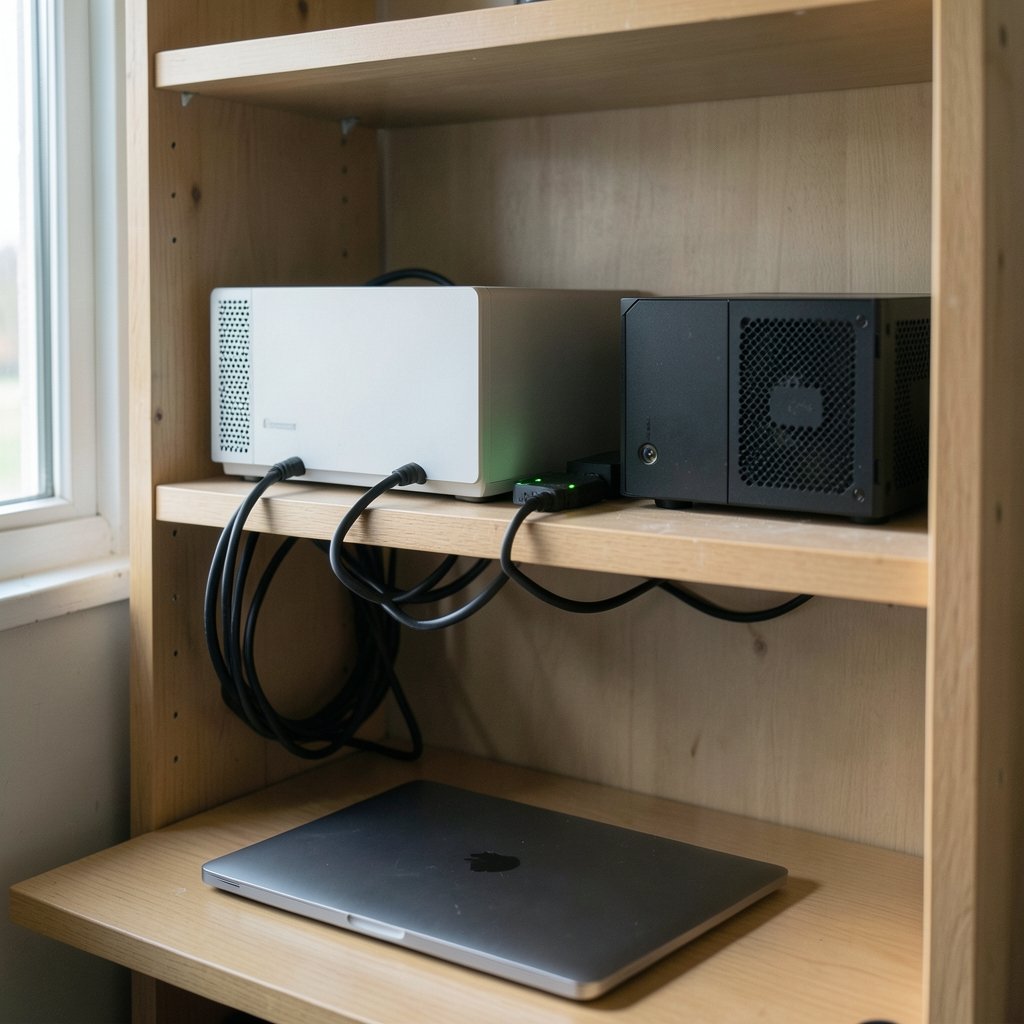
No. 1Password operates as a cloud service, and there is no official self-hosted server option. All vaults sync through 1Password’s infrastructure. If self-hosting is a hard requirement, Bitwarden offers an official self-hosted server, while KeePassXC avoids the question entirely by storing your database as a local file.
Does 1Password work well on Linux?
It works, but with caveats. The desktop client has historically lagged behind macOS and Windows in feature parity, and many Linux users rely on the browser extension alone. Biometric sign-in and some integrations may not be available. KeePassXC is generally considered the smoothest Linux experience among the major alternatives.
Is there a free version of 1Password?
Not beyond a trial. 1Password is subscription-only with no permanent free tier and no perpetual license option. If a free tier matters, Bitwarden’s free plan is genuinely usable for individuals, and KeePassXC is free forever because it is local software rather than a hosted service.
What is the best 1Password alternative overall?
It depends on your constraint. Bitwarden is the best general-purpose alternative for most people thanks to its open-source code, self-hosting option, and strong free tier. KeePassXC wins for offline and Linux-focused users. Proton Pass makes sense if you already pay for Proton services. There is no single winner, only the best fit for your needs.
How do I switch from 1Password safely?
Export your vault to a CSV or JSON file first, confirm the file opens correctly, then import it into the new manager. Run both tools in parallel for about two weeks to catch missing features. Only cancel your 1Password subscription after the new setup is verified, and remember to regenerate recovery codes and update your emergency kit.
What about browser-extension-only users? If you never installed the desktop app, the Linux gap may not affect you at all. Test the extension on your daily sites before deciding the limitation applies to your workflow.
Does 1Password still offer a family plan discount? Yes, but it remains a recurring subscription with no perpetual option. Compare the multi-year total against Bitwarden’s flat premium price before assuming the family tier is cheaper.
Are CSV exports safe to handle? Treat the file as plaintext secrets. Export to an encrypted drive, import promptly, then delete the file securely rather than leaving it in your downloads folder.
Can I keep using 1Password while testing an alternative? Yes, and you should. Running both for two weeks costs little and surfaces gaps in secure notes, attachments, and autofill before you commit. Cancel only after the new manager has handled your real daily logins.
Do any alternatives support passkeys as well as 1Password? Support varies by platform and ships frequently. Bitwarden and Proton Pass have both expanded passkey handling, but confirm coverage for your specific browsers and devices before migrating, since a manager that stores passkeys poorly is worse than one that does not store them at all.
Is self-hosting actually worth the effort? Only if you enjoy maintaining infrastructure. A self-hosted Bitwarden server shifts backup, uptime, and patching responsibility onto you. For most individuals the hosted free tier is the better trade; self-hosting earns its keep for teams with compliance needs or a genuine distrust of third-party clouds.
The through-line across every limitation above is the same: 1Password optimized for polish and simplicity, and that optimization has a price in openness, control, and flexibility. Knowing which of those you are actually paying for is the whole decision.



