
Choosing an engine can shape a project’s production workflow, budget, and ability to reach its intended players. Your choice affects how your team builds, tests, and maintains a game, so it deserves more than a quick look at feature lists. The Runtime Fee was a proposed charge tied to each game installation. Unity canceled it after announcing it in 2023, but the episode still makes budget predictability a concern for some teams. This comparison looks at graphics, workflow, platforms, pricing, and production needs. It focuses on what each engine can offer your project, not on declaring one brand best for every team. You will also see where Godot may suit a smaller scope. A useful choice starts with the game you plan to ship and the team you have to build it.
Key Takeaways
- Unity is a practical starting point for mobile, 2D, and broad platform needs.
- Unreal Engine is a strong fit for fidelity-first 3D and cinematic work.
- Unity uses C# for gameplay scripting; Unreal offers C++ and Blueprints.
- Compare Unity’s seat costs with Unreal’s royalty terms against your release plan.
- Godot may suit a small project when open-source licensing matters most.
- Test a representative scene on your weakest supported device before production.
How Do Unity and Unreal Compare at a Glance?
For a mobile-first or 2D project, Unity is the more natural default, while Unreal is the stronger starting point for fidelity-first 3D. Project fit matters more than a universal winner: your team, target players, and production goals shape the better choice.
The 2026 State of the Game Industry survey received responses from more than 2,300 game industry professionals. Among all respondents, 42% named Unreal Engine and 30% named Unity as their primary game-development engine. Those primary-engine responses describe reported preference, not the share of all shipped games.
| Survey group | Primary engine named | Share |
|---|---|---|
| All respondents | Unreal Engine | 42% |
| All respondents | Unity | 30% |
| AAA studio developers | Unreal Engine | 47% |
| Older indie studio developers | Unity | 54% |
| Newer indie studio developers | Godot | 11% |
The 2026 State of the Game Industry survey also breaks engine preferences down by studio type. The results show why your own team’s needs matter more than a broad industry ranking.
Pick the engine that fits your game and team, not the one with the highest survey share.
For a Unity vs Unreal Engine 2026 review, use the survey as context rather than a forecast of your project’s success. A solo developer and a large studio can reach different choices for sound reasons.

Treat survey preference as context for your decision, not a substitute for testing your project’s workflow.
Which Engine Handles Graphics and Performance Better?
Unreal is the stronger default when cinematic lighting and dense, detailed environments are central to the game’s visual pitch. High-fidelity rendering is a core strength, though a strong visual result still depends on skilled setup and suitable hardware.
Unreal offers more built-in support for ambitious 3D visuals, while Unity gives teams direct ways to scale graphics across devices. Neither engine is always faster; performance depends on the project and the device running it.
Unity 6 vs Unreal Engine 5 Graphics
Unreal Engine 5 includes Nanite for virtualized geometry, which helps manage detailed models, and Lumen for dynamic global illumination and reflections. Those tools can support scenes with rich lighting and complex surfaces.
Unity’s High Definition Render Pipeline, or HDRP, targets higher-fidelity visuals. Its Universal Render Pipeline, or URP, is designed to scale graphics across a range of platforms. That gives teams options when one game needs to run on different device tiers.
In a Unity vs Unreal Engine 5 comparison, Unreal suits higher rendering ambition out of the box, while Unity’s pipelines make cross-device scalability a clear focus. The right tradeoff depends on the game’s visual goal and audience.
What Performance Means on Your Target Hardware
A complex scene can strain a device even when a simple test level runs well. Frame rate depends on scene complexity, assets, settings, and target hardware, so a test on a powerful workstation can give a false sense of readiness.
Build a representative scene with the effects, models, and gameplay your release will need. Then test that scene on the weakest device you plan to support. This gives your team a practical view of the limits before it commits to a full content pipeline.
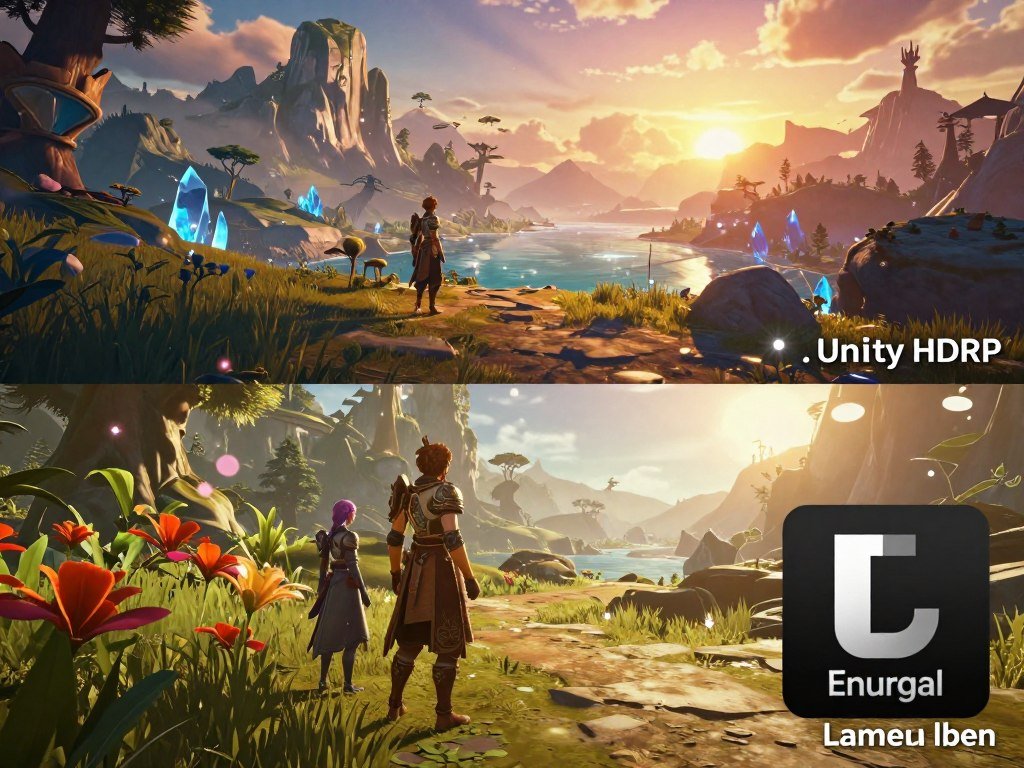
Test the hardest representative scene on your lowest-spec target device before locking the rendering approach.
Which Workflow Is Easier for Your Team?
A team already comfortable with C# will usually find Unity’s scripting workflow the more direct place to begin. Existing skills matter: familiarity with a language can shorten the path from a basic idea to working gameplay.
Unity’s primary gameplay scripting language is C#, while Unreal uses C++ and Blueprints. Unreal does not require every task to use C++; teams can build many kinds of game logic visually.
C# and C++ for Gameplay Code
C# is the main language for Unity gameplay scripts. It is often a more approachable starting point for people who already know common programming ideas or have used C# in another project.
Unreal uses C++ when a team needs code-level control. Prior C++ experience can help, but it is not a gate to every Unreal task. Your team can combine code with visual tools based on the feature and its needs.
Learning one engine’s tools also takes time beyond learning a language. Teams need to understand how gameplay code connects to scenes, assets, input, and debugging. A familiar language helps, but it does not remove that work.
When Blueprints Change the Learning Curve
Blueprints is Unreal’s node-based visual scripting system. You connect nodes to make game logic, which can help designers and programmers test behavior without writing every step in code.
Visual scripting can make a first prototype feel quick, especially when a team can work together in the same project. Large systems still need clear structure, testing, and careful changes. A node graph can become hard to read when it grows without a plan.
How hard is making a Unity game? A small prototype is a manageable first goal, while a polished release adds design, debugging, optimization, content, and platform work. A prototype tests an idea, not the full burden of shipping.

Choose the workflow your team can maintain through debugging and production, not only the one that makes the first prototype feel quick.
Which Engine Fits Your Target Platforms and Game Type?
If mobile, 2D, or browser delivery is central to the release, Unity is usually the simpler platform fit. Reach across devices can be easier when the team’s main platform needs align with the engine’s build path.
Unity supports WebGL builds and mobile deployment, while Unreal supports major PC, console, and mobile platforms. The best match depends on where your players are and how much platform work your team can take on.
Mobile, 2D, and Browser Delivery
Unity is a practical default for a mobile game or a 2D project that needs to reach several device types. Its WebGL build option also suits a browser-first plan. Unreal can support mobile, but browser delivery is less seamless than Unity’s WebGL path.
A live-service game may need frequent updates across devices, which makes the build and test process part of the platform decision. For a 2D game, consider the tools your team prefers and how much engine overhead the project needs.
PC, Console, and Immersive Projects
Unreal is a strong fit for high-end PC and console projects, especially when visual detail is a major part of the pitch. PC also remains a major target: 73% of surveyed executives put it among their top three next-generation platforms of interest.
Handheld PC support can add its own testing work. In the same survey, 28% of developers said they were making or optimizing games for Steam Deck. XR projects also need careful testing with their chosen devices and input methods.
- Mobile or live-service game: Unity is the default for broad mobile work.
- 2D game: Unity is the default for cross-platform 2D production.
- Browser-first game: Unity is the default for WebGL delivery.
- Fidelity-first PC or console game: Unreal is the default.
- High-detail XR experience: Unreal is the default when visual detail leads.
Console deployment needs to fit your team’s platform access and production plan. Confirm platform access and build requirements before committing to a console schedule.
Unity vs Unreal Engine 2026: Which Pricing Model Fits?
Unity is easier to budget as a per-seat subscription, while Unreal can cost less before a game crosses its royalty threshold. Headcount and sales change which model works better for your project.
Unity’s 2026 commercial pricing is subscription-based, while Unreal charges a royalty after a lifetime gross revenue threshold. The Runtime Fee proposal was canceled, but it made some developers more cautious about future pricing changes. That does not mean all developers are leaving Unity.
Unity Seats, Thresholds, and Renewals
Unity Personal is available to teams with annual revenue or funding below $200,000. Unity Pro is required when annual revenue and funding exceed $200,000, and Enterprise is required above $25 million.
Unity Pro costs $2,310 per year per seat in 2026, or $210 per month per seat. Pro and Enterprise prices rose by 5% starting January 12, 2026. Existing subscribers receive the new price at their next renewal on or after that date.
Unreal Royalties and Store Rates
Unreal Engine charges a 5% royalty on a product’s lifetime gross revenue above its first $1 million. Eligible games released day one on the Epic Games Store through Launch Everywhere with Epic pay a 3.5% rate.
A royalty ties cost to commercial success, while a seat plan ties it to team size. The store rate applies only when a game meets the program’s release conditions, so do not use it as the default estimate for every launch.
Compare Costs Against Your Release Scenario
| Decision point | Unity | Unreal Engine |
|---|---|---|
| Main paid trigger | $200,000 annual revenue or funding threshold | First $1 million in lifetime gross revenue |
| Common game-team charge | Pro at $2,310 per year per seat | 5% royalty above the threshold |
| Qualifying Epic Games Store rate | Seat-subscription model | 3.5% for eligible day-one releases |
Headcount can raise Unity’s seat costs, while funding and revenue can affect which Unity tier applies. Unreal’s royalty may matter more when projected lifetime gross revenue is high. A qualifying store release can change that estimate.
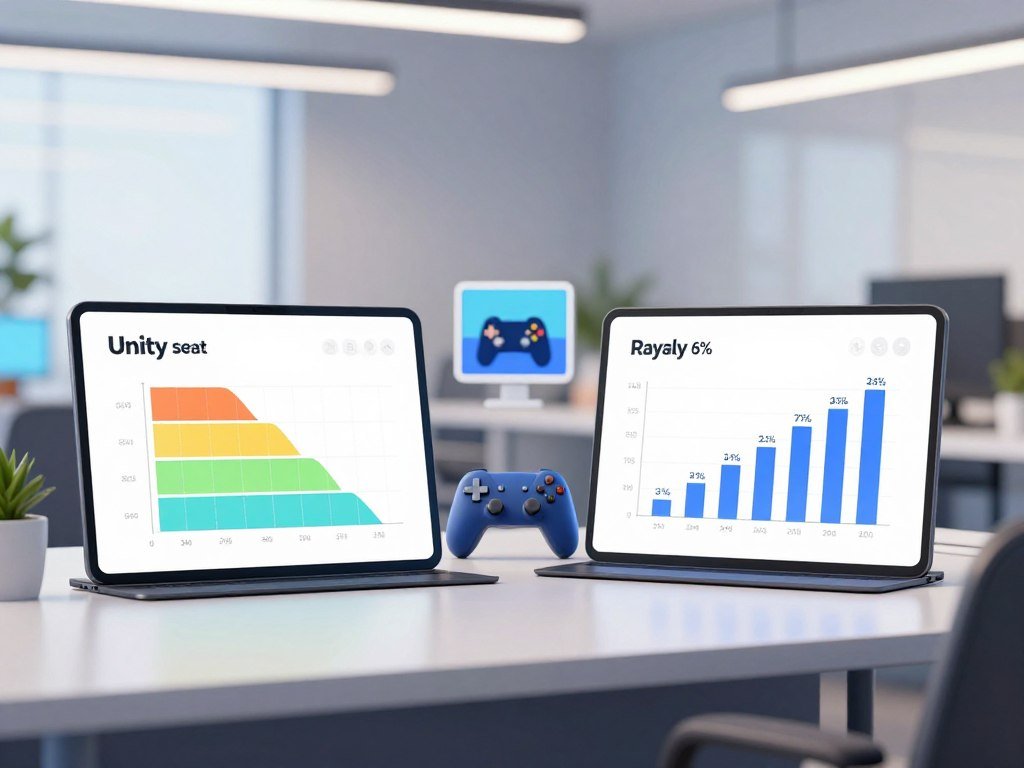
Compare total seat costs with projected lifetime gross revenue before signing up or committing a title to either model.
Which Unity Release and Setup Can Your Team Support?
A live-service team locking a version should favor an LTS release, while a new or mid-cycle production can consider an Update release. Support time helps a team plan fixes and upgrades around production needs.
Unity recommends LTS for live-service games and productions locked to a specific version, and Update releases for new or mid-cycle work. Compare the release you will ship with, not just the engine’s version label.
Pick an LTS or Update Release
Unity 6.3 LTS is supported through December 2027, while Unity 6.0 LTS is supported through October 2026. Unity releases an LTS version once a year and supports it for two years, with an extra year for Unity Enterprise and Unity Industry users.
Unity supports an Update release until it publishes the next release. That shorter window can suit a new production or one already between major stages. The Unity 6 vs Unreal Engine 5 choice should account for the supported release your team will actually ship on.
Unity’s LTS support windows give teams a clear time frame for planning maintenance. The right release depends on how much change your production can absorb.
Check the Editor and Team Infrastructure
Unity recommends at least 8 GB of RAM to run the Unity 6.1 Editor, and larger, more complex projects can require more. Unity 6.1 supports Windows 10 version 21H1 or newer on x64, Windows 11 version 21H2 or newer on Arm64, macOS Big Sur 11 or newer with Apple M1 or later, and Ubuntu 22.04 or 24.04 on x64.
Unity 6.3 LTS no longer includes Havok Physics for Unity with Pro, Enterprise, or Industry subscriptions. Unity also ended its Havok entitlement and first-party support for that release. Unity 6.0 LTS keeps Havok Physics for the rest of its support period.
- Confirm the project’s support window and planned ship version.
- Check the operating system and available RAM on team machines.
- Review package use for Havok Physics dependencies.
- Estimate cloud storage, egress, and build-minute needs.
Unity’s 2026 DevOps free tier includes 25 GB of monthly storage per organization, 100 GB of free monthly egress, and 100 monthly Mac build minutes. Egress above the free allowance costs $0.10 per GB.
The 2026 changes remove the previous three-seat limit for Unity Personal and the 1:1 seat limit for Pro, Enterprise, and Industry. Unity planned to remove per-seat charges for hosted Unity Version Control in its public cloud during 2026, so treat that as a plan rather than a completed change.
Verify package dependencies and the support window before moving a production project to Unity 6.3 LTS.
What Games Show Unity’s Range in 2026?
Unity-made games span recognizable large-scale titles and distinct releases such as Paralives, ZERO PARADES: For Dead Spies, Bubsy 4D, and Coffee Talk Tokyo. That range shows the engine can support more than prototypes or small mobile games.
Genshin Impact is a recognizable commercial game made with Unity. May 2026 also brought games with different styles and release paths, giving teams useful examples beyond one genre or scale.
Paralives entered early access on May 25, 2026. ZERO PARADES: For Dead Spies was released on May 21, while Bubsy 4D was released on May 22.
Coffee Talk Tokyo was released on May 21, 2026. The May 2026 Unity game roundup covers these releases and other titles made with the engine.
The release labels matter: Paralives entered early access, while the other three games were released. They do not all represent the same stage of availability, and their production needs may differ.
A shipped game can prove that an engine supports a given kind of release. It cannot tell you how much work your own team will need, which depends on its scope and production plan.
Treat individual game examples as proof of range, not as a promise that every Unity project will share the same production needs.
Should You Choose Unity, Unreal, or Godot?
Choose Unity for broad-device or mobile production, Unreal for fidelity-first 3D, and Godot when open-source flexibility and zero engine fees matter most. Your project’s limits should guide the choice, not a general claim that one engine wins.
In 2026, weigh project scope, target devices, team skills, and your appetite for licensing risk. Those factors can point to different engines even when two projects share a genre.
Choose Unity for Mobile and Cross-Platform Breadth
Unity suits 2D and mobile games, projects with broad platform needs, and teams already productive in C#. It can also fit a small group that wants one engine for several kinds of delivery.
Unity’s broad commercial ecosystem can help teams find tools and production support for varied projects. That wider range may matter when a game needs several platforms or a specific workflow. A large toolset is less useful if the team does not need it.
Choose Unreal for Fidelity-First 3D
Unreal is a strong choice when detailed 3D visuals and cinematic presentation lead the game’s pitch. It also suits teams that value Blueprints for visual logic and C++ control for code-heavy systems.
That combination can let designers and programmers work in different ways within one project. Your team still needs to agree on where each kind of logic belongs, so systems stay clear as the game grows.
Unity vs Godot for Small-Team Projects
Godot can be a better fit for a small-scope game when an open-source engine and no engine fees matter most. Godot uses the MIT license and has no royalty, revenue threshold, or seat fee.
Unity offers a broader commercial ecosystem, which may be useful as a project grows or needs wider platform support. Godot can need more effort for console publishing than Unity or Unreal deployment, so that work belongs in your plan.
The Unity vs Godot decision is not only about license cost. Consider how much tooling you need, what platforms you plan to reach, and whether your team can support the engine’s workflow.
Unity vs Unreal vs Godot in 2026
A practical Unity vs Unreal vs Godot choice starts with constraints your team can name. Write down the demands that could force costly changes later, then compare how each engine handles them.
- Identify the lowest-spec target device for the release.
- Assess the visual target for the game’s key scenes.
- Name the workflow your team handles best.
- Estimate commercial upside that could affect licensing.
The lowest-spec device can set limits on the game’s assets and effects. A team with strong coding skills may prefer a different workflow than a team that builds logic visually.
Commercial upside matters because licensing models can treat a small project differently from a hit. A careful estimate does not predict success; it helps you see which terms deserve attention.
Build a small test that reflects the real project, including its hardest scene and most important platform.
A prototype should test more than whether the game idea feels fun. It can reveal missing tools, awkward team handoffs, and limits on the target device before production grows.
Build a small representative prototype in the leading candidate before committing the full production schedule.
Conclusion
The right engine is the one your team can use to ship the game you have scoped. The best decision accounts for the project’s real production needs and target platforms, not an engine’s most impressive demo.
Build a small representative prototype and test its most demanding scene on the lowest-spec target device. That test can expose workflow or performance problems while changes are still manageable.
Set a short prototype milestone, then make the engine decision using what the team can build and test.
FAQ
Is Unity still viable in 2026?
Yes, Unity remains a practical choice for mobile, 2D, and cross-platform production in 2026. Unity 6 has active LTS releases, including support for Unity 6.3 LTS through December 2027. Teams should choose a release that fits their support needs and check package compatibility before moving a live project. Its commercial terms also deserve a review during budgeting.
Is Unity better than Unreal Engine?
Unity is the stronger default for mobile and 2D, while Unreal is the stronger default for high-fidelity 3D and cinematic work. That does not make one engine better for every team. Your target platforms, workflow, and production scope can change the fit. A small test project can show whether the team can work comfortably in its leading choice.
Do any AAA studios use Unity?
Yes, Unity has been used for large commercial releases such as Genshin Impact. The 2026 industry survey found that 47% of AAA studio developers named Unreal Engine as their primary engine. That survey result describes the respondents’ reported preference, not the share of all AAA games made with each engine. A studio’s choice also depends on its project and team.
What famous games use Unity?
Genshin Impact is a recognizable commercial game made with Unity. Other Unity titles include Paralives, ZERO PARADES: For Dead Spies, Bubsy 4D, and Coffee Talk Tokyo, which had May 2026 release activity. Paralives entered early access, while the other three were released. These examples show a range of games, but they do not share one production size or release status.
Is Unity overkill for 2D?
No, Unity has tools for 2D games, and it can suit a 2D project that needs several platforms or a larger commercial setup. A very small game may not need all of that. Godot can be a lighter choice when open-source licensing and no engine fees matter more than a broad commercial toolset. The project’s scope should guide you.
Does Unity use C++ or C#?
Unity’s primary gameplay scripting language is C#. Unreal Engine uses C++ alongside Blueprints, its node-based visual scripting system. A team that already knows C# may find Unity’s code workflow more direct. Unreal’s visual tools can help people build gameplay logic without writing every step in C++, though code remains an option for greater control.
Is 32GB of RAM enough for Unity?
Typically, 32 GB of RAM is enough for many Unity projects. Unity recommends at least 8 GB to run the Unity 6.1 Editor, while larger and more complex projects can need more. RAM needs rise with project size and the other tools open at the same time. A large team project may place heavier demands than a small prototype.
How hard is making a Unity game?
A small Unity prototype is a manageable starting scope for many new teams. A polished release takes more work, including design, debugging, optimization, content creation, and platform testing. The effort depends on the game’s size and the skills on the team. Keep the first goal small enough to test one core mechanic before building a full production plan.



