

Roughly nine in ten college students now own a laptop, yet tablet sales into education keep climbing year after year. The reason is simple: a tablet that costs less than a mid-range phone can replace a stack of textbooks, a notebook, and a scanner. The hard part is picking one. The 2026 lineup is crowded with near-identical slabs, and marketing copy does a poor job of explaining who each device is actually for.
This guide cuts through that. It focuses on what matters for coursework: battery life through a full day of lectures, stylus support for math and diagrams, keyboard options for essay writing, and total cost including accessories. It also flags the mistakes that cost students money every year.
What “Best” Means for a Student Tablet in 2026
A student tablet is not a smaller laptop. It is a companion device, and judging it by laptop standards leads to overspending. The useful criteria are narrower:
- All-day battery. Six hours of screen time is the floor. Lectures, library sessions, and commutes add up.
- Stylus support. Handwriting beats typing for equations, chemistry structures, and language characters. Not every tablet supports an active pen, and some charge extra for it.
- Keyboard readiness. If the tablet cannot take a keyboard case, it is a reading and note device only.
- Storage of 128GB or more. PDFs, recorded lectures, and app caches fill 64GB fast.
- Total cost. A $350 tablet with a $130 keyboard and $100 stylus is a $580 purchase.
One more factor deserves attention: software longevity. A tablet that stops receiving updates in three years is a poor investment for a four-year degree. Buyers should check the manufacturer’s stated update policy before committing.
The Main Tablet Families Compared
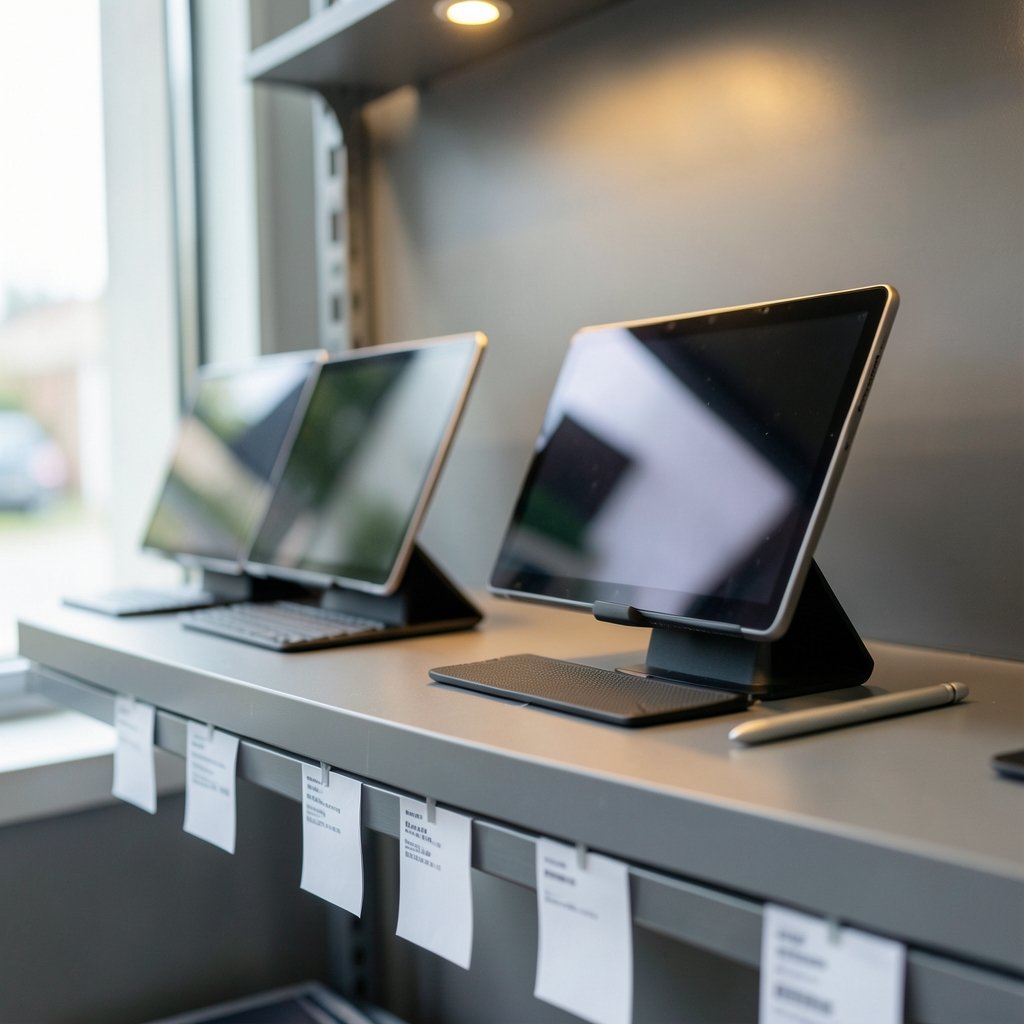
Most students end up choosing within four ecosystems. Each has a distinct personality, and switching later is painful because apps and accessories do not travel well.
| Family | Typical strength | Typical weakness | Best for |
|---|---|---|---|
| Apple iPad | App quality, long update support, resale value | Accessories are expensive | Students who want one device for four years |
| Samsung Galaxy Tab | Bundled stylus, expandable storage | Fewer tablet-optimized apps | Note-heavy majors like engineering and math |
| Microsoft Surface | Full desktop software | Higher price, shorter battery | Students who need real Windows apps |
| Budget Android | Low entry price | Weak stylus support, short update windows | Reading, streaming, light notes |
The iPad remains the default recommendation for most people, and that is not brand loyalty talking. The app catalog for note-taking, annotation, and study tools is deeper, and the resale market means a three-year-old iPad still recovers a meaningful chunk of its price. Students shopping on a tighter budget should look at the best tablets for students before assuming Apple is out of reach, since education pricing and refurbished stock change the math considerably.
iPad: The Safe Default
The standard iPad covers note-taking, PDF annotation, and video lectures without strain. The Air adds a laminated screen and a faster chip, which matters if the student edits video or runs design software. The Pro is overkill for most coursework and is best justified by a specific major requirement.
The practical trap here is accessory creep. A keyboard case and stylus can add 40 to 60 percent to the sticker price. Buy the stylus only if handwriting is genuinely part of the workflow, and consider a third-party keyboard for the first year.
Samsung Galaxy Tab: The Stylus Included
Samsung’s mid-range and flagship tabs ship with an S Pen in the box, which is a real advantage for STEM students. Writing equations by hand is faster than learning a formula editor, and the pen does not need charging for basic writing. Expandable storage via microSD is another quiet win for students who archive lecture recordings.
The tradeoff is app depth. Some note apps arrive later or with fewer features on Android, and the resale value is weaker. Neither is disqualifying, but it is worth knowing before purchase.
Surface and Windows Tablets: The One-Device Option
A Windows tablet can run the full version of statistical software, CAD tools, and citation managers. For students in engineering, architecture, or data-heavy programs, that can eliminate the need for a second machine.
The cost is battery life and price. Windows tablets generally trail iPads and Android tabs on endurance, and the keyboard is usually sold separately. Buyers should treat the tablet-plus-keyboard bundle as the real price and compare it against a lightweight laptop.
Budget Android Tablets: Honest Limits
A sub-$250 Android tablet is a fine reader and video machine. It is a poor primary note-taking device. Stylus support is often absent or laggy, and update windows can be as short as two years. For a student who already owns a laptop and wants a lightweight second screen, that tradeoff is reasonable. For a student who wants one device to do everything, it is not.
Matching the Tablet to the Major
The single most useful question is not “which tablet is best” but “which tablet fits this course load.” A few patterns hold up:
- Humanities and social sciences: Reading and writing dominate. A standard iPad or a budget Android tab with a keyboard case is enough. Prioritize screen quality for long reading sessions.
- STEM and economics: Handwriting is essential. A stylus-first device pays for itself in the first semester. Screen size matters more than raw power.
- Design and media: Color accuracy and a fast chip matter. This is the one group where a premium tablet is genuinely justified.
- Engineering and architecture: Check software requirements first. If the course requires Windows-only tools, the tablet decision is already made.
Students who also need a laptop for heavier work should look at the best tablets for students’ work as a second-device comparison rather than a replacement. Buying a tablet to avoid buying a laptop usually ends with both purchases.
Practical Buying Tips That Save Real Money
First-hand buying patterns reveal a few reliable savings:
- Buy last year’s model. Tablet performance has plateaued for coursework. A one-generation-old flagship beats a new mid-range device on almost every measure and often costs less.
- Check education pricing directly. Manufacturer education stores usually beat retailer discounts, and they stack with seasonal sales.
- Skip the premium stylus on day one. Use a cheap capacitive stylus for a month. If handwriting sticks, upgrade. Many students buy the expensive pen and never use it.
- Buy refurbished from the manufacturer. Manufacturer-refurbished units carry a warranty and are indistinguishable from new in practice.
- Budget for a case and screen protector. A cracked screen on a tablet costs more to fix than on a phone, and repair often approaches replacement cost.
The most common mistake is buying for the ideal student rather than the actual one. A student who types all notes does not need a $130 stylus. A student who never leaves the dorm does not need cellular connectivity. Match the purchase to observed habits, not aspirational ones.
Timing matters too. Seasonal sales events move tablet prices more than almost any other category, and the same logic that drives Black Friday car deals applies here: the discount is real, but only if the model was already on the shortlist. Buying a mediocre tablet because it is 30 percent off is still buying a mediocre tablet. (Tablet computer)
Accessories Worth the Money
Accessories are where student tablet budgets quietly break. A short list of what earns its keep:
| Accessory | Worth it? | Why |
|---|---|---|
| Keyboard case | Usually | Turns the tablet into an essay machine |
| Active stylus | Only if handwriting is used | Expensive and easy to abandon |
| Screen protector | Yes | Cheaper than a screen repair |
| USB-C hub | Yes for Surface and iPad | Adds card readers and HDMI |
| Cellular model | Rarely | Tethering from a phone is nearly free |
One underrated accessory is a stand. Propping a tablet at eye level reduces neck strain during long reading sessions, and a $15 stand outperforms most built-in kickstands. (COPPA Six-Step Compliance Plan)
Software and Study Workflow
The tablet’s value depends on the apps loaded onto it. A few categories matter most:
- Note-taking with handwriting recognition. Searchable handwriting turns a semester of notes into a study database.
- PDF annotation. Most courses distribute readings as PDFs, and markup beats printing.
- Reference management. Citation tools save hours during paper season.
- Focus tools. App blockers and timers matter more on a device that also runs games and video.
Students should set up the workflow in the first week. A tablet with no note structure becomes a very expensive video player by October. The pattern is consistent: the students who get the most from a tablet are the ones who spent an hour configuring it before the semester started.
Battery, Storage, and the Specs That Matter
Marketing emphasizes processor speed. Students should care about three other numbers.
Battery life is the most important. Look for a claimed 10 hours or more and assume real-world use delivers 70 to 80 percent of that. A tablet that dies during a three-hour exam block is a liability.
Storage should start at 128GB. Cloud storage helps, but downloaded lecture videos and offline reading material consume space quickly, and cellular data is unreliable in lecture halls.
RAM matters less than reviewers suggest for coursework, but 6GB is a sensible floor for multitasking between a PDF and a note app.
Processor benchmarks rarely change the student experience. A two-year-old chip handles note-taking, annotation, and video without complaint. Buyers should redirect that budget toward storage and accessories.
Common Mistakes to Avoid
A few errors show up again and again:
- Buying cellular to avoid Wi-Fi hunting. Tethering from a phone is nearly free and works almost everywhere.
- Choosing a tablet as a laptop replacement without checking software. One required Windows-only app can sink the whole plan.
- Ignoring the update policy. A device that stops getting security patches mid-degree creates a security risk rather than a small inconvenience.
- Overbuying storage. 256GB is generous for most students; 1TB is almost always wasted money.
- Skipping the trial period. Retailers with generous return windows let students test the workflow before committing.
Conclusion
The best tablet for a student in 2026 is the one that matches their actual coursework, not the one with the highest benchmark score. For most people, a standard iPad or a stylus-equipped Galaxy Tab covers four years of notes, readings, and writing at a reasonable total cost. Students in Windows-dependent majors should pay the premium for a Surface. Budget buyers should be honest about limits and treat a cheap Android tab as a companion device, not a workhorse.
The decision comes down to three questions: Does the student handwrite? Does the course load require desktop software? What is the total price including accessories? Answer those honestly, buy one generation behind the flagship, and the tablet will outlast the degree.
Frequently Asked Questions
Is an iPad or an Android tablet better for students?
For most students, an iPad is the safer choice because of app depth, longer update support, and stronger resale value. Android tablets win on price and often include a stylus. Students in STEM fields who write a lot of equations may prefer a Samsung Galaxy Tab with its bundled S Pen.
Do students really need a stylus?
Only if handwriting is part of the workflow. Students in math, science, and language courses benefit enormously. Students who type all their notes will rarely use a stylus, and the premium models are expensive enough that an unused pen is a real waste of money.
Can a tablet replace a laptop for college?
Sometimes, but not usually. A Windows tablet can replace a laptop for many majors. An iPad or Android tablet cannot run every desktop application, so students in engineering, accounting, or design should check software requirements before relying on a tablet alone.
How much storage should a student tablet have?
128GB is the practical minimum, and 256GB is comfortable for students who download lecture videos and keep large PDF libraries. Cloud storage helps, but unreliable campus Wi-Fi makes local space valuable. Storage above 256GB is rarely worth the premium for coursework.
When is the best time to buy a student tablet?
Late summer and major seasonal sales events tend to produce the deepest discounts, and manufacturer education stores often beat retailer prices year-round. Buying the previous generation is the most reliable way to save, since performance changes little between model years for coursework.
How long should a student tablet last?
A four-year lifespan is realistic if the buyer checks the manufacturer’s update policy before purchase. Devices with at least four years of promised security updates are the safer bet. Battery degradation is the main hardware limit, and most tablets retain usable endurance after three years of daily use.



