
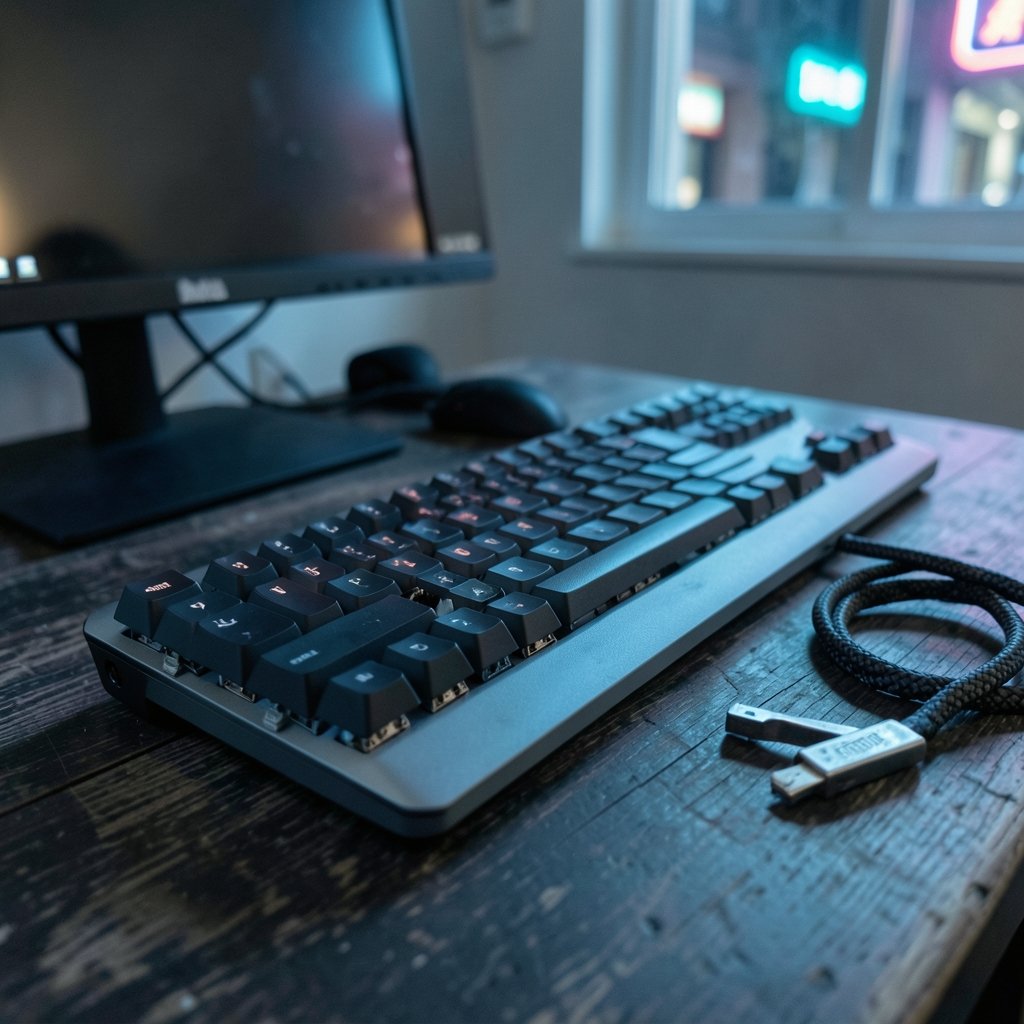
Mechanical keyboards have quietly become one of the fastest-growing segments in PC peripherals, with hot-swappable sockets now appearing on boards that cost less than a single gaming mouse. That shift matters more than any spec sheet headline, because it changes how long a keyboard stays useful to you. In 2026, the best mechanical keyboard is rarely the most expensive one. It is the one whose layout, switch feel, and firmware match how you actually type. (Computer keyboard)
This guide breaks down the categories that matter, the trade-offs behind popular features, and the practical mistakes that catch first-time buyers. It also looks at how broader tech economics are reshaping what manufacturers prioritize.
Why 2026 Is a Genuinely Different Year for Mechanical Keyboards
Three forces are converging. First, gasket mounting has moved from boutique builds into mainstream price tiers, giving boards a softer, more cushioned typing feel. Second, open-source firmware support has become a genuine selling point rather than a niche curiosity. Third, wireless latency has dropped far enough that competitive players no longer need to default to wired.
There is also a bigger context. Companies across consumer tech are consolidating hardware bets and cutting peripheral-adjacent product lines, a pattern visible in the broader industry shakeups covered in reports on Xbox layoffs and studio sales. When large firms trim portfolios, smaller keyboard brands often absorb the displaced enthusiast audience by shipping more configurable, repairable hardware. That is good news for buyers who care about longevity.
Meanwhile, platform economics keep squeezing accessory margins. The ongoing dispute over the Apple App Store fee structure illustrates how digital storefront cuts ripple into hardware pricing decisions. For keyboard shoppers, the practical takeaway is simple: buy for the hardware, not for the companion app. Software ecosystems change. A well-built board with open firmware does not.
The Categories That Actually Matter in 2026

Rather than a single ranked list, it helps to sort boards by use case. “Best” without a context is marketing language.
| Use case | What to prioritize | What to deprioritize |
|---|---|---|
| Everyday typing and office | 75% or TKL layout, tactile or linear switches, gasket mount | 8K polling, RGB density |
| Competitive gaming | Low actuation force, rapid trigger firmware, wired or 2.4 GHz | Heavy aluminum cases |
| Programming and spreadsheets | Full-size or 96% with numpad, quiet switches | Aggressive RGB, macro bloat |
| Travel and hybrid work | 65% or smaller, Bluetooth multi-device pairing | Metal chassis weight |
| First custom build | Hot-swap sockets, standard plate mount, VIA support | Exotic layouts |
Best for Everyday Typing and Office Work
Look for a 75% layout with a gasket mount and two layers of foam. This combination gives a soft bottom-out and reduces the hollow ping that cheaper tray-mount boards produce. Tactile switches in the 45–55 gram actuation range remain the safest default for long typing sessions. If you share an office, prioritize sound over feel: a lightly lubed linear switch in a plastic case will always draw fewer complaints than a clicky one in aluminum.
Best for Competitive Gaming
The real 2026 story is rapid trigger and adjustable actuation firmware, not polling rate. A board that lets you set actuation as shallow as 0.1 mm and reset on the upstroke gives a measurable input advantage in fast-paced titles. Optical and Hall-effect switches dominate this category because they detect position magnetically rather than through physical contact.
One caution: these features only help if the firmware is stable. Cheap Hall-effect boards sometimes ship with drift issues that require recalibration. Check for a calibration tool before buying.
Best for Programming and Data Work
A 96% or full-size layout with a numpad remains unbeaten for spreadsheet work and anyone who types numbers all day. Prioritize quiet linear switches, a solid plate, and per-key remapping. Programmers benefit enormously from layers, and a board with open firmware lets you build a navigation layer that keeps your hands on the home row.
Best for Travel and Hybrid Work
A 65% board with Bluetooth multi-device pairing covering three devices solves the laptop-plus-desktop problem in one accessory. Expect to trade away the function row and dedicated arrows. If arrows are non-negotiable, a 75% is the better compromise.
Switches: The Decision That Outlasts Everything Else
Switches define feel, sound, and durability. Everything else is packaging.
Linear switches travel smoothly with no tactile bump. They are the most popular choice for gaming and increasingly for typing. Tactile switches add a noticeable bump at actuation, which many typists find reduces bottom-out force and finger fatigue. Clicky switches add an audible click mechanism and are best reserved for private rooms.
Actuation force is the spec most buyers ignore and later regret. A 35-gram switch feels light and fast for a week, then tiring during a long document. A 67-gram switch feels deliberate but heavy in a fast game. The middle ground, roughly 45–55 grams, exists because it works for most people.
Hot-swap sockets are the single most valuable feature for anyone unsure about switches. They let you change your mind without soldering. Buy one board with hot-swap support and three sets of switches, and you will learn more in an afternoon than from a month of reviews.
Layout, Firmware, and the Features Worth Paying For
Layout Is a Commitment
Layout determines desk footprint, wrist position, and whether you need a separate numpad. The most common mistake is buying a compact board for aesthetics and then discovering you rely on the function row daily. Spend a week noting which keys you actually press before ordering.
Firmware Beats Software
A board with open-source firmware support can be remapped, layered, and macro-configured without installing a vendor utility. Boards that rely on a proprietary desktop app often lose features when the app stops receiving updates. This is not hypothetical: peripheral software is routinely abandoned when product lines are discontinued.
If you want a parallel example of how hardware bets age, look at how Tesla’s three hardware programs are being sequenced and revised over time. Platforms evolve. Buy hardware whose core function does not depend on a company’s roadmap.
Wireless: Good Enough for Almost Everyone
Modern 2.4 GHz connections are fast enough for competitive play. Bluetooth is fine for office work but adds latency. The genuine risk with wireless is battery degradation over years of use, so favor boards with user-replaceable cells or generous battery life measured in weeks rather than days.
Build Quality Signals That Actually Predict Longevity
- Plate material: aluminum and brass feel stiff and precise; polycarbonate and FR4 feel softer and more forgiving.
- Stabilizers: pre-lubed screw-in stabilizers eliminate most rattle. This is the most common quality gap between price tiers.
- Case material: plastic is lighter and quieter; aluminum is heavier and resonates more without foam.
- Keycap material: PBT resists shine far better than ABS over years of use.
- Socket type: five-pin hot-swap sockets accept the widest range of aftermarket switches.
Common Buying Mistakes and What Works Instead
Chasing polling rate over actuation. An 8K polling rate reduces the reporting interval, but most players will not perceive the difference. Adjustable actuation and rapid trigger change the input itself and are far more noticeable.
Buying a board with no return window. Switch feel is subjective. Order from a retailer with a genuine return policy, and test the board for a full week before deciding.
Ignoring the wrist angle. A board with a steep default incline and no adjustable feet can cause discomfort during long sessions. Flat-typing boards with a slight angle are generally kinder.
Skipping the keycap question. Keycaps are the most-touched surface on the board. Shiny ABS caps after six months feel worse than any switch upgrade can fix.
Overbuying on the first purchase. A mid-range hot-swap board plus a switch tester teaches more than a flagship board bought blind. Upgrade once you know your preferences.
Forgetting about noise in shared spaces. If you work in an open office or on calls all day, a quiet linear switch in a plastic case with foam is the practical answer. Clicky switches in a metal case are a fast route to complaints.
How Other Tech Buying Decisions Inform Keyboard Shopping
The same logic that applies to phones applies to keyboards. A best phones 2026 comparison rewards buyers who match hardware to actual daily use rather than benchmark charts. Keyboards deserve identical scrutiny. The spec that looks impressive on a product page is rarely the one you notice after a month of use.
There is also a supply-side angle worth watching. Chip and component sourcing decisions shape which features reach mid-range boards. Reports on the Nintendo Switch 2 Lite and Samsung chip rumors show how a single component choice can reshape an entire product tier. In keyboards, the equivalent is Hall-effect sensor availability: as supply widens, adjustable-actuation boards keep falling in price. (Chartered Institute of Ergonomics and Human Factors)
Seasonal timing matters too. Peripheral discounts cluster around major shopping events, much like the patterns tracked in Black Friday car deal coverage. If you can wait, waiting often saves 20–30 percent on last year’s flagship.
Conclusion
The best mechanical keyboard in 2026 is not a single model. It is a set of decisions: the right layout for your daily work, switches in the 45–55 gram range unless you have a specific reason otherwise, hot-swap sockets so you can change your mind, and firmware you control rather than rent. Buy for the hardware, test for a week, and treat keycaps and stabilizers as the quality signals they are.
The category has matured in a way that favors buyers. Gasket mounting, open firmware, and hot-swap support have all migrated down the price ladder, which means a thoughtful mid-range purchase now outperforms a flagship from a few years ago. Spend your budget on the parts you touch, not the features you read about.
FAQ
What is the best mechanical keyboard layout for most people?
A 75% layout is the safest all-round choice. It keeps the function row and arrow keys, adds a compact footprint, and works for typing, gaming, and travel. Choose full-size only if you use a numpad daily, and 65% only if you are comfortable using layers for arrows and function keys.
Are Hall-effect switches worth the extra cost in 2026?
For competitive gaming, yes. Adjustable actuation and rapid trigger change the input itself, which is more noticeable than higher polling rates. For office typing, the benefit is small, and a good mechanical switch at a lower price will feel just as satisfying.
How many grams of actuation force should I look for?
Most people are best served by 45–55 grams. Lighter switches feel fast but can cause more accidental presses and finger fatigue during long typing sessions. Heavier switches feel deliberate but tiring in fast games. Start in the middle and adjust after a week of real use.
Do I need hot-swappable sockets?
They are the single best feature for anyone unsure about switch preference. Hot-swap sockets let you change switches without soldering, so one board can become several keyboards over time. Five-pin sockets accept the widest range of aftermarket options.
Is wireless good enough for gaming now?
Yes, for nearly all players. Modern 2.4 GHz connections are fast and stable enough for competitive play. Bluetooth is better suited to office work because it adds latency. The bigger long-term concern with wireless is battery degradation, so favor boards with replaceable cells or multi-week battery life.
How much should I spend on a first mechanical keyboard?
A mid-range hot-swap board plus a switch tester is a better first purchase than a flagship bought blind. You will learn your layout and switch preferences faster, and the tester carries over to future upgrades. Save the premium budget for a second board once you know what you actually like.



