
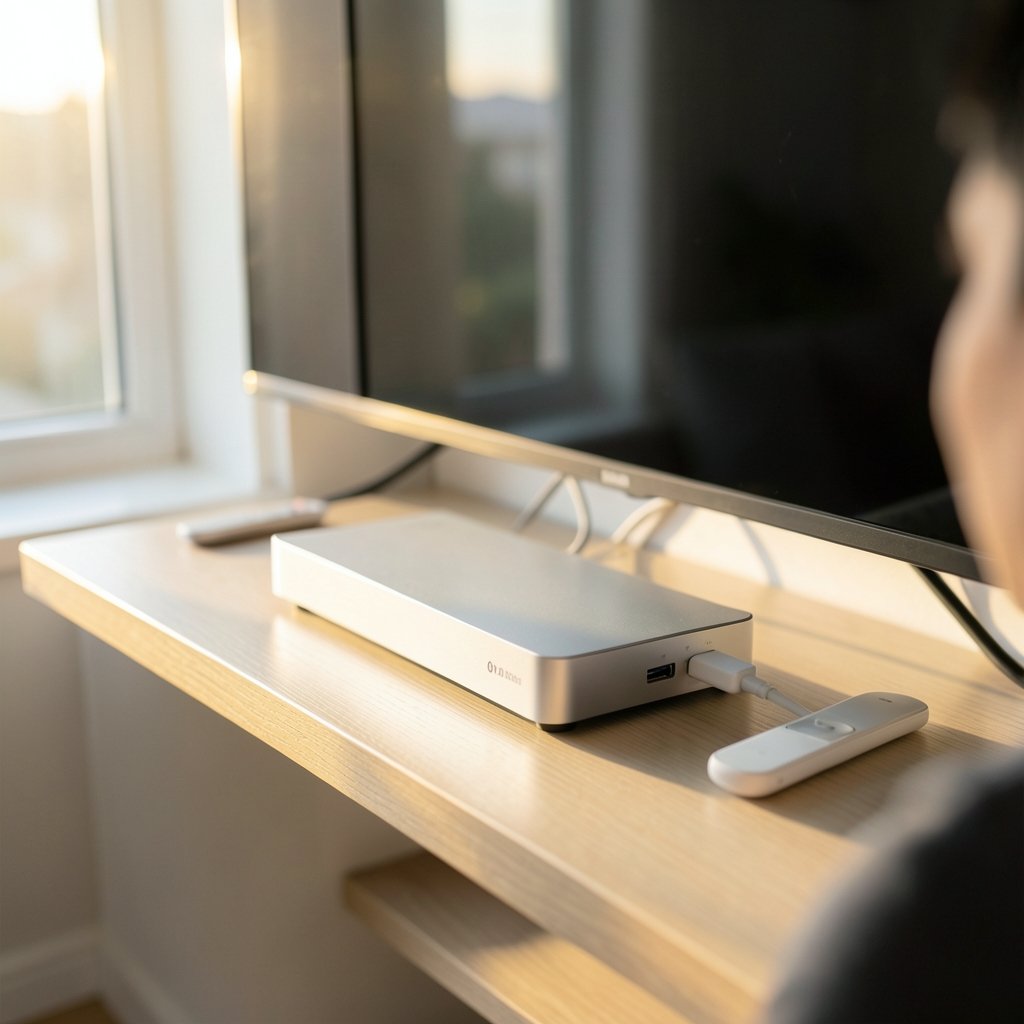
Around 90 percent of American households now subscribe to at least one streaming service, yet most people still run that content through hardware they bought years ago. That mismatch is the quiet reason so many living rooms feel slower than the internet connection feeding them. The best streaming devices in 2026 are more than faster boxes. They are the difference between a menu that responds instantly and one that makes you wait every time you pick up the remote.
This guide breaks down what actually matters when choosing a streaming device this year, where the major platforms diverge, and which mistakes cost people money. It avoids hype and focuses on the specs and habits that hold up over years of daily use.
Why the Device Still Matters in 2026
Smart TVs have improved, but the hardware inside them ages faster than the panel. A television bought in 2021 may still have a beautiful display, while its built-in apps crawl and stop receiving updates. A separate streaming device solves that problem for a fraction of the cost of a new TV. It also lets you switch platforms without replacing the screen.
The practical rule: if your TV’s interface takes more than a couple of seconds to respond to a button press, the software is the bottleneck, not the display. A dedicated device fixes that. For a broader look at matching hardware to screens, see this guide to the best streaming devices for every TV.
The Major Platforms Compared
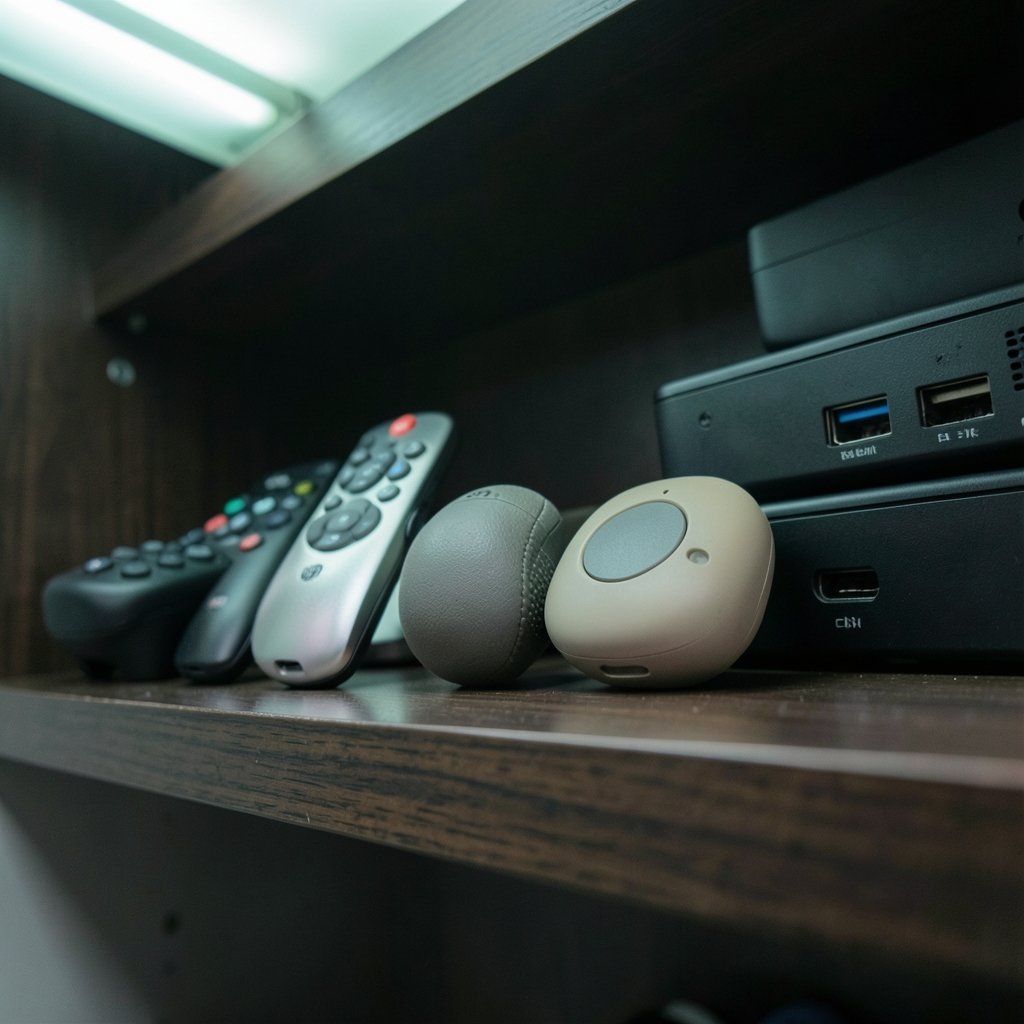
Five platforms dominate the market: Roku OS, Amazon’s Fire OS, Google TV, Apple’s tvOS, and the built-in systems on Samsung (Tizen) and LG (webOS) televisions. Each has a distinct personality, and the right choice depends on how you watch.
| Platform | Typical Strength | Typical Weakness | Best For |
|---|---|---|---|
| Roku OS | Neutral, fast, huge app catalog | Fewer advanced audio features on budget models | People who want simplicity |
| Fire OS | Deep Amazon integration, frequent discounts | Interface leans heavily on ads | Prime members |
| Google TV | Strong search and recommendations | Can feel busy on low-RAM devices | Android households |
| tvOS | Polished performance, privacy focus | Highest price of entry | Apple ecosystem users |
| Tizen / webOS | No extra box needed | Slower long-term updates | Casual viewers |
The key insight is that platform loyalty matters more than raw specs for most people. A slightly slower device running the interface you already understand will feel better than a faster one you have to relearn.
What Specs Actually Change Your Experience
Marketing pages list dozens of numbers. Only a handful affect daily use.
Wi-Fi generation
Wi-Fi 6 and Wi-Fi 6E are now standard on mid-range and premium devices, with Wi-Fi 7 appearing on flagship models. If your router supports a newer standard, a matching device reduces buffering during 4K playback. The Wi-Fi Alliance publishes the certification details, and checking that a device carries the right certification is a reliable shortcut. If your router is older, upgrading the device alone will not bring the benefit.
HDR and audio support
HDR10, HDR10+, and Dolby Vision are the three formats you will encounter. Not every device supports all three, and not every TV does either. Match the device to your display, not the other way around. The same logic applies to Dolby Atmos audio passthrough, which only matters if you have a soundbar or receiver that can decode it.
RAM and storage
This is where budget devices cut corners. A device with 1GB of RAM will stutter as apps grow heavier. Look for at least 2GB on anything you plan to keep for several years, and more if you install many apps. Storage matters less for streaming but affects how many apps you can hold without deleting. (Digital media player)
Ports and connectivity
Set-top boxes generally offer Ethernet, USB, and more robust cooling than HDMI sticks. If your Wi-Fi is unreliable or your device sits far from the router, Ethernet support alone justifies the upgrade.
Sticks, Boxes, and Built-In Systems
The form factor shapes the experience more than people expect.
HDMI sticks hide behind the TV and cost the least. They run hotter and offer fewer ports. They suit secondary TVs and renters who move often.
Set-top boxes sit on a shelf, run cooler, and include Ethernet and USB. They suit primary living-room setups and anyone with a wired network.
Built-in smart systems require no extra hardware but age with the TV. They are fine for casual viewing and frustrating for heavy users.
A common mistake is buying the cheapest stick for a main television, then blaming the TV when 4K content buffers. The stick is usually the culprit. For streaming-specific performance notes, this roundup of the best VPNs for streaming in 2026 also touches on how network routing affects playback quality.
Matching a Device to How You Watch
There is no single best device because viewing habits vary so much. Consider three profiles.
The casual viewer watches a few services, rarely in 4K, and wants the remote to just work. A mid-range Roku or Google TV device covers this at low cost.
The home theater enthusiast runs a 4K HDR television with a surround system and cares about Dolby Vision and Atmos passthrough. A premium box with Ethernet and full format support is worth the extra money.
The gamer and tinkerer wants emulation, sideloading, and local media playback. This group often ends up comparing retro-gaming front ends, and a detailed breakdown of EmuDeck 2.7 vs ES-DE 3.5 vs RetroDeck by device in 2026 helps match software to hardware. A companion piece on EmuDeck 2.7 vs ES-DE 3.5 vs RetroDeck by device goes deeper on per-device performance.
Practical Tips That Save Money and Frustration
These come from the patterns that show up again and again in real setups.
- Check your TV’s HDR support before buying a premium device. Paying for Dolby Vision on a panel that cannot display it is wasted money.
- Buy for the router you have. A Wi-Fi 7 device on an old router delivers no benefit.
- Prefer Ethernet when possible. A cheap cable beats an expensive stick on a weak signal.
- Avoid 1GB RAM devices for primary TVs. They age poorly.
- Keep the receipt and test within the return window. Interface speed is subjective, and ten minutes of use tells you more than any spec sheet.
- Update the device before judging it. First-boot software is often sluggish until updates install.
The most common mistake is overbuying for a secondary TV or underbuying for the main one. Match the spend to the screen you actually watch most.
The Privacy and Ads Angle
Budget devices increasingly subsidize their price with advertising on the home screen. That is not a dealbreaker, but it is a trade-off worth naming. Premium devices tend to show fewer promotional tiles, and some platforms let you limit ad personalization in settings. If a clean interface matters to you, factor it into the price comparison rather than discovering it after setup. The Federal Trade Commission publishes consumer guidance on how connected devices collect and share data, which is a useful starting point for anyone who wants to understand the trade-offs. (Protecting Consumer Privacy and Security)
Setting Up for Longevity
A few habits extend a device’s useful life by years.
- Clear the cache periodically. App data builds up and slows menus.
- Uninstall unused apps. Storage pressure causes stutter on budget hardware.
- Use a wired connection for the main TV. It removes an entire category of troubleshooting.
- Restart weekly. A scheduled reboot prevents memory leaks from compounding.
- Check for OS updates monthly. Security patches and performance fixes arrive quietly.
None of these are glamorous, but together they explain why two people with identical devices report very different experiences.
How to Judge Reviews
Reviewers disagree because they test differently. Look for outlets that publish a methodology, test in controlled conditions, and separate measured performance from opinion. Lab-based testing sites are more useful than unboxing videos for spec claims, while long-term owner reports reveal how devices age after a year. Cross-reference at least two sources before buying, and treat star ratings without context as noise.
It also helps to separate measured claims from felt ones. A device can win on benchmark speed and still feel worse if its remote is clumsy or its menu buries the apps you use. Weigh both.
Conclusion
The best streaming device in 2026 is the one that matches your screen, your network, and your patience for menus. Platform choice matters more than spec sheets for most households, and the biggest gains come from avoiding the two classic errors: cheaping out on the main TV and overspending on a secondary one. Check HDR and Wi-Fi compatibility before you buy, prefer Ethernet where you can, and give any new device a week of real use before deciding it was the right call. Get those basics right and the hardware fades into the background, which is exactly what good streaming hardware should do.
FAQ
What is the best streaming device for most people in 2026?
For a typical household watching a few services on a mid-range 4K TV, a mid-tier Roku or Google TV device offers the best balance of speed, app support, and price. The right pick depends on which platform’s interface you find least annoying, since all major devices handle the core streaming apps well.
Do I need a separate streaming device if my TV is smart?
Not always, but often yes. Built-in systems slow down and lose updates faster than the panel ages. If your TV’s menus lag or an app has stopped working, a separate device is cheaper than replacing the television and restores fast performance immediately.
Is Wi-Fi 7 worth it for streaming in 2026?
Only if your router supports Wi-Fi 7 and your network is the bottleneck. For most people, a stable Wi-Fi 6 connection or a wired Ethernet cable delivers the same streaming quality for less money. Buy the newer standard for future-proofing, not for an immediate jump in picture quality.
How much RAM does a streaming device need?
Aim for at least 2GB of RAM on any device you plan to keep for several years. Devices with 1GB struggle as apps grow heavier, and the slowdown shows up as laggy menus and slow app launches rather than obvious errors.
Does Dolby Vision matter on a streaming device?
It matters only if your television supports Dolby Vision. If your TV handles HDR10 only, paying extra for a device with Dolby Vision support delivers no visible benefit. Match the device’s format support to your display before spending more.
Why does my streaming device buffer even with fast internet?
Buffering usually comes from weak Wi-Fi signal, an overloaded router, or a device running low on memory rather than from raw internet speed. Try a wired connection, restart the device, and clear app caches before assuming your broadband is at fault.
Finally, resist the urge to upgrade every year. Streaming hardware improves gradually, and a well-chosen 2025 device still performs well in 2026. Upgrade when an app drops support, menus become painful, or a format you actually use stops working—not because a new model launched. Selling or repurposing the old device for a secondary TV stretches its value further. With those habits in place, your setup stays fast, quiet, and out of the way for years.



