
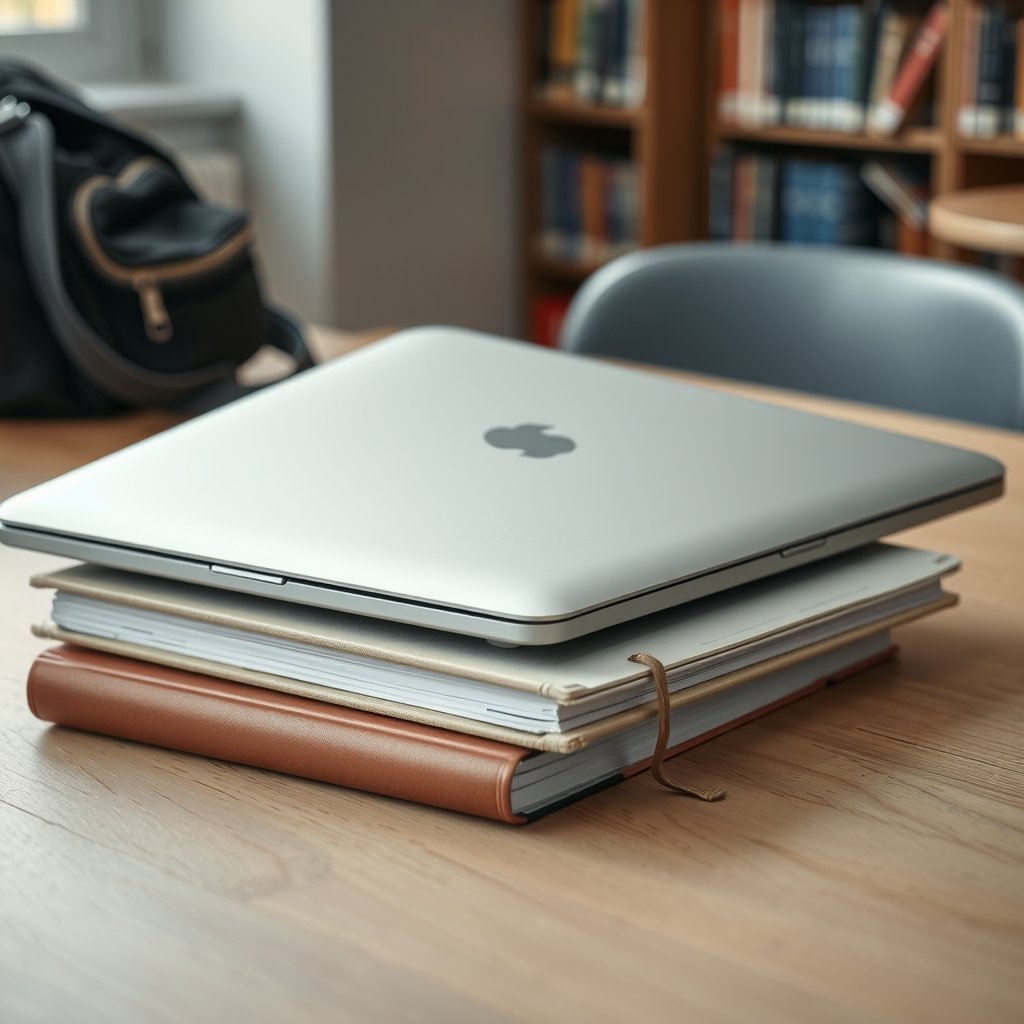
Roughly two-thirds of college students say their laptop is the single most important piece of tech they own, and it’s easy to see why. Papers, lectures, group chats, lab reports, and late-night streaming all funnel through one screen. The tricky part is that a machine good enough for four years of college often costs more than a month’s rent. The good news: the sub-$800 market has quietly become one of the smartest places to shop.
This guide breaks down what actually matters when you’re buying a laptop for college on a budget, which specs to demand, which to ignore, and how to avoid the traps that catch first-time buyers. Prices shift constantly, so treat every figure here as a starting point and confirm it the week you buy. (Laptop)
Why $800 Is the Sweet Spot for Student Laptops
For years, the under-$800 tier meant compromise: dim screens, mushy keyboards, and batteries that died before your afternoon seminar. That changed. Modern budget processors handle everyday coursework without breaking a sweat, and 16GB of RAM has crept down into this price range.
The math is simple. Spend too little and you’ll replace the machine before graduation. Spend too much and you’ve burned money you could have put toward textbooks, a decent monitor, or a pair of wireless earbuds under 200 for those 8 a.m. lectures. Eight hundred dollars is roughly where build quality, battery life, and performance stop fighting each other.
There’s also a practical argument. College laptops live hard lives. They get shoved into backpacks, knocked off desks, and spilled on. A $750 machine that lasts four years beats a $1,400 machine you’re terrified to carry.
The Specs That Actually Matter (and the Ones That Don’t)

Laptop marketing is designed to confuse. Here’s the short version of what deserves your attention.
| Spec | What to Aim For | Why It Matters |
|---|---|---|
| RAM | 16GB minimum | Handles browser tabs, Zoom, and Word at once |
| Storage | 512GB SSD | Room for files, apps, and a few games |
| Processor | Recent mid-range (Intel Core i5 / Ryzen 5 class) | Smooth performance for 4+ years |
| Battery | 8+ hours real-world | Back-to-back classes without a charger |
| Display | 1080p or better, 300+ nits | Readable outdoors and in bright rooms |
| Weight | Under 4 lbs | You’ll carry it every single day |
RAM Is the Upgrade You Can’t Do Later
Most budget laptops solder RAM to the motherboard. That means whatever you buy is what you’re stuck with. Eight gigabytes feels fine in September and miserable by junior year, when you’re running a stats program, twelve browser tabs, and a video call at once. Stretch for 16GB. It’s the single best insurance policy in this price bracket.
Storage: Skip the 256GB Trap
A 256GB drive fills up fast once you add Office, a few creative apps, and a semester of project files. A 512GB SSD costs surprisingly little more and saves you from juggling external drives. If you can’t find 512GB in budget, check whether the model allows a user-replaceable drive.
The Processor Doesn’t Need to Be Flagship
A current mid-range chip from Intel or AMD handles note-taking, research, spreadsheets, and light photo editing without complaint. Chasing the fastest processor in a cheap chassis usually means the manufacturer cut corners on the screen, keyboard, or cooling. Balance beats brute force.
Build Quality and Battery: The Underrated Heroes
Two things separate a laptop you’ll love from one you’ll resent, and neither shows up on a spec sheet.
The keyboard and hinge. You’ll type thousands of words on this machine. A keyboard with shallow, mushy keys turns every essay into a chore. Hinges are the first thing to fail on cheap laptops, so open and close the display a few times in the store if you can.
Battery life. Real-world battery life is usually 60–70% of the manufacturer’s claim. Look for independent testing rather than the sticker on the box. A machine that genuinely runs eight hours means you can leave the charger at home, which matters more than most students expect.
Weight is the third quiet factor. Anything over four pounds starts to feel like a brick by week six. If you’re walking across a large campus several times a day, prioritize something closer to three pounds.
How to Stretch Your Budget Further
A few habits separate smart buyers from people who overpay.
- Check the manufacturer’s education store first. Apple, Dell, Lenovo, HP, and Microsoft all run student discount programs, and terms change seasonally, so verify at the moment of purchase.
- Buy last year’s model. When a new generation launches, the previous one drops sharply and loses almost nothing for coursework.
- Shop the back-to-school and Black Friday windows. Late November is historically one of the best times of year for laptop discounts.
- Consider refurbished from the manufacturer. Certified refurbished units from the brand itself often carry a warranty and save 20–30%.
- Skip the extended warranty upsell unless it covers accidental damage, which is the one risk students actually face.
The most common mistake is buying on the day you move into the dorm. Inventory is thin, prices are at their worst, and you’ll grab whatever’s left on the shelf. Buy two to three weeks earlier and you’ll have real choices.
Matching the Laptop to Your Major
Different degrees pull a laptop in different directions. Engineering and architecture students need more graphics horsepower and RAM than a history major writing essays.
If you’re in a demanding program, it’s worth reading a dedicated breakdown of the best laptops for engineering students before you commit, since CAD and simulation software have real hardware requirements. For everyone else, a well-rounded mid-range machine covers the vast majority of coursework. (Best Laptops)
The same logic applies to software. A modest laptop runs beautifully if you keep it lean, and a guide to the best study apps for college students can help you build a workflow that doesn’t tax your hardware. Note-taking apps, citation managers, and focus timers do more for your grades than an extra 8GB of RAM ever will.
What to Check Before You Click Buy
Run through this list before checkout. It takes five minutes and prevents most regrets.
- Ports: At least one USB-A, one USB-C, and a headphone jack. Dongles get lost.
- Webcam quality: You’ll spend hours on video calls. A 1080p webcam is worth having.
- Return window: Confirm it, and test the machine thoroughly in the first week.
- Screen brightness: Under 300 nits is painful near a window.
- Reviews from real owners: Look for patterns in complaints, not single one-star rants.
If you’re weighing a few finalists, a broader roundup of the best budget laptops under 1000 can help you see where the extra $200 goes and whether it’s worth it for your situation.
Chromebooks, Windows, or Mac?
Each platform has a personality, and the right pick depends on your major.
Windows offers the widest range of hardware under $800 and runs virtually all coursework software. Chromebooks are cheap, light, and secure, but struggle with specialized applications. MacBooks rarely dip under $800 new, though refurbished and education pricing occasionally get close.
For most students, Windows is the safest default in this price band. It runs the widest spread of software, and the budget options are genuinely good now. If you want a broader look at how the tiers compare across budgets, the best laptops 2026 top picks for every budget roundup is a useful cross-check.
One more consideration: research-heavy majors benefit from a machine that can run modern tools smoothly. Students in those fields should look at the best AI research tools for students and professionals to see what their software stack will demand before finalizing a purchase.
Common Mistakes That Cost Students Money
A few traps show up again and again.
Buying the cheapest option. A $350 laptop often needs replacing by sophomore year, which costs more than buying once at $750.
Ignoring the screen. You stare at it for hours. A dim, low-resolution panel causes eye strain and makes everything feel worse.
Overpaying for a dedicated graphics card. Unless you’re gaming or rendering, integrated graphics are fine. That money is better spent on RAM and storage.
Forgetting the accessories. A $30 laptop sleeve and a $25 wireless mouse protect your investment and improve daily use. Budget for them.
Not checking the keyboard layout. Some budget models ship with cramped or oddly placed keys. Read owner reviews specifically about typing.
Conclusion
The best laptop for college students under $800 isn’t the one with the flashiest spec sheet. It’s the one with 16GB of RAM, a 512GB SSD, a screen you can actually read, and a battery that survives a full day of classes. Everything else is detail.
Shop in the right window, check education pricing, buy last year’s model when you can, and test the machine hard in the first week. Do that, and you’ll walk out of college with a laptop that still has life left in it. The budget tier has never been stronger, and a little patience is all it takes to land a machine that quietly does everything you need for four years.
Frequently Asked Questions
Is 8GB of RAM enough for a college laptop?
For basic note-taking and web browsing, 8GB works at first. But most budget laptops have soldered RAM you can’t upgrade, and 8GB starts to strain once you’re running multiple apps and dozens of browser tabs. Aim for 16GB if your budget allows, since it extends the machine’s useful life by years.
Should college students buy a Chromebook or a Windows laptop?
Chromebooks are affordable, light, and secure, but they can’t run many specialized programs required in engineering, accounting, or design courses. Windows offers far broader software compatibility in the sub-$800 range, making it the safer choice for most students who aren’t certain of their major’s software needs.
How much should I expect to spend on a good student laptop?
A solid, durable machine with 16GB of RAM and a 512GB SSD typically lands between $600 and $800. Spending less often means sacrificing RAM, screen quality, or build quality, which can lead to replacement costs before graduation. Spending more than $800 is usually unnecessary unless your major demands heavy graphics work.
When is the best time of year to buy a laptop for college?
Late November, around Black Friday and Cyber Monday, is historically one of the strongest discount windows for laptops. Back-to-school season in July and August also brings promotions, but inventory can be thin. Buying a few weeks before the semester starts gives you the best selection and time to test the machine.
Do I need a dedicated graphics card in a budget laptop?
For most students, no. Integrated graphics handle note-taking, research, streaming, and light photo editing without issue. A dedicated GPU only matters for gaming, video rendering, or CAD work. If you don’t need those, put the money toward RAM, storage, or a better screen instead.
How long should a budget college laptop last?
A well-chosen laptop in this price range should last four years with reasonable care. The keys are buying enough RAM and storage up front, since those can’t usually be upgraded later, and protecting the machine with a sleeve. Models with user-replaceable batteries and drives tend to age better than sealed ones.
