
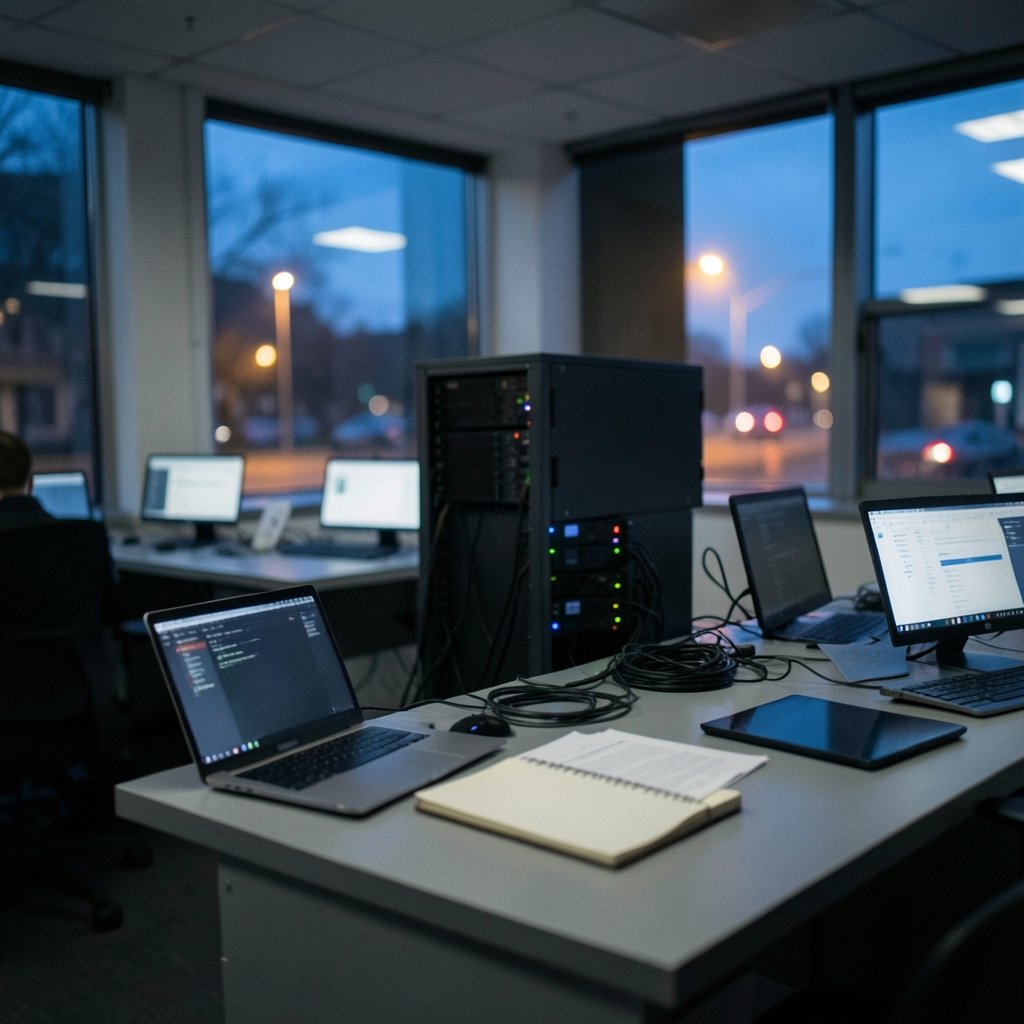
Most cloud breaches don’t start with a clever zero-day. They start with a workload nobody remembered to protect. Attackers scan for exposed APIs, over-privileged service accounts, and unpatched container images, then walk in through doors that were left open by default. A cloud workload protection platform (CWPP) exists to close those doors, but buying one is the easy part. The hard part is the rollout: deciding what to protect first, how to deploy sensors without breaking production, and how to keep policies from rotting six months later.
This guide walks through a practical, sequenced implementation. It skips the vendor slideware and focuses on what tends to go wrong in real environments.
Why Workload Protection Fails When It’s Rushed
A common pattern: a security team licenses a platform, deploys agents to every VM in a single sprint, and drowns in thousands of alerts within a week. The tool gets quietly deprioritized. The root cause is almost never the technology. It’s the absence of a plan for scope, ownership, and tuning.
Cloud workloads are also genuinely harder to protect than traditional servers. They spin up and down in minutes, they’re defined in code, and they often run as containers or serverless functions where there’s no host to install an agent on. That’s why a modern rollout usually combines agent-based runtime protection with agentless API scanning. If the underlying storage and compute model is still fuzzy for your team, it’s worth brushing up on what cloud storage is and how it works before designing controls around it. (Cloud computing security)
Step 1: Build a Real Workload Inventory

You cannot protect what you cannot see, and most organizations dramatically underestimate their workload count. Start with the cloud provider APIs themselves: enumerate every compute instance, container cluster, serverless function, and managed service across every account and subscription. Include the forgotten ones: sandbox accounts, proof-of-concept projects, and resources spun up by data science teams.
For each workload, capture:
- Owner and business function (a name, not a team alias that goes dead)
- Data sensitivity tier (public, internal, confidential, regulated)
- Environment (production, staging, development)
- Runtime type (VM, container, serverless, managed service)
Apply tags in the cloud console itself, not solely in the security tool. Tags that live only inside the CWPP become stale the moment someone bypasses the pipeline.
Step 2: Scope by Risk, Not by Convenience
The temptation is to start with the easiest workloads to onboard. Resist it. Rank workloads by exposure and blast radius: internet-facing services first, then anything touching regulated data, then everything else.
A simple three-tier model works well in practice:
| Tier | Characteristics | Protection Depth |
|---|---|---|
| Tier 1 | Internet-facing, regulated data, revenue-critical | Full agent, runtime behavioral monitoring, file integrity monitoring, 24/7 alerting |
| Tier 2 | Internal services, moderate sensitivity | Agent-based vulnerability and misconfiguration scanning, business-hours alerting |
| Tier 3 | Dev/test, sandbox, ephemeral | Agentless scanning only, weekly review |
This tiering does two things. It gives the team a defensible reason to say “not yet” to low-value work, and it sets expectations with auditors about coverage.
Step 3: Define Baselines Before You Deploy Anything
Deploying a protection tool without a hardening baseline is like installing a burglar alarm in a house with no locks. Define the configuration standard first. Most teams anchor on CIS Benchmarks for operating systems and Kubernetes, plus a control framework such as NIST SP 800-53 or the Cloud Security Alliance’s Cloud Controls Matrix for the broader program.
Practical baseline items that catch the most real-world issues:
- No public-facing management ports (SSH, RDP, database ports)
- No long-lived access keys on workloads; use workload identity or instance roles
- Container images from trusted registries only, with signed images where feasible
- Root/administrator containers disabled
- Logging and audit trails enabled and shipped off-host
Write these as policy-as-code where possible. A control that exists only in a PDF will drift within a quarter.
Step 4: Choose Your Deployment Model Per Runtime
This is where most rollouts stall. There is no single agent that covers everything well, so plan per runtime:
Virtual machines. Agent-based protection is still the strongest option here. It gives you file integrity monitoring, process-level behavioral detection, and local vulnerability data. The catch is change management: agents can affect boot times, kernel modules can conflict with security software, and some legacy applications simply won’t tolerate them. Pilot on Tier 2 first, measure performance impact, then expand.
Containers and Kubernetes. Prefer eBPF-based sensors or DaemonSet-deployed agents that run at the node level, plus image scanning in the CI pipeline. If you’re running EKS, the cluster lifecycle itself matters for security posture; a clean, current control plane closes a surprising number of gaps, and a structured EKS cluster upgrade to Kubernetes 1.37 in 13 steps is a reasonable reference for keeping that layer patched.
Serverless and managed services. Agentless API-based scanning is usually the only viable route. Accept that runtime visibility will be shallower and compensate with strong identity controls and detailed logging.
A hybrid model is normal. Agentless scanning for broad visibility, agents where runtime depth genuinely matters.
Step 5: Shift Scanning Left Into the Pipeline
Workload protection that only operates in production is reactive by design. Move image and infrastructure-as-code scanning into CI so that a vulnerable image never reaches a registry.
The mechanics that work:
- Scan container images at build time; fail the build on critical vulnerabilities with a fix available.
- Scan infrastructure-as-code (Terraform, CloudFormation) for misconfigurations before apply.
- Enforce admission control in Kubernetes so unsigned or unscanned images are rejected at deploy time.
- Set a documented exception process, or engineers will route around the gate.
The exception process matters more than the gate. Teams that can’t ship will find a way to ship, and it usually involves disabling the scanner.
Step 6: Wire Runtime Detection Into Response
Alerts are worthless without a response path. Before enabling runtime behavioral detection broadly, decide where alerts go and who acts on them.
Most mature setups route workload alerts into a SIEM and then into a SOAR platform or ticketing system. This is where a CWPP stops being a dashboard and becomes part of operations. If your SIEM is Wazuh, the detection rules for web-shell and fileless attacks need deliberate tuning; a Wazuh SIEM detection walkthrough for php2shell in 13 steps shows how much rule-level detail sits behind a single alert category.
Define severity tiers with explicit response times. A reverse shell on a Tier 1 workload should page someone. A missing log rotation setting should file a ticket. Treating both the same way is how alert fatigue starts.
Step 7: Tune Relentlessly for the First 60 Days
The first two months determine whether the platform survives. Expect a false-positive rate above 50% on initial runtime rules, especially in environments with custom applications, batch jobs, and build agents.
Effective tuning practices:
- Suppress by behavior, not by host. Excluding a whole server hides real attacks; excluding a specific known-good process path is narrower.
- Review every suppression monthly. Suppressions accumulate and quietly become blind spots.
- Baseline first, alert second. Run behavioral monitoring in learn-only mode for two to four weeks per workload group.
- Track a single quality metric, such as the percentage of alerts triaged as true positives. If it isn’t climbing, tuning isn’t working.
Patience during this phase pays for itself many times over. A tuned platform gets used; an untuned one gets ignored.
Step 8: Validate With Real Adversary Simulation
Configuration looks fine on paper. Test it. Purple-team exercises that simulate common cloud attack paths, such as credential theft leading to lateral movement, or a compromised container escaping to the node, reveal whether detection actually fires.
Practical validation checks:
- Attempt to reach the instance metadata service from a compromised pod
- Create a new privileged service account and confirm it’s flagged
- Deploy an unscanned image and confirm admission control blocks it
- Modify a monitored system file and confirm file integrity monitoring alerts
Document each result. These findings become your audit evidence and your roadmap.
Step 9: Close the Loop With Continuous Compliance
Workload protection generates exactly the evidence auditors want: configuration drift reports, vulnerability trends, and proof of monitoring. Map each control in your framework to a specific CWPP check so evidence collection becomes a query rather than a fire drill.
Review coverage quarterly. Workloads get decommissioned, new accounts appear, and agents silently stop reporting after a kernel update. A monthly report of workloads with no sensor coverage is one of the highest-value dashboards a cloud security team can maintain.
Common Mistakes Worth Avoiding
A few traps show up again and again:
- Treating the CWPP as a replacement for patching. It detects and alerts; it doesn’t fix vulnerable libraries for you.
- Ignoring the control plane. Protecting workloads while leaving overly permissive IAM roles in place is a losing position.
- Skipping malware defenses on workloads. Runtime protection and endpoint anti-malware are complementary. Guidance on malware protection and how to protect your devices applies to cloud hosts as much as laptops.
- No named owner per tier. Shared ownership means no ownership.
Conclusion
Cloud workload protection succeeds or fails on sequencing, not on tool selection. Inventory first, risk-based scoping second, baselines before deployment, then a runtime model matched to each workload type. Push scanning into the pipeline, wire detection into a real response path, and spend the first two months tuning aggressively. Validate with adversary simulation, then keep the loop closed with continuous compliance reporting.
The teams that get this right share one habit: they treat the rollout as an ongoing program with owners and metrics, not a project with an end date. Workloads change weekly. Protection has to keep pace.
Frequently Asked Questions
What is cloud workload protection?
Cloud workload protection is the practice of securing the compute units that run in cloud environments, including virtual machines, containers, serverless functions, and managed services. It covers vulnerability scanning, configuration hardening, runtime behavioral monitoring, and compliance reporting, usually delivered through a cloud workload protection platform (CWPP).
How long does a CWPP implementation take?
A realistic timeline is eight to twelve weeks for initial coverage of Tier 1 and Tier 2 workloads, with tuning continuing for another month or two. Organizations that try to compress this into two weeks typically end up with widespread alert fatigue and low platform adoption.
Do I need agents, or is agentless scanning enough?
Agentless scanning gives broad visibility with minimal operational friction and is often the right starting point. Agents are still needed for deep runtime detection, such as file integrity monitoring and process-level behavioral analysis. Most mature programs run both.
What should be protected first?
Internet-facing workloads that handle regulated or sensitive data. These carry the highest likelihood of attack and the largest blast radius if compromised. Development and sandbox environments should be scanned but rarely warrant full runtime monitoring.
How do I stop alert fatigue during rollout?
Run runtime detection in learn-only mode for two to four weeks per workload group, suppress by specific behavior rather than by host, review suppressions monthly, and track the share of alerts that turn out to be true positives. If that number isn’t trending up, the tuning process needs attention.
How does workload protection relate to container security?
Container security is a subset. Workload protection adds host-level and VM coverage, plus the orchestration layer concerns like admission control and image provenance. A container-only tool will leave gaps on virtual machines and serverless functions.



