
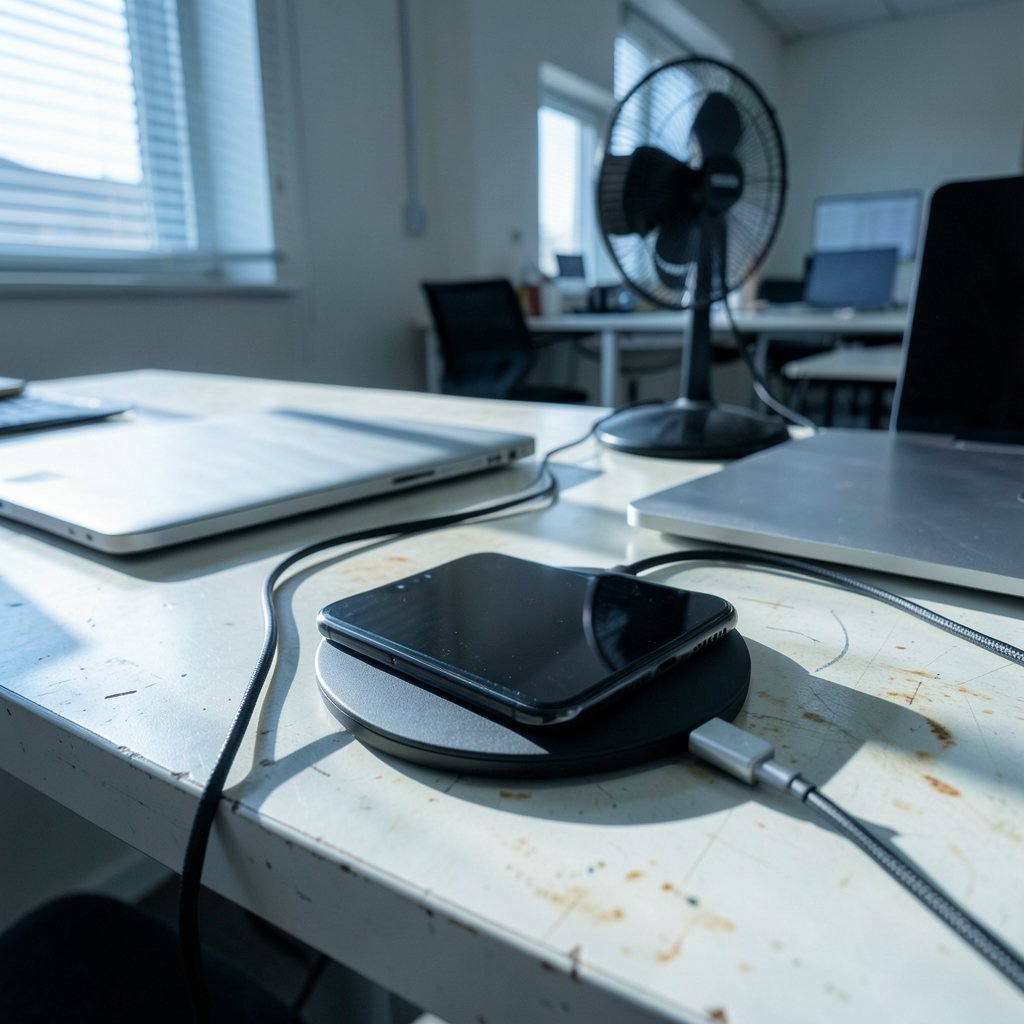
Wireless charging feels like magic until it doesn’t. You drop your phone on the pad, see a charging icon flicker on, walk away, and come back an hour later to find the battery barely moved—or worse, the phone is hotter than a fresh cup of coffee. If that scene sounds familiar, you’re in good company. The Qi wireless charging standard, maintained by the Wireless Power Consortium, powers hundreds of millions of devices, yet the technology still frustrates plenty of users because it depends on precise alignment, compatible hardware, and decent heat management.
The good news: most wireless charger failures fall into a handful of predictable categories, and nearly all of them have simple fixes. Below is a practical walkthrough of the problems people actually run into, why they happen, and what to do about them.
Why Wireless Charging Fails More Often Than Wired Charging
A cable delivers power through a physical connection. A wireless charger delivers power through an electromagnetic field between two coils—one in the pad, one inside the phone. That design is convenient, but it introduces failure points a cable never has: the coils must line up, the gap between them must stay small, and nothing conductive can sit in between.
According to Apple’s official guidance on wireless charging, even small misalignments or thick cases can slow charging or stop it entirely. That single fact explains a huge share of “my charger is broken” complaints. The charger usually isn’t broken. The setup is.
Problem 1: The Phone Charges Slowly or Not at All
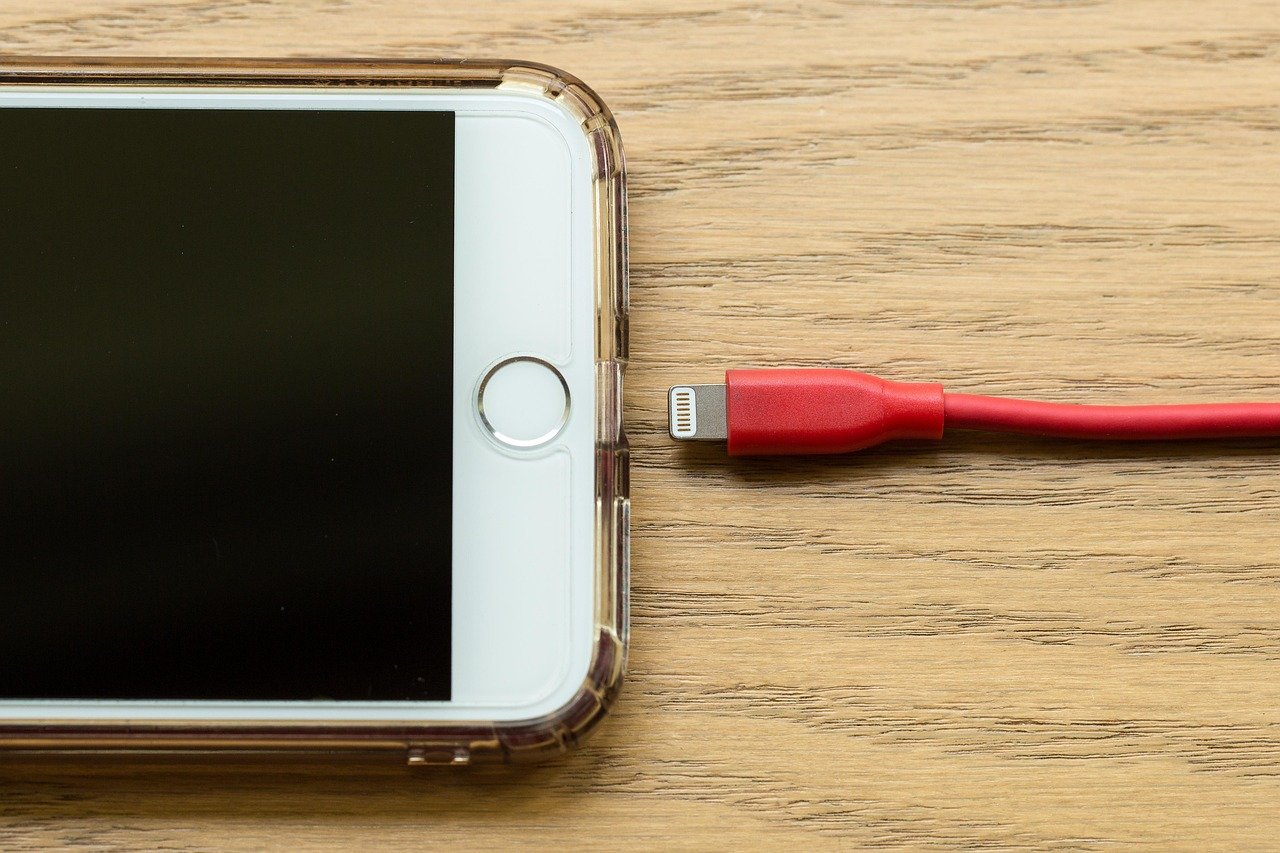
This is the number one complaint, and it almost always traces back to misalignment. The phone’s charging coil sits in a specific spot, usually centered but sometimes offset. If you place the phone off-center on the pad, the coils only partially overlap, and power transfer drops sharply.
Fixes that work in practice:
- Look for a visual guide on the pad—many models have a marked center or a magnet ring.
- Place the phone down, then nudge it slowly while watching for the charging indicator.
- Once you find the sweet spot, mark it with a small piece of tape or a dot of paint.
- For car mounts, check alignment after tightening the clamp, since the phone often shifts when you let go.
A related culprit is case thickness. Cases thicker than about 3mm, cases with metal plates, and wallets with credit cards inside all interfere with the field. Pop the case off and test. If charging works bare, the case is your problem—swap it for a thin, Qi-compatible one. Magnetic accessories deserve special mention: a magnetic plate designed for a car mount can block induction entirely, even if it’s thin.
Problem 2: The Charger Gets Dangerously Hot
Heat is the quiet killer of wireless charging. Some energy is always lost in the transfer, and that loss shows up as warmth. When a phone gets too hot, it deliberately slows charging—a safety behavior called thermal throttling—so you end up with a slow charge and a hot device.
Common heat sources include charging under a pillow, on a bed, in direct sunlight, or with a thick case trapping air. Stacking a second phone or a pair of earbuds on the same pad makes it worse.
What actually helps:
- Charge on a hard, flat, well-ventilated surface—never on fabric that traps heat.
- Remove the case during long charging sessions, especially in summer.
- Keep the pad out of direct sun, particularly in a car.
- If the charger itself feels hot to the touch within minutes, stop using it. Excessive heat can indicate a failing component, and the U.S. Consumer Product Safety Commission regularly publishes recalls for charging accessories that pose fire or burn risks.
That last point matters more than people think. A charger that runs hot isn’t just inefficient—it can be a genuine safety concern. Cheap, uncertified pads are the usual offenders.
Problem 3: The Phone Keeps Starting and Stopping
Intermittent charging—the icon appears, disappears, appears again—is maddening. The usual causes are tiny movements, debris, or a power supply that can’t keep up.
Foreign objects are a frequent hidden cause. A coin, a paper clip, a key, or even a small piece of metallic lint sitting between phone and pad can trigger the charger’s foreign-object detection, which shuts off power to avoid heating the metal. Wipe the pad with a dry microfiber cloth and check the phone’s back for grit or adhesive residue.
Underpowered adapters cause a related problem. Many wireless pads need a specific wattage—often 15W or 20W—and a leftover 5W phone charger from an old device won’t cut it. The pad may power on but deliver a trickle, or cycle on and off. Use the adapter the manufacturer specifies, and plug it into a wall outlet rather than a USB hub or a power strip with other demanding devices.
Vibration is the third culprit, mostly in cars. Engine vibration slowly walks the phone off-center. A grippy pad surface or a mount with a firm grip solves it.
Problem 4: It Works With One Phone but Not Another
Wireless charging is standardized, but fast charging is not. A pad might charge an iPhone at full speed while delivering a slow trickle to an Android phone, or vice versa, because fast wireless charging relies on proprietary protocols layered on top of the Qi standard. Apple’s MagSafe and Samsung’s Fast Wireless Charging are the best-known examples. (Inductive charging)
| Symptom | Likely cause | Practical fix |
|---|---|---|
| Charges slowly on one phone only | Proprietary fast-charge mismatch | Use a charger certified for that phone brand |
| Charges only without a case | Case too thick or contains metal | Switch to a thin Qi-compatible case |
| Stops when phone vibrates | Misalignment from movement | Use a grippy surface or tighter mount |
| Pad powers on but phone doesn’t charge | Underpowered adapter or cable | Use the specified wattage adapter |
| Gets hot within minutes | Poor ventilation or failing hardware | Move to open air; replace if still hot |
The lesson: “Qi-compatible” on the box guarantees basic charging, not speed. If you’re shopping for a new pad, it’s worth reading up on what separates a good charger from a mediocre one—guides like this roundup of the best wireless chargers for iPhone and Android cover compatibility details that spec sheets often gloss over.
Problem 5: Charging Interferes With Other Devices
Some users notice their wireless earbuds cut out, their Wi-Fi stutters, or their car’s key fob acts up while a phone charges wirelessly. Inductive charging emits a low-level electromagnetic field, and while it’s designed to stay within safe limits, it can occasionally interfere with sensitive electronics nearby—especially cheap chargers with poor shielding.
The fix is simple: keep the pad a few inches away from other devices, and don’t stack a second gadget on top of a charging phone. If interference persists, the charger’s shielding may be inadequate, which is another reason to favor reputable brands over bargain-bin options.
Problem 6: The Charger Stopped Working Entirely
When a charger dies completely, work through the chain in order:
- Test the adapter and cable with another device. Cables fail far more often than pads do.
- Try a different wall outlet, ideally one without a dimmer or smart switch.
- Clean the charging port on the phone if you also charge by cable—lint there can confuse the phone’s power management.
- Restart the phone. Software glitches occasionally disable wireless charging until a reboot, and a pending system update is worth installing.
- Test the phone on another wireless charger to isolate whether the fault is the pad or the phone.
If the phone won’t charge wirelessly on any pad, the internal coil or its connection may be damaged—often after a drop. That’s a repair-shop issue, not a settings issue.
Mistakes People Make When Troubleshooting
A few habits make diagnosis harder than it needs to be:
- Assuming the charger is broken first. In practice, misalignment, cases, and adapters cause most failures. Test the cheap variables before replacing hardware.
- Ignoring heat until it’s a problem. Warm is normal; hot is a warning. Treat persistent heat as a defect, not an inconvenience.
- Using whatever cable is closest. A worn cable with a loose connector causes voltage drops that look exactly like a failing charger.
- Charging on soft surfaces. Beds, couches, and pillows trap heat and let the phone shift. A nightstand is better than a duvet, every time.
The same discipline applies to other wireless gadgets—whether you’re troubleshooting a wireless meat thermometer that drops its signal or a pair of wireless earbuds under 200 that won’t hold a connection, the pattern holds: check the simple physical stuff before assuming the electronics are dead. (Wireless Devices and Health Concerns)
When to Replace Instead of Repair
Sometimes the fix is a new charger, and it’s worth knowing the signs. Replace the pad if it runs hot even with a bare phone, if it charges only at one precise angle, if the surface is cracked or the cable is permanently attached and frayed, or if it’s an uncertified bargain model with no safety markings. Certified chargers carry recognizable compliance marks, and the difference in build quality is real—not marketing fluff.
For phones, replacement becomes the question only if the device fails on multiple known-good chargers. Before that point, a thorough cleaning and a software restart resolve a surprising number of cases.
Conclusion
Wireless charger problems look mysterious but rarely are. The overwhelming majority trace back to four things: alignment, cases, heat, and power supply. Fix those and most “broken” chargers spring back to life. When a charger genuinely fails, the failure tends to announce itself through heat, intermittent behavior, or a physical defect—signals worth taking seriously rather than ignoring.
The practical takeaway is to troubleshoot in order of cost and effort: reposition, remove the case, clean the surfaces, swap the adapter and cable, restart the phone, then test on known-good hardware. That sequence solves most issues in under ten minutes and saves you from buying a replacement you never needed. Wireless charging is a convenience technology, and like most conveniences, it rewards a little setup care with years of reliable service.
Frequently Asked Questions
Why does my phone get warm when charging wirelessly?
Some energy is always lost during inductive transfer, and that loss appears as heat. Mild warmth is normal. If the phone or pad becomes hot to the touch, check for a thick case, fabric underneath, or direct sunlight, and move the setup to a hard, ventilated surface.
Can a phone case stop wireless charging completely?
Yes. Cases thicker than roughly 3mm, cases containing metal plates, and wallets holding cards or keys can block or disrupt the magnetic field. Remove the case and test. If charging works without it, switch to a thin, Qi-compatible case.
Why does my wireless charger keep disconnecting?
The most common causes are slight misalignment, vibration moving the phone, debris on the pad, or an underpowered adapter that can’t sustain the required wattage. Reposition the phone, clean both surfaces, and confirm you’re using the specified power adapter.
Do all wireless chargers charge all phones at full speed?
No. Basic Qi charging is widely compatible, but fast wireless charging often depends on brand-specific protocols. A pad optimized for one brand may charge another phone slowly. Check compatibility before assuming the charger is faulty.
Is it safe to leave my phone on a wireless charger overnight?
Generally yes, since modern phones stop drawing power once full. The bigger concern is heat: charging on a bed or under a pillow traps warmth. Use a hard, open surface, and avoid uncertified chargers that run unusually hot.
How do I know if my wireless charger is broken or if it’s my phone?
Test each separately. Try the phone on a second known-good wireless charger, and try the charger with a different compatible phone. If the phone fails everywhere, the issue is likely the device; if the charger fails with every phone, replace the charger.



