
Quick Answer: What are the best practices for securing vmware for beginners?
The best practices for securing VMware start with a short list of basics: keep ESXi and vCenter patched, change default credentials, enforce least privilege, keep the built-in firewall on, and never expose management interfaces directly to the internet. Beginners can act on all of these in the first week of a new deployment, before adding advanced controls. (Best ukulele for beginners)
Larger environments often layer on extra tools such as encrypted virtual machines, vSphere Trust Authority, and third-party compliance scanners, but those come later. The fundamentals matter far more than the extras for a small team.
Before changing anything, check the vSphere version and edition, the current patch level, who holds admin roles, how management traffic is routed, whether logs leave the host, and which security advisories apply to the installed components.
In early 2021, three vCenter and ESXi flaws disclosed in the same batch sent administrators across the world scrambling to patch. The lesson stuck: virtual infrastructure is a high-value target, and small teams are not exempt. A beginner who learns a handful of durable habits early avoids years of messy cleanup later. This guide walks through the practices that actually move the needle, in the order a newcomer should tackle them.
Start with patching, because attackers read the advisories too
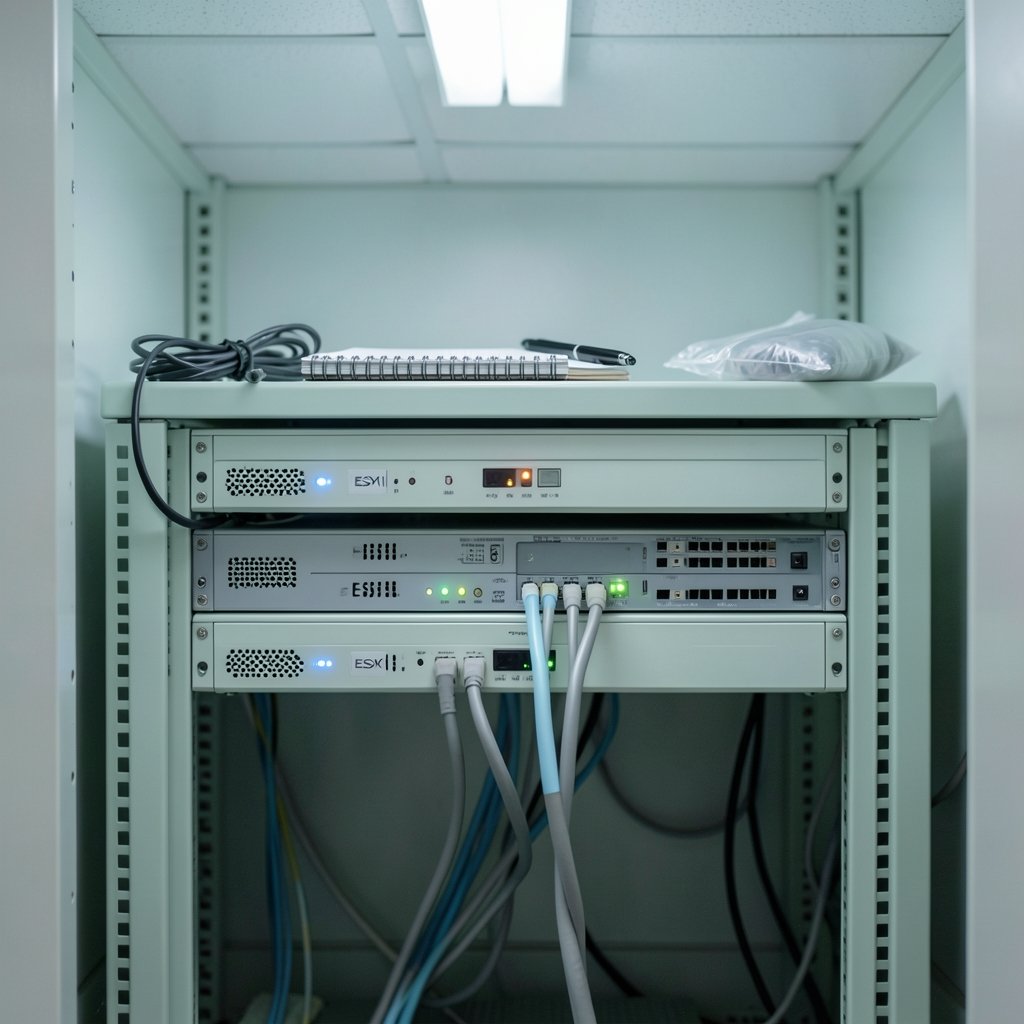
The single highest-return habit in VMware security is disciplined patching. Vendor security advisories are public, detailed, and often published alongside proof-of-concept code. Anyone running an unpatched ESXi host is effectively running software with a public map of its weaknesses.
In practice, that means three routines. First, subscribe to the vendor’s security notification channel so advisories arrive by email rather than by rumor. Second, set a monthly patch window and stick to it, even when nothing feels urgent. Third, keep a short inventory of every ESXi host, vCenter instance, and appliance version, because you cannot patch what you have forgotten.
A common beginner mistake is patching vCenter but leaving ESXi hosts untouched, or the reverse. These components talk to each other, and an outdated host can undermine a fully updated management layer. Treat the whole stack as one unit.
Another mistake: patching without a rollback plan. Snapshots help, but they are not backups. Confirm that host configuration backups exist and that someone has tested a restore at least once.
Lock down accounts and permissions before anything else
Default and shared accounts are the quiet undoing of many small environments. The ESXi root account exists for break-glass recovery, not daily administration. Best practice is to create named accounts for each administrator, assign role-based permissions, and reserve root for emergencies with its use logged.
Least privilege sounds abstract until it is concrete. A helpdesk technician who only needs to view virtual machine consoles does not need the Administrator role. A backup service account needs read access and the specific privileges its tool requires, nothing more. Reviewing role assignments quarterly catches the drift that accumulates when people change jobs or leave.
Multi-factor authentication deserves early attention too. Where the platform and edition support it, enabling MFA on the management layer removes the easiest path for stolen credentials. If MFA is not available for a given component, restrict who can reach that component at all.
Permission sprawl is the slow leak that turns one compromised account into a full environment takeover. Beginners who audit roles in the first month build a habit that pays off for years.
Keep management interfaces off the public internet
Exposing vCenter or ESXi directly to the internet is one of the most damaging shortcuts in virtualization. Management interfaces were never designed to face hostile traffic, and a public login page invites credential stuffing, vulnerability scanning, and exploitation of any unpatched flaw.
The standard pattern is a jump host or bastion inside the network, reached through a VPN with MFA. Administrators connect to the bastion, then to vCenter. It adds one step and removes an entire class of risk.
For smaller setups, a dedicated management VLAN with strict firewall rules works well. The key principle is separation: management traffic should not share a flat network with user desktops, guest workloads, or anything internet-facing.
If remote access is genuinely required for a vendor or contractor, time-box it. Create temporary accounts, enable them for a defined window, and disable them afterward. Standing remote access is a liability that rarely gets cleaned up.
Treat the hypervisor firewall as a feature, not an obstacle
ESXi ships with a firewall that is enabled by default, and it should stay that way. Beginners sometimes disable it while troubleshooting connectivity and forget to re-enable it. A better habit is to open only the ports a specific service needs and document why each one is open. (Best 3d printer for beginners)
The same logic applies to services. SSH access to a host is convenient for scripting but should be enabled only when needed and disabled afterward. The ESXi Shell and the direct console interface are similar: useful for recovery, risky as permanent fixtures.
Network segmentation rounds this out. Separate networks for management, storage, virtual machine traffic, and live migration reduce the blast radius of any single compromise. Even a modest lab benefits from putting management on its own segment.
Centralize logging so evidence survives an incident
If an attacker compromises a host, the first thing they may do is clear or tamper with local logs. Sending logs to a remote collector means the record survives. Configure syslog forwarding from every ESXi host and vCenter instance to a centralized destination that administrators cannot easily delete from.
Logging is also how beginners learn what normal looks like. Failed login spikes, unusual API calls, and configuration changes all show up in logs before they show up in an outage. Reading them occasionally is how you spot the odd entry that matters.
Retention matters as much as collection. Keep logs long enough to cover your organization’s investigation window, and restrict who can modify or delete them. A log you can quietly erase is not really evidence.
Harden the virtual machine layer too
Security does not stop at the hypervisor. Virtual machines deserve the same care as physical servers. Keep VMware Tools current, remove unnecessary virtual hardware such as unused CD drives and serial ports, and disconnect ISO images when installation finishes. (Hypervisor)
For workloads that need stronger protection, encrypted virtual machines and vSphere Trust Authority add a layer that protects data even from someone with host-level access. Availability depends on edition and version, so confirm support before planning around it. Beginners should treat these as later-stage improvements, not day-one requirements.
Snapshots and templates also carry risk. A template built months ago may contain old credentials or missing patches. Rebuild templates on a schedule rather than cloning them indefinitely.
Build a simple, repeatable checklist
Beginners benefit most from a written routine. The table below maps the core practices to a rough priority order and the effort each one takes.
| Practice | Priority | Typical effort | Beginner mistake to avoid |
|---|---|---|---|
| Patch ESXi and vCenter | Critical | Monthly window | Patching one tier only |
| Named accounts and least privilege | Critical | One-time setup, quarterly review | Sharing the root account |
| Remove internet exposure | Critical | One-time architecture change | Direct vCenter access from outside |
| Keep host firewall enabled | High | Minutes per host | Disabling it “temporarily” |
| Centralized remote logging | High | Hours to configure | Relying on local logs only |
| Network segmentation | Medium | Planning plus cabling or VLAN work | Flat management network |
| VM encryption and Trust Authority | Medium | Edition-dependent | Assuming it is available everywhere |
Print it, pin it, and work down the list. A checklist that gets followed beats a policy document that gets filed.
Use established baselines instead of inventing your own
There is no need to design a hardening standard from scratch. Government and industry baselines already exist, and they are free to consult. NIST’s guide to full virtualization security lays out hypervisor security concepts in plain terms, and consensus benchmark checklists for ESXi and vCenter give item-by-item configuration guidance.
Beginners should read these as reference material, not gospel. Some items assume enterprise tooling or editions that a small team does not have. Adopt what fits, document what you skip, and revisit the gaps annually.
The same restraint applies to tooling. A vulnerability scanner is useful, but only if someone reviews the findings. Automation is useful, but only if someone owns the scripts. Tools amplify whatever discipline already exists.
What to check before you start changing settings
Before making changes, confirm the vSphere version and edition, because available features vary. Confirm who currently holds administrative roles. Confirm how management traffic is routed and whether anything is reachable from outside. Confirm that configuration backups exist and have been tested. Confirm which advisories apply to the installed components, and confirm that someone owns the patch calendar.
That short list prevents the classic beginner error of hardening in the wrong order, such as enabling encryption before fixing account sprawl. Sequence matters.
Conclusion
Securing VMware for beginners is less about exotic tools and more about consistent habits. Patch the whole stack on a schedule. Replace shared accounts with named ones and enforce least privilege. Keep management interfaces behind a VPN or bastion. Leave the host firewall on and open only what is needed. Send logs off-host. Segment the network. Then, once those basics are steady, consider encryption and trusted execution features.
The environments that get breached are rarely the ones missing the newest feature. They are the ones where patching slipped, a default account stayed active, or a management interface sat exposed for “just a few weeks.” Start with the checklist, use the published baselines as reference, and revisit the whole routine every quarter. For teams building broader technology habits at the same time, resources like this guide to AI governance principles, risks, and best practices offer a useful parallel framework for thinking about risk ownership and control reviews.
How often should ESXi hosts be patched?
Monthly is a reasonable baseline for most small environments, with emergency patching when a critical advisory lands. The exact cadence matters less than the consistency. A host patched on the first Tuesday of every month is safer than one patched whenever someone remembers.
Is it safe to run ESXi without vCenter?
It can be, for a small lab or a handful of standalone hosts. The trade-off is that centralized management, role-based permissions, and easier patching all become manual work. Beginners running a single host should still follow the same account, firewall, and logging practices.
Do I need a separate management network?
It is strongly recommended. Putting management traffic on its own VLAN or segment limits what an attacker can reach after compromising a workload. Even a two-host setup benefits from separating management from virtual machine traffic.
What is the difference between hardening and patching?
Patching closes known software flaws. Hardening reduces the attack surface through configuration choices such as removing unused services, restricting permissions, and disabling unnecessary interfaces. Both are needed, and neither replaces the other. (CISA Known Exploited Vulnerabilities Catalog)
Can beginners rely on default settings for security?
No. Defaults favor usability over protection. Default accounts, open management access, and permissive service settings all need review. The built-in firewall being enabled by default is one of the few defaults that should simply be left alone.
How do I know if my VMware environment has been compromised?
Watch for unexplained configuration changes, new local accounts, unusual outbound connections, gaps in forwarded logs, and failed login spikes. Centralized logging is what makes these signals visible, which is why it belongs near the top of any beginner’s list.



