
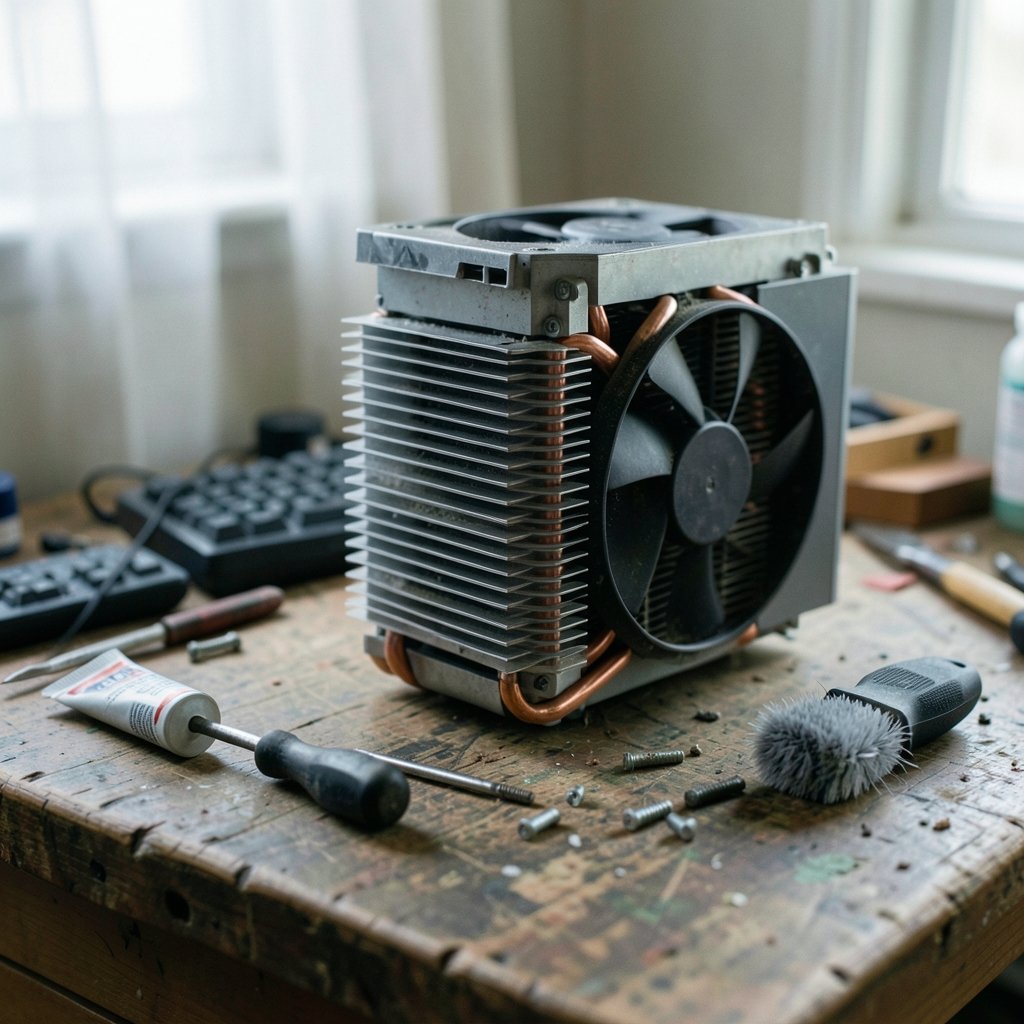
A CPU that hits 100°C under load will throttle itself hard, and in some cases shut down entirely to protect the silicon. Yet the culprit is often something small: a fan plugged into the wrong header, a protective film left on a cold plate, or a five-year-old layer of thermal paste that has turned to chalk. This guide walks through the most common CPU cooler problems, how to spot them, and what actually fixes them in practice.
Why CPU Cooler Troubleshooting Starts With Symptoms
Before touching a screwdriver, it helps to read the symptoms. A cooler that fails in one way behaves very differently from one that fails in another. The table below maps the usual complaints to their most likely causes.
| Symptom | Most likely cause | First check |
|---|---|---|
| Fan error at boot, no POST | Fan on wrong header or dead fan | Fan cable routing |
| Temps climb slowly over months | Dried thermal paste or dust | Idle temps vs. baseline |
| Temps spike instantly at idle | Pump failure or air in AIO loop | Pump tach reading |
| One core much hotter than others | Uneven mounting pressure | Screw tightness pattern |
| Rattling or grinding noise | Fan bearing wear | Spin each fan by hand |
| RGB not lighting up | Wrong ARGB/RGB header | Header voltage type |
Reading the symptom correctly saves hours. A user who assumes “dead cooler” when the real problem is a fan curve set to zero will replace perfectly good hardware.
Problem 1: The Fan Isn’t Spinning (or the Board Won’t Boot)
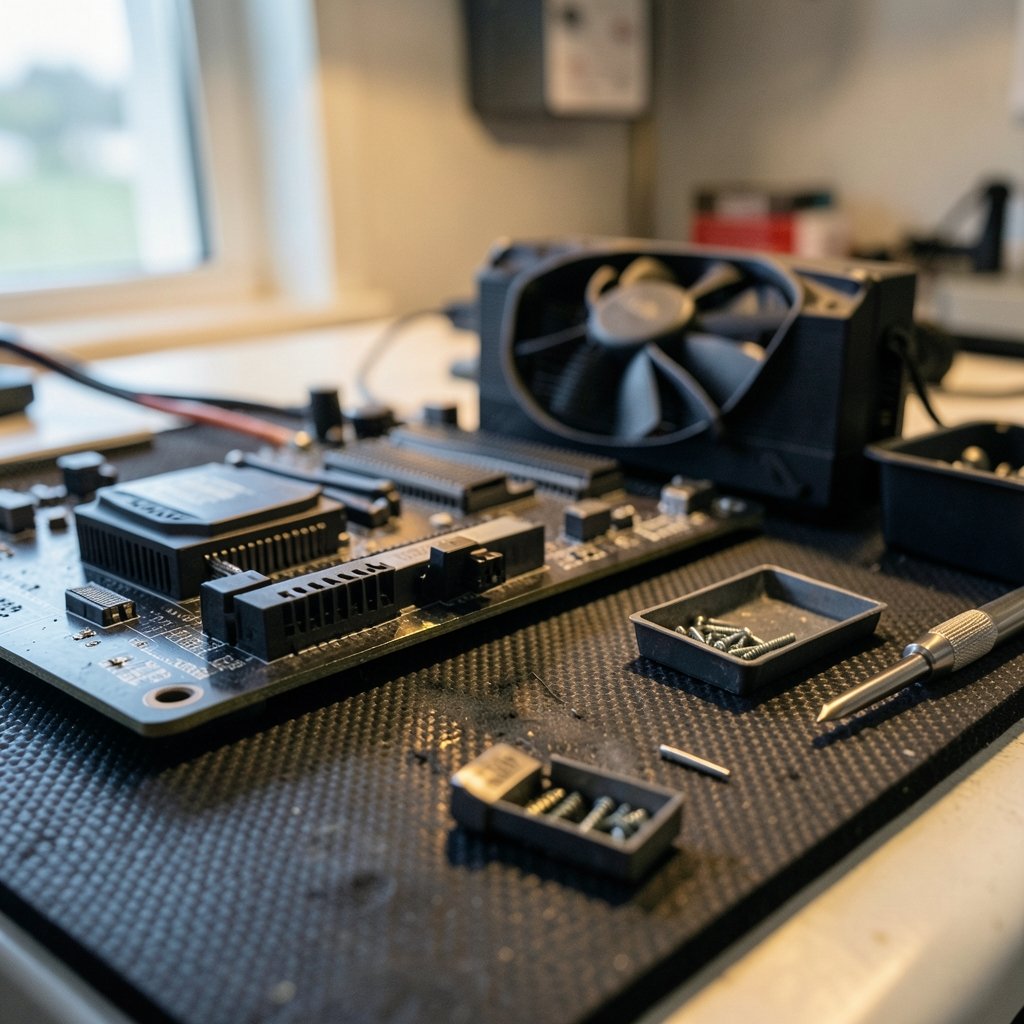
This is the most common and most alarming cooler problem. Many motherboards refuse to boot and display a CPU Fan Error when nothing is sensed on the primary CPU_FAN header. The wording varies by vendor, but the underlying logic is the same.
The usual causes, in order of frequency:
- The fan is plugged into CPU_OPT or a chassis header instead of CPU_FAN.
- The fan curve in BIOS is set so low the fan doesn’t start.
- The fan cable is fully seated but the fan itself has failed.
- The header is disabled in BIOS.
The fix is a process of elimination. Move the connector to the header labeled CPU_FAN, confirm it’s pushed down fully, and boot into BIOS to watch the RPM reading. If the reading is zero with a known-good fan, the header or cable is the problem. If the reading appears but the fan doesn’t move, the fan is dead.
Practical tip: a fan that twitches once and stops is usually receiving power but failing to overcome its own bearing resistance. That’s a replacement, not a repair.
Problem 2: Overheating From Thermal Paste Mistakes
Thermal paste is where beginners make the most errors, and the mistakes are remarkably consistent. Three stand out:
- Leaving the protective film on. New coolers ship with a plastic film over the cold plate. It is easy to miss, and a cooler with the film still attached will run hot immediately.
- Using far too much paste. Excess paste is messy but rarely harmful; too little is worse. The goal is full coverage of the contact area, not a thin translucent smear.
- Never repasting. Paste degrades over years, and older compounds dry out and crack. Manufacturers rarely specify a repaste interval, which leaves users guessing.
The practical approach: clean both surfaces with isopropyl alcohol, apply a pea-sized amount (or a thin spread, depending on the compound), and mount with even pressure. If temps are 10°C or more above where they were a year ago and dust isn’t the cause, a repaste is a reasonable next step.
For users chasing every degree, pairing a clean repaste with a sensible fan curve often does more than buying a bigger cooler. The same principle of small, methodical fixes applies to stopping snoring at night with home remedies — the boring basics usually beat the dramatic intervention.
Problem 3: AIO Pump Failure and Trapped Air
All-in-one liquid coolers introduce failure modes that air coolers simply don’t have. The pump is the weak point. When it fails, the symptom is distinctive: temperatures that climb within seconds of load, sometimes even at idle, while the fans spin normally. A pump tach reading of zero confirms it.
Trapped air is the other classic issue. If the radiator is mounted so the pump sits at the highest point in the loop, air collects there and the pump runs dry, which is noisy and eventually fatal. Mounting the radiator above the pump, with tubes at the bottom where possible, keeps air away from the impeller.
A quiet gurgling sound at startup that fades is usually harmless. A constant grinding or whining from the pump block is not.
If the pump is confirmed dead, there’s no field fix. AIO units are sealed, and replacing the unit is the only real option. This is one reason many builders stick with air coolers for reliability-critical machines.
Problem 4: Mounting Pressure and Bracket Compatibility
Insufficient or uneven mounting pressure produces a maddening symptom: overall temps are mediocre, and one or two cores run noticeably hotter than the rest. The cause is usually a cooler that isn’t sitting flat.
Common mounting mistakes include:
- Tightening one screw all the way before starting the others, which tilts the cold plate.
- Forgetting a backplate standoff, so the cooler sits a millimeter high.
- Using the wrong bracket for the socket. Intel’s LGA1700 and AMD’s AM5 sockets both changed mounting dimensions, and older coolers need updated brackets.
The fix is mechanical: loosen everything, tighten in a diagonal cross pattern, a little at a time, until snug. Snug is the operative word. Over-tightening can damage the board or the socket.
Separately, some users report that Intel’s LGA1700 integrated loading mechanism bends the CPU’s heat spreader slightly, reducing contact. Aftermarket contact frames exist to address this, but the measured benefit is contested and varies by setup. It’s a tweak for enthusiasts, not a first-line fix. (Intel Processor Temperature and Overheating Issues)
Problem 5: Dust, Airflow, and Fan Orientation
Dust is the slow killer. A heatsink with clogged fins can lose a large share of its cooling capacity, and the decline is gradual enough that users don’t notice until summer arrives. Compressed air and a soft brush, applied every few months in dusty environments, restore most of the lost performance. (Computer cooling)
Fan orientation matters just as much. A rear fan blowing inward fights the cooler’s airflow instead of helping it. The general rule: front and bottom intake, rear and top exhaust, with the CPU cooler fan pushing air toward the rear exhaust.
For anyone building or rebuilding a system, choosing a sensible CPU platform matters too. Guides on the best AM4 CPU can help match cooler capacity to the heat output of the chip, since a 65W part and a 105W part have very different cooling needs.
Problem 6: Fan Noise, Bearing Wear, and Rattles
Noise complaints are the second-most-common cooler issue after overheating. The causes break down into a few categories:
| Noise type | Likely cause | Fix |
|---|---|---|
| Low hum, constant | Normal airflow noise | Adjust fan curve |
| Rattling at certain RPMs | Bearing wear or resonance | Replace fan or avoid that RPM |
| Grinding | Bearing failure | Replace fan |
| Buzzing | PWM signal interference | Try a different header |
| Ticking | Cable touching fan blades | Reroute cables |
Sleeve-bearing fans wear faster when mounted horizontally, which is common on top-mounted exhaust fans. Fluid-dynamic and ball bearings last longer and are worth the small premium for builds that run 24/7.
A quick diagnostic: stop each fan briefly with a finger (carefully) while the system runs. When the noise stops, you’ve found the culprit. It’s crude but effective, and it takes about thirty seconds.
Problem 7: Header and RGB Compatibility Mistakes
Modern coolers often need more than one connection: a fan header, sometimes a pump header, and an RGB or ARGB cable. Mixing these up causes problems ranging from dead lighting to actual damage.
The critical distinction is between 12V RGB (4-pin, non-addressable) and 5V ARGB (3-pin, addressable). Plugging a 5V ARGB connector into a 12V RGB header can destroy the LEDs instantly. Always check the motherboard manual before connecting lighting.
Some boards also lack enough headers for a dual-fan cooler plus pump plus case fans. A simple PWM fan hub solves this cleanly and costs very little.
The manual is boring. The manual is also the answer to roughly half the problems in this guide.
When to Repair and When to Replace
Not every cooler problem is worth fixing. A quick decision framework:
- Fan failure: replace the fan, not the cooler. Fans are cheap and usually standard sizes.
- Dried paste: repaste. A tube of paste costs less than a coffee.
- Dust: clean it. Free.
- Dead AIO pump: replace the unit. Sealed loops aren’t serviceable.
- Cracked heat pipes or bent fins blocking contact: replace the cooler.
- Cooler under-specced for the CPU: replace it. No amount of paste fixes a 65W cooler on a 150W chip.
The general pattern is that coolers are more repairable than people assume, right up until the pump or the heat pipes fail.
Prevention: What Actually Keeps a Cooler Healthy
A few habits prevent most of the problems above. Check idle and load temperatures every few months and note them; a baseline makes slow degradation visible. Clean dust filters regularly. Keep the original mounting hardware and any socket adapters in a labeled bag. And when installing anything new, read the cooler’s installation guide rather than assuming the previous cooler’s method applies.
The same logic of monitoring and routine maintenance shows up everywhere in computing. Even software issues reward the same discipline — a guide on fixing antimalware service executable high CPU usage follows the same pattern of measuring first, then acting. And for a sense of how far methodical problem-solving can go, the story of OpenAI solving 100 math problems in 24 days is a reminder that persistence beats guesswork.
Conclusion
Most CPU cooler problems are unglamorous: a cable in the wrong header, a film left on a cold plate, a layer of dust, a screw tightened out of order. The dramatic failures — dead pumps, cracked heat pipes — are real but rarer than the small ones. The reliable approach is to read the symptom, check the simplest cause first, and change one variable at a time. A cooler that’s mounted squarely, kept clean, and paired with a sensible fan curve will quietly do its job for years, and when it does falter, the fix is usually cheaper and simpler than expected.
Frequently Asked Questions
How often should thermal paste be replaced?
There’s no fixed schedule, and manufacturers rarely publish one. Most users see paste remain effective for several years. The practical trigger is a temperature rise of roughly 10°C or more above a known baseline, with dust ruled out, or any time the cooler is removed and remounted.
Why does my PC show a CPU fan error but the fan is spinning?
The board may be sensing the wrong header. Check that the fan is on CPU_FAN and not CPU_OPT or a chassis header, and confirm the header isn’t disabled in BIOS. Some boards also trip the error when the fan curve starts below the minimum RPM threshold.
Is it normal for one CPU core to run hotter than the others?
A small difference of a few degrees is normal, since cores aren’t loaded equally. A large, persistent gap suggests uneven mounting pressure or an uneven paste spread. Loosening and retightening the cooler in a diagonal pattern usually narrows it.
Can I fix a dead AIO pump myself?
Generally no. All-in-one loops are sealed units, and opening one voids the warranty and risks leaks. If the pump tach reads zero and temperatures spike immediately under load, replacement is the realistic option.
Does mounting the radiator at the top or front matter?
It matters for pump longevity. The goal is to keep the pump from being the highest point in the loop, where air collects. Top-mounted radiators usually achieve this naturally; front-mounted radiators work well when the tubes enter at the bottom.
How much thermal paste is too much?
Excess paste is messy but rarely harmful, since mounting pressure squeezes it out. Too little is the bigger risk, because it leaves part of the contact area bare. A pea-sized dot or a thin, complete spread is the standard approach for most compounds.



