

Quick Answer: Is ai meeting notes safe and private for everyday use?
It depends. Most mainstream AI notetakers are reasonably safe for routine internal meetings, but the risk climbs sharply when recordings capture sensitive topics, cross-border participants, or people who never agreed to be recorded.
The bigger differences are between vendor tiers, not brands: business plans usually add data-processing agreements, retention controls, and no-training guarantees that free consumer tiers often lack. Some teams also prefer local-only transcription tools that never upload audio at all.
Before you press record, check consent rules in your region, the vendor’s retention window, whether your data trains their models, encryption standards, subprocessors, and who can access the transcripts afterward.
A 2023 survey by the enterprise software review firm G2 found that roughly two-thirds of professionals had already used AI tools in their daily workflow, and meeting assistants are among the fastest-growing categories. Convenience, though, is not the same as confidentiality. The question worth asking is not whether AI meeting notes can be private, but whether your setup actually makes them so.
How AI meeting notes actually handle your audio
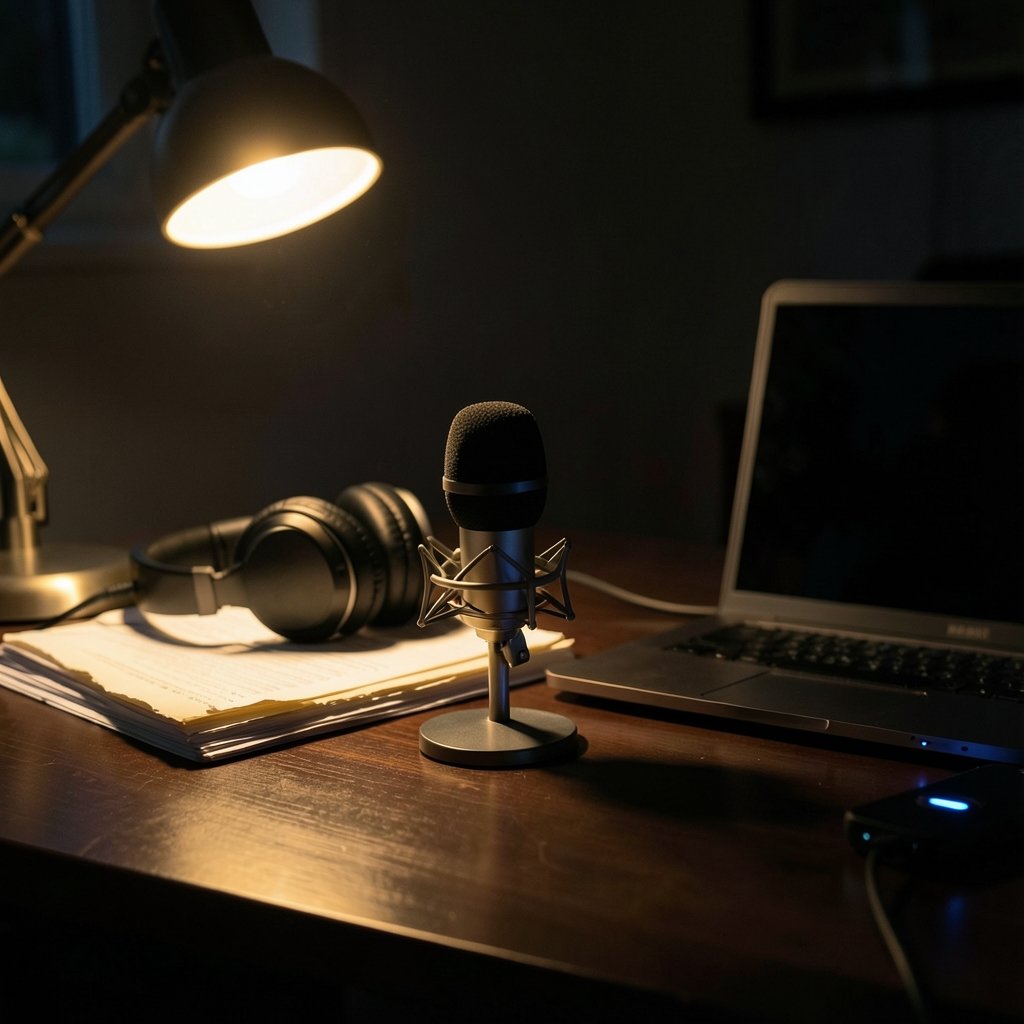
Understanding the data path is the single most useful thing you can do here. Most AI notetakers follow the same general flow:
- A bot joins your call or an app records your device audio.
- The audio is uploaded to the vendor’s cloud servers.
- A third-party speech-recognition engine transcribes it.
- A large language model summarizes and extracts action items.
- The transcript and summary are stored, often indefinitely, in the vendor’s workspace.
Every step is a potential leak point. The recording leaves your network, passes through at least one subcontractor, and lands in storage you do not control. Some vendors delete audio after transcription; others keep it for years. A few use customer content to improve their models unless you opt out or pay for a business tier.
This is why generic advice like “check the privacy policy” is not enough. You need to know which of those five steps involves retention, training, or human review. If you want a broader grounding in how apps handle permissions and data, the practical checklist in this guide on how to check whether an apk file is safe translates well to evaluating any meeting app you sideload or install.
Recording consent is the risk most teams ignore
Here is the uncomfortable truth: the biggest legal exposure in AI meeting notes usually comes from the humans in the room, not the software. Many US states, including California, Illinois, Florida, and Washington, require all-party consent before recording a conversation. Joining a call from a state with one-party consent does not protect you if a participant dials in from an all-party state.
In practice, teams get this wrong constantly. A common mistake is assuming that a calendar invite mentioning “this call is recorded” counts as consent. It often does not. Another is letting the notetaker bot join silently while external guests are present. A third is recording HR investigations, legal strategy sessions, or medical consultations, where the sensitivity is high and the consent bar is higher still.
What actually works is boring and effective: announce the recording at the start, ask for explicit verbal consent, note any refusals, and exclude those participants. Some organizations go further and maintain a simple rule that sensitive categories of meetings are never recorded by a bot at all.
Under Europe’s GDPR and the UK’s data protection regime, meeting audio and transcripts count as personal data. Processing them needs a lawful basis, and employee monitoring raises extra obligations. Regulators have taken a growing interest in AI processing generally, so “everyone else does it” is not a defense. (Artificial intelligence)
What separates a safe vendor from a risky one
Vendors differ far more than their marketing suggests. Use this comparison as a screening tool rather than a scorecard:
| Factor | Safer setup | Riskier setup |
|---|---|---|
| Data retention | Configurable auto-delete, short windows | Indefinite storage, no controls |
| Model training | Contractually excluded | “May use data to improve services” |
| Certifications | SOC 2 Type II, ISO 27001 | None published |
| Encryption | In transit and at rest | In transit only |
| Access | Admin controls, audit logs | Anyone with a link |
| Subprocessors | Disclosed list, DPAs in place | Undisclosed third parties |
| Tier | Business plan with DPA | Free consumer tier |
The free-versus-paid gap matters more than most people expect. Consumer tiers frequently reserve broader rights to your content, offer weaker retention controls, and skip the data-processing agreement your legal team needs. If your company handles client data, regulated information, or anything under NDA, a business tier with a signed DPA is close to non-negotiable.
It is also worth checking whether the vendor publishes independent audit reports rather than self-assessed security claims. Certifications you can verify beat badges you cannot.
Practical habits that make everyday use genuinely safer
You do not need to ban AI notetakers to use them responsibly. You need a few defaults that remove the guesswork. These are the habits that hold up in real teams:
- Announce and consent, every time. A one-line script at the top of each call takes ten seconds and eliminates most legal risk.
- Default to summaries, not raw audio. Ask the vendor to delete recordings after transcription and keep only text.
- Turn off training use. Find the setting, confirm it in writing with the vendor if possible, and document it.
- Restrict sharing. Transcripts should live in access-controlled spaces, not pasted into public channels or personal notes apps.
- Create a no-record list. HR investigations, legal counsel, medical discussions, and anything involving minors should be off-limits.
- Review the bot list weekly. Unused integrations are unmonitored data flows; remove them.
One underrated habit: treat the bot as a participant with its own permissions. If a guest would not be allowed to read a document, the bot should not be capturing a meeting where that document is discussed.
The alternatives to cloud-based notetakers
Not every safe option looks like a mainstream SaaS product. Three alternatives deserve consideration:
On-device transcription. Some apps run speech recognition locally on your laptop or phone, so audio never leaves the machine. Accuracy is usually a step behind cloud engines, but for internal notes it is often good enough.
Recording-free note capture. Tools that generate structured notes from your typed bullets, calendar context, and chat rather than audio sidestep consent issues entirely.
Self-hosted or open-weight models. Organizations with engineering capacity can run transcription and summarization on their own infrastructure. The trade-off is maintenance and the loss of polished features. The policy debate around open-weight models is covered in this analysis of the Manhattan Institute safe harbor open weights China 2026 proposal, which shows how much of the safety conversation hinges on where the model runs rather than what it does.
For teams already comfortable with cloud AI, the same due-diligence mindset applies to other tools. If you are evaluating assistants that sit in on calls, this roundup of the best ai meeting assistants for remote teams is a useful starting point, though you should still verify each vendor’s current trust page yourself.
Where the real privacy failures happen
Ask anyone who has cleaned up after an incident and they will tell you the same thing: the dramatic hack is rare, and the mundane leak is common. The typical failure looks like this. A transcript containing salary discussions gets auto-shared to a channel with fifty members. A bot records a customer call and the summary lands in a public Slack thread. A departing employee’s personal account still has access to two years of meeting archives.
These are governance failures, not vendor failures, and no amount of encryption fixes them. What helps is a short written policy covering three questions: which meetings may be recorded, where transcripts may be stored, and who reviews access quarterly. Teams that write that policy down tend to avoid the incidents that generate headlines. (NIST Artificial Intelligence overview)
There is a broader lesson here about everyday digital safety. The same instincts that help you judge whether a download or a link is trustworthy apply to meeting tools. If you want a refresher on assessing unfamiliar software, this explainer on what is an apk file and is it safe covers the permission and provenance questions that matter for any app you install. The same logic applies when a colleague sends you a “free transcription tool” link: verify before you click, as outlined in this guide to how to check whether a link is safe.
Conclusion
AI meeting notes are safe and private enough for everyday use, but only when “everyday use” is defined carefully and the defaults are set deliberately. For routine internal standups with informed participants and a business-tier vendor that excludes training and offers retention controls, the risk is modest and the time savings are real.
For sensitive conversations, cross-border calls, or free consumer tools with vague terms, the calculus changes fast. The practical rule is simple: consent first, business tier for anything confidential, recordings deleted after transcription, and a written no-record list everyone respects. Get those four things right and the technology stops being a liability and starts being what it was sold as, a helpful assistant that takes better notes than you do.
FAQ
Do AI notetakers record audio or just text?
It varies. Some upload and retain full audio, others transcribe and delete the recording immediately, and a few process everything on your device. Check the retention settings before your first meeting rather than after.
Can my employer legally use AI meeting notes without telling me?
In many jurisdictions, no. All-party consent states and GDPR-style regimes generally require notice and a lawful basis. Workplace monitoring rules add further limits, so employees should ask for the policy in writing.
Are free AI meeting note tools safe?
They can be, but free tiers often carry broader data-use rights, weaker retention controls, and no data-processing agreement. For confidential work, a paid business plan with a signed DPA is the safer default.
What should I do if a meeting includes sensitive HR or legal topics?
Do not let a bot record it. Exclude the notetaker, take manual notes, and keep any summary in an access-controlled location. This single rule prevents most serious incidents.
Does deleting the transcript really delete the data?
Only if the vendor says so contractually. Many systems keep backups, logs, or derived summaries after deletion. Look for a published deletion timeline and ask support to confirm it in writing.
How do I compare two AI notetakers for privacy?
Line up their retention controls, training-use terms, certifications, encryption, subprocessor lists, and business-tier agreements side by side. Then check whether the vendor publishes verifiable audit reports rather than self-assessed claims.
One final consideration deserves attention: the human layer. Even a perfectly configured vendor cannot stop a participant from forwarding a transcript, screenshotting a summary, or pasting notes into a personal AI chatbot for “quick cleanup.” That last move quietly moves sensitive content from a governed system into an ungoverned one, outside your DPA and outside your retention controls. Training staff to recognize this is cheaper than any legal remedy. Pair the written policy with a short onboarding module and an annual refresher, and make it easy to report mistakes without punishment, because the person who admits a mis-shared transcript within an hour is far less dangerous than the one who hides it for a month. Privacy in AI meeting notes is ultimately a habit sustained by people, not a checkbox purchased from a vendor.



