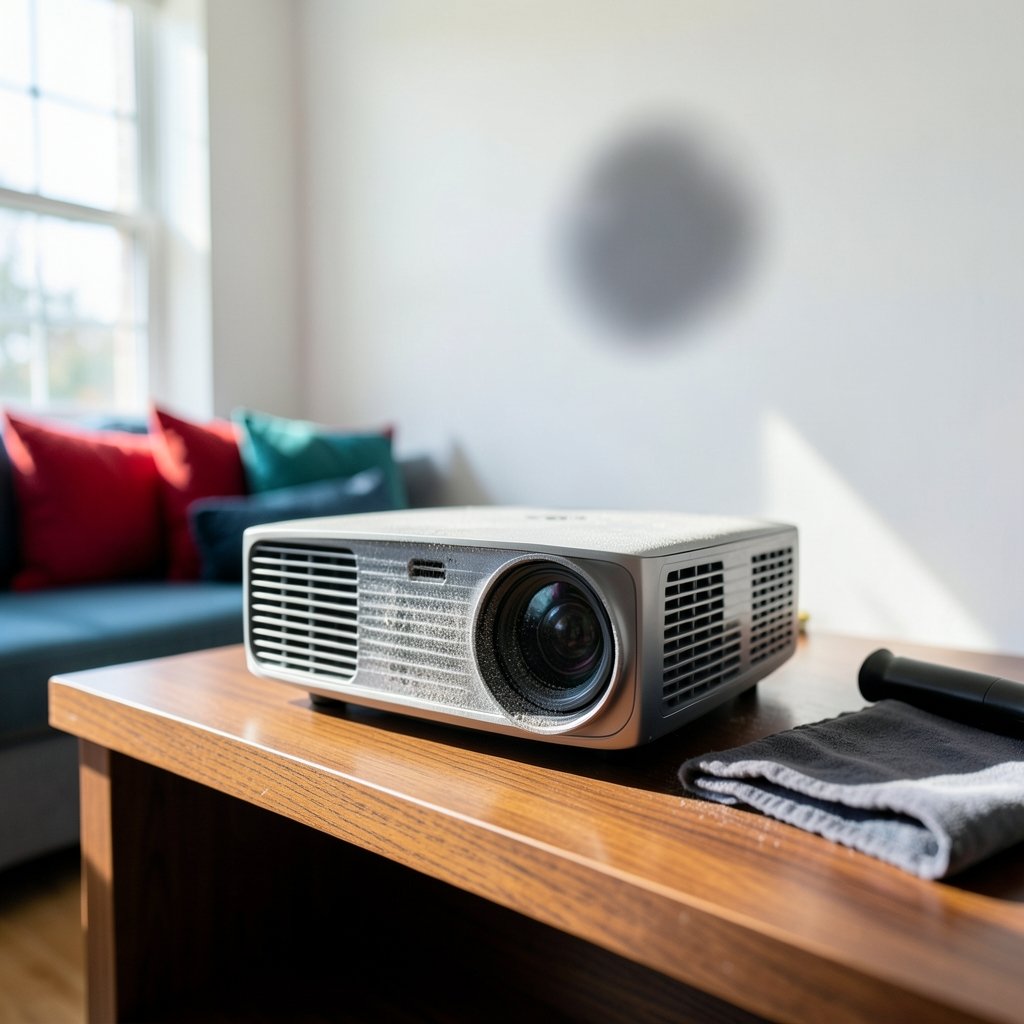
You fire up the projector for movie night, and there it is: a fuzzy gray shadow floating over the hero’s face. You wipe the lens. It doesn’t budge. You clean the screen. Still there. So what exactly is that stubborn smudge, and why does it seem to live inside the machine?
Those soft, out-of-focus shadows are almost always dust blobs, and they’re one of the most common complaints among projector owners. The good news is that most of them are harmless, and a fair number can be dealt with at home. The bad news is that some require a service center, and a few are not dust at all. This guide walks through what causes them, how to tell them apart from other defects, and what actually works when you try to get rid of them.
What a Dust Blob Actually Is
A projector works by shining a very bright light through a small imaging panel and then magnifying that image onto a wall or screen. Because the panel is tiny and the screen is huge, anything sitting in the light path gets magnified along with the picture. A speck of dust smaller than a grain of salt can become a soft blob the size of a dinner plate.
That magnification explains the strange look of these blobs. Particles sitting directly on an optical surface, like the lens or the imaging panel, appear relatively sharp. Particles floating farther from the focal plane show up as diffuse, cloudy shadows with soft edges. In practice, most blobs are soft and slightly greenish, yellowish, or gray, depending on where the dust sits in the color path.
Key point: the blob is not on your screen or your wall. It’s inside the projector’s light engine, which is why cleaning the screen does nothing.
Why Dust Gets Inside in the First Place
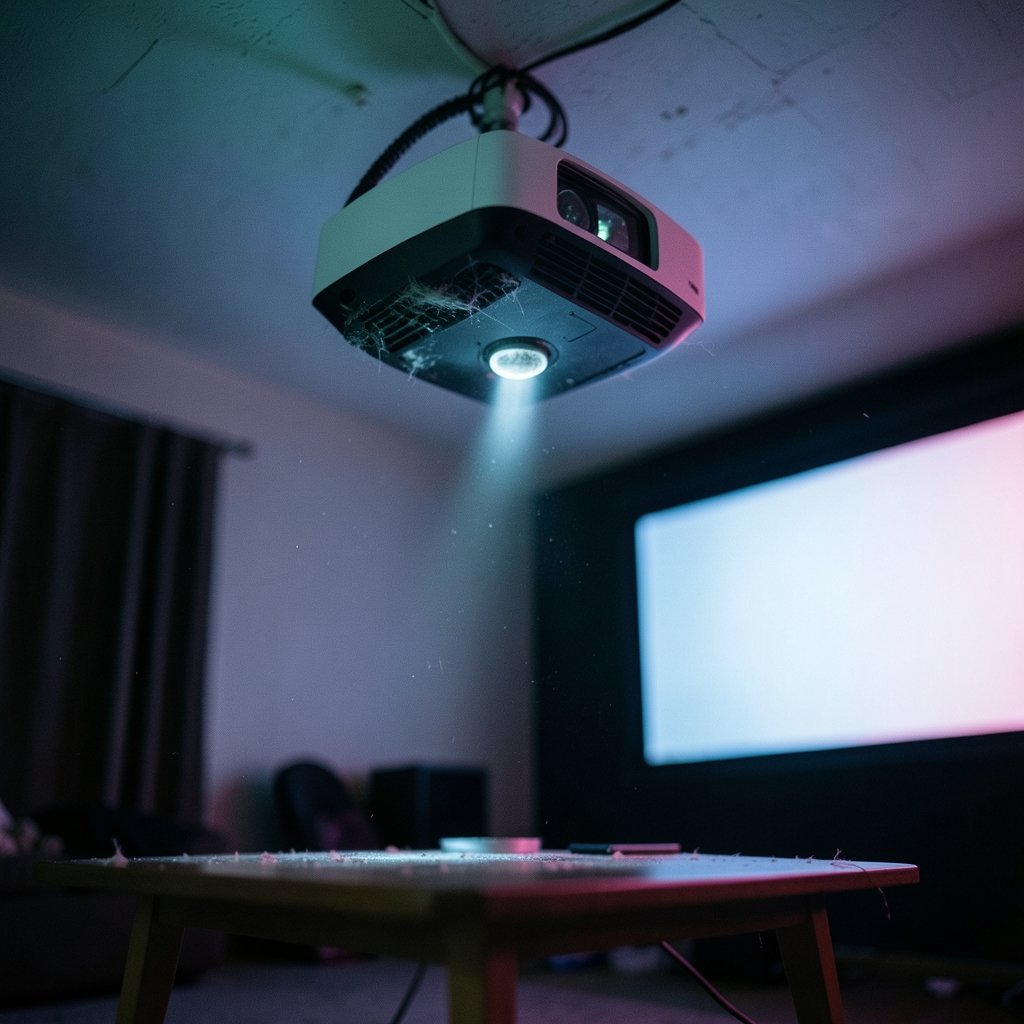
Projectors move a lot of air. They need strong airflow to keep the lamp or laser cool, and every one of those cubic feet of air carries particles with it. Most models use filters and internal sealing to slow the buildup, but no consumer projector is perfectly airtight, especially older or budget models.
Common entry points include:
- Vents and intake grilles that pull in room air, along with pet hair, lint, and chalk dust
- Clogged or missing air filters, which reduce airflow and let more particles past the filter
- Lens assemblies that are not fully sealed on cheaper models
- Ceiling mounting, where dust settles downward into the unit over months
- Smoky, dusty, or pet-heavy rooms, which accelerate buildup dramatically
Some newer projectors advertise sealed optical engines designed to keep dust away from the imaging panels. These claims help, but they are marketing terms without a standard definition, so it’s worth checking independent reviews rather than trusting the label alone. If you’re comparing hardware, a review like this Anbernic RG DDS dual screen 3DS handheld 2026 shows how carefully spec claims need to be read in practice.
Dust Blob, Dead Pixel, or Something Else?
Before you start cleaning, confirm what you’re dealing with. The wrong diagnosis leads to unnecessary cleaning, and sometimes to unnecessary damage.
| Symptom | Likely Cause | How to Confirm |
|---|---|---|
| Soft, fuzzy shadow with blurry edges | Dust on lens or internal optics | Changes slightly with focus and zoom |
| Sharp, fixed single dot | Dead or stuck pixel | Stays identical at every zoom level |
| Colored blotch that shifts with zoom | Dust near the imaging panel | Moves or changes size when you zoom |
| Uniform haze or dimming | Dirty lens or clogged filter | Whole image looks washed out |
| Bright spot with a ring | Damaged panel or polarizer | Does not move at all, often grows over time |
A quick test: adjust the projector’s focus and zoom while watching the spot. Dust typically shifts, softens, or changes size because it sits at a different depth than the imaging plane. A dead pixel never moves. A failing panel usually produces a hard-edged spot or a growing cluster, and that’s a repair issue, not a cleaning one.
Start With the Easy Fixes
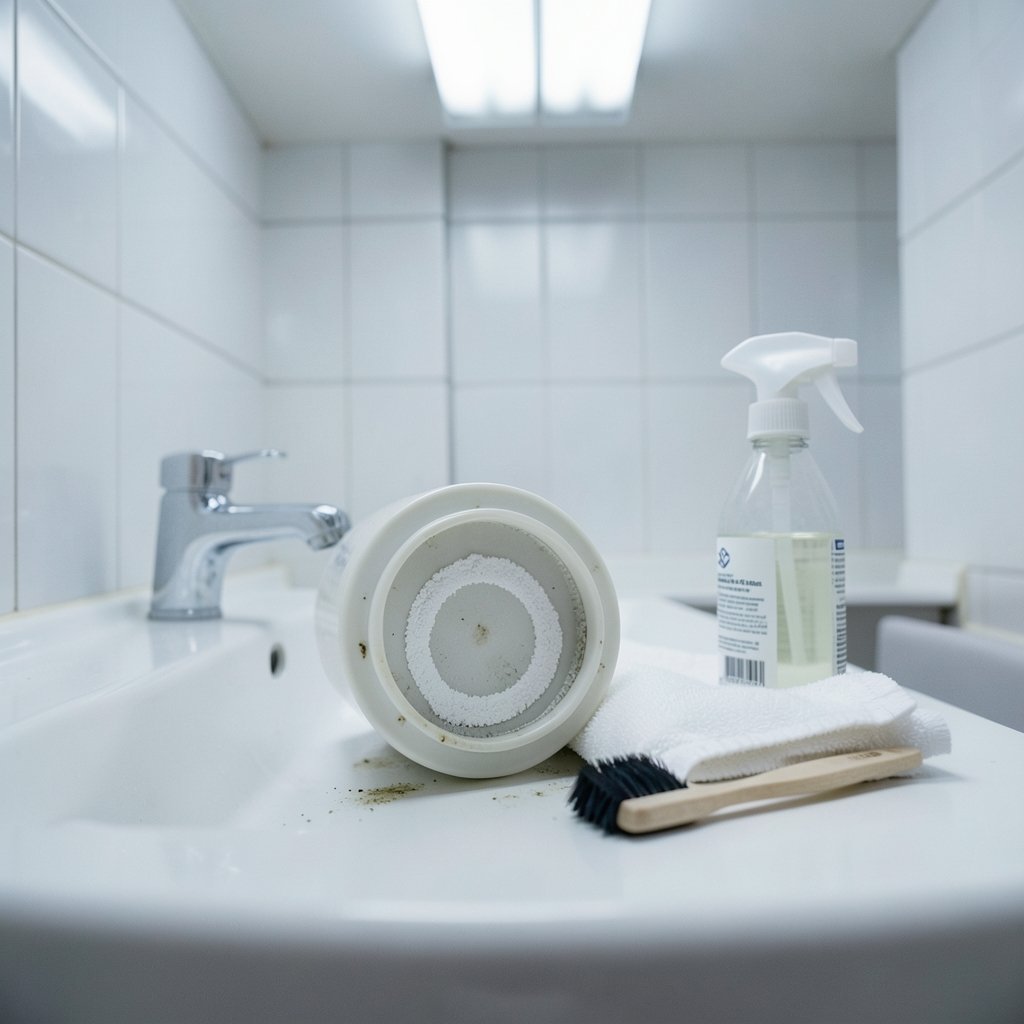
Before assuming the worst, work through the simple steps. Many people jump straight to opening the case when the problem is a dirty front lens or a clogged filter.
- Turn the projector off and unplug it. Let it cool completely, since lamp-based models get very hot.
- Inspect the front lens under a bright light at an angle. Look for smudges, fingerprints, and surface dust.
- Blow off loose particles with a manual air blower. Avoid canned air near optics, because propellant residue can leave a film that is far worse than dust.
- Wipe the lens gently with a clean microfiber cloth or a proper lens brush, working in a circular motion from the center outward.
- Remove and clean the air filter according to your manual. Many filters can be vacuumed or rinsed, then fully dried before reinstalling.
- Check the vents for lint and pet hair, and clear them with a soft brush.
- Re-test the image on a plain white or gray background, not on busy video content.
If the blob is gone, great. If it’s still there and looks identical, the dust is almost certainly internal, and you’ve reached the point where the decision gets harder. If you also capture and share screenshots of the issue when asking for support, this guide on how to find a website from a screenshot is a handy reminder that image details often carry more information than they first appear to.
The Internal Dust Problem
Dust that has settled on the LCD panels, the DMD chip, or the internal glass elements is the classic cause of persistent blobs. This is where manufacturer guidance diverges sharply. Most user manuals cover lens and filter cleaning in detail and then state that internal optics should be serviced by qualified technicians. Some brands are stricter than others, and policies vary by region.
There are good reasons for the caution:
- Warranty risk. Opening the case often voids the warranty, and internal dust removal is frequently not treated as a covered defect.
- Fragile components. Imaging panels and ribbon connectors are easily damaged, and replacement parts can cost more than the projector is worth.
- Recoil risk. Blowing air inside a projector can push dust deeper into the light path or onto the panel, making things worse.
- Alignment issues. Some optical assemblies need recalibration once disturbed.
For a projector still under warranty, the sensible move is to contact support first and describe the blob’s location and behavior. Many brands will service dust under goodwill even when the policy is ambiguous. For an older unit that’s out of warranty, a professional cleaning is often cheaper than a replacement, and it’s worth getting a quote before attempting anything yourself.
What Actually Works in Practice
Experienced owners tend to follow a few rules that aren’t always spelled out in manuals.
Fix the environment before fixing the projector. A projector in a room with shedding pets, carpet fibers, or a wood-burning stove will keep collecting dust no matter how many times it’s cleaned. Air purifiers, regular vacuuming, and keeping the unit away from high-traffic floor areas make a measurable difference over a year.
Mount it thoughtfully. Ceiling-mounted projectors pull rising warm air and settle dust downward. Keeping a little clearance around vents and avoiding spots directly above radiators or return vents helps.
Clean filters on a schedule, not on a whim. Filter intervals are model-specific, but in a dusty home, checking monthly during peak season is reasonable. A clogged filter raises internal temperatures, which shortens lamp and electronics life independently of the dust issue.
Never use a household vacuum directly on the lens. The suction and bristles can scratch coatings. A soft brush or blower is the right tool.
Test on a solid color. A white or light gray test image reveals blobs that busy movie scenes hide. This is also a good habit when checking a used projector before buying, alongside checking for panel defects, which is the kind of early-buyer risk discussed in this piece on iPhone duo screen damage under 20 folds early buyer risk 2026.
Document everything. Photograph the blob on a white screen, note when it appeared, and save your filter cleaning dates. Service centers respond faster to specific evidence, and it helps you tell whether a problem is stable or growing.
When to Repair, and When to Replace
Not every blob justifies a repair bill. A rough decision framework helps.
| Situation | Recommended Action |
|---|---|
| One faint blob, barely visible in content | Live with it; monitor over months |
| Several blobs, visible on light scenes | Get a professional cleaning quote |
| Blob is sharp, fixed, and growing | Panel or polarizer fault; service assessment |
| Projector under warranty | Contact support before touching anything |
| Repair quote above half the replacement cost | Consider replacing, especially if the lamp is also aging |
Repair economics matter. A cleaning service on a budget projector can approach a third of its purchase price. On a premium home theater unit, the same service is an easy call. Factor in lamp hours and overall age before committing. (What are volatile organic compounds (VOCs)?)
Preventing the Next Blob
Prevention is mostly about airflow and environment, and it costs almost nothing.
- Keep the projector in a room with reasonable air quality and minimal airborne lint
- Clean or replace filters on the manufacturer’s schedule, more often in dusty homes
- Store the projector with a lens cap when not in use, especially in portable setups
- Avoid placing it near kitchen grease, candles, or aerosol sprays
- Let the projector run its cooldown cycle before moving it, so dust isn’t drawn in during handling
- Cover a ceiling-mounted unit with a soft cloth during renovations, since construction dust is brutal on optics
Renovation dust deserves special mention. If you’re remodeling the room where the projector lives, seal it off or remove the projector entirely. Drywall dust is fine, abrasive, and gets everywhere, and it’s a leading cause of sudden blob outbreaks. Budgeting for protection during a project is trivial next to the cost of an optical cleaning, and it’s the same logic behind planning ahead for home renovation costs before work begins. (Video projector)
Conclusion
Dust blobs on a projected image are a normal side effect of how projectors work: bright light, tiny panels, and constant airflow. Most are cosmetic, a few are fixable with a blower and a clean filter, and some are best left to a technician. The smart approach is to diagnose before you clean, protect the warranty, improve the room’s air quality, and treat internal optics with respect. Do that, and the fuzzy shadow over the movie star’s face becomes a rare annoyance rather than a recurring one.
Frequently Asked Questions
Can dust blobs damage a projector?
The dust itself rarely damages optics. The bigger risk is heat: clogged filters and blocked airflow raise internal temperatures, which shortens lamp and electronics life. A blob is usually a cosmetic nuisance, but the conditions that created it are worth addressing.
Why does the blob stay in the same place when I move the projector?
Because it’s fixed relative to the internal light path. Moving the projector moves the whole optical assembly, so the dust moves with it and lands in the same spot on the projected image. Only dust on the outer lens surface behaves differently when you wipe it.
Is it safe to open the projector and clean inside myself?
For most models, no, at least not while under warranty. Internal cleaning risks damaging panels and connectors, can void coverage, and blowing air inside may push dust deeper. Professional cleaning is the safer route unless you have service experience and an out-of-warranty unit.
How do I know if it’s dust or a dead pixel?
Zoom and focus are your test. Dust shifts, softens, or changes size because it sits at a different depth than the imaging panel. A dead pixel stays identical, sharp, and fixed no matter what you adjust.
Can a dusty projector cause headaches or eye strain?
A dim, hazy image from a dirty lens or filter forces your eyes to work harder, which can contribute to fatigue during long viewing sessions. Cleaning the lens and filter usually restores brightness and contrast noticeably.
How often should I clean the projector filter?
It depends on the model and the room. In a typical home, checking monthly and cleaning every one to three months is reasonable. In homes with pets, carpets, or nearby construction, check more often, since a clogged filter is the fastest route to overheating and internal dust buildup.