Can you upgrade a rental apartment’s front door without picking up a drill, losing your security deposit, or annoying your landlord? Yes, and the market has quietly gotten very good at it. But “no-drill” is a looser promise than it sounds, and a few compatibility details decide whether a lock installs in ten minutes or sits in a drawer. This guide walks through how renter-friendly smart locks work, where they fall short, and how to choose one that survives both move-out day and the real world.
Why renters are a huge market for smart locks
Roughly a third of households in many major cities rent rather than own, and that number keeps climbing in expensive metros. Renters want the same conveniences homeowners get: opening a door with a phone, giving a dog walker temporary access, and knowing when the door opened. What they don’t want is to hand a landlord a reason to keep the deposit.
That tension created an entire product category. Manufacturers now design locks specifically around retrofit installation: they attach to the existing deadbolt rather than replacing it. No new holes, no cylinder swap, no locksmith.
The catch is that a retrofit lock inherits the quirks of whatever deadbolt your building already has. That’s the single biggest source of frustration in this category, and it’s worth understanding before buying anything.
How no-drill smart locks actually attach
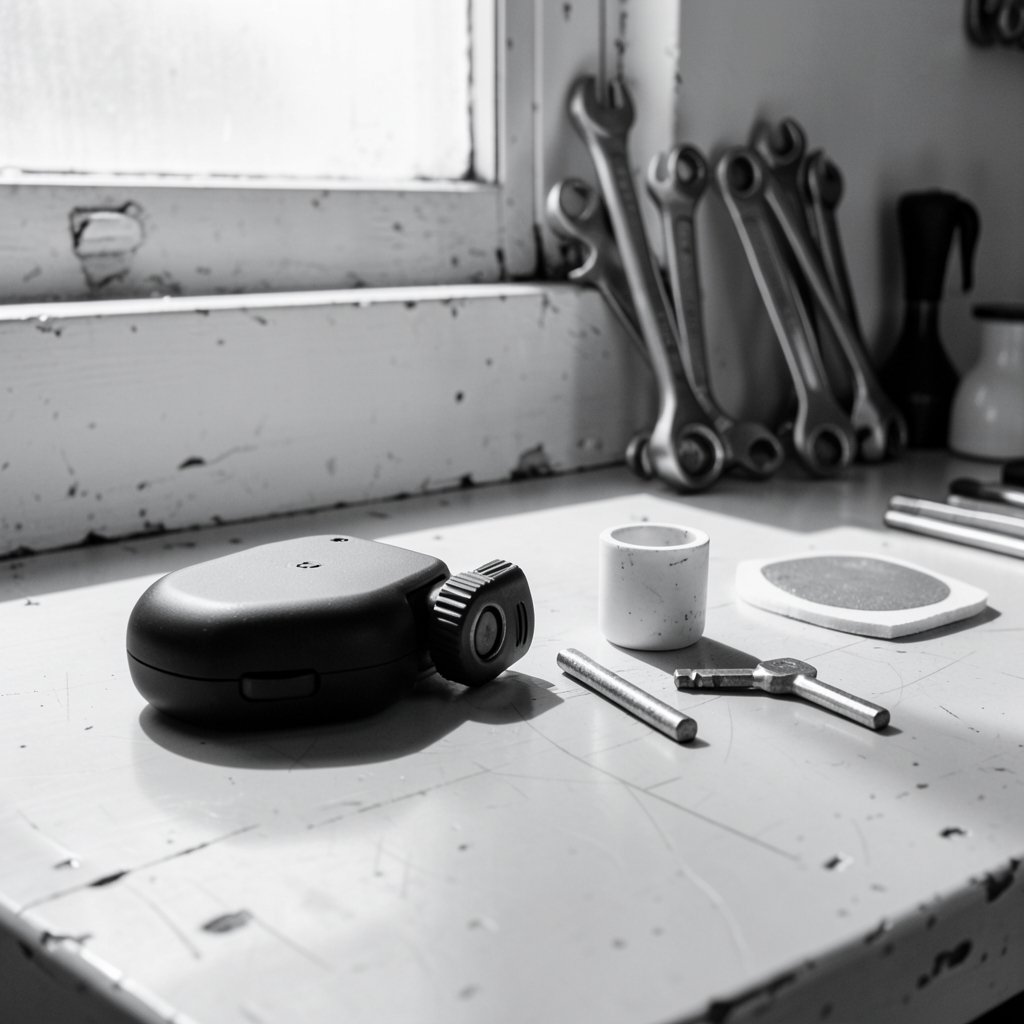
Most renter-friendly locks use one of three installation methods. Knowing which one you’re buying tells you almost everything about fit and risk.
| Method | How it installs | Best for | Main limitation |
|---|---|---|---|
| Retrofit thumb-turn | Adhesive plate plus existing interior screws | Standard single-cylinder deadbolts | Needs a flat interior door face and a compatible thumb-turn |
| Replacement cylinder/thumb-turn | Reuses the existing deadbolt hardware | Doors with standard deadbolt spacing | You must match the cylinder type exactly |
| Handle or latch swap | Reuses existing handle screw holes | Older or non-deadbolt doors | Fewer smart features, weaker security |
The retrofit design dominates because it’s the least invasive. A motorized unit clamps onto the interior thumb-turn and physically rotates it. The exterior side of the door stays exactly as it was, which means your landlord’s keys still work. That last point matters more than most buyers realize: if the building manager needs emergency access, a lock that blocks their key is a lease violation waiting to happen.
The adhesive question
Adhesive mounting is the weak link. It works well on smooth, clean, painted or sealed surfaces at room temperature. It performs poorly on textured wood, in humid bathrooms-adjacent entryways, and in cold weather during installation. Most manufacturers include both adhesive and screw options; many renters use the adhesive and then discover it creeps after a few months of daily motor torque. If your door has any screw holes already present from the original deadbolt, using them is almost always the sturdier choice.
Check your lease before you check your cart
This is the step almost everyone skips. Leases vary enormously. Some prohibit any alteration to fixtures, some require written consent, and some are silent. A no-drill lock is far less likely to trigger a problem than a drilled one, but “less likely” isn’t “guaranteed.”
Practical approach: read the alterations clause, then send a short message to the landlord or property manager describing exactly what you plan to install and confirming it’s removable. Keep the reply. A written “sure, as long as it comes off” is worth more than any product feature.
Two other lease-adjacent details:
- Key access. Confirm the building’s main key still works after installation. Retrofit locks preserve this; full replacements may not.
- Insurance. Some renters’ policies have clauses about door hardware. It’s a quick call to check.
Compatibility: the checklist that saves you a return
Before buying, measure and photograph. Almost every compatibility failure traces back to one of these:
- Deadbolt type. You need a single-cylinder deadbolt with an interior thumb-turn. Double-cylinder deadbolts (keyed on both sides) are not compatible with retrofit units.
- Thumb-turn shape and clearance. Some turns are round, some are T-shaped, some sit close to the door edge. Adapters cover many shapes but not all.
- Interior door surface. Flat and smooth is ideal. Deep molding or a recessed panel can prevent the adhesive plate from seating.
- Distance from the deadbolt to the door edge. Too tight and the motor housing fouls the frame.
- Door thickness. Standard is around 1⅜ to 1¾ inches; unusual doors need checking.
- Deadbolt throw smoothness. If the existing bolt binds, a motor will strain and drain batteries fast. A drop of graphite lubricant fixes most of these.
Take photos of the interior and exterior of the door, plus a ruler shot of the thumb-turn, and compare them against the manufacturer’s compatibility guide before ordering. It takes five minutes and prevents most returns.
Connectivity, batteries, and the costs nobody mentions
A smart lock is a small computer bolted to a door, and it has the same problems as any small computer: power and signal.
Batteries. Most retrofit locks run on AA cells and last somewhere between three and twelve months depending on motor torque, temperature, and how often the door is used. A binding deadbolt can cut that dramatically. Buy rechargeables and set a calendar reminder; a lock that dies while you’re out is a lock that locks you out.
Connectivity. Bluetooth-only locks work fine when you’re at the door but can’t be controlled remotely. Wi-Fi bridges add remote access and cost extra. Newer Matter and Thread models integrate with smart home platforms without a proprietary bridge, which is the direction the market is heading. If you already run a hub, check that the lock speaks its language. A smart home hub like the Home Center Lite can tie a lock together with lights and sensors, but only if the protocols match.
Subscriptions. Some brands charge for cloud video or advanced access logs. Read the fine print; a lock that costs $150 upfront and $5 a month forever is a different purchase.
If you’re building out a rental-friendly setup, it’s worth pairing the lock with other renter-safe devices. Our guide to the best smart home devices for beginners covers what installs without tools, and the best smart speakers for home automation explains which voice assistants actually talk to lock brands. (Smart lock)
What a no-drill lock does and doesn’t do for security
Here’s where honesty matters. A retrofit lock does not change your lock cylinder. If the existing cylinder is cheap, old, or easy to bump, adding a motorized thumb-turn doesn’t fix that. What it does add:
- Access logging, so you know when the door opened and by whom.
- Temporary codes for guests, cleaners, and delivery drivers, replacing the hide-a-key rock.
- Auto-lock, which closes a very common human error.
- Remote status checks, so you can confirm the door is shut.
Connected devices also carry their own risk profile, and the U.S. Cybersecurity and Infrastructure Security Agency publishes IoT security guidance that’s worth a skim if you’re adding several connected devices at once. The short version: change default codes, use strong account passwords, enable two-factor authentication on the app, and keep firmware updated.
Practical tips from the install itself
A few things that separate a smooth install from a frustrating afternoon:
- Clean the door surface with rubbing alcohol and let it dry fully before applying any adhesive. Dust and cooking grease are adhesive killers.
- Install at room temperature. Adhesive applied to a cold door in winter often fails within weeks.
- Test the deadbolt by hand first. If it doesn’t turn smoothly with two fingers, fix that before adding a motor.
- Calibrate the lock, don’t skip it. Most apps run a calibration routine that teaches the motor the full throw of your specific bolt.
- Keep the original hardware and instructions in a labeled bag. Move-out takes ten minutes instead of an hour.
- Photograph the door before and after. A dated photo of an undamaged door is excellent deposit insurance.
If you’re layering in other upgrades, the same no-damage logic applies elsewhere: our roundup of the best outdoor security cameras without a subscription focuses on mounts that don’t require drilling, and the best smart thermostats to save energy covers models that work with rental HVAC setups. (How to Protect Your Privacy Online)
Common mistakes renters make
Buying on price alone. The cheapest retrofit locks tend to have weaker motors and clunkier apps. Mid-range models are usually the sweet spot.
Ignoring the existing deadbolt. If your building’s deadbolt is ancient or loose, a smart lock will amplify the problem rather than solve it.
Assuming all doors are standard. Older buildings, fire doors, and steel-frame doors routinely break the assumptions baked into compatibility charts.
Forgetting the second entrance. Renters with a back door often install one lock and then realize the back door is the one that actually needs monitoring.
Not testing the app before the return window closes. Pair it, add a code, delete a code, and check the log, all within the first week.
Conclusion
A smart lock for renters without drilling is genuinely achievable, and the retrofit category has matured enough that most standard apartment doors have a workable option. The formula is unglamorous but reliable: read the lease, confirm the deadbolt type with photos and measurements, choose a retrofit model that preserves the landlord’s key access, install it on a clean surface at room temperature, and keep the original hardware in a bag. Do those things and you get the convenience of keyless entry without a single hole in the door or a single argument at move-out.
Frequently asked questions
Do no-drill smart locks really leave no damage?
In most cases, yes. Retrofit models attach with adhesive plates or reuse the existing deadbolt screws, so nothing new is drilled. The main risk is adhesive residue or slight paint lifting when removed, which usually cleans up with warm soapy water or a little isopropyl alcohol. Photograph the door before installing so you have a record.
Will my landlord still be able to open the door with the building key?
With a retrofit lock, yes. These units only motorize the interior thumb-turn, so the exterior keyway and cylinder stay untouched. Replacement-cylinder locks may block access with the building key, so confirm with your property manager before choosing that option.
What if my deadbolt doesn’t have a thumb-turn on the inside?
Then a retrofit lock won’t work. You’d need either a handle-based smart lock or permission to replace the deadbolt. Double-cylinder deadbolts, which require a key on both sides, are also incompatible with standard retrofit designs.
How long do the batteries last?
Typically three to twelve months on AA batteries. Actual life depends on how often the door is used, whether the deadbolt turns freely, and outdoor temperature. A binding bolt can drain cells in weeks, so lubricate the mechanism before installing.
Can I take the lock with me when I move?
Yes, that’s one of the strongest arguments for the category. Retrofit locks unclamp and detach, and you can reinstall them at your next place if the door is compatible. Keep the box, adapters, and instructions together so nothing goes missing.
Are no-drill smart locks less secure than regular ones?
They don’t improve your lock cylinder, so physical resistance to picking or bumping stays the same as before. What they add is access logging, temporary codes, auto-lock, and remote status. Treat them as a convenience and accountability upgrade, not a replacement for a quality deadbolt.