
You can avoid a monthly camera fee, but first make sure the camera can save and replay footage without a cloud plan. Local recording means saving video on a camera, memory card, or recorder at your property instead of relying on cloud storage.
A live feed alone is not enough if you want to review an event later. This comparison looks at wired recorders, memory-card cameras, and battery-powered options, so you can match the setup to your home security needs and budget.
Some systems keep video on a central recorder, while others save clips to a card inside each camera. Battery models can avoid power cables, though their recording choices may differ from wired systems.
Choose a setup based on where you want footage stored and whether you need continuous recording or motion clips.
Key Takeaways
- Check for local recording and playback without a paid cloud plan.
- Choose a recorder for several cameras or continuous recording.
- A card-based camera can suit a smaller, lower-cost setup.
- Battery power helps where running a cable is difficult.
- Match storage, recording mode, and power needs to your property.
Best Outdoor Security Cameras Without Subscription: Which Picks Fit Different Homes?
For most homes that need several cameras and dependable local recording, start with Lorex; choose Wyze for a lower-complexity microSD setup, Reolink for varied local-storage options, or eufy for onboard storage. The right fit depends on how you want each security camera to save video.
All four brands offer ways to record without a required monthly cloud-storage fee on suitable models. Lorex battery-powered outdoor cameras offer up to 1 terabyte of internal storage. Wyze cameras with a microSD slot support cards up to 256 GB, while Reolink lists up to 512 GB for local-storage models.
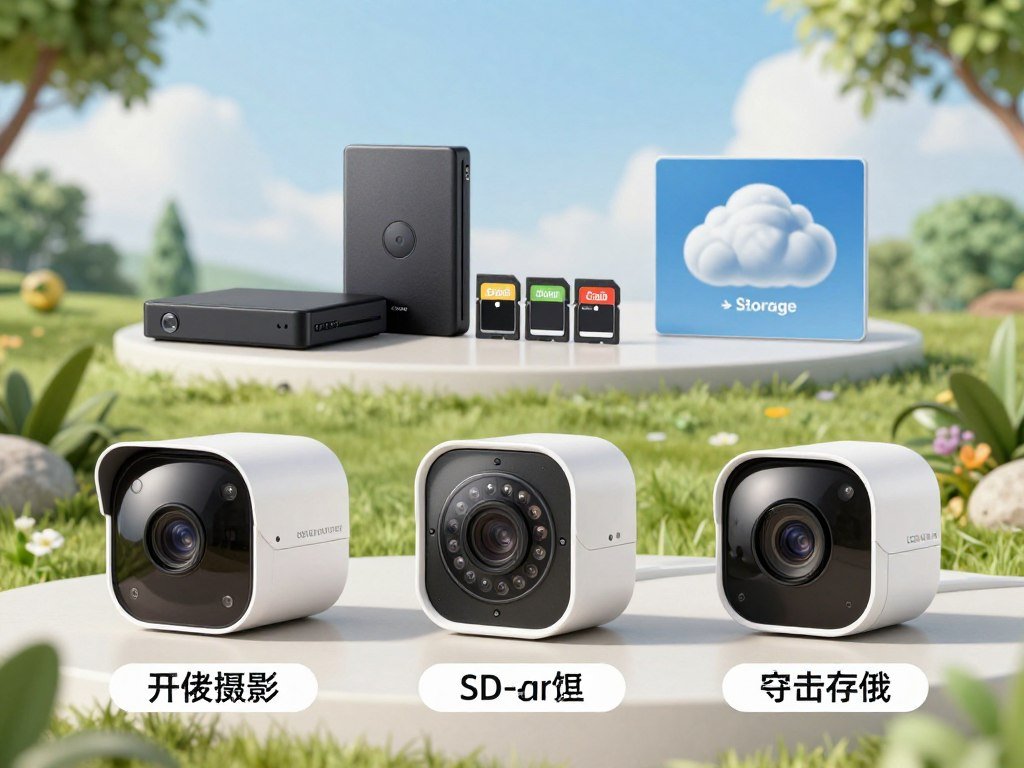
| Brand | Local-storage route | Recording approach | Best fit |
|---|---|---|---|
| Lorex | Internal storage | Motion or supported continuous recording | Whole-home coverage |
| Wyze | microSD, up to 256 GB | Motion-event recording | Budget coverage |
| Reolink | microSD or centralized recorder | Motion on battery models | Flexible wired or wireless coverage |
| eufy | Built-in eMMC storage | Automatic overwrite | Simple standalone setup |
The eufyCam S330 has 16 GB of built-in eMMC storage. When it fills, the camera replaces its oldest footage automatically.
Listed capacities vary by model, and storage size alone cannot predict how many days of video you will keep. Recording mode, video settings, and activity all affect the result.
These options cover a wireless outdoor security camera without a subscription, as well as wireless security cameras without a subscription for larger homes. For one outdoor security camera without a subscription, compare the exact model’s recording mode before choosing.
The 2026 outdoor-camera test evaluated more than 100 cameras over six months and included 250 simulated break-ins. Video quality, reliability, and detection matter alongside price. CNET’s camera testing process also considers app use, image detail, night vision, and alert speed.
Treat each listed capacity as a model limit, not a promise of a particular number of saved days.
How Does Local Recording Work When Wi-Fi Drops?
A camera can keep recording through a Wi-Fi outage if it stores footage locally, even when you cannot check the feed remotely. On-site storage can preserve video on a card or hard drive during a connection loss.
Local recording does not bring back remote viewing or phone alerts when the internet is down. A camera may save footage nearby while your app cannot reach it.
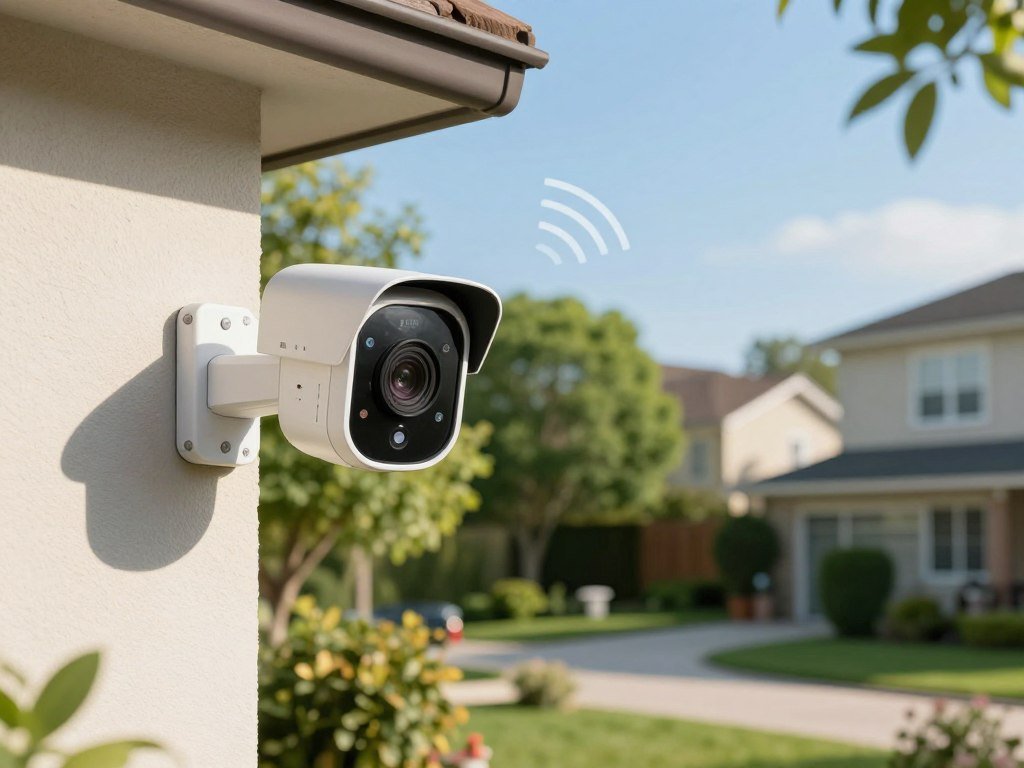
Wireless cameras and Wi-Fi cameras use different connections
A wireless camera communicates wirelessly with a base station or network. That connection does not always use your home Wi-Fi.
A Wi-Fi camera uses your home Wi-Fi network for app access and remote viewing. Some wireless cameras send video to a base station or DVR instead, so the camera-to-recorder link can work without home Wi-Fi. Wireless and Wi-Fi camera connections serve different roles.
Those terms can sound alike on a product box, but the camera’s path to storage is what matters. Check whether it saves video to its own card, a base station, or a recorder.
What stays available during an internet outage
A local-storage camera can record to a microSD card or hard drive without an internet connection. Remote viewing and motion notifications generally need internet access, so you may not see a new clip until service returns.
Some Reolink cameras can keep recording locally without Wi-Fi. Remote viewing and mobile alerts usually require internet access, though.
For home security, local recording can protect the footage even when cloud access is unavailable. It does not restore app access, and a local card cannot send a notification by itself.
Before buying, confirm whether the specific model records locally when the router or internet connection is down.
How Much Footage Can Local Storage Keep?
A 1-2 TB recorder may hold one to six weeks of continuous video, but camera count and settings determine where a specific system falls in that range. Recording mode can change that window as much as storage size.
Motion recording often keeps footage longer because it saves event clips instead of video around the clock. Resolution, camera count, and the length of each clip also affect the amount of storage used.

| Setup | Stated capacity | Recording or retention detail |
|---|---|---|
| General DVR or NVR | 1-2 TB | About one to six weeks of continuous video |
| eufy HomeBase S380 | Expandable up to 16 TB | Storage expands with a compatible drive |
| eufy Network Video Recorder S4 | 2 TB, expandable up to 16 TB | 24/7 recording on up to 8 channels; expansion to 16 channels |
| Four-camera eufy PoE NVR Security System S4 Max | 2 TB drive | About 3-4 days of continuous, high-resolution recording |
Memory cards and onboard storage suit smaller setups
A card inside a camera keeps storage close to the device and avoids a separate recorder. Built-in memory offers a similar simple layout, but its capacity may not be expandable.
That kind of local storage can suit one or two cameras. It may be less convenient when you want to manage many feeds from one place.
A recorder or home hub can hold more cameras
A digital video recorder, or DVR, and a network video recorder, or NVR, collect video from several cameras. A HomeBase can also serve as a central storage point in a compatible system.
The eufy Network Video Recorder S4 supports 24/7 recording on up to eight channels. It can expand to 16 channels and up to 16 TB of storage.
Recording mode changes the retention window
The S4 Max estimate of about 3-4 days applies to four cameras recording continuously at high resolution. A general 1-2 TB DVR or NVR may keep one to six weeks, based on system design and settings.
Motion-triggered recording commonly extends retention because it saves clips only when events occur. Check the overwrite behavior so you know when the system replaces older footage.
Compare expected retention in the recording mode you will actually use, not just the drive’s capacity.
Is Lorex a Good Choice for Continuous Local Recording?
Lorex is the clearest fit for households that want local recording across several cameras and continuous recording on supported systems. For a fixed system, a recorder can keep video from several cameras in one place.
Lorex offers local recording without a subscription, with storage options up to eight terabytes. Supported systems can record continuously, while other configurations may rely on motion events.

A DVR-equipped kit differs from a standalone camera. The DVR receives video from the connected cameras and stores it on a drive, while a standalone camera may save footage to its own memory card.
Continuous recording depends on the specific supported system, not simply the Lorex name. Check that the cameras, recorder, and included storage work together for the recording mode you want.
In one tested configuration, a four-camera Lorex system with a 1 TB DVR kept about eight or nine days of rolling video. That result describes that setup, not every Lorex kit or recording setting.
Lorex offers free local recording with internal and external storage options. A multi-camera recorder can require more cabling and installation work than a standalone camera, especially when you want coverage at several fixed points.
The tradeoff is a more involved setup in exchange for centralized storage and supported continuous recording. Plan for the recorder location and cable routes before you settle on a kit.
Check the number of camera channels and the included drive before choosing a Lorex kit.
Does Wyze Offer Enough Local Recording for a Budget Setup?
Wyze makes sense when you want motion-event clips and adjustable detection rather than an uninterrupted recording of every hour. For a smaller budget, a card-based camera can keep the setup simple.
Tested Wyze models with microSD support recorded motion events, not continuous video. Motion clips can skip long stretches with no activity, but they do not provide a complete timeline.

That approach can make it easier to review activity without sorting through hours of still scenes. It also means an event outside the camera’s detection may not become a saved clip.
Use this short setup check after adding a compatible card:
- Insert a compatible card in the camera.
- Set recording and alert preferences in the app.
- Test playback of a motion event.
Wyze supports Alexa, Google Home, and IFTTT, which may help if you connect cameras to other smart-home devices. Support can differ by model, so check the exact camera before planning a routine or voice command.
Two-way audio can also help you speak through a compatible camera. Check whether the model includes that feature and whether its app settings fit your needs.
Motion detection settings affect which events trigger a clip. Spend time reviewing the app controls, then test a real event rather than assuming the default settings suit your entrance.
Play back a test event before relying on the camera to capture an important entrance.
When Does Reolink Make Sense for Local Outdoor Coverage?
Reolink suits buyers who want to choose between a card in a camera and centralized recording on a Home Hub or NVR. That choice lets you shape a small setup or cover a larger property.
Reolink cameras can save video to a microSD card, Home Hub, or NVR without required monthly cloud-storage fees. Pick a route based on the number of cameras and the recording mode you need.
A battery camera with onboard storage suits a spot where wiring is hard. Reolink battery models in the comparison record motion-triggered events rather than 24/7 video.
A wired Reolink setup can use a compatible NVR for centralized recording. That can be a better fit when you want several cameras and a single place to manage saved video.
Power source matters as much as storage destination. A battery camera gives you more freedom to install it away from an outlet, while a wired model suits a stable connection to power or a recorder.
Remote viewing and phone alerts depend on internet access. The local-storage choice determines where video is saved, but it does not remove the need for connectivity features in the app.
Check that the exact model supports the Home Hub or NVR you plan to use. Compatibility can shape the setup as much as the camera’s own recording features.
Match the Reolink model’s power source and recording mode to the coverage you need.
Which eufy Setup Suits Continuous Recording or Built-In Storage?
For a standalone eufy camera that can record continuously, compare the outdoor Floodlight Cam E340 with the indoor Cam S350. Both models support continuous recording to a 128 GB card.
The Floodlight Cam E340 stores about 144 hours, or six days, of high-quality video before looping. The indoor Cam S350 stores about 120 hours, or roughly five days, of highest-quality video on the same card size.
The difference gives you a useful comparison for these two models. The outdoor floodlight camera keeps about a day more under the stated conditions.
Choose the Floodlight Cam E340 when you need an outdoor camera with a built-in light and continuous recording. The Cam S350 is an indoor option, so it fits a room rather than an exposed outdoor location.
These examples do not set the storage capacity or recording mode for every eufy camera. A different model may use a different card size, onboard storage, or recording option.
Check how the camera handles a full card. Looping recording replaces older video, so clips that matter may not stay available indefinitely.
eufy wireless security cameras cover more than one type of setup, but the brand name alone does not tell you how a model records. Read the model details for card support and continuous recording before choosing.
Confirm that the exact eufy model supports the recording mode and card size you plan to use.
Battery or Wired: Which Outdoor Camera Power Setup Lasts?
A wired camera is the better fit for dependable fixed coverage, while battery power is useful where running a cable is difficult. Power choice affects both the installation and the upkeep you take on.
Battery-life estimates depend on the model and use, so treat them as a guide rather than a set schedule. Motion activity, video settings, and live viewing can change how often you recharge.
| Brand | Stated battery-life estimate | Condition or context |
|---|---|---|
| ADT | Up to 6 months | Model-dependent estimate |
| Blink | Up to 24 months | Model-dependent estimate |
| Lorex | 6-9 months | Model-dependent estimate |
| Arlo | 3-6 months | Model-dependent estimate |
| Reolink | Up to 6 months | Model-dependent estimate |
Battery and solar cameras trade cabling for charging needs
A battery camera avoids a power cable running to the device. That helps when a camera needs to sit far from an outlet or where drilling would be difficult.
You still need to recharge the battery or maintain a compatible solar charging setup. eufy lists battery-powered cameras with up to 365 days of surveillance, though its power options vary by model.
In testing, the SimpliSafe outdoor camera’s rechargeable battery lasted about four months. It also has an optional power cable, making it one example of a camera with more than one power choice.
Wired cameras suit fixed, continuous coverage
Wired cameras suit permanent locations where you can run power or data cables. Power over Ethernet, or PoE, carries power and data over one Ethernet cable.
A steady power connection can suit a camera that records continuously. It also avoids the routine of removing a battery to recharge it.
Battery use changes with resolution, motion activations, live-view use, sensitivity, and detection-zone settings. The battery-life factors can make the same model last for different periods in different homes.
Treat any battery-life figure as an estimate shaped by resolution, activity, live viewing, and detection settings.
What Video Quality, Night Vision, and Weather Resistance Matter Outdoors?
Choose resolution and viewing angle together, since a sharp image does not help if the camera misses the area you need. Useful detail depends on both what the lens captures and what the video can show.
Resolution affects image detail, while field of view determines how much area appears in the frame. A wide view can cover more space, but it may show smaller details farther away.
Resolution and night vision affect usable detail
The Wyze Cam Outdoor v2 reaches up to 2K resolution and a 152-degree field of view. Blink Outdoor reaches up to 1080p, while listed Lorex and Arlo outdoor models reach up to 4K.
Those top figures do not guarantee the same image in every setting. The viewing angle, distance, and available light all affect the detail you can use during playback.
Night vision may use infrared light or a color-assisted mode. Infrared can show a scene in black and white, while color night vision needs enough light to retain color detail.
The Consumer Reports camera tests assess daylight and nighttime video, alert response, and smart features such as person detection.
Weather ratings help match a camera to its location
Weather resistance matters when a camera faces rain, dust, or other outdoor conditions. eufy lists IP65 and IP67 weatherproof ratings across its outdoor camera offerings.
Those ratings do not make every model fit every spot. Check the rating for the exact camera and compare it with the conditions at its planned location.
Night vision wireless outdoor security cameras with Wi-Fi can offer remote app viewing, but night detail still depends on lighting and distance. A good daytime image does not ensure the same clarity after dark.
Check the exact model’s weather rating and night-vision mode before mounting it outdoors.
How Can Motion Detection and Activity Zones Cut False Alerts?
Activity zones can cut down on alerts by telling the camera which parts of its view should trigger detection and recording. A well-set zone keeps attention on the area that matters.
Use zones to leave routine movement outside the camera’s detection area. For example, you may want to exclude a sidewalk or passing traffic that does not need to trigger a clip.
Set detection zones around the area that matters
Wyze activity zones let you choose areas for motion detection and recording. ADT Nest Cams also let you customize activity zones and motion sensitivity.
Use the controls to focus on a doorway, gate, or driveway rather than the whole frame. The two brands offer examples of zone controls, but their subscriptions and features are not identical.
Adjust alerts to match the camera’s job
An activity zone sets where detection happens, while sensitivity sets how easily movement triggers an alert. A high sensitivity setting can catch small changes, but it can also send more nuisance alerts.
Check the camera’s view in different conditions before settling on a setting:
- Mask public pass-through areas where appropriate.
- Test the zone in daylight.
- Test the zone after dark.
- Review whether each alert produced a useful clip.
Some cameras can distinguish people from other motion, while others offer simpler detection controls. Use the features your exact model includes, then judge them by the clips you actually receive.
Review alerts for several days and adjust the zone if routine movement keeps triggering clips.
Where Can Outdoor Cameras Go, and What Privacy Rules Apply?
Aim an outdoor camera at an entrance, driveway, or other area you have a legitimate reason to monitor, not a private room. Camera direction helps protect both your property and other people’s privacy.
Federal law generally permits video recording in public and on your property, but not in places where people reasonably expect privacy. Bathrooms and bedrooms are examples of private spaces.
Aim cameras at your property, not private spaces
A camera aimed at your own entrance or driveway serves a different purpose from one that records private spaces. Avoid views into a neighbor’s private area when you can adjust the camera’s angle.
Use this placement checklist before you mount a camera:
- Point cameras toward your property.
- Avoid bathrooms and bedrooms.
- Limit views into neighbors’ private areas.
- Disclose or disable audio where appropriate.
A camera may capture more than the intended doorway if its view extends across a sidewalk or neighboring lot. Check the full frame before leaving the device in place.
Check audio-consent rules before recording conversations
Federal law generally allows recording an in-person conversation when at least one party consents. Some states require consent from all parties, so the federal rule does not settle every situation.
Audio recording raises a separate concern from video. A camera’s microphone may capture conversations beyond the person using the camera, especially near a shared entrance.
Check the law in your state before recording conversations. If audio is not needed for your security setup, disabling the microphone can avoid recording speech.
Check state audio-recording rules before enabling a camera’s microphone.
What Should You Check Before Choosing and Installing a Camera?
Before buying, verify that the exact camera can record and replay footage locally without a paid plan. “No subscription” should cover saved clips, not just live viewing.
Some cameras let you watch live without a plan but require a subscription to save recordings. Ring recordings require a subscription, and Ring plans described include up to 180 days of video history.
Compare what comes in the box before judging the price. An up-front cost depends on whether the package includes several cameras, a recorder, storage, and the power hardware you need.
Use this checklist to compare a complete setup:
- Confirm local recording and playback without a paid plan.
- Match recording mode to your retention needs.
- Verify power and mounting requirements.
- Check app and smart-home compatibility.
- Secure the account with a unique password and available multifactor authentication.
Account safety matters when a camera connects to your home network. A unique password and multifactor authentication can help protect access to its app and video.
For broader device protection, compare free antivirus software for your computers and phones, while remembering that it does not replace camera account security.
Compare the complete setup cost, including any recorder, storage card, and installation hardware.
Conclusion
The right no-fee camera is the one that saves the footage you need in a format you can review. Start with the recording job, then choose hardware that fits it.
Lorex suits multi-camera local recording, Wyze suits motion-event microSD recording, and Reolink offers varied local-storage setups. eufy can work well when its exact model’s recording features fit the job.
Before ordering, write down the recording mode, storage location, and power source you need, then confirm all three on the exact model.
FAQ
What is the difference between a wireless camera and a Wi-Fi camera?
A wireless camera may connect to a base station without using Wi-Fi, while a Wi-Fi camera uses your home network for app access and remote viewing. The word wireless describes how the camera sends data, not whether it depends on your router. Check the connection path and storage destination in the model details before choosing.
What is the best WiFi camera for home use?
A Wi-Fi camera with local recording is a strong choice if avoiding fees is your priority. Check that the exact model supports the card size you plan to use, then confirm whether it saves video continuously or only after motion. Also consider where the camera will be installed and whether its app gives you the playback controls you need.
Are wireless outdoor cameras any good?
Yes, wireless outdoor cameras can work well where running cables is difficult. Battery models give you more choice in where to mount a camera, but their runtime depends on activity, resolution, live viewing, and detection settings. They may record motion clips rather than a full timeline, so make sure that recording style fits your needs.
What are the disadvantages of wireless security cameras?
Battery-powered wireless security cameras need recharging, and some record only motion events instead of continuously. Remote viewing and phone notifications usually need an internet connection. A base-station camera may still save video locally when the connection fails, but you might not be able to check its feed until service returns.
Can someone access my Wi-Fi camera?
Yes, someone may access an internet-connected camera if its account or network is poorly secured. Use a unique password, install firmware updates, and turn on multifactor authentication when the app offers it. Keep your router’s security settings current, too. Antivirus software can protect computers and phones, but it does not replace strong camera account controls.



