
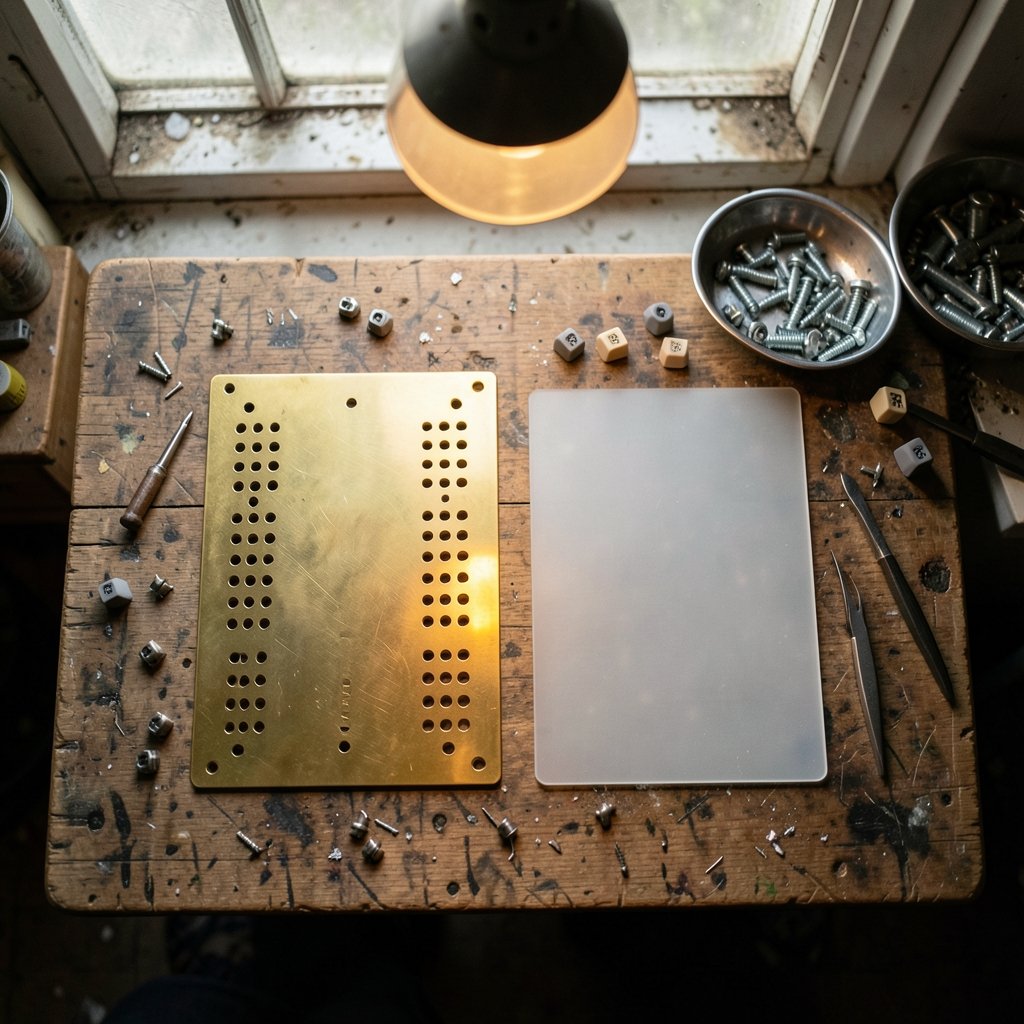
What if the single biggest change to your typing feel has nothing to do with your switches? Ask any experienced builder and they will point to the plate. The thin sheet that holds every switch in place quietly shapes how a keyboard sounds, how it flexes under your fingers, and how much punishment it can take. Among the many materials on the market, two stand out in endless forum debates: brass and polycarbonate. They sit at opposite ends of the spectrum. One is heavy, stiff, and metallic. The other is light, flexible, and soft. Choosing between them changes the entire character of a build, and the “right” answer depends almost entirely on what you want from your board. (Materials science overview)
What Does a Keyboard Plate Actually Do?
Before comparing materials, it helps to understand the job. A keyboard plate is a rigid (or semi-rigid) sheet that sits between the PCB and the keycaps. It has cutouts for each switch, and those cutouts grip the switch housings so everything stays aligned. Without a plate, switches rely only on the PCB for support, which can feel wobbly and uneven. With a plate, the whole typing surface becomes more stable and consistent.
The plate also does three less obvious things:
- It changes the sound signature, because it vibrates and reflects noise inside the case.
- It changes the feel, because its stiffness controls how much the board flexes when you type.
- It influences durability and weight, because different materials behave very differently over years of use.
In short, the plate is a tuning tool. Brass and polycarbonate are two very different settings on that tool.
The Case for Brass Plates
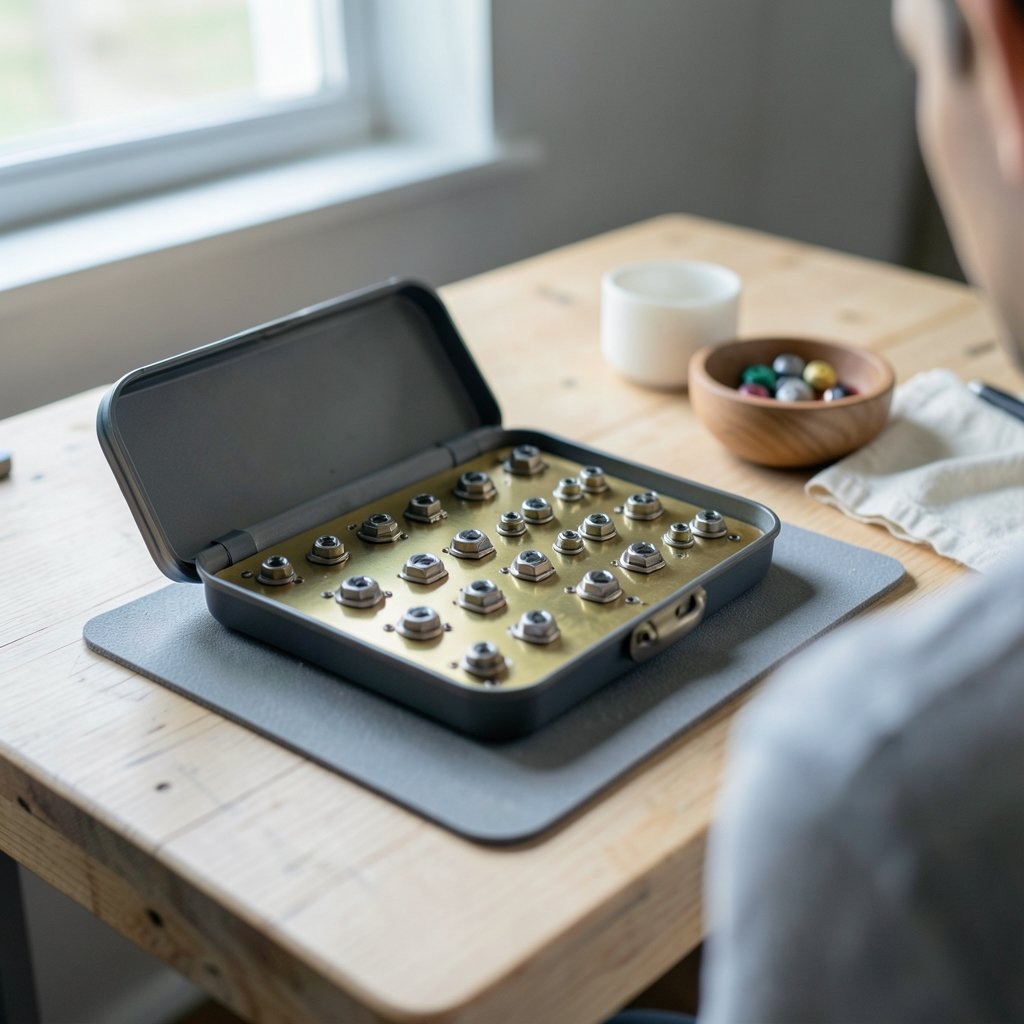
Brass is a copper-zinc alloy, and it is dense. A brass plate adds noticeable heft to a keyboard and feels almost unyielding under your fingers. Builders who love brass tend to describe the experience as solid, planted, and deliberate. Every keypress bottoms out against a firm surface, which many people find satisfying for fast, confident typing.
Sound and Feel
Brass is usually associated with a lower-pitched, deeper sound. The metal resonates in a way that pushes the acoustics toward a heavier “thock” rather than a light “clack.” Because it barely flexes, the typing feel is firm and consistent across the whole board. There is very little bounce, which some typists love and others find fatiguing over long sessions.
Durability and Weight
Brass is tough. It resists bending and holds its shape well, so switch alignment stays true for years. The trade-off is weight and cost. A brass plate makes a keyboard noticeably heavier, which matters if you carry it to tournaments or LAN events. It is also typically the more expensive option. One more detail worth knowing: brass can tarnish or develop a patina over time, and some vendors apply coatings to slow that process. It rarely affects function, but it does change appearance.
The Case for Polycarbonate Plates
Polycarbonate (often shortened to PC) is a tough thermoplastic. It is light, slightly translucent, and far more flexible than metal. In a keyboard, that flexibility is the whole point. A PC plate gives the board a soft, springy character that many builders describe as “bouncy” or “cushioned.”
Sound and Feel
PC plates are generally linked to a higher-pitched, brighter sound with a lively pop. Because the material flexes, your fingers get a gentler landing at the bottom of each press. For long writing sessions, that softness can reduce the harshness of bottoming out. The feel is forgiving rather than commanding, and it pairs beautifully with gasket-mounted cases that are designed to flex.
Weak Points to Watch
Polycarbonate is not fragile in normal use, but thin PC plates are more prone to flex-related stress and heat warping than metal. Very thin sheets can bow over time, especially in hot environments or if the plate is poorly supported. It is also lighter, which some builders read as less premium. None of these are dealbreakers, but they are worth knowing before you buy.
Brass vs Polycarbonate: Side-by-Side Comparison
| Feature | Brass Plate | Polycarbonate Plate |
|---|---|---|
| Weight | Heavy | Light |
| Stiffness | Very stiff | Flexible |
| Typing feel | Firm, planted | Soft, bouncy |
| Typical sound | Deeper, lower-pitched | Brighter, higher-pitched |
| Durability | Excellent, resists bending | Good, but can warp if thin |
| Maintenance | May tarnish or patina | Generally low maintenance |
| Cost | Higher | Lower |
| Best for | Solid, weighty builds | Flexy, comfortable builds |
This table captures the general consensus, but treat the sound descriptions as a starting point, not a guarantee. Case material, foam, mounting style, and switch choice all shape the final result. A brass plate in a hollow plastic case can sound completely different from the same plate in a dense aluminum case.
How Plate Material Interacts With the Rest of Your Build
Here is where many first-time builders go wrong. They buy a brass plate expecting a deep, thocky sound, then drop it into a case with no foam and light, clacky switches. The result disappoints them, and they blame the plate. In reality, the plate is one voice in a choir.
A few practical rules of thumb help:
- Match the plate to the mounting style. A flexy gasket mount pairs naturally with a PC plate. A stiff, tray-mounted case often suits brass better.
- Consider the case material. Dense aluminum and brass reinforce each other. Plastic cases tend to soften the metal’s character.
- Think about switch weight. Heavy springs plus a stiff brass plate can feel tiring. Lighter springs plus a soft PC plate can feel mushy to some typists.
- Use foam deliberately. Case foam tames resonance. Too much foam can mute the very character you paid for.
- Test before you commit. If you can, try both plates in the same board. The difference is immediate and personal.
There is no standardized test that compares plate materials, so most of what circulates online is community experience and vendor specification. That is not a reason to ignore it. It is a reason to weigh it against your own preferences and, ideally, your own hands.
Common Mistakes Builders Make With Plates
Even experienced hobbyists trip over a few recurring issues. Avoiding them saves money and frustration.
- Choosing by sound demo alone. Recordings compress and color audio. What sounds deep on a video may sound thin in your room.
- Ignoring plate thickness. A 1.5 mm brass plate and a 1.5 mm PC plate behave very differently, and thinner PC flexes dramatically more.
- Forgetting stabilizer fit. Some plates are tighter around stabilizer cutouts, which can cause binding if you are not careful during assembly.
- Overlooking weight in portable setups. If the board travels, brass may become a chore. If you are packing gear for a tournament or a gaming night, weight adds up fast, much like the practical considerations in choosing a best keyboard stand for stage performance.
- Skipping a dry fit. Always test-fit switches and stabilizers before soldering or final assembly.
Who Should Pick Brass?
Brass suits typists who want a firm, weighty, premium-feeling board and who mostly keep it on a desk. It rewards people who like a decisive bottom-out and a deeper acoustic profile. If your build already leans toward a dense aluminum case and heavier switches, brass completes that picture. It is also the safer pick if long-term rigidity and switch alignment matter most to you, since it resists bending far better than plastic.
Who Should Pick Polycarbonate?
Polycarbonate suits typists who prioritize comfort and flex. If you write for hours, prefer a softer landing, or love the springy feel of gasket mounting, PC is the natural choice. It is also the friendlier option for beginners: it costs less, weighs less, and is more forgiving of imperfect builds. Builders chasing a bright, poppy sound signature often reach for PC first.
Practical Tips That Actually Work
A few habits separate smooth builds from frustrating ones. First, store plates flat before installation. PC in particular can arrive slightly bowed, and a day under a heavy book often flattens it. Second, check screw and standoff alignment before tightening anything down; cross-threading a brass plate is unpleasant. Third, clean brass gently if patina bothers you, using a soft cloth rather than abrasive pads that scratch the surface.
It also pays to think about the whole desk beyond the board. A tidy, well-planned workspace makes long typing sessions easier, and small organizational steps add up, the same way learning Windows keyboard shortcuts everyone should know speeds up daily computer work. Hobbyists who enjoy game nights often apply the same careful approach to their gear choices, whether they set up a horse racing board game for the family or fine-tune a mechanical keyboard for marathon sessions. The mindset is the same: match the tool to the task. (Keyboard technology)
Finally, keep expectations realistic. Plate material is one variable among many. Switches, keycaps, stabilizers, foam, and case design all matter. A great plate cannot rescue a poorly tuned build, and a modest plate in a well-tuned board can feel wonderful.
Can You Swap Plates Later?
Yes, and many builders do. If your case supports multiple plate materials, swapping is usually a matter of desoldering or using hot-swap sockets, then transferring the switches. This is the single best way to learn your own preference. Start with the cheaper polycarbonate plate, live with it for a few weeks, then try brass if curiosity strikes. Your hands will give you a clearer answer than any review.
One caution: check compatibility carefully. Plate layouts, cutout sizes, and mounting tabs vary between kits. A plate that fits one case perfectly may not fit another, and return policies vary by vendor.
Conclusion
Brass and polycarbonate are not rivals so much as opposites that serve different typists. Brass delivers weight, rigidity, and a deeper, more deliberate feel. It rewards desk-bound builds and people who love a firm bottom-out. Polycarbonate delivers softness, flex, and a brighter, livelier sound. It suits long writing sessions, flexy gasket mounts, and builders watching their budget. Neither is objectively better. The smart move is to match the plate to your mounting style, your switches, and your daily habits, then test in person if you can. Choose for the feel you want every day, not the sound demo you watched once.
Frequently Asked Questions
Is a brass keyboard plate better than polycarbonate?
Neither is objectively better. Brass offers a firmer, heavier feel and a deeper sound, while polycarbonate offers a softer, bouncier feel and a brighter sound. The right choice depends on your mounting style, switches, and personal preference.
Does plate material really change keyboard sound?
Yes, the plate is one of the biggest acoustic variables in a build. Brass tends to produce lower-pitched resonance and polycarbonate tends to sound brighter, though case material, foam, and switches all influence the final result.
Are polycarbonate plates durable?
Polycarbonate is tough in normal use, but thin PC plates flex more than metal and can warp under heat or poor support over time. Thicker plates and proper mounting reduce that risk considerably.
Can brass plates rust or tarnish?
Brass does not rust like steel, but it can tarnish and develop a patina over time. Some vendors apply coatings to slow this down. It usually affects appearance rather than function.
Which plate is better for a gasket-mounted keyboard?
Polycarbonate is the more common pairing because gasket mounts are designed to flex, and a PC plate amplifies that soft, springy feel. Brass can still work well if you prefer a firmer board with less give.
Do I need to desolder to change my keyboard plate?
It depends on your board. Hot-swap keyboards let you pull switches without soldering, making plate swaps easy. Soldered boards require desoldering all switches before the plate can be removed.



