
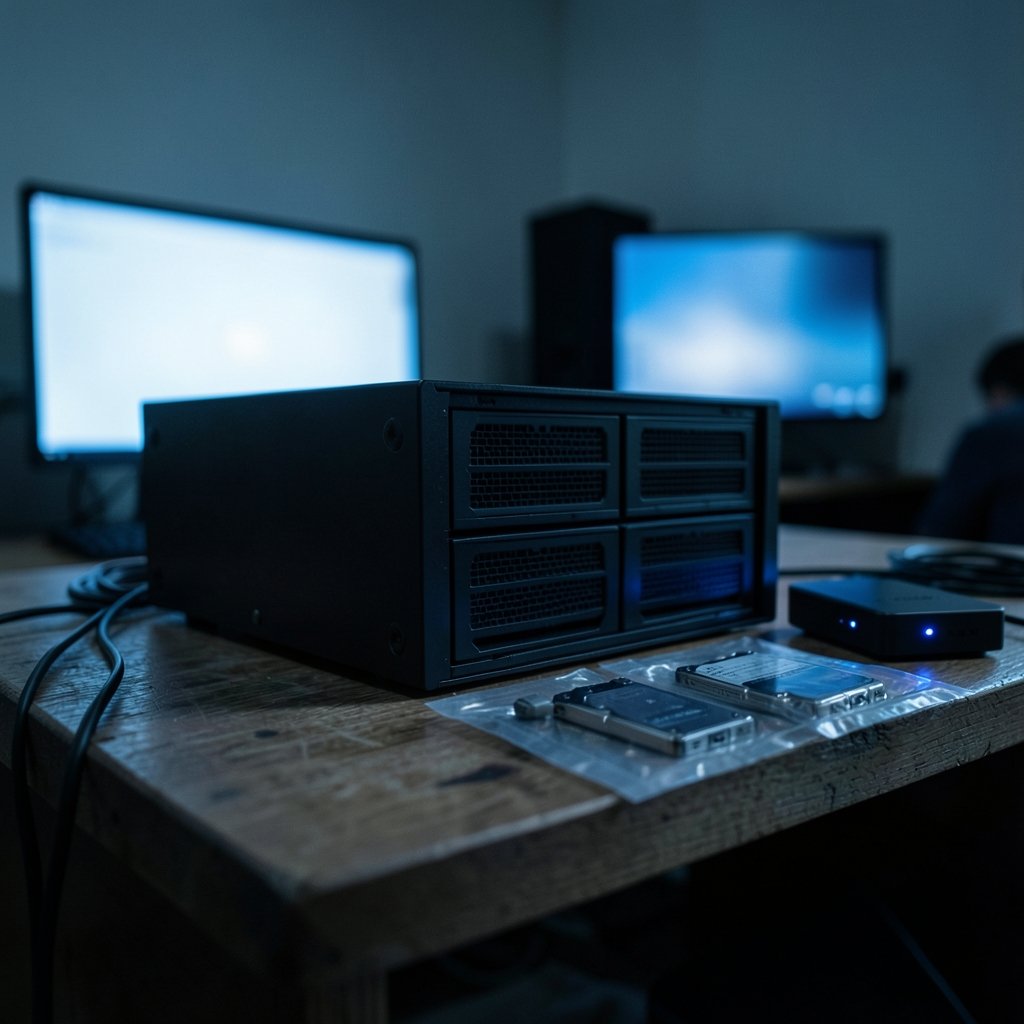
What happens to your family photos, tax records, and movie library if a hard drive dies tonight? Most people only think about that question after the failure, which is exactly the wrong time. If a home NAS is on your shopping list, you will hit a fork in the road early: RAID 1 vs RAID 5. Both protect against a dead disk, both cost money, and both come with trade-offs that sales pages rarely explain clearly. (What is RAID?)
Here is the practical breakdown, including the mistakes people make when they set up their first array.
What RAID 1 and RAID 5 Actually Do
RAID stands for Redundant Array of Independent Disks. It is a way of combining several drives so that one failure does not wipe out your data. The general concept is well documented, and the RAID overview on Wikipedia is a solid starting point if you want the full taxonomy.
RAID 1 mirrors everything. Two drives hold identical copies of the same data. If one dies, the other keeps working. Usable capacity equals the size of a single drive.
RAID 5 stripes data across three or more drives and adds parity information. If any one drive fails, the array can rebuild the missing pieces. Usable capacity equals the total of all drives minus one.
That is the whole idea in two paragraphs. The interesting part is what those definitions mean for a real home setup.
| Feature | RAID 1 | RAID 5 |
|---|---|---|
| Minimum drives | 2 | 3 |
| Usable capacity | 1 drive | Total minus 1 drive |
| Survives | 1 drive failure | 1 drive failure |
| Read speed | Good | Good to very good |
| Random write speed | Strong | Weaker (parity penalty) |
| Rebuild time | Short | Long on big drives |
| Typical home use | 2-bay NAS, photos, documents | 4+ bay NAS, media libraries |
Capacity Math: Where RAID 5 Looks Tempting
Imagine four 8 TB drives. In RAID 1, you would pair them into two mirrors and get 16 TB usable. In RAID 5, you get 24 TB usable. That is a big difference for the same hardware spend, and it is the main reason people gravitate toward RAID 5. (RAID)
Now imagine two 8 TB drives. RAID 5 is not even an option, so RAID 1 gives you 8 TB usable. Simple.
The capacity argument is real, but it only matters if you actually need the space. Plenty of households store under 4 TB of photos, documents, and phone backups. For them, a two-drive RAID 1 box covers everything with room to spare. If you are still mapping out the rest of your smart home setup, our guide to the best smart speakers for home automation can help you plan the network side of things before the NAS arrives. (How to Stop Snoring at Night Home Remedies: 8 Easy Fixes)
The Rebuild Problem Nobody Warns You About
This is where RAID 5 loses some of its shine for home users.
When a drive fails in a RAID 5 array, the system has to reconstruct the missing data from parity. On large modern hard drives, that process can take many hours, sometimes more than a day, and the array runs in a degraded state the entire time. Every sector must be read successfully. If a second drive develops a read error during the rebuild, you can lose data.
The risk is widely discussed among storage professionals, though the exact probability depends on drive size, error rates, and workload assumptions. Treat any specific percentage you see in a forum post with suspicion. The safe conclusion is simpler: bigger drives mean longer rebuilds, and longer rebuilds mean more exposure.
RAID 1 has a much gentler rebuild. The controller simply copies the surviving mirror onto a replacement drive. No parity math, no whole-array scan.
A practical habit that helps either way
Keep a cold spare drive on the shelf. When a disk fails, you swap in the replacement immediately instead of waiting days for a delivery. This single habit shrinks your degraded window more than any RAID level choice.
Write Performance: The Parity Penalty
RAID 5 writes your data and also calculates and writes parity, so each write triggers extra reads and writes. This is called the write penalty, and it affects random writes most.
For a home NAS, random writes show up in places you might not expect:
- Saving edits to a large photo library
- Running virtual machines or containers
- Syncing cloud folders with thousands of small files
- Backing up phones and laptops simultaneously
RAID 1 handles these workloads more gracefully because a mirror write is just two writes, one per drive. If your NAS doubles as an app server, a media indexer, or a backup target for several devices, this difference is noticeable in day-to-day responsiveness.
Sequential reads are a different story. Both setups read quickly, and RAID 5 can even spread reads across drives for a small advantage. Streaming a movie from either array will feel identical.
What Actually Breaks in a Home NAS
Drive failure gets all the attention, but it is not the most common cause of data loss. Ask anyone who has run a home server for a few years and you will hear the same stories:
- Someone deleted the wrong folder and emptied the trash.
- Ransomware encrypted the shared drive.
- A power surge or failed power supply took out the enclosure.
- The NAS itself died, and the array could not be read elsewhere.
RAID protects against exactly one of these: a dead disk. It does nothing for deletion, malware, fire, flood, or a failed controller. This is why every storage professional repeats the same line: RAID is not a backup.
The practical rule is the 3-2-1 approach: three copies of your data, on two different types of media, with one copy off-site. A RAID 1 NAS plus an external drive plus a cloud copy of the irreplaceable files satisfies it. A RAID 5 NAS with no backup does not, no matter how many drives it has.
If your home office setup is growing, it is worth thinking about power reliability too. A brief look at backup home generators can prevent the kind of abrupt shutdown that stresses drives and arrays alike.
Cost, Noise, and Space in the Real World
A two-bay NAS with two drives is compact, quiet, and cheap to run. A four-bay unit with four drives costs more upfront, draws more power, and produces more heat and fan noise. For a bedroom or small apartment, that matters.
There is also a subtle cost trap. People buy a four-bay NAS for RAID 5, fill three bays, and later realize they should have bought larger drives. Expanding a RAID 5 array is possible on most modern systems, but it involves a long rebuild and a nervous afternoon. Buying bigger drives from the start is usually cheaper than a mid-life upgrade.
When RAID 1 Is the Right Call
RAID 1 fits neatly when:
- You have a two-bay NAS, which is the most common home form factor
- Your data fits comfortably on one drive
- You value simple recovery and short rebuilds
- The NAS runs apps, containers, or virtual machines
- You want the easiest possible setup with the fewest ways to go wrong
For most first-time NAS buyers, this is the honest answer. A mirror is boring, and boring is a virtue in storage.
When RAID 5 Makes Sense
RAID 5 earns its place when:
- You need more usable capacity than a single drive provides
- You have four or more bays
- The workload is mostly large sequential files such as video
- You have a real backup in place, so the array is not your only safety net
- You understand the rebuild risk and keep a spare drive ready
Media hoarders with a 4-bay box and a separate backup routine are the classic RAID 5 household. They get the capacity, and they accept the trade-offs knowingly.
Modern Alternatives Worth Knowing
The RAID landscape has moved on. Two options deserve a mention.
RAID 6 adds a second parity block and survives two simultaneous drive failures. It needs at least four drives and costs more capacity, but it directly addresses the rebuild-window worry.
Filesystem-level redundancy is arguably the better answer for home users. ZFS and Btrfs can create mirrors and parity sets without a hardware RAID controller, and they add checksums that catch silent corruption. Many home-lab enthusiasts now run mirrored ZFS pools instead of RAID 5 for exactly the reasons covered above.
There is no single winner here. The right choice depends on bay count, budget, and how much you care about rebuild windows.
Common Mistakes to Avoid
A short list of traps that catch first-time buyers:
- Treating RAID as a backup. It is not. Build a separate backup before you trust the array.
- Mixing drive sizes carelessly. Most systems size the array by the smallest drive, wasting capacity on larger ones.
- Buying budget drives for a parity array. RAID 5 rebuilds are stressful; use drives rated for continuous operation.
- Skipping the UPS. An unexpected power cut during a rebuild is a bad day.
- Never testing a restore. A backup you have never restored is a hope, not a plan.
- Forgetting the enclosure. If the NAS dies, can you read the drives in another machine? Check before you need to.
A Simple Decision Framework
If you want a one-line rule, here it is: two bays means RAID 1, and four or more bays with a real backup means RAID 5 is on the table. Everything else is detail.
For households storing photos, documents, and phone backups, a mirrored pair is the calmer choice. For media libraries that need room to grow, parity gives more usable space per dollar, provided the backup exists.
Whichever path you pick, set up the backup first. The RAID level is the second most important decision you will make.
Conclusion
RAID 1 and RAID 5 both solve the same narrow problem: a drive dying. RAID 1 does it with simplicity, fast rebuilds, and strong random-write performance at the cost of capacity. RAID 5 does it with more usable space and better sequential reads, at the cost of longer rebuilds, weaker random writes, and a higher stakes failure window.
For most home users with a two-bay NAS, RAID 1 is the sensible default. For larger setups with a genuine backup in place, RAID 5 is a reasonable trade. Neither replaces a backup, and neither forgives a skipped restore test. Pick the array that matches your bay count and your patience, then spend your remaining energy on the copy that lives somewhere else.
Frequently Asked Questions
Is RAID 1 better than RAID 5 for a home NAS?
For most homes, yes. RAID 1 is simpler, rebuilds faster, and handles random writes better. RAID 5 only wins when you need more usable capacity and have at least three or four drives plus a solid backup.
Can I use RAID 5 with only two drives?
No. RAID 5 needs a minimum of three drives because parity has to be stored somewhere other than the data drives. With two drives, RAID 1 is your only redundant option.
Does RAID protect my files from ransomware?
No. Ransomware encrypts whatever it can reach, including files on a RAID array. Protection comes from offline or versioned backups, not from the RAID level.
How long does a RAID 5 rebuild take?
It depends on drive size and load, but large drives can take many hours or more than a day. During that window the array is degraded and vulnerable to a second failure, which is why a spare drive on hand is so valuable.
Is RAID 1 a waste of storage space?
It uses half your raw capacity, which sounds wasteful until you compare it to the cost of losing data. For households storing irreplaceable photos and documents, the mirror is cheap insurance.
Can I upgrade from RAID 1 to RAID 5 later?
Sometimes, but it usually means rebuilding the array and restoring from backup. Most people find it easier to buy the right number of bays and drives upfront than to migrate later.



