
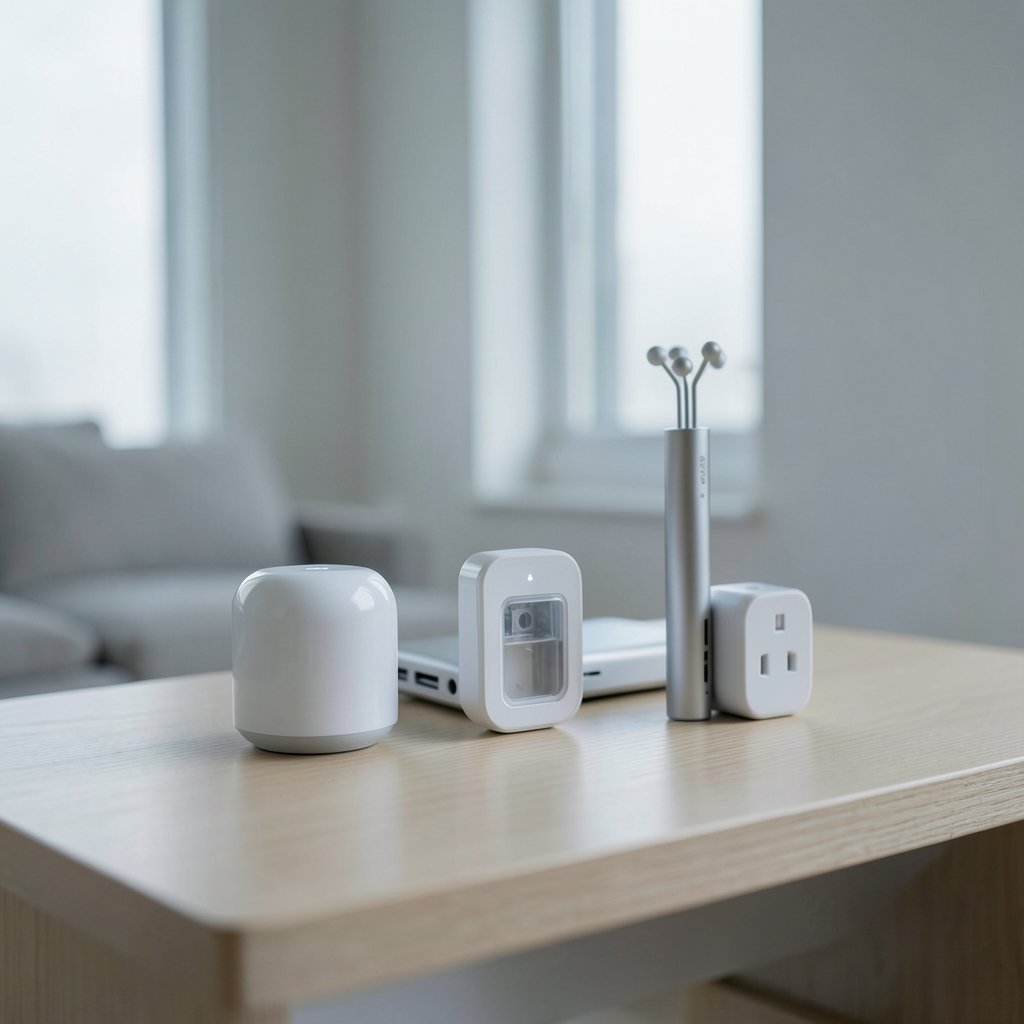
What if two smart home devices carry the exact same certification badge but behave completely differently once they’re on your network? That’s the reality of Matter over Thread versus Matter over Wi-Fi. Both are certified Matter devices. Both promise cross-platform control. Yet the way each one talks to the rest of your home changes how much power it draws, how much your router has to work, and how reliable the whole setup feels day to day. (Best pour over coffee maker) (Matter (standard)))
The confusion is understandable. Plenty of buyers assume Thread is a newer version of Matter or that Wi-Fi devices are somehow “less Matter.” Neither is true. The real difference is the transport layer, and once you understand that, picking devices gets a lot easier.
The Core Difference in Plain Terms
Matter is an application-layer standard built on IP. It defines how devices describe themselves, how they’re commissioned, and how a controller talks to them. It doesn’t care which physical network carries the data. That job belongs to the transport.
Thread is a low-power mesh network built on IEEE 802.15.4. Thread devices don’t connect to your Wi-Fi router directly. Instead, they relay through a Thread Border Router, which bridges the mesh to your IP network. A Matter controller then reaches those devices through that bridge.
Wi-Fi Matter devices skip the bridge. They join your regular local network through your access point and get an IP address like any other client.
| Feature | Matter over Thread | Matter over Wi-Fi |
|---|---|---|
| Network type | 802.15.4 mesh | Standard Wi-Fi (typically 2.4 GHz) |
| Needs a border router | Yes | No |
| Typical power profile | Battery-friendly, low power | Mains-powered in most cases |
| Router client slots used | No | Yes, one per device |
| Best fit | Sensors, locks, buttons, contact sensors | Cameras, plugs, larger appliances |
| Hub support | Requires controller with Thread support | Broad controller support |
One clarification worth making early: “Matter over Wi-Fi” sometimes gets used loosely to include Ethernet-backed Matter devices. A wired Matter device is technically a third transport option, but it behaves closer to Wi-Fi in practice because it sits directly on the LAN.
Why Thread Exists at All
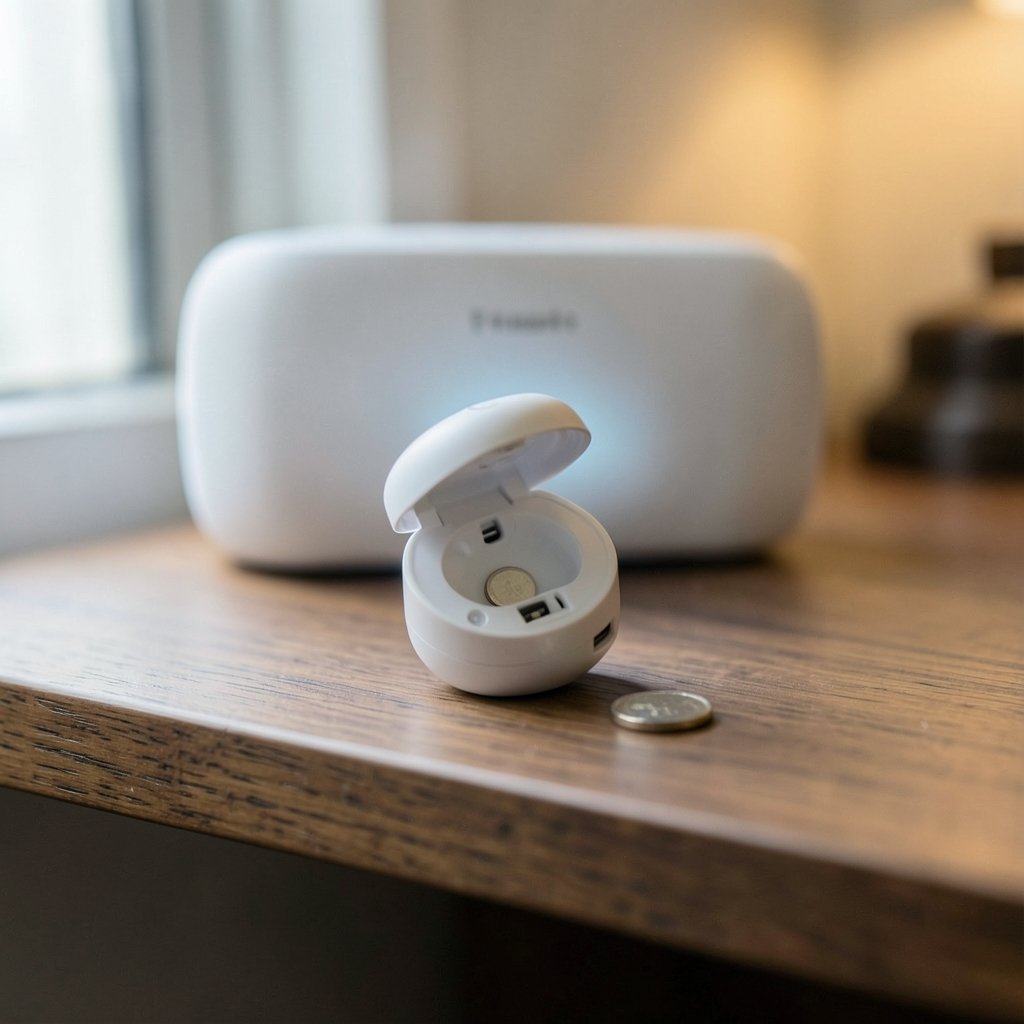
Battery-powered devices and Wi-Fi have never been great friends. A Wi-Fi radio spends a lot of energy staying associated with an access point, which is why Wi-Fi doorbells need frequent charging and why battery sensors historically used proprietary low-power protocols instead.
Thread was built to close that gap while keeping IP compatibility. Because Thread is a mesh, devices can relay messages for one another, and the network extends as more mains-powered Thread devices join. The catch is that you need at least one Thread Border Router in the home. Many smart speakers, hubs, and routers now include one, but not every vendor’s hub does. (What is Thread)
In practice, the biggest mistake people make is buying a Thread sensor before confirming their controller actually supports Thread. A Matter controller that only handles Wi-Fi and Ethernet will see the device in the app but won’t be able to commission it. Check the hub’s spec sheet first, not after.
What Wi-Fi Brings to the Table
Wi-Fi’s advantage is simple: it’s already there. No border router to think about, no mesh topology to reason about, no extra hardware. For a mains-powered device like a smart plug or a large kitchen appliance, that simplicity is genuinely valuable.
The trade-off is network load. Every Wi-Fi Matter device occupies a client slot on your access point and consumes airtime. In a home with a dozen or so devices, that’s fine. In a home with fifty, routers start to show strain, especially on the 2.4 GHz band that Matter Wi-Fi devices typically use.
There’s a practical fix here that costs nothing: put Wi-Fi Matter devices on a dedicated SSID or VLAN where your router supports it. This keeps them from competing with phones, laptops, and streaming traffic. It also makes troubleshooting easier, because you know exactly which devices live on that network. For broader context on how wireless naming and network organization affect daily reliability, a look at what makes a good Wi-Fi network name is a reasonable starting point.
Power, Latency, and the Claims You Should Question
Vendor marketing tends to make two claims that deserve scrutiny.
The first is that Thread is dramatically more power-efficient. Directionally, yes. Thread targets low-power devices, and battery life on Thread sensors is often measured in years rather than months. But exact figures vary wildly by device and by how often it reports. Treat any specific number as a device-level spec, not a protocol guarantee.
The second is that one transport is meaningfully faster than the other. Both are IP-based, and real-world responsiveness depends far more on the quality of your border router or access point than on the transport itself. A poorly placed border router will feel laggier than a well-planned Wi-Fi network, and vice versa. Neutral head-to-head benchmarks are hard to find, so it’s wise to be skeptical of anyone quoting precise millisecond comparisons.
What is well established is that the Matter specification itself is transport-agnostic. The standard was released as Matter 1.0 in October 2022, and it was built from the start to run across Thread, Wi-Fi, and Ethernet. That design choice is why a single controller can manage a mixed home.
Mixed Homes Are the Norm, Not the Exception
Most real households end up with both transports, and that’s fine. A sensible split looks like this:
- Use Thread for battery-powered sensors, door locks, buttons, and contact sensors.
- Use Wi-Fi for mains-powered devices where a border router isn’t nearby.
- Use Ethernet for anything stationary near a cable, like a hub or a bridge.
- Keep at least two Thread Border Routers if you rely heavily on Thread, so the mesh survives one hub going offline.
That last point matters more than people expect. A single border router is a single point of failure for every Thread device in the home. Many modern setups quietly provide redundancy through multiple speakers or hubs, but it’s worth confirming rather than assuming.
For anyone running a larger deployment, whether a big household or a small business, the same logic that applies to customer-facing platforms applies here: pick the infrastructure that scales without constant babysitting. The considerations in this guide to the best customer success platform for SaaS companies over 500 customers mirror the smart home problem in an unexpected way, because both come down to how well a system handles growth without adding friction.
Common Mistakes That Actually Cause Problems
A few errors show up again and again in real installations.
Buying Thread devices without a Thread-capable hub. This is the single most common mistake. The Matter logo on the box does not guarantee your controller can commission the device.
Placing the border router in a far corner. Thread is a mesh, but the border router still needs a solid link to your main network. Tucking it in a basement utility room undermines the whole setup.
Assuming 5 GHz helps. Matter Wi-Fi devices generally operate on 2.4 GHz for range and compatibility. A router that hides or deprioritizes its 2.4 GHz band will cause commissioning failures.
Skipping firmware updates on hubs. Border router firmware has improved substantially since early Matter releases. Outdated hub firmware is a frequent cause of devices that pair but then drop offline.
Overloading one band. If every Wi-Fi Matter device sits on the same crowded 2.4 GHz channel as your video doorbell and baby monitor, interference is inevitable. Channel planning is not optional at scale.
Where Each Transport Shines
Thread’s sweet spot is small, numerous, low-power devices scattered around a home. Think door and window sensors, motion detectors, smart locks, and buttons. These devices report infrequently, run on batteries, and benefit enormously from not competing for Wi-Fi airtime.
Wi-Fi’s sweet spot is anything with a steady power supply and a need for bandwidth or simplicity. Smart plugs, larger appliances, and devices in homes where no Thread Border Router exists all fit comfortably.
There’s also a practical consideration around security patching. Both transports rely on the same Matter security model, but the update path differs. Wi-Fi devices update through your network directly. Thread devices update through the border router and mesh. In both cases, the practical lesson is the same: keep hubs and controllers current, because they’re often the weakest link in the chain. The lessons from incidents like the Rhysida ransomware Berlin government breach in 2026 serve as a reminder that unpatched infrastructure is where trouble starts, and home networks are not immune to that pattern. (Ps portal 2 wifi alliance filing 2026)
How to Decide for Your Own Home
Start with your existing hub. If it supports Thread, you have flexibility. If it doesn’t, either add a border router or lean toward Wi-Fi devices for now.
Then look at power. Anything battery-powered should push you toward Thread. Anything plugged in can go either way.
Finally, count your devices honestly. Under twenty Wi-Fi clients total, and you likely won’t notice the load. Over forty, and Thread starts earning its keep by keeping sensors off your access point entirely.
For readers who also care about the broader digital etiquette of connected homes, including how devices should behave on shared networks, the principles behind netiquette and why it matters apply surprisingly well to smart home design.
Conclusion
Matter over Thread and Matter over Wi-Fi are not rivals so much as tools for different jobs. Thread wins on battery life and network hygiene, at the cost of needing a border router and a controller that supports it. Wi-Fi wins on simplicity and ubiquity, at the cost of router capacity and airtime. The smartest approach for most homes is a deliberate mix: Thread for the small battery-powered sensors scattered everywhere, Wi-Fi for the mains-powered workhorses, and at least two border routers so the mesh never depends on a single point of failure. Get those basics right, and the transport question stops being confusing and starts being a straightforward design decision.
Frequently Asked Questions
Is Matter over Thread better than Matter over Wi-Fi?
Neither is universally better. Thread is better suited to battery-powered devices because it uses far less energy, while Wi-Fi is simpler for mains-powered devices because it needs no border router. The right choice depends on the device type and your existing hub.
Do I need a special hub for Matter over Thread?
Yes. You need a Matter controller that supports Thread, plus at least one Thread Border Router. Many smart speakers and hubs include both functions, but not all do, so check the specifications before buying Thread devices.
Can a Matter controller handle both Thread and Wi-Fi devices at once?
In most cases, yes. Matter was designed to be transport-agnostic, so a single controller can manage devices across Thread, Wi-Fi, and Ethernet, provided it supports the relevant transports and has a border router available for Thread devices.
Why do Matter Wi-Fi devices usually use 2.4 GHz?
The 2.4 GHz band offers better range and wall penetration than 5 GHz, and it’s more widely supported across low-cost radios. That makes it the practical default for Matter Wi-Fi devices, even though it’s often the more crowded band in a busy home.
How many Thread Border Routers should a home have?
Two is a sensible minimum for anyone relying heavily on Thread. A single border router is a single point of failure, and adding a second one, often via another hub or speaker, keeps the mesh running if one unit goes offline.
Does Matter over Thread work without internet access?
Local control generally works without an internet connection, because Matter is built on local IP networking. Remote access from outside the home typically requires a cloud connection through your platform, so check your specific controller’s behavior.



