What happens when two people in the same household use different smart home apps and both want control of the same light bulb? That is the exact problem Matter multi admin setup was designed to solve, and getting it right can mean the difference between a smoothly shared home and a device that only one person can operate.
Matter, the open smart home standard built by the Connectivity Standards Alliance (CSA), lets a single device join more than one smart home platform at once. In practice, an Apple Home user and a Google Home user can both control the same Matter-enabled bulb without buying duplicate hardware. The concept is simple. Setup, however, has real-world quirks that trip up many people on their first attempt.
The sections below explain what multi admin means in Matter, how setup works step by step, where it commonly fails, and what to expect from each major smart home platform.
What Matter Multi Admin Actually Means
The term gets used loosely, so precision helps. In Matter, each smart home platform that commissions a device creates what the specification calls a fabric. A fabric is a security domain with its own administrator, credentials, and access rules. Multi admin (sometimes called multi fabric) means a single device is commissioned into two or more fabrics at the same time.
Think of it like giving a spare key to a neighbor. The door does not care who turns the lock, as long as the key is valid. In Matter terms, the device holds credentials for each fabric separately, and each administrator manages its own slice of control.
A few practical consequences follow from that design:
- Each smart home platform sees the device as its own, with its own name and room assignment.
- Removing the device from one app does not necessarily remove it from the other.
- Firmware updates and feature support can differ between fabrics.
- Security is per fabric, so revoking one administrator does not break the others.
That last point matters more than people expect. If someone moves out or a shared account gets compromised, you can revoke that fabric without re-commissioning the device everywhere. The same principle applies to account hygiene broadly, which is why guides on what multi factor authentication is are worth reading alongside any smart home rollout.
Before You Start: Prerequisites That Actually Matter
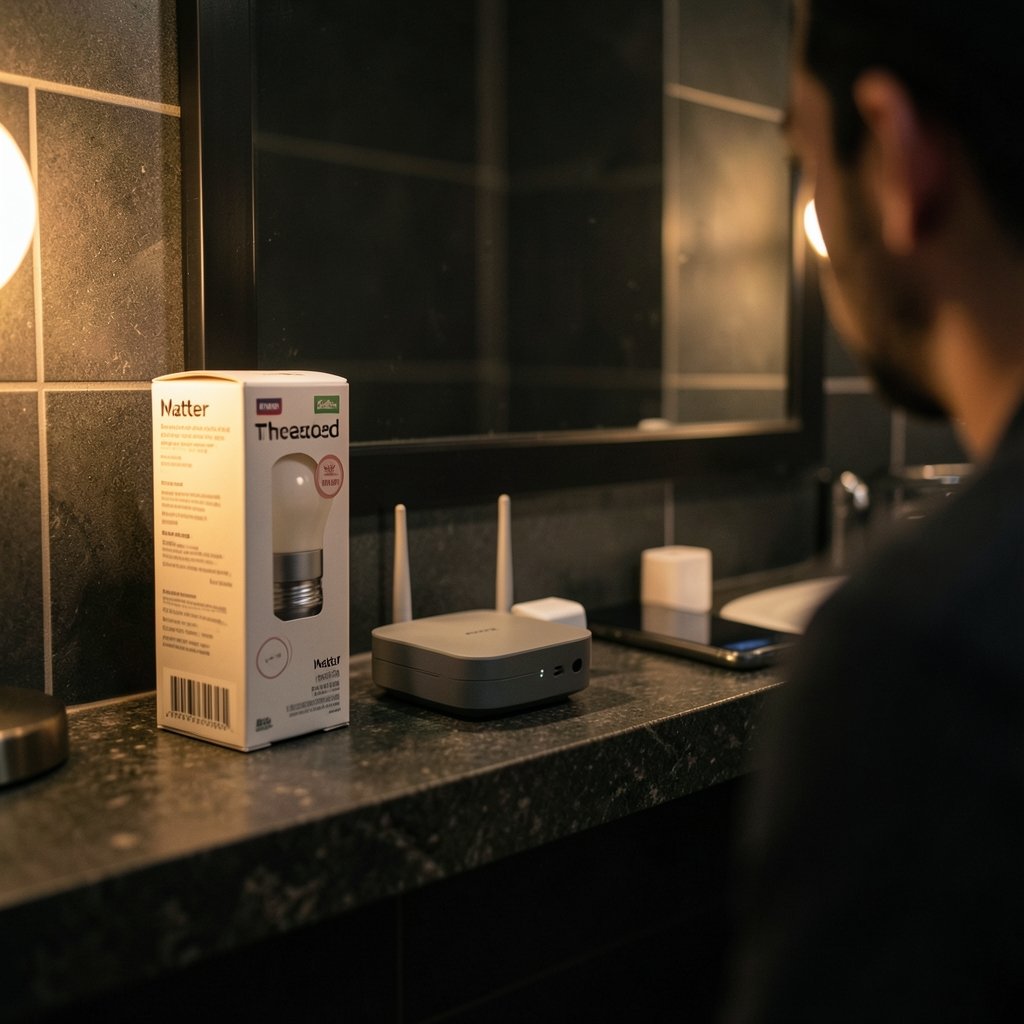
Most failed multi admin attempts trace back to skipping preparation. The setup itself is short. The groundwork is where the time goes.
Hardware and firmware
The device must support Matter and, critically, must be running firmware that exposes the multi admin or “share device” capability. Not every Matter device ships with it enabled. Budget bulbs and plugs from the first wave of Matter products sometimes shipped with commissioning-only firmware and added sharing later. (Matter)
A Thread border router or stable Wi-Fi
Matter runs over Wi-Fi, Ethernet, or Thread. If the device uses Thread, you need at least one Thread border router in the home, and it should be reachable by every smart home platform you plan to add. A border router that only one smart home platform recognizes is a classic source of “device not found” errors during the second commissioning.
App versions and accounts
Every smart home app involved should be updated to its current release. Older versions may not expose the sharing flow at all. You also need an account on each platform, and each account should have two-factor authentication enabled before you start handing out device access.
Commission into one platform first
Commission the device into its primary smart home platform completely, including naming and room assignment, before adding a second fabric. Trying to commission into two platforms at once is the most common mistake and produces confusing partial states.
Step-by-Step: Matter Multi Admin Setup in Practice
The exact menu labels vary by app, but the underlying sequence is consistent across ecosystems. Here is the flow that works.
- Commission the device into your primary platform. Use the Matter pairing code or QR code from the device or its packaging. Complete naming and room assignment.
- Confirm the device works in the primary app. Toggle it, check status updates, and verify it responds within a couple of seconds. If it is flaky now, it will be worse after sharing.
- Open the device settings in the primary app and find the sharing option. Look for labels like “Share,” “Add to another home,” “Manage fabrics,” or “Pairing mode.”
- Generate a new pairing code. The app produces a fresh setup code or QR code tied to a new fabric. This code is temporary and usually expires within minutes.
- Open the second platform app and add a Matter accessory. Choose the “add device” flow and scan the new code rather than the original packaging code.
- Assign name and room in the second app. Do this immediately. Unnamed devices clutter dashboards and get ignored.
- Test control from both apps. Change a setting in one and confirm the other reflects it.
- Label the fabrics. Some apps let you rename administrators. Give them clear names like “Kitchen iPad” or “Partner’s phone” so future removal is unambiguous.
If you run into pairing failures, the fix is usually to reset the device’s commissioning state and start over rather than fight the second fabric. Patience beats persistence here.
Where Multi Admin Setup Usually Goes Wrong
Experience across forums and support threads points to a handful of recurring failure patterns. None of them are exotic, and all of them are avoidable.
| Problem | What You See | Practical Fix |
|---|---|---|
| Using the original pairing code | Second platform cannot commission | Generate a fresh code from the primary app’s sharing flow |
| Thread border router mismatch | Device unreachable in second app | Ensure a border router visible to both platforms is online |
| Stale app version | Sharing option missing entirely | Update the app and the device firmware |
| Removing device from one app | Device vanishes from both | Remove the fabric, not the device, when you only want to revoke one admin |
| Weak Wi-Fi at setup | Timeout during commissioning | Move the device or router closer during pairing |
| Duplicate names | Confusion over which entry is live | Rename per platform with a consistent scheme |
The removal trap deserves emphasis. Deleting a device from one app can, depending on implementation, trigger a full factory reset that wipes every fabric. If the goal is to remove one administrator while keeping the others, look specifically for a fabric or administrator removal option.
There is a parallel lesson in digital etiquette here. Sharing control of a home device is a social act as much as a technical one, and the norms around consent and access are not so different from the ones covered in this explainer on what netiquette is and why it matters. Nobody wants a housemate silently reassigning the living room lights.
How the Major Ecosystems Handle Multi Admin
Support levels differ, and they change with every firmware cycle. The table below reflects the general state of play rather than a guarantee for any specific device.
| Platform | Multi admin support | Notes |
|---|---|---|
| Apple Home | Yes, via “Add to another home” style sharing | Requires a home hub for remote access; fabric management is relatively transparent |
| Google Home | Yes, through Matter pairing code sharing | Some devices need a firmware update before the option appears |
| Amazon Alexa | Yes, with varying device coverage | Works best with devices that expose the standard sharing flow |
| Samsung SmartThings | Yes, with a dedicated fabric management view | Useful for households mixing platforms |
| Home Assistant | Yes, with the most granular fabric control | Best for users who want to see and revoke administrators individually |
Home Assistant deserves a special mention. Its Matter integration exposes fabric details more openly than consumer apps do, which makes it a favorite for anyone who wants to audit who has access. If you are the type who tinkers with editor extensions and config files, the same instinct applies here, and a setup walkthrough like this one on VS Code extensions Cursor setup will feel familiar in spirit: read the docs, change one thing at a time, verify.
For households running more ambitious automation, multi admin is often just one piece of a larger stack. People building out game servers or self-hosted services face similar questions about who administers what, which is why guides such as PlayFab multiplayer servers setup cover permission models in comparable detail.
Security Considerations for Shared Device Control
Every additional fabric is another set of credentials that can be lost, stolen, or forgotten. That is not a reason to avoid multi admin, but it is a reason to treat it deliberately. (NIST Office of Weights and Measures)
A few habits that hold up well:
- Name every administrator. An unnamed fabric is an unaudited door.
- Remove fabrics you no longer use. Old phones, returned tablets, and abandoned accounts should be revoked promptly.
- Keep firmware current. Matter security patches ship through device firmware as well as through apps.
- Separate guest access from household access. If a platform supports restricted roles, use them.
- Review access quarterly. A five-minute audit beats a surprise discovery months later.
The Matter specification was built with local control and encrypted communication as defaults, which is a genuine improvement over the fragmented proprietary era. But defaults only carry you so far. The human side of access management still belongs to the homeowner.
Troubleshooting the Second Commissioning
When the second platform refuses to see the device, work through this order:
- Confirm the sharing code has not expired. Generate a new one.
- Restart the second platform’s hub or app.
- Check that the device is online in the primary app.
- Verify the Thread border router is reachable from both platforms.
- Update device firmware and retry.
- As a last resort, factory reset and commission fresh into the primary platform, then share again.
Most failures resolve at step one or step four. If a device simply will not join a second fabric after repeated attempts, check the manufacturer’s documentation for known limitations. Some early Matter devices advertised multi admin but shipped firmware that did not deliver it, and no amount of retrying fixes that.
Conclusion
Matter multi admin setup is one of the standard’s most useful features and one of its least understood. The core idea is straightforward: a device can belong to several fabrics, each with its own administrator, so an Apple household and a Google household can share the same hardware without compromise. The practical work lies in preparation, in using fresh pairing codes rather than the original ones, and in managing fabrics as deliberately as you manage passwords.
Get the order right, commission into one platform first, share second, and label everything, and the whole process takes minutes. Skip those steps and you will spend an afternoon resetting devices. The standard will keep changing, and support will keep improving, but the habits that make multi admin work are the same ones that make any shared system work: clear ownership, current software, and a willingness to revoke access when it is no longer needed.
Frequently Asked Questions
What is multi admin in Matter?
Multi admin means a single Matter device is commissioned into more than one platform at the same time. Each platform creates its own fabric with separate credentials, so an Apple Home user and a Google Home user can both control the same bulb without duplicating hardware.
Do I need a hub for Matter multi admin setup?
It depends on the platform and the device’s transport. Thread-based devices require a Thread border router that every platform can reach. Wi-Fi and Ethernet devices generally do not need a dedicated hub, though some platforms still recommend one for remote access and automation.
Why can’t my second app find the device?
The most common cause is using the original pairing code instead of a fresh one generated from the primary app’s sharing flow. Expired codes, outdated app versions, and border router mismatches are the next most frequent culprits.
Does removing a device from one app remove it everywhere?
Sometimes, yes. Deleting a device in some apps triggers a factory reset that wipes all fabrics. If you only want to revoke one administrator, look for a fabric or administrator removal option rather than a device deletion.
Is multi admin safe?
Safety depends on the accounts behind it. Each fabric has its own credentials, so revoking one does not affect the others. Enable two-factor authentication on every platform account, name each administrator, and remove fabrics you no longer use.
Can every Matter device do multi admin?
No. The capability depends on firmware. Some early Matter products shipped without sharing enabled and added it later. Check the manufacturer’s documentation before assuming a device supports a second fabric.