
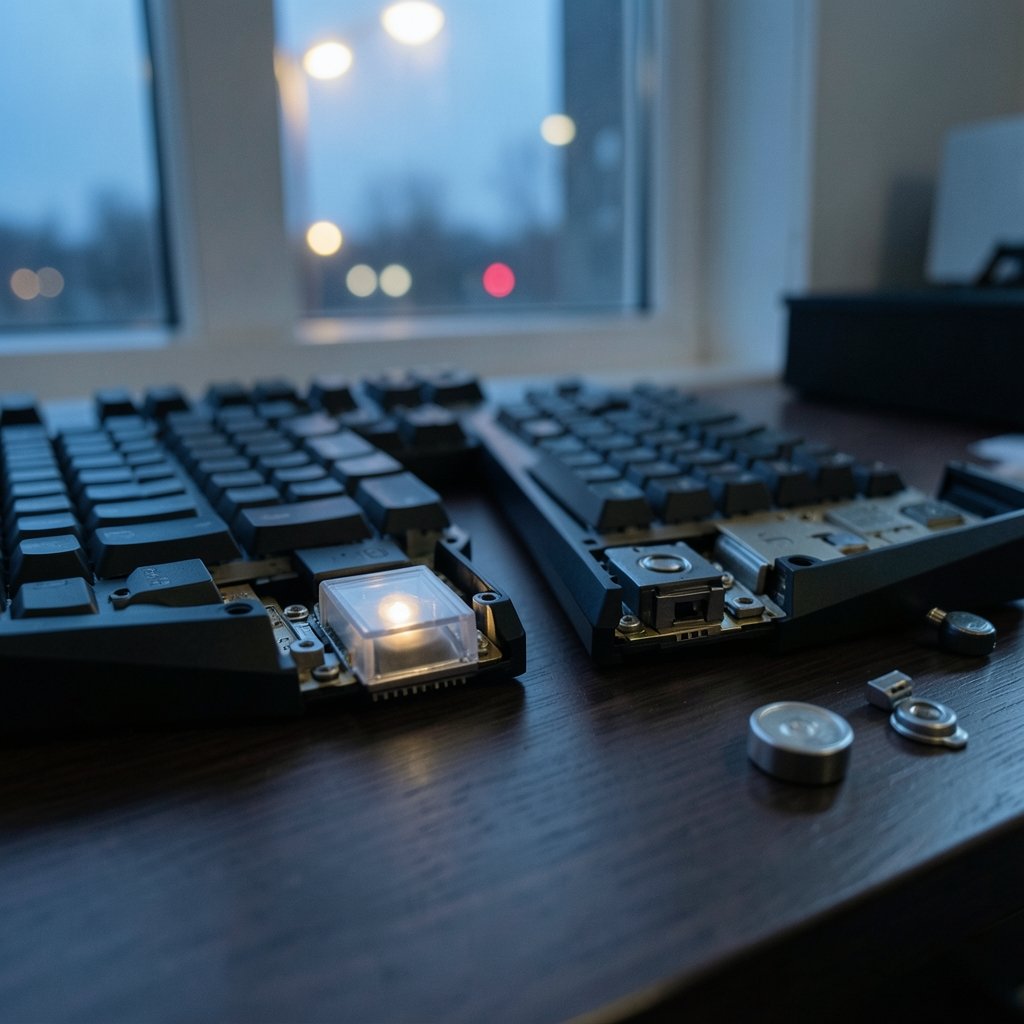
What if the switch under your finger could change how it feels without you ever touching a screwdriver? That is the promise behind two of the most talked-about keyboard technologies on the market. Hall effect and optical switches both ditch the old metal-on-metal contact design, and both get marketed as faster, tougher, and smarter than standard mechanical switches. But they work in completely different ways, and they do not suit the same kind of user.
This guide breaks down the real differences in plain language. It covers how each switch detects a press, what that means for gaming and typing, where the marketing stretches the truth, and how to pick the right board without wasting money on features you will never use.
What Makes Hall Effect Switches Different?
A Hall effect switch uses a magnet and a sensor instead of two pieces of metal touching. There is a small magnet attached to the key stem. Below it sits a Hall sensor, a tiny chip that detects magnetic fields. When you press the key, the magnet moves closer, and the sensor reads the change in field strength.
The key detail is that the sensor outputs a continuous signal. It does not just know “pressed” or “not pressed.” It knows exactly how far down the key is at any moment. That analog data is what makes features like adjustable actuation depth possible. You can tell the keyboard to register a press at 0.1 mm of travel or at 4 mm, and the switch itself does not need to change.
Because nothing physically touches to complete a circuit, there is no metal contact wear and no contact bounce, the tiny electrical chatter that happens when metal surfaces slap together. That is the core engineering argument for the design, and it holds up. The trade-off is cost. Every key needs its own sensing circuit, which is why Hall effect boards tend to sit at the premium end of the market.
How Do Optical Switches Work?
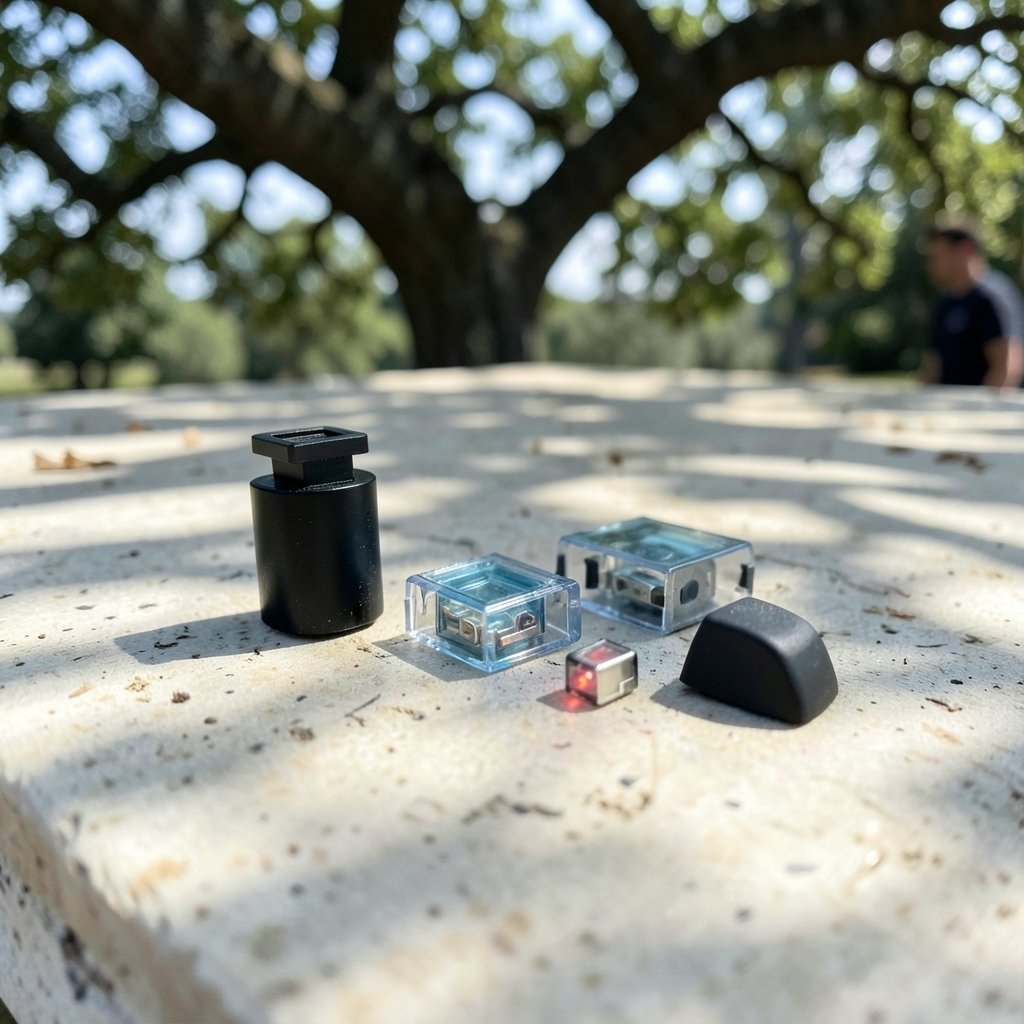
Optical switches use light instead of magnetism. Each key has an emitter (usually an infrared LED) and a photodetector. A shutter attached to the stem blocks the light beam when the key is at rest. Press the key, the shutter moves, and light reaches the detector. The keyboard registers the press the instant the beam is interrupted.
This is also a contactless design, so optical switches share the durability benefit: no metal wear, no bounce, and no need for debounce delays in firmware. That last point matters more than most people realize. Traditional mechanical keyboards wait a few milliseconds to confirm a press is real, and optical boards can skip that wait.
The catch is that most optical switches are binary. They know the beam is broken or it is not. There is no continuous position data, so adjustable actuation depth and rapid trigger features are rare on optical boards. A handful of designs measure light intensity to approximate analog input, but that is the exception, not the rule.
Hall Effect vs Optical Switches: Side-by-Side Comparison
Here is where the two technologies actually diverge in daily use.
| Feature | Hall Effect | Optical |
|---|---|---|
| Detection method | Magnetic field strength | Light beam interruption |
| Input type | Analog, continuous position | Mostly binary on/off |
| Adjustable actuation depth | Yes, via software | Rare, product-dependent |
| Rapid trigger support | Common | Uncommon |
| Contact wear | None | None |
| Debounce delay needed | No | No |
| Per-key cost | Higher | Moderate to higher |
| Best fit | Competitive gaming, custom tuning | Fast typists, durability-focused buyers |
The table makes one thing clear: the biggest functional gap is not speed or lifespan. It is analog input. If you never plan to tune actuation points or use rapid trigger, a large chunk of what you are paying for on a Hall effect board goes unused.
Does Analog Input Really Matter?
For competitive gamers, yes. In a first-person shooter, rapid trigger lets a key reset the moment it starts moving upward, rather than waiting for it to pass a fixed reset point. That means faster strafe-cancel inputs and quicker repeated taps. Adjustable actuation depth lets a player set movement keys to fire at a feather-light 0.1 mm while keeping ability keys deeper to avoid accidental triggers.
For everyone else, the benefit is smaller than the marketing suggests. A skilled typist on a good optical board will not suddenly type faster on a Hall effect board. The advantage shows up in specific, repeatable input patterns, not in general comfort. That is why so many buyers end up paying for analog features they try once and then leave at default settings.
What Do the Durability Claims Actually Mean?
Both switch types are marketed with lifespan numbers that run into the tens of millions of presses. Treat those figures with some caution. They usually come from vendor testing under controlled conditions, and independent, peer-reviewed comparisons of Hall effect versus optical switch longevity are scarce. Most available data is either manufacturer documentation or enthusiast testing, so performance claims around latency and lifespan deserve a skeptical read.
What can be said with confidence is the underlying mechanism. Contactless designs remove the most common failure point in mechanical switches: worn or oxidized metal contacts. If a board dies early, it is more likely to be a controller, solder joint, or firmware problem than a worn-out switch. For a broader look at how input hardware evolves, see this coverage of Nintendo’s rumored Switch 2 Lite and Samsung chip plans, which shows how component choices ripple through entire product lines.
The Practical Problems Nobody Warns You About
First-hand reports from users and reviewers flag a few recurring issues with both technologies.
Firmware is the real product. A Hall effect keyboard is only as good as its configuration software. Buggy drivers, confusing calibration tools, and inconsistent rapid trigger behavior are common complaints. Before buying, check whether the software runs on your operating system and whether the community reports stability problems.
Magnetic interference is real but overstated. Hall sensors can be affected by strong nearby magnetic fields, and some users report odd behavior with certain desk accessories. In practice, this is rare, but it is worth knowing if you keep strong magnets near your setup.
Optical boards are not automatically faster in feel. The lack of debounce helps on paper, but human reaction time dwarfs the difference. Most people cannot feel a few milliseconds. What they do feel is key feel, stabilizer quality, and case acoustics, which have nothing to do with the switch mechanism.
Hot-swap compatibility is limited. You cannot drop a standard mechanical switch into a Hall effect or optical board. The sockets and sensing hardware are different. That kills the upgrade path many enthusiasts rely on, so plan to keep the switches the board ships with.
Common Mistakes Buyers Make
The most frequent error is buying analog features for typing. If your work is documents and code, a well-built optical or even standard mechanical board will serve you just as well for less money.
The second mistake is ignoring the rest of the keyboard. A premium switch in a rattly case with cheap stabilizers feels worse than a mid-range switch in a solid board. Budget for the whole package, not just the technology name.
The third is skipping the return window test. Actuation depth and rapid trigger settings are personal. What feels perfect to one player feels twitchy to another. Buy from a seller with a real return policy and spend a week tuning before you commit.
If you also play on a stage or stream setup, the physical rig matters as much as the switches. A stable, height-adjustable stand prevents the wobble that ruins fast inputs, and this guide to the best keyboard stand for stage performance covers what to look for. Likewise, small workflow habits pay off more than switch specs for most desk workers, and these Windows keyboard shortcuts everyone should know deliver a bigger speed gain than any hardware upgrade.
Who Should Buy Which?
Choose Hall effect if you play competitive shooters or rhythm games, you enjoy tuning settings, and you want the most flexible input hardware available. You are paying for analog control and rapid trigger, so plan to actually use them. (NIST Weights and Measures overview)
Choose optical if you want fast, reliable, contactless switches with minimal setup fuss, and you do not need per-key tuning. Typists and general users often get more value here.
Choose standard mechanical if budget is tight or you love swapping switches. The ecosystem is bigger, the parts are cheaper, and the gap in real-world performance is smaller than the marketing implies.
There is also a content angle worth noting for hobbyists: the keyboard world overlaps heavily with gaming culture, and the same community follows industry news closely. Stories like the reports that EA may sell Mass Effect, Dragon Age, and Jade Empire rights and the three statements around BioWare’s closure and Mass Effect’s future show how fast the surrounding ecosystem shifts. Hardware buyers who track that news tend to be the same people who care about input latency. (Hall effect)
Conclusion
The Hall effect versus optical debate comes down to one question: do you need analog input? Hall effect switches deliver continuous position sensing, adjustable actuation, and rapid trigger, and they earn their premium for players who exploit those features. Optical switches deliver contactless speed and durability with far less complexity, and they suit most typists perfectly well. Neither design is universally better, and both beat traditional mechanical contacts on wear resistance. Match the technology to your actual habits, test the board during the return window, and ignore the lifespan numbers that nobody has independently verified. Your fingers will tell you more than any spec sheet.
Frequently Asked Questions
Are Hall effect switches better than optical switches?
Not universally. Hall effect switches offer analog input, adjustable actuation depth, and rapid trigger, which competitive gamers value. Optical switches are simpler, often cheaper, and equally contactless. The better choice depends on whether you will actually use analog tuning features.
Do Hall effect keyboards have noticeable input lag?
No. Both Hall effect and optical switches skip the debounce delay that traditional mechanical keyboards use, so input is registered almost instantly. Any remaining latency usually comes from the connection type, firmware, or the game itself rather than the switch mechanism.
Can you put regular mechanical switches in an optical or Hall effect keyboard?
Generally no. Optical boards use light emitters and detectors, and Hall effect boards use magnets and sensors. The sockets and sensing hardware are designed for their specific switch type, so standard mechanical switches will not fit or function.
Are optical switches good for typing?
Yes. Many typists prefer optical switches because they are smooth, consistent, and free of metal contact wear. The main limitation is that most optical switches are binary, so you cannot fine-tune actuation depth the way you can on a Hall effect board.
Do Hall effect switches wear out?
The switches themselves have no metal contacts to wear, so the sensing mechanism is extremely durable. Failures are more likely to come from the keyboard’s controller, solder joints, or firmware than from the switch. Vendor lifespan figures should be treated as marketing claims rather than independently verified data.
Is rapid trigger worth paying extra for?
For competitive shooter and rhythm game players, yes. Rapid trigger resets a key the moment it begins moving upward, which enables faster repeated inputs. For casual gaming, typing, and office work, the benefit is minimal, and the extra cost is hard to justify.



