

What happens when the SD card inside a security camera quietly dies at 2 a.m. on a Saturday, and nobody notices until the footage is needed three weeks later? That scenario plays out more often than most homeowners and small-business operators realize. A card that works flawlessly in a point-and-shoot camera can fail within months when it is asked to write video nonstop, 24 hours a day, seven days a week. Continuous recording is a brutal workload, and the memory card is usually the weakest link in the whole chain.
This guide breaks down what actually matters when picking an SD card for continuous security recording: the speed ratings that count, the endurance problem nobody advertises loudly enough, capacity math that keeps you out of trouble, and the practical habits that separate a card that survives two years from one that dies in a season.
Why continuous recording is so hard on an SD card
A security camera writing video around the clock is not doing anything fancy. It is simply writing data constantly, and that constant writing is exactly what wears out flash memory. Every flash cell can only be written to and erased a finite number of times before it stops holding data reliably. In a camera that records a few clips a week, those cycles stretch across years. In a camera recording continuously, they get chewed through in months.
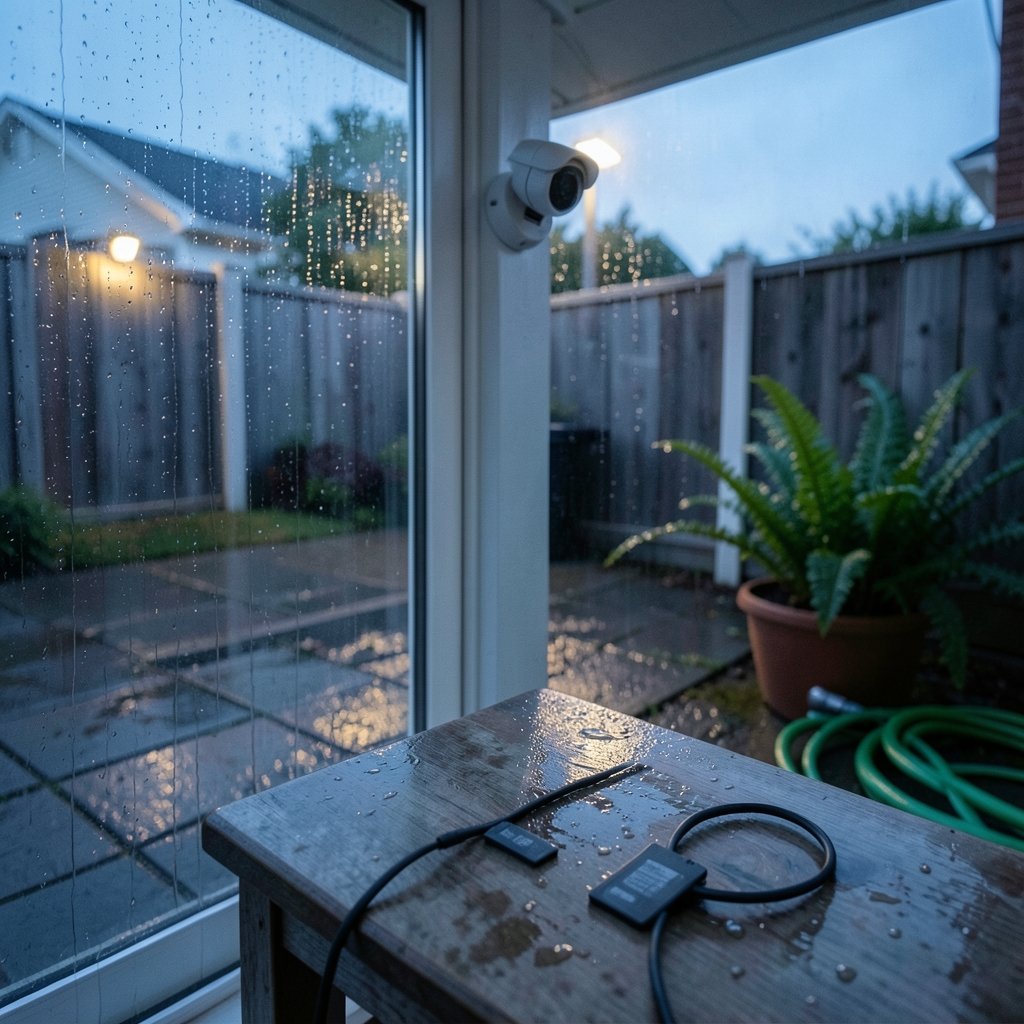
There is a second, sneakier problem: heat. Small cameras and doorbell units have almost no airflow, and the card sits inside a sealed housing that bakes in direct sun. Heat accelerates wear and can cause write errors that corrupt footage. A card rated for high speed but not built for sustained writes will often fail not because it ran out of cycles, but because it overheated and threw errors during a critical recording window.
The practical takeaway is simple: for continuous security recording, endurance matters more than raw speed. Speed gets you a compatible card. Endurance gets you a card that is still alive next year.
Speed classes explained without the marketing fog
SD cards carry a confusing alphabet soup of ratings. Here is what each one actually means for a security camera.
| Rating | What it guarantees | Relevance to security recording |
|---|---|---|
| Speed Class (C2, C4, C6, C10) | Minimum sustained write speed in MB/s | C10 is the practical floor for HD video |
| UHS Speed Class (U1, U3) | U1 = 10 MB/s, U3 = 30 MB/s minimum write | U3 is the safe pick for 4K or multi-stream cameras |
| Video Speed Class (V6 to V90) | Guaranteed write speed for video recording | V10 or higher is a sensible target |
| Application Performance Class (A1, A2) | Minimum random read/write operations per second | A2 helps when the camera writes many small event clips |
The Video Speed Class system was designed specifically with video recording in mind, which makes it the most relevant label to look for. A card marked V30 guarantees a sustained 30 MB/s write, which comfortably handles most consumer security cameras even at high resolution. The Application Performance Class ratings (A1 and A2) matter more than people expect, because many cameras write short event-triggered clips rather than one giant file, and that pattern stresses random write performance.
The trap is assuming a high speed class means a card is suitable for 24/7 use. It does not. A card can hit V90 speeds and still have the endurance of a paper towel. Speed and endurance are separate engineering decisions, and cheap cards often optimize only for the former because it is what shows up on the box.
The endurance problem: the spec nobody puts on the front of the package
Here is where the industry gets slippery. There is no official, standardized endurance class from the organization that governs SD card specifications. Vendors market “high endurance” and “max endurance” cards aimed at dashcams and surveillance, but the actual figures behind those labels are manufacturer claims, not independently certified standards. That means the numbers are not directly comparable across brands.
What you can do is read the fine print. Manufacturers that take the surveillance market seriously usually publish an endurance figure in hours of continuous recording or in terabytes written (TBW). A card rated for, say, 10,000 hours of continuous Full HD recording tells you something concrete. A card that just says “high endurance” with no number is telling you almost nothing.
The other practical move is to buy from brands that clearly segment their lineup: standard cards for photos, endurance cards for dashcams and security, and pro cards for heavy video work. If a manufacturer does not offer a dedicated endurance line, that is a signal about where their priorities sit. (SD Standard Overview)
Capacity math that keeps you out of trouble
Capacity sounds like the easy decision: buy the biggest card you can afford. In practice, bigger is not always better for continuous recording, for two reasons.
First, compatibility caps. Plenty of IP cameras and network video recorders list a maximum supported card size on the datasheet, often 128 GB or 256 GB, regardless of what the card itself can hold. Buying a 1 TB card for a camera that tops out at 128 GB is money wasted. Check the device specification before you buy, every time.
Second, file system limits. SDHC cards ship formatted as FAT32, which caps any single file at 4 GB. SDXC cards ship as exFAT and avoid that limit. Most cameras segment recordings into chunks anyway, but knowing which file system you are dealing with prevents a lot of head-scratching when footage mysteriously stops saving.
As a rough planning guide, a single 1080p camera recording continuously typically produces somewhere in the range of 5 to 15 GB per day depending on bitrate and compression. That means a 128 GB card might hold a week or two of footage, while a 256 GB card doubles that window. Work backward from how far back you need to be able to review, then size the card to match. If you also run a broader setup, it helps to compare options the way you would when reviewing home security systems: 8 best picks for every home, where storage and retention are part of the buying decision rather than an afterthought.
Matching the card to the camera and the job
Not every camera needs the same card. A doorbell cam that records motion events has a very different workload from a fixed camera recording 24/7 in a warehouse.
For event-triggered recording, random write performance and decent endurance are the priorities. An A2-rated endurance card is a good fit.
For continuous 24/7 recording, endurance is king. Pick a card explicitly marketed for surveillance or dashcam use, and accept that you will pay more per gigabyte than for a consumer card.
For outdoor cameras in hot climates, heat tolerance matters as much as anything. Cards that run cooler and cameras with some shade or ventilation last noticeably longer.
If you are building out a full setup, the same logic that applies to best outdoor security cameras without subscription applies here: local storage on a card is only as reliable as the card you put in it. It is also worth pairing physical security with sensible digital hygiene, since a camera system is only one layer of protection alongside things like best internet security australia for the network those cameras live on.
Common mistakes people make with security SD cards
A few errors show up again and again, and each one is easy to avoid once you know about it.
- Buying the cheapest card that fits. Price per gigabyte is the wrong metric for a card that writes nonstop. The cheap card often costs more in lost footage.
- Ignoring the camera’s capacity cap. Always check the datasheet before buying a large card.
- Never formatting the card in the camera. Formatting in the device, not on a computer, ensures the right file system and folder structure.
- Skipping the health check. Most cameras and NVRs can report card status. Check it monthly rather than discovering failure after the fact.
- Assuming a card lasts forever. Even a good endurance card is a consumable. Plan to replace it periodically.
- Pulling the card without powering down. Yanking a card mid-write can corrupt the file system and lose recent footage.
The single most effective habit is a scheduled replacement. Treat the card like a smoke detector battery: swap it on a calendar, not on a failure.
Practical setup tips that actually work
Format the card inside the camera or recorder, not on a laptop. This matters because the device sets up the folder structure and file system it expects, and a computer-formatted card can cause recording errors that look like hardware faults.
Enable overwrite or loop recording so the card recycles old footage instead of filling up and stopping. A full card that silently halts recording is one of the most common causes of missing footage.
Keep a spare endurance card on hand. They are small and cheap relative to the cost of a gap in coverage, and swapping one in takes seconds.
Watch the heat. If a camera sits in direct afternoon sun, a small shade or a repositioned mount can meaningfully extend card life. This is one of those fixes that costs nothing and quietly doubles the lifespan of your storage.
Finally, check the card’s reported health in the camera app every few weeks. Many systems surface write errors or remaining lifespan, and catching a degrading card early beats discovering it during an incident review. The same forward-planning mindset that applies to how much social security will i get at 62 applies here in miniature: small, boring checks now prevent unpleasant surprises later.
When to skip the SD card entirely
An SD card is convenient and inexpensive, but it is not the right answer for every installation. For a multi-camera business setup, a network video recorder with a dedicated hard drive offers far more capacity, better endurance, and centralized management. The card inside each camera then becomes a backup for when the network drops, rather than the primary archive.
For a single camera or a small home setup, the card is often the most practical option, especially where running cable to an NVR is impractical. The key is to be honest about the workload. A card recording motion events is a sensible choice. A card recording four streams continuously at 4K is being asked to do a job it was never designed for.
Conclusion
Choosing an SD card for continuous security recording comes down to a handful of decisions that most buyers get wrong because the packaging emphasizes the wrong numbers. Speed class gets you compatibility, but endurance determines whether the card is still recording six months from now. Capacity needs to match both your retention window and your camera’s stated limits. Heat, formatting habits, and a simple replacement schedule do the rest.
The payoff is unglamorous but real: footage that is actually there when it matters. A card that quietly records for two years without drama is worth far more than the few dollars saved on a bargain bin alternative. Buy for endurance, size for your retention needs, check compatibility first, and treat the card as a consumable rather than a permanent fixture. That is the whole game.
Frequently asked questions
What size SD card do I need for continuous security recording?
It depends on your retention goal and the camera’s bitrate. A single 1080p camera recording continuously typically writes roughly 5 to 15 GB per day, so a 128 GB card may hold one to two weeks of footage while a 256 GB card doubles that. Always confirm the camera’s maximum supported capacity first, since many devices cap out well below the card’s own limit.
Can I use a regular SD card for a security camera?
You can, but it usually will not last. Standard cards are built for occasional photo and video capture, not nonstop writing. Continuous recording burns through write cycles quickly and generates heat, so a card without an endurance rating often fails within months. Choose a card explicitly marketed for surveillance or dashcam use.
What speed class should a security camera SD card have?
For most HD cameras, a card rated C10, U1, or V10 is the practical minimum. For 4K recording or multiple streams, aim for U3 or V30. Speed class guarantees sustained write speed, but it says nothing about endurance, so check both before buying.
How long does an SD card last in a security camera?
It varies widely with the card’s endurance rating, the recording workload, and heat exposure. A good endurance card recording continuously might last one to three years, while a standard card in the same role could fail in months. Because there is no standardized endurance class, check the manufacturer’s stated hours or terabytes written and plan a replacement schedule anyway.
Why does my security camera stop recording even though the card has space?
The most common causes are a full card with overwrite disabled, a corrupted file system from removing the card during a write, or a card that has worn out and is throwing write errors. Reformat the card inside the camera, enable loop recording, and check the device’s card health report. (SD card)
Is it worth paying more for a high-endurance SD card?
For continuous recording, yes. The price premium is usually modest compared with the cost of lost footage and the hassle of replacing a failed card at the worst possible moment. High-endurance cards are engineered for sustained writes and heat, which is exactly the workload a security camera creates.
