
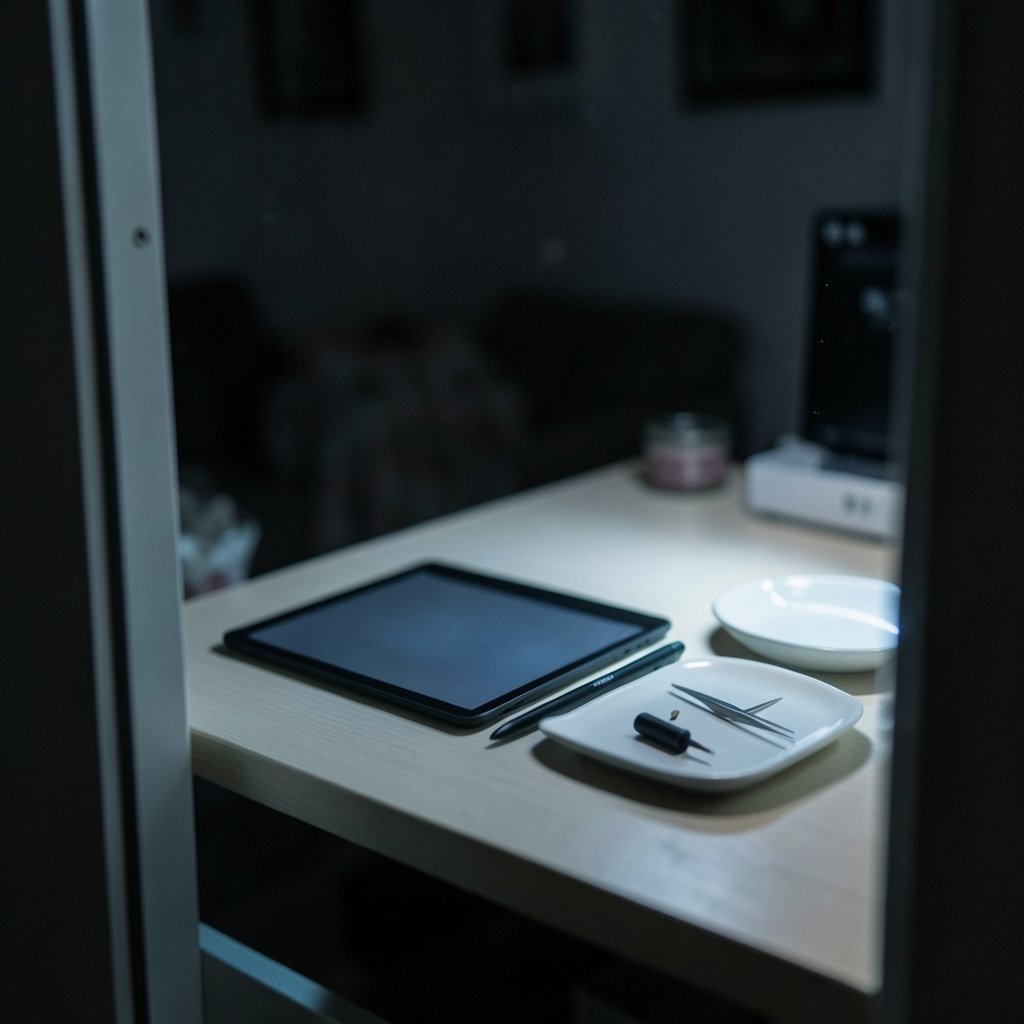
Does your e ink tablet pen suddenly feel scratchy, drag across the screen, or leave faint marks behind? That tiny plastic tip at the end of your stylus is a wear part, and it is probably telling you it needs to be replaced. Nib replacement is one of the simplest maintenance jobs an e ink tablet owner can do, yet it trips up a surprising number of people. This guide walks through how nibs wear, how to tell when yours is done, how to pull it out safely, and which mistakes to avoid so you do not scratch a screen that costs more than a stack of replacement tips.
Why Nibs Wear Out So Fast on E Ink Tablets
Most e ink writing tablets use Wacom EMR (electromagnetic resonance) technology. The pen has no battery and no active electronics in the tip. Instead, a coil inside the pen body interacts with a digitizer layer beneath the display. The nib itself is a small piece of plastic, often a nylon or POM blend, whose only job is to transfer your hand movement to the screen surface.
The catch is friction. E ink displays are deliberately textured to feel like paper, and that texture is abrasive. Every stroke sands a microscopic layer off the nib. Writers who press hard, sketch with long fast strokes, or write several hours a day will burn through a nib in weeks. Lighter note-takers might get several months from a single tip.
Wear rate depends on three things:
- Writing pressure. Heavy-handed writers wear nibs far faster than light ones.
- Screen texture. Devices with a rougher paper-like film chew through plastic more quickly.
- Usage volume. A student taking daily lecture notes will replace nibs more often than someone who uses the tablet for occasional reading annotations.
How to Tell Your Nib Needs Replacing

Nibs do not fail suddenly. They degrade gradually, and the signs are fairly consistent across brands. Watch for these signals:
- A visible point or chisel. A fresh nib has a slightly rounded, flat tip. Once it sharpens into a cone or develops an angled edge, it is worn.
- Scratchy or dragging feel. The pen should glide. If it starts catching on the surface, friction has increased.
- Faint scratch marks on the screen. This is the urgent warning sign. A sharpened nib concentrates force into a tiny area and can damage the display film or digitizer.
- Shorter or looser nib. If the tip sits noticeably deeper in the barrel or wobbles, it is time.
- Inconsistent line weight. Worn tips can cause pressure sensitivity to feel uneven.
The practical rule most experienced users follow: inspect the tip every couple of weeks, and replace it the moment it looks pointed rather than rounded. Waiting until the nib is visibly sharp is the single most common mistake, and it is the one that leads to scratched screens.
Nib Compatibility: The Detail That Trips People Up
Nib diameter and length are model-specific. A nib that fits one pen may not seat correctly in another, even within the same brand family. Push a mismatched nib in and you get one of two outcomes: it sits loose and wobbles, or it jams and becomes very difficult to extract.
Before buying, confirm three things:
| Check | What to Confirm |
|---|---|
| Pen model | The exact pen name, rather than only the tablet brand |
| Nib part number | The manufacturer’s listed replacement nib for that pen |
| Pack contents | Whether a removal tool is included |
Third-party nibs are widely sold and often cheaper, but hardness varies considerably. Harder nibs last longer but wear the screen texture faster. Softer nibs feel better and protect the display but need replacing more often. There is no free lunch here, just a trade-off to pick deliberately.
If you are comparing devices and want to know which pens have the cheapest long-term nib costs, it helps to read up on the best tablet options before committing, and students on a budget should look at the best tablets for students work to see which models ship with affordable nib packs.
Tools You Need (and What Not to Use)
Most pens ship with a small nib removal tool, usually a ring, clip, or tweezer-like accessory in the box. Keep it. It is the correct tool for the job and it costs nothing extra.
If the tool is lost, fine-tipped tweezers work as a substitute. What does not work well:
- Fingernails. You cannot grip a smooth plastic nib reliably, and you risk bending it sideways inside the barrel.
- Teeth. Genuinely common, genuinely a bad idea. Nibs can crack and leave fragments lodged in the pen.
- Knives or pins. These scratch the pen barrel and can push the nib deeper instead of pulling it out.
A spare nib or two in a bag is cheap insurance. If you are already shopping for a budget writing device, the best cheap tablet roundups often flag which models include spare nibs in the box, which saves a separate purchase later.
Step-by-Step Nib Replacement
The procedure is nearly identical across Wacom EMR pens. Work on a clean, well-lit surface, and wash your hands first so you do not transfer oil into the pen barrel.
- Power down the tablet. Not strictly required, but it prevents accidental input while you work.
- Inspect the old nib. Note how far it protrudes so you can match the depth on the new one.
- Grip the nib firmly with the removal tool or tweezers, as close to the barrel as possible.
- Pull straight out. Steady, even pressure. Do not twist or lever sideways, which can damage the internal coil.
- Check the barrel. Shine a light inside. If plastic fragments remain, tap the pen gently on a table to dislodge them.
- Insert the new nib tip-first, pushing it in until it seats at roughly the same depth as the old one. It should feel snug, not forced.
- Test on the tablet. Write a few lines and check pressure sensitivity and line consistency.
- Store the tool with your spares so it is there next time.
If a nib will not come out with reasonable force, stop. Forcing it risks cracking the pen housing, and a replacement pen costs far more than a service visit.
Brand-Specific Notes
reMarkable sells replacement nibs and a removal tool for its Marker and Marker Plus pens, and its support documentation describes the swap procedure. The Marker Plus has an eraser on the back, but nib replacement works the same way.
Supernote (made by Ratta) documents nib replacement for both its standard and ceramic-nib pens. The ceramic nibs are marketed as non-wearing, but they require a specific screen film and are not interchangeable with standard plastic nibs.
Boox (Onyx) pens use replaceable nibs sold in packs, and the nib type varies by pen model, so check the exact pen rather than the tablet.
Kindle Scribe’s Premium Pen also uses replaceable nibs, with replacement guidance available from the manufacturer.
The pattern across all four: nib design is pen-specific, and the manufacturer’s own accessory listing is the safest reference.
Common Mistakes That Cost You Money
Here is what actually goes wrong in practice, based on the questions that come up again and again in owner communities.
Mistake one: waiting for the nib to get sharp. By the time a nib is visibly pointed, it has likely already been pressing hard against the display for a while. Replace early.
Mistake two: buying nibs by tablet model instead of pen model. People upgrade tablets, keep the old pen, and order nibs for the new device. Check the pen.
Mistake three: mixing third-party nibs of unknown hardness. A very hard nib on a textured screen accelerates wear on the display film, which is not a replaceable part on most devices.
Mistake four: pulling at an angle. Straight out, always. Angled force is how internal coils get damaged.
Mistake five: losing the removal tool. Tape it inside the pen case or keep it with your spare nibs. It is a tiny part with an outsized job.
There is a broader lesson here that applies well beyond styluses: small consumable parts are where device ownership costs quietly accumulate. The same logic shows up in other buying decisions, from picking a best place to live based on long-run costs rather than sticker price, to thinking about which jobs automation will touch next when you read about what jobs will ai replace. Maintenance math matters.
How Often Should You Replace Nibs?
There is no universal schedule, but a rough framework helps:
| User Type | Typical Nib Life |
|---|---|
| Heavy daily writer, firm pressure | 3 to 8 weeks |
| Regular note-taker, moderate pressure | 2 to 4 months |
| Light annotator, occasional use | 6 months or more |
These are ballpark figures, not guarantees. The honest answer is that you should inspect the tip regularly and let the condition of the nib, not the calendar, drive the decision. Keeping two or three spares on hand means you never have to postpone a replacement because a pack has not arrived yet.
Does Nib Choice Affect Writing Feel?
Yes, noticeably. Nib hardness changes the tactile experience as much as the wear rate. Softer nibs feel cushioned and quiet against the screen but wear quickly. Harder nibs feel crisper and last longer but transmit more vibration and put more stress on the display texture. Some users keep two pens set up with different nib types, one for long writing sessions and one for quick notes. (W3C Web Accessibility Initiative (WAI))
If you are weighing whether a stylus-based device fits your workflow at all, it is worth reading about how will ai replace software engineers debates have shifted attention toward hands-on, physical tools, and how global standards bodies shape technology decisions, which comes up in explainers on which option best completes the table title the united nations. Neither topic is about styluses, but both show how quickly tooling assumptions change.
Conclusion
Nib replacement is the least glamorous part of owning an e ink tablet, and it is also the one that protects your investment. The routine is short: inspect the tip regularly, replace it as soon as it looks pointed, use the proper removal tool, pull straight out, and buy nibs matched to your exact pen model rather than your tablet. Keep a couple of spares and the removal tool together, and the whole job takes under a minute. Do that, and your display stays unscratched, your handwriting stays consistent, and your pen keeps feeling the way it did on day one.
Frequently Asked Questions
How often should I replace my e ink tablet nib?
It depends on how hard you press and how much you write. Heavy daily writers may need a new nib every three to eight weeks, while light users can go six months or longer. Inspect the tip every couple of weeks and replace it when it looks pointed rather than rounded.
Can a worn nib scratch my tablet screen?
Yes. A sharpened or chipped nib concentrates force into a tiny area and can damage the display film or digitizer. Faint scratch marks on the screen are a warning sign that you have waited too long. Replace the nib as soon as it develops a point.
Can I use any replacement nib in my stylus?
No. Nib diameter and length are specific to each pen model, and a mismatched nib will either sit loose or jam. Always buy the nib listed for your exact pen, rather than going by tablet brand alone, and check whether a removal tool is included.
What should I do if the nib breaks off inside the pen?
Do not force anything. Tap the pen gently on a table to dislodge loose fragments, and use fine tweezers to grip any remaining plastic. If the fragment will not come out with light effort, stop and seek service rather than risk cracking the pen housing.
Do ceramic nibs need replacing?
Ceramic nibs are marketed as non-wearing, but they require a specific screen film and are not interchangeable with standard plastic nibs. If your pen uses plastic nibs, plan on replacing them periodically. If it uses a ceramic nib, follow the manufacturer’s guidance for that pen.
Are third-party nibs a good idea?
They can be, if you match the specifications carefully. The main risk is unknown hardness: very hard third-party nibs last longer but wear the screen texture faster, while very soft ones feel good but need frequent replacement. Buy from sellers who state the nib type and fit clearly.



