
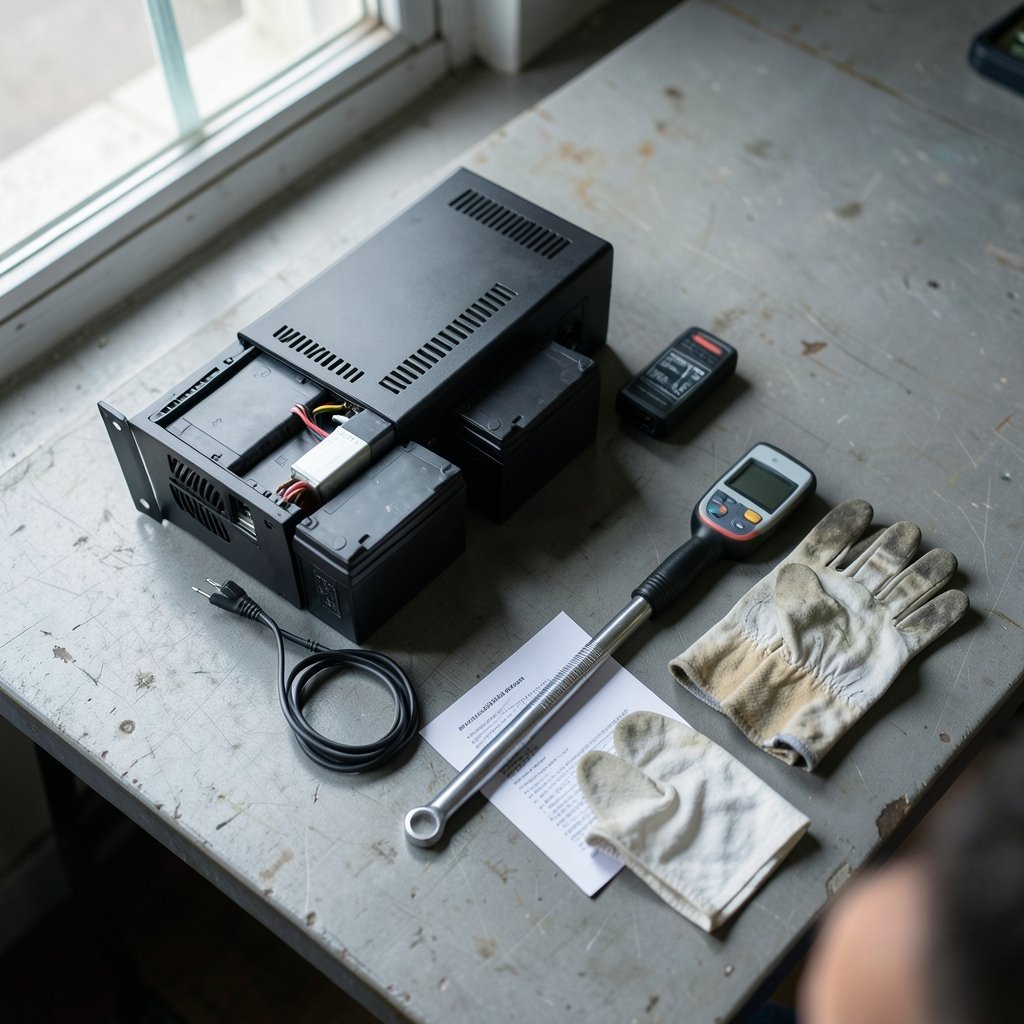
Can a new battery quietly wreck your uninterruptible power supply? Yes, and it happens more often than most IT teams admit. The UPS keeps humming along, nobody notices anything unusual, and then one day the power blinks, the load drops, and a server room goes dark. The culprit is often a battery that was never truly compatible with the unit it was installed in.
UPS battery replacement compatibility is the practice of matching a replacement battery to a UPS on four fronts: voltage and cell count, chemistry, physical fit, and charger and firmware support. Get any of those wrong and you get a shorter service life at best, or a failed transfer at worst. This guide breaks down how compatibility actually works, where people go wrong, and how to buy the right battery the first time.
Why Compatibility Is About More Than Voltage
Most people start and stop at voltage. That is understandable, because voltage is printed right on the old battery and easy to compare. But a UPS is a system, not a battery holder. The charger, the inverter, the temperature sensor, and the firmware all assume a specific battery behavior.
Change that behavior and the system may not know how to respond. A charger built for lead-acid float voltages will not correctly charge a lithium pack. A firmware routine that estimates runtime from lead-acid discharge curves will misreport remaining time on a different chemistry. Even the physical layout matters, because battery cabinets and trays are sized for specific block dimensions and terminal types.
The practical lesson is simple. Treat battery replacement as a system decision, not a shopping decision.
The Four Compatibility Checks That Actually Matter

Voltage and Cell Count
Every UPS battery string has a total voltage, built from individual blocks. A 12 V block replacement must match the original block voltage, and the full string must match the UPS design. If a unit uses four 12 V blocks in series for 48 V, swapping in blocks of a different voltage changes the whole string.
This is the check most people get right, and it is also the one that produces the most dramatic failures when it goes wrong. A mismatched string can trip alarms, refuse to charge, or damage the charger.
Chemistry
Lead-acid comes in two broad families: VRLA (valve-regulated lead-acid, which includes AGM and gel) and flooded lead-acid. These have different charge voltage profiles. Mixing them within a string causes imbalance and shortened life. Replacing lead-acid with lithium iron phosphate (LiFePO4) is even more demanding, because lithium needs a battery management system and a charger designed for its voltage and current limits.
Many UPS units are simply not rated for lithium. Vendors sometimes market lithium replacements as drop-in, but that claim deserves scrutiny. Check whether the UPS firmware, charger, and battery temperature sensing actually support the new chemistry before believing the label.
Physical Fit
Block dimensions, terminal type, and cabinet clearance all matter. A battery that fits electrically but not physically is still the wrong battery. Terminal adapters exist, but every adapter adds a connection point, and connection points are where resistance and heat build up over time.
Charger and Firmware Support
This is the usual failure point. The charger must be compatible with the battery’s absorption and float voltage requirements. The firmware must be able to interpret the battery’s behavior for runtime estimation and alarms. Temperature compensation matters too, because lead-acid charging voltage should shift with temperature.
If any of these four checks fails, the replacement is not compatible, no matter how good the battery is on its own.
OEM Batteries vs. Third-Party Replacements
| Factor | OEM Battery | Third-Party Replacement |
|---|---|---|
| Warranty | Typically preserved | May void UPS warranty if unapproved |
| Certification | Matched to the UPS listing | Varies; check for equivalent ratings |
| Price | Usually higher | Often 20–50% lower |
| Availability | Sometimes long lead times | Usually broad and fast |
| Risk | Low | Depends entirely on the vendor’s diligence |
Manufacturers often specify OEM batteries or approved equivalents. Using unapproved batteries can void warranties or violate listing and certification conditions, such as UL 1778 for UPS equipment in the United States. That does not mean third-party batteries are always a bad idea. It means the burden of verification shifts to the buyer.
A good third-party vendor will publish charge voltage specs, confirm chemistry, and match block dimensions. A weak vendor will say “compatible” and stop there. The difference shows up two years later.
Age Matching: The Mistake Almost Everyone Makes
Here is a scenario that plays out constantly. A UPS string has four blocks. One block fails early. Someone replaces just that one block and calls it a day. The UPS runs, the alarm clears, and everyone moves on.
Months later, the string fails again. Why? Because the new block and the three aged blocks have different internal resistance and capacity. The charger sees a string that behaves inconsistently. The aged blocks drag down the new one, and the mismatch accelerates wear across the whole string.
Manufacturers typically recommend replacing the whole string rather than a single block. It costs more upfront and saves money later. If a string is more than a couple of years old and one block fails, replacing everything is usually the smarter call.
How to Verify Compatibility Before You Buy
- Write down the UPS model number and the exact battery model currently installed.
- Pull the manufacturer’s manual and find the specified replacement battery part number and voltage.
- Confirm the chemistry: VRLA, flooded, or lithium.
- Measure the old block dimensions and note the terminal type.
- Ask the vendor for charge voltage specifications in writing.
- Confirm the warranty implications of using a non-OEM battery.
- Check disposal and recycling requirements for the old battery in your jurisdiction.
That list takes twenty minutes and prevents most compatibility failures. Skipping it is how people end up with a cabinet full of batteries that technically fit but do not work.
Where Lithium Replacements Fit and Where They Don’t
Lithium has real advantages: lighter weight, longer cycle life, and better depth of discharge. For some applications, especially remote sites and edge cabinets, those advantages are compelling.
But lithium is not a universal upgrade. The UPS must be rated for it. The charger must be configured for it. The BMS must communicate properly, or at minimum operate safely without communication. And the installation must account for lithium’s different thermal and safety profile.
If a UPS was designed for lead-acid and the manufacturer has not published lithium support, the honest answer is that lithium is not a compatible replacement for that unit. Vendors who claim otherwise should be asked for documentation, not assurances.
Common Mistakes People Make
Buying on price alone. The cheapest battery that fits is rarely the cheapest battery over its service life.
Trusting “drop-in” marketing. Verify against the manual, not the product page.
Ignoring temperature. Battery rooms run hot, and heat shortens lead-acid life dramatically. A compatible battery in a hot room still fails early.
Skipping the torque check. Loose terminals cause resistance, heat, and premature failure. Follow the manufacturer’s torque specification.
Forgetting the old battery. Lead-acid batteries require proper recycling. Dumping them is illegal in many jurisdictions and irresponsible everywhere.
Not recording installation dates. Without a date, nobody knows when the string is due for replacement. A simple label solves this.
What Actually Works in Practice
The teams that get this right tend to follow the same pattern. They keep a battery log with install dates and model numbers. They replace whole strings, not single blocks. They buy from vendors who publish specifications. And they schedule replacement before failure, not after. (EPA)
They also plan ahead. Battery lead times can stretch, and a UPS running on aging batteries is a UPS waiting to fail. If you are already thinking about infrastructure planning, the same forward-looking logic applies to where you put your equipment in the first place, as covered in this guide to the best place to live for reliable power and connectivity. It sounds unrelated, but stable power is a location decision as much as a hardware one.
There is also a broader lesson about technology transitions. Just as battery chemistry changes force careful compatibility checks, the arrival of new tools forces similar questions about what stays and what goes. The debate over will AI replace software engineers mirrors the battery question in one way: the answer depends on whether the surrounding system supports the change. And when people ask what jobs will AI replace, the honest answer is that transitions reward the people who verify compatibility instead of assuming it.
Hardware news follows the same pattern. When a new device like the Redmi Note 17 Nigeria 10000mAh battery launch 2026 makes headlines, the interesting question is not the capacity number but whether the charging system, thermal design, and firmware were built for it. Big numbers mean little without matching support.
Conclusion
UPS battery replacement compatibility comes down to four checks: voltage and cell count, chemistry, physical fit, and charger and firmware support. Miss any one and the replacement is a gamble. Get all four right and the UPS keeps doing its job quietly for years.
The pattern is consistent. Read the manual. Match the chemistry. Replace whole strings. Buy from vendors who publish specifications. Recycle the old battery properly. None of that is glamorous, and all of it works. The teams that treat battery replacement as a system decision rather than a shopping decision are the ones whose server rooms stay lit when the grid does not.
Frequently Asked Questions
Can I replace a lead-acid UPS battery with a lithium battery?
Only if the UPS manufacturer rates the unit for lithium and the charger and firmware support the new chemistry. Many UPS units are not rated for lithium, and a “drop-in” label does not change that. Check the manual and get written confirmation from the vendor before installing lithium in a lead-acid UPS.
Is it okay to replace just one battery block in a string?
Generally no. Mixing a new block with aged blocks creates imbalance in internal resistance and capacity, which shortens the life of the whole string. Manufacturers typically recommend replacing the entire string at once. If the string is more than a couple of years old, full replacement is usually the better call.
Does using a non-OEM battery void my UPS warranty?
It can. Manufacturers often specify OEM batteries or approved equivalents, and unapproved batteries may void the warranty or violate listing conditions such as UL 1778. Ask the vendor and the UPS manufacturer directly before buying a third-party battery, and get the answer in writing.
What happens if the battery voltage does not match the UPS?
A mismatched string can trip alarms, refuse to charge, or damage the charger. The block voltage must match the original, and the total string voltage must match the UPS design. Voltage is the easiest check to perform and the most dramatic one to get wrong.
How often should UPS batteries be replaced?
Most lead-acid UPS batteries last three to five years, but heat, cycling, and discharge depth all shorten that window. Replace before failure, not after. Keep a log with installation dates so you know when each string is due, and test periodically to catch decline early.
Why do batteries fail early even when they are compatible?
Heat is the most common cause. Battery rooms that run hot shorten lead-acid life dramatically. Loose terminals, improper torque, and frequent deep discharges also accelerate wear. A compatible battery in a poorly maintained environment will still fail ahead of schedule, so check temperature and connections as part of routine maintenance.



