
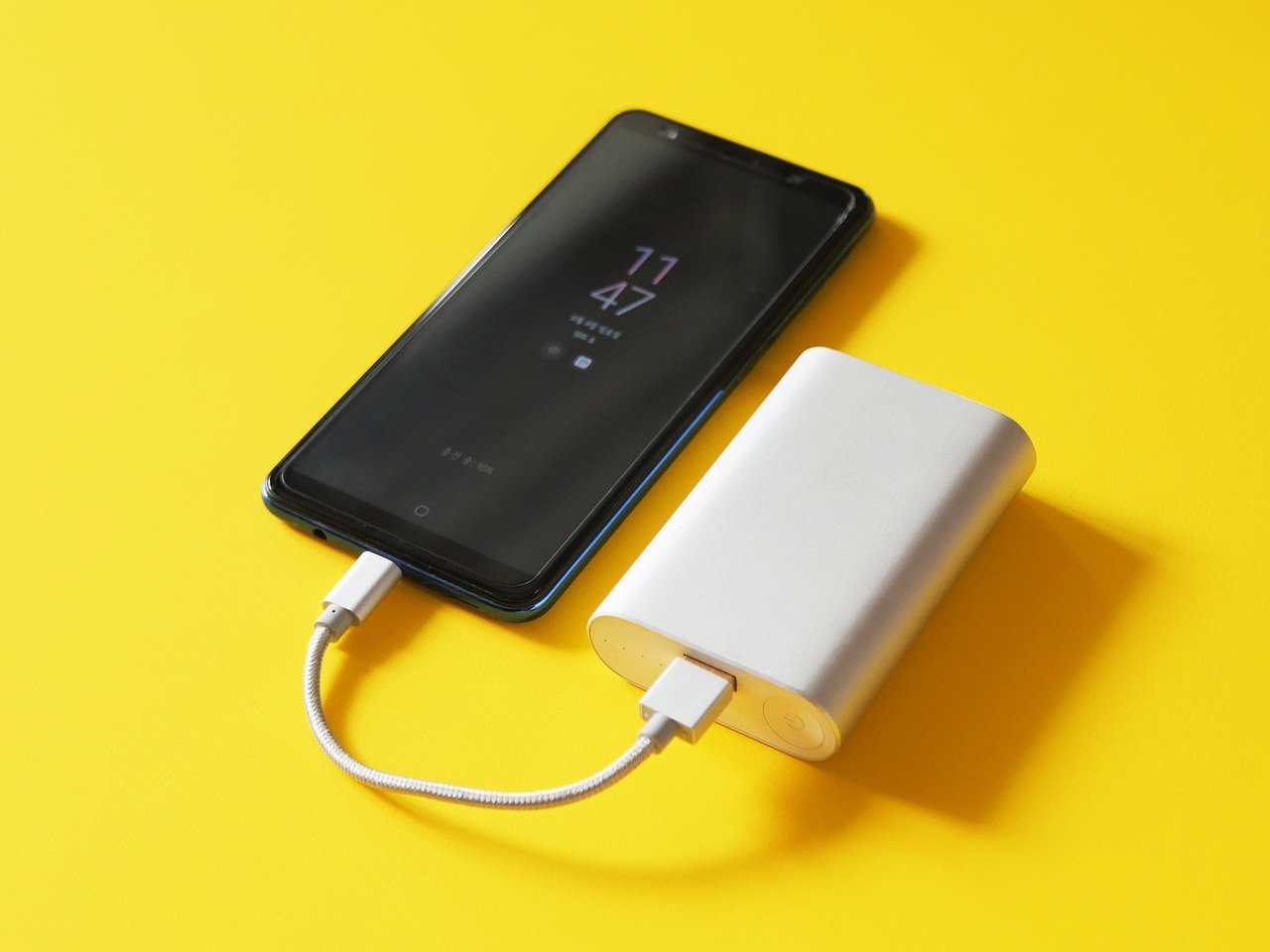
Your phone is at 79 percent. The power bank is plugged in, the little light is blinking, and then… nothing. It sits at 80 percent like it hit a wall. Is the battery broken? Did you get a lemon? Or is something smarter going on?
Here is the short answer: in most cases, nothing is wrong. An 80 percent stop is one of the most common and most misunderstood behaviors in modern charging hardware. Sometimes it is a feature doing exactly what it was designed to do. Sometimes it is a sign of heat, a cable problem, or a setting you forgot you turned on. The trick is telling those cases apart, and that is what this guide is for.
Why 80 Percent Is a Magic Number for Lithium-Ion Batteries
Lithium-ion cells, the chemistry inside almost every power bank and phone on the market, age faster when they sit at high charge levels. Keeping a cell pinned near 100 percent for long stretches puts stress on the electrodes and electrolyte, and the damage adds up over hundreds of cycles. Heat makes it worse. A cell that lives at 100 percent in a warm bag will lose capacity noticeably faster than one that lives in the middle of its range. (Lithium-ion battery)
That is why so many manufacturers build in a charge limit around 80 percent. It is a deliberate trade: you give up the top fifth of your capacity today so the battery keeps more of its capacity a year or two from now. Some phones ship with this mode on by default. Some power banks expose it through an app. And some devices simply slow down or pause near the top of the range as a thermal safety measure.
The practical upshot: if your power bank stops at 80 percent and everything else looks normal, there is a decent chance it is protecting itself on purpose. The question is whether you asked it to.
The Three Different “80 Percent” Problems
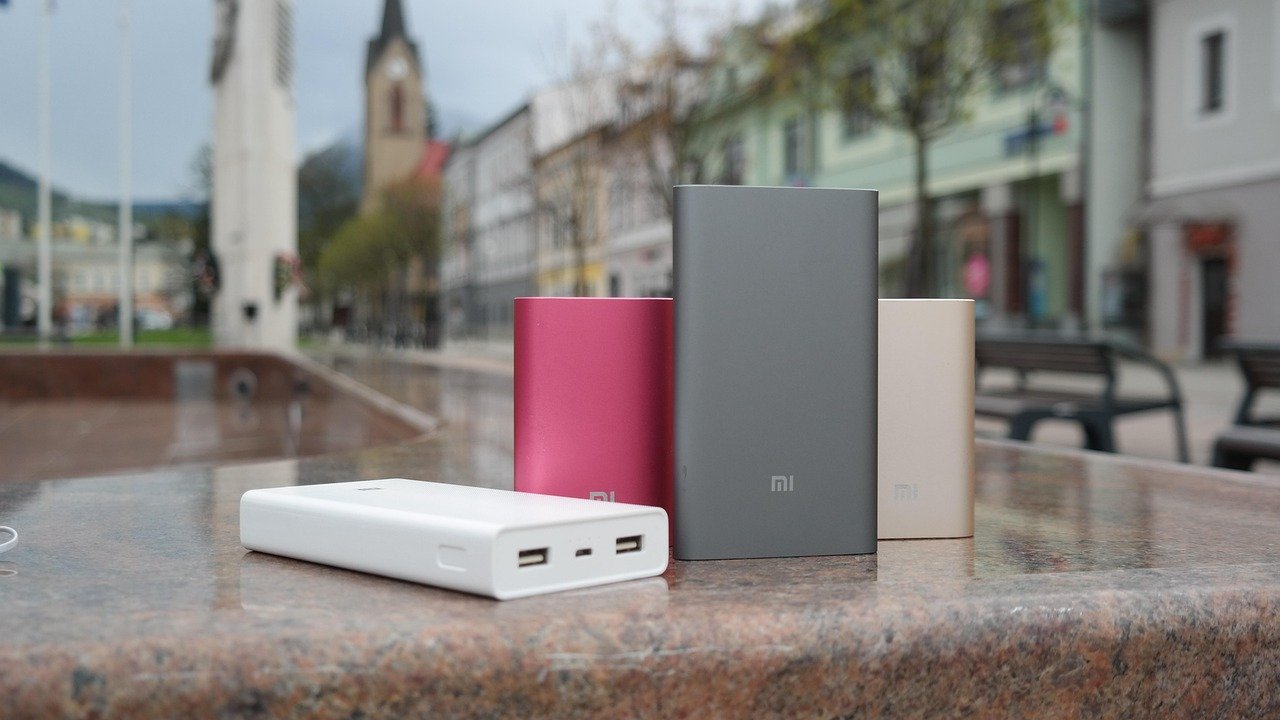
Before troubleshooting, figure out which problem you actually have. People lump these together, and that is the number one mistake. They are not the same issue.
| What stops at 80% | What it usually means | First thing to check |
|---|---|---|
| Power bank stops accepting charge from the wall | Charge limit mode, thermal throttling, or a weak charger | Companion app setting and charger wattage |
| Power bank stops sending charge to your phone | Phone-side charge limit or a cable/port fault | Your phone’s battery settings |
| Phone stops accepting charge from the power bank | Phone’s own 80% cap or overheating | Phone battery protection mode |
A surprising share of “my power bank is broken” complaints turn out to be the phone refusing the last 20 percent, not the bank. Check both ends before you blame either device.
Cause 1: A Built-In Charge Limit You Forgot About
This is the most common cause by far. Many devices now have a battery protection or longevity mode that caps charging at around 80 percent. It might have been switched on during setup, bundled into a “smart charging” toggle, or enabled by a firmware update.
Where to look:
- Open the companion app for your power bank, if it has one, and hunt for “charge limit,” “battery care,” or “longevity.”
- On your phone, check the battery settings for an 80 percent or “optimized charging” option.
- Look at the device’s manual or the manufacturer’s support page for your exact model. Model-specific behavior is the norm here.
If you find the setting and turn it off, the bank should charge to full on the next cycle. If you cannot find it, assume it might be on and move to the next cause.
Cause 2: Heat and Thermal Throttling
Power banks get warm when they charge, and warm when they discharge. When internal temperature climbs past a safe threshold, the protection circuit cuts or slows the current. That can look exactly like an 80 percent stop, especially if the bank was in a hot car, on a sunny windowsill, or under a pillow.
What actually works in practice:
- Let the bank cool to room temperature and try again. If it charges past 80 percent once cool, heat was the culprit.
- Charge on a hard, open surface, not on a bed or carpet.
- Keep the bank out of direct sun while charging.
- Avoid charging and discharging at the same time (pass-through charging while gaming, for example) if your bank runs hot.
If the bank stops at 80 percent every single time regardless of temperature, thermal throttling is probably not the cause.
Cause 3: A Weak Charger or Cable
Charging is a negotiation. The charger and the device agree on a voltage and current, and if the negotiation fails or the cable cannot carry the power, charging slows to a crawl or stalls. A worn cable, a low-wattage wall brick, or a dirty USB-C port can all produce a stall that happens to land near 80 percent.
Try this sequence:
- Swap the cable for a known-good one.
- Use a higher-wattage charger that matches your bank’s input spec.
- Clean the ports gently with a dry brush or compressed air.
- Test the same cable and charger with a different device to isolate the fault.
A cable that charges a phone fine can still fail on a power bank, because the bank may draw more current than the phone does.
Cause 4: Firmware and App Quirks
Firmware updates change behavior, sometimes quietly. A bank that used to charge to 100 percent may start stopping at 80 after an update that added or tweaked a charge limit. Apps can also get out of sync with the hardware, showing one thing while the bank does another.
The fix is unglamorous but effective: update the app, update the firmware if the manufacturer offers it, then power-cycle the bank by draining it a little and recharging. If the behavior changed right after an update, that is your smoking gun. This kind of quiet default change is not unique to batteries; it shows up across consumer tech, from app store fee policies to network features that shift under users’ feet. (Apple Batteries)
Cause 5: A Failing Cell or Protection Circuit
Sometimes 80 percent really is a symptom. A weak cell, an imbalanced cell pack, or a protection circuit that trips early can cause charging to stop short. Warning signs that point to hardware failure rather than a setting:
- The bank stops at a different percentage each time, drifting downward over weeks.
- It gets unusually hot even at low charge levels.
- Capacity has visibly shrunk, so a “full” bank charges your phone less than before.
- The bank shuts off randomly or the indicator lights behave erratically.
If you see these, stop relying on the bank for critical charging. A power bank with a failing cell is not worth gambling on. Replace it, and dispose of the old one at an e-waste drop-off.
How to Tell a Feature From a Fault in Five Minutes
Here is a quick diagnostic that saves a lot of guesswork:
- Note the exact percentage where charging stops. Exactly 80 every time points to a designed limit. A number that wanders points to hardware or heat.
- Feel the bank. Warm is normal; hot is a throttling signal.
- Check the app and phone settings for a charge cap.
- Swap the cable and charger, then retest.
- Let it cool completely and retest once more.
If it stops at exactly 80 percent, stays cool, and no setting explains it, contact the manufacturer with your model number. Support teams know their own firmware defaults better than any forum thread.
Should You Actually Charge to 100 Percent?
Not always. If you are heading out and need every last drop, charge to full. If the bank lives in a drawer or a bag most days, letting it sit at 80 percent is genuinely kinder to the cells. The same logic applies to storage: a lithium-ion pack is happiest stored around half charge, in a cool place, rather than topped off and forgotten.
This is also why so many buyers now weigh battery longevity when comparing gear. The same practical, spec-driven thinking applies whether you are picking backup power for a house or a pocket. If you are shopping for bigger backup systems, it helps to compare real-world runtime and cycle life the way you would compare power bank specs, and resources like this guide to the best home generators show how much the details matter. For portable solar setups, a breakdown of the best solar generators for home backup power covers the same trade-offs between capacity, cost, and lifespan.
What Not to Do
A few habits make this problem worse or waste your time:
- Do not assume the bank is dead before checking your phone’s settings.
- Do not keep charging a bank that is hot to the touch. Let it cool.
- Do not buy a “faster” charger with the wrong voltage spec and expect better results.
- Do not ignore a bank that stops at a different percentage each time. That pattern is a warning, not a quirk.
- Do not store a fully charged bank in a hot car for weeks. That is the fastest way to turn a feature into a failure.
When to Replace the Power Bank
Replace it if the bank is under warranty and misbehaving, or if you see the failure signs above. Most reputable banks carry a one- to two-year warranty, and a documented pattern of stopping short is a legitimate claim. If the bank is old, swollen, or smells odd, retire it immediately. Swelling is a hard stop, no troubleshooting required.
Conclusion
A power bank that stops charging at 80 percent is usually doing its job, not dying. The most likely explanation is a charge limit designed to extend battery life, followed by heat, a weak charger, or a firmware quirk. Work through the causes in order, check both ends of the cable, and use the five-minute diagnostic to separate a feature from a fault. If the stop point drifts, the bank runs hot, or capacity has clearly shrunk, treat it as hardware trouble and replace it. Otherwise, you can relax: that 80 percent ceiling may be the reason your bank still works well two years from now.
Frequently Asked Questions
Is it normal for a power bank to stop charging at 80 percent?
Yes, in many cases. A built-in charge limit that caps charging around 80 percent is a common design choice meant to reduce battery stress and extend the pack’s lifespan. Check the companion app and your phone’s battery settings before assuming something is broken.
How do I turn off the 80 percent charge limit?
Look in the power bank’s companion app for a setting labeled charge limit, battery care, or longevity. On phones, check the battery settings for an optimized or protected charging mode. If no setting exists, the limit may be firmware-controlled, so check the manufacturer’s support page for your model.
Why does my power bank stop at 80 percent only sometimes?
Intermittent stops usually point to heat or a charging negotiation problem rather than a fixed limit. A bank that throttles when warm, or a cable that cannot carry enough current, will stall at different points depending on conditions. Test with a known-good cable and charger on a cool surface.
Can a bad cable cause a power bank to stop charging at 80 percent?
Yes. Charging depends on the cable and charger delivering the voltage and current the bank expects. A worn cable or a low-wattage brick can cause charging to slow or stall, and the stall can land near 80 percent by coincidence. Swap both and retest.
Does stopping at 80 percent mean the battery is failing?
Not by itself. A consistent stop at exactly 80 percent with normal temperatures usually means a designed limit. Warning signs of real failure include a stop point that drifts downward over time, unusual heat, reduced capacity, or random shutdowns.
Should I leave the 80 percent limit on?
If the bank mostly sits in a bag or drawer, leaving the limit on is a reasonable way to slow capacity loss. Turn it off when you need maximum charge for a trip. For long-term storage, aim for roughly half charge in a cool, dry place rather than a full pack.



