
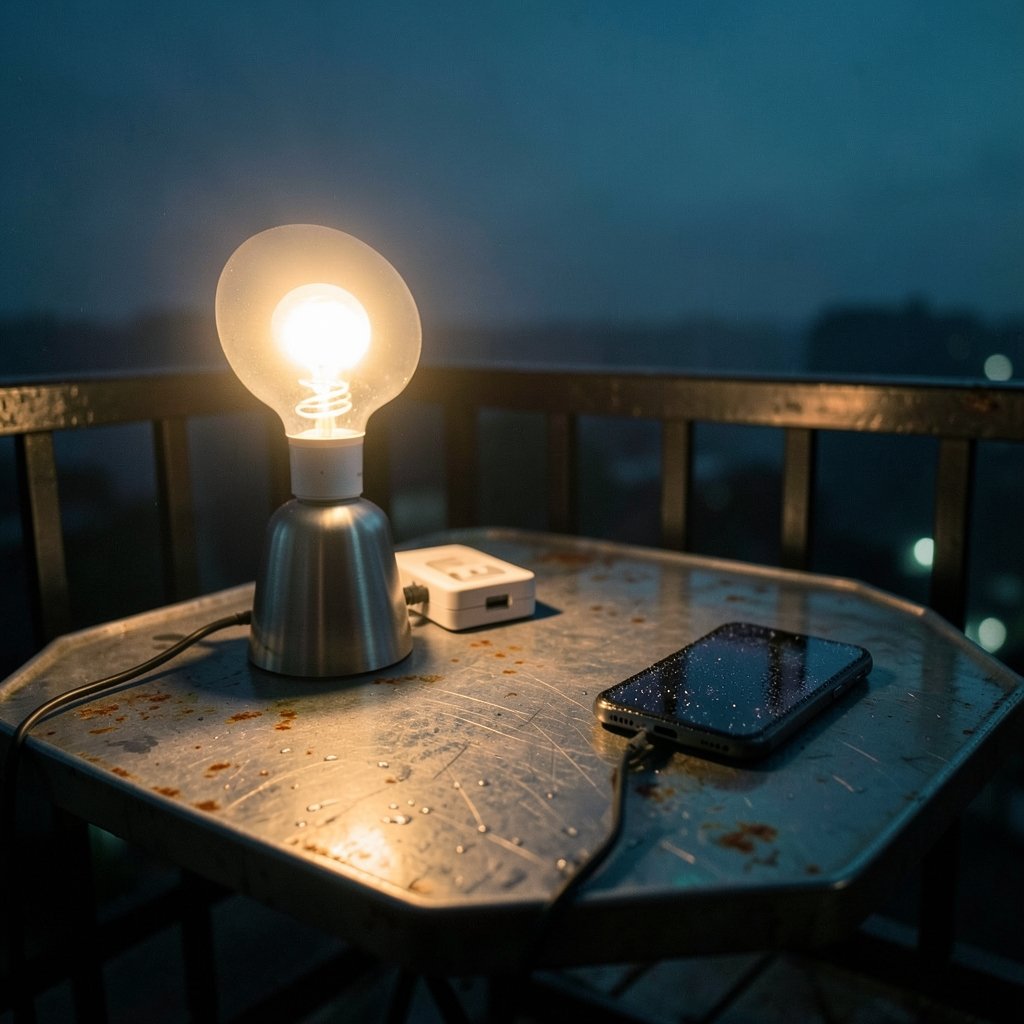
Picture this: the storm passes, the power comes back, and every smart bulb in your house blazes to life at once. It is 3 a.m. Your bedroom looks like a stadium. You did not touch a switch, and your phone is still on the nightstand. So why does a smart bulb turn on after a power outage?
The short answer is that most smart bulbs are designed to default to “on” when electricity returns. The longer answer involves how these bulbs store (or fail to store) their last known state, how different brands handle the problem, and what settings you can change to stop the midnight light show. This guide walks through the causes, the fixes, and the mistakes people make when troubleshooting.
The Core Reason: Smart Bulbs Forget Their State
A smart bulb is a tiny computer. It has memory, a radio, and firmware that boots up every time it receives power. When the grid fails, the bulb loses power completely. When electricity returns, the bulb does not “remember” that it was off before the outage unless its firmware specifically supports that feature.
So it does what most manufacturers program as the safe default: it turns on. From an engineering standpoint, this makes sense. If a bulb comes back on, the user knows it has power and can control it. A bulb that stays dark after an outage looks broken, even when it is working fine.
The problem is that this safety logic clashes with real life. Power flickers happen constantly in older neighborhoods, during storms, and in areas with aging infrastructure. Every flicker becomes a flash of light.
Why “On” Is the Default, Not “Off”
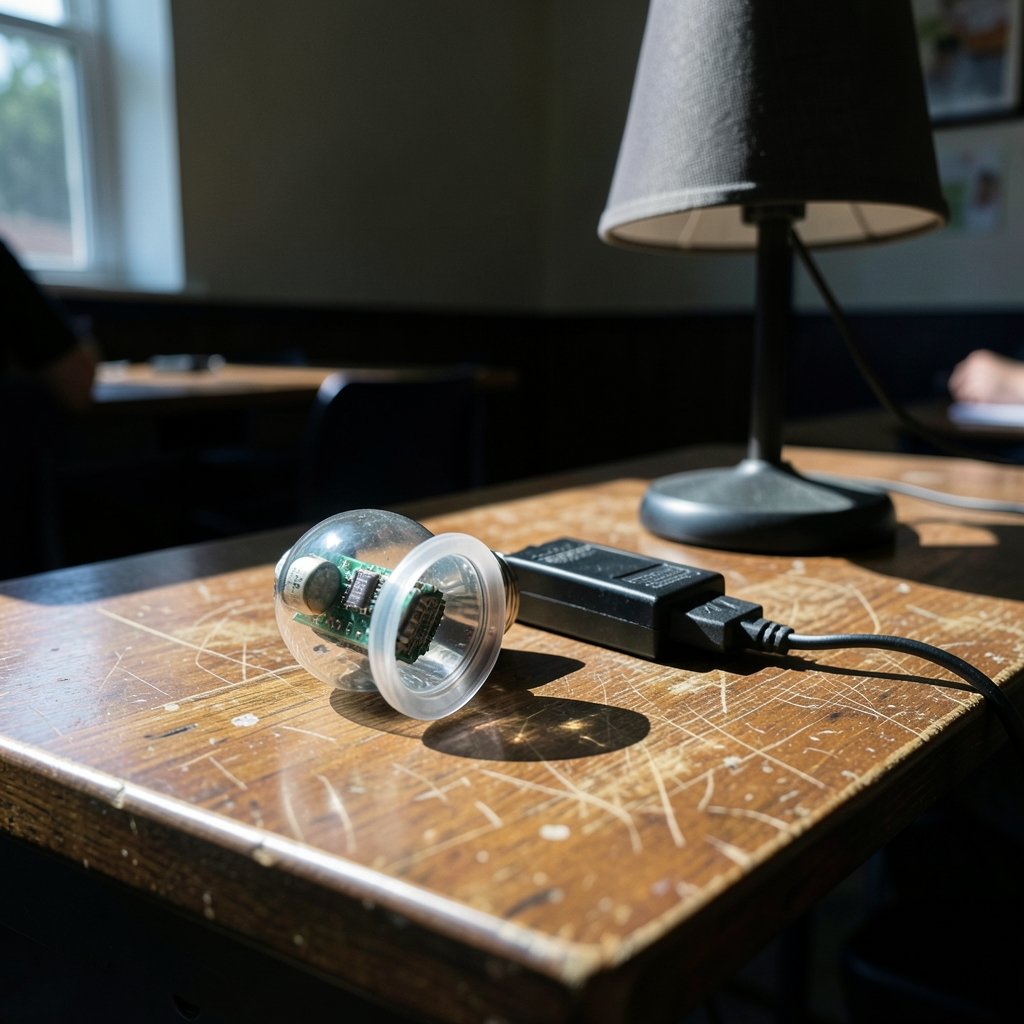
Think about how the bulb experiences an outage. There is no graceful shutdown. The power just stops. The bulb’s processor has no time to write “I was off” to its memory before the lights go out. When power returns, the firmware starts from scratch and applies its factory default.
Some bulbs do save their state to non-volatile memory, but that adds cost and complexity. Many budget models skip it entirely. This is why two bulbs from the same brand, bought a year apart, can behave differently after an outage. Firmware revisions change the rules quietly.
There is also a safety angle. In some commercial and multi-unit buildings, lighting that returns automatically after an outage is required so that stairwells and hallways are not left dark. Consumer smart bulbs inherit some of that design philosophy even though home users rarely need it.
How Different Brands Handle Power Restoration
Behavior varies widely by brand and even by model within a brand. The table below summarizes the general patterns, but always check your specific model’s documentation because firmware updates can change the rules.
| Brand type | Typical default after outage | Can you change it? |
|---|---|---|
| Budget Wi-Fi bulbs | Turns on at full brightness | Sometimes, via app setting |
| Mid-range Wi-Fi bulbs | Turns on, or restores last state | Usually yes, per bulb |
| Zigbee and Thread bulbs (hub required) | Turns on by default | Often yes, per light in hub app |
| Smart bulbs on a dumb switch | Turns on when switch is flipped | No, the switch cuts all power |
| Smart switches with relays | Varies: on, off, or last state | Usually yes, in switch settings |
The key takeaway: the bulb’s behavior depends on whether it is a bulb or a switch, whether it uses Wi-Fi or a hub protocol, and whether the manufacturer exposed a setting for it.
The Setting You Are Looking For
Most major brands bury a toggle somewhere in their app that controls this. The names differ, which is why so many people never find it. Look for labels like:
- Power-on behavior
- Memory function
- State after power loss
- Start-up state
- Power restoration behavior
In most apps, you open the device settings, scroll past the color and brightness controls, and look near the bottom. The options usually include “on,” “off,” and “last state.” Choosing “last state” is the fix most people want, because the bulb returns to whatever it was doing before the outage.
One caveat: not every bulb supports “last state.” Some only offer “on” or “off.” If your bulb lacks the option, you are stuck with the default unless you replace the bulb or add a workaround.
Workarounds When the Setting Does Not Exist
If your bulb has no power-on behavior setting, you still have options. None are perfect, but each solves the problem in a different way.
Use a smart switch instead of cutting power
The biggest mistake people make is wiring a smart bulb to a regular wall switch and flipping that switch off. That kills power to the bulb, so the bulb reboots every time. Instead, leave the wall switch on permanently and control the bulb through the app, a voice assistant, or a smart button. If you want physical control, install a smart switch that keeps constant power at the fixture and sends commands wirelessly. That approach pairs well with best smart home devices for beginners because it keeps the setup simple.
Automate a correction routine
Many hubs and apps let you create a routine that triggers when a device powers on. You can set it to dim the bulb, change its color, or turn it off after a short delay. This does not prevent the flash, but it shortens it. For bedroom bulbs, a routine that drops brightness to 1 percent at night is a decent band-aid.
Group bulbs logically
If all your bulbs turn on after an outage, at least make the aftermath manageable. Group lights by room so you can shut down an entire floor with one command instead of tapping six devices. This is the same logic that makes best smart speakers for home automation useful: one voice command handles the whole group.
Consider the bulb’s role in your setup
A bulb that only lights a hallway can safely default to on. A bulb in a bedroom cannot. Match the bulb to the job. If a model has no memory function, put it somewhere the default does not matter.
Smart Bulbs vs. Smart Switches: A Quick Comparison
People often ask whether they should fix the problem with a bulb setting or by switching to smart switches. Both work, but they solve different problems.
| Factor | Smart bulb | Smart switch |
|---|---|---|
| Power-on behavior control | Depends on model | Usually configurable |
| Works with existing wiring | Yes | Needs neutral wire in many cases |
| Cost per light | Lower | Higher |
| Best for renters | Yes | Often no |
| Survives wall switch use | No | Yes |
For renters, smart bulbs are usually the only option. For homeowners doing a full room, smart switches often deliver a better experience because the wall switch and the app stay in sync.
The Hidden Cost: Power Quality and Your Devices
Frequent outages annoy smart bulb owners, and they stress every device on the circuit. If your home loses power often, consider backup power for the router and hub: a bulb that comes back on cannot be controlled if the Wi-Fi is still down. A small uninterruptible power supply for the router solves that. For longer outages, homeowners sometimes look at best home generators to keep essentials running, and pairing that with best solar generators for home backup power covers shorter, quieter needs. (Power Outages)
Power quality also matters for the bulbs themselves. Repeated brownouts and surges shorten the life of the electronics inside a smart bulb. A whole-home surge protector is cheap insurance.
Common Mistakes People Make
A few troubleshooting errors show up again and again in forums and support threads.
Flipping the wall switch to “reset” the bulb. This does not reset anything except the bulb’s power state. It guarantees the bulb reboots and turns on.
Assuming all bulbs in a brand behave the same. Firmware differs by model and production batch. Check each device’s settings page individually.
Ignoring the hub. If you use a Zigbee or Thread bulb, the power-on behavior is often controlled by the hub app, not the bulb maker’s app. Look in both places.
Forgetting about firmware updates. A setting that did not exist last year may be available now. Update the bulb and recheck the menu.
Blaming the bulb for a wiring problem. If one bulb turns on after every flicker and others do not, the odd one out may be on a circuit with a loose connection. That is worth an electrician’s look.
What About Energy Use and Safety?
A bulb that turns on after an outage wastes a little electricity, but the bigger concern is annoyance and, in some cases, safety. A light that switches on in a nursery or a guest room at 3 a.m. is disruptive. In a garage or basement, an unexpected light is harmless.
From a fire-safety standpoint, smart bulbs are low-risk devices. The real hazards during an outage are space heaters, stoves, and other high-draw appliances that also default to “on” when power returns. If you use smart plugs, check their power-on behavior too, and never leave a heater on a smart plug that restores to “on.”
When to Replace the Bulb
If a bulb has no memory setting, turns on at full brightness after every flicker, and sits in a room where that matters, replacement is the cleanest fix. Before buying, check the product page or manual for terms like “power-on behavior” or “memory function.” Brands that support “last state” usually advertise it, because it is a selling point for exactly this reason.
It also helps to buy bulbs from the same model line in a single order. Mixed batches are the most common cause of “why does this one act different” confusion.
Conclusion
A smart bulb turning on after a power outage is not a malfunction. It is the factory default doing what it was programmed to do. The fix is usually a single setting buried in an app, labeled with one of several different names. When that setting does not exist, the workarounds are smart switches, automation routines, and smarter placement of bulbs that lack memory.
The practical path is simple: check the app first, check the hub second, and check the manual third. If none of those pan out, decide whether the bulb’s location makes the default tolerable. Most of the time, one setting change ends the 3 a.m. light show for good.
Frequently Asked Questions
Why does my smart bulb turn on after a power outage?
Most smart bulbs lose power completely during an outage and reboot when electricity returns. Unless the bulb has a memory function enabled, it applies its factory default, which is usually “on.” The bulb is not broken; it is following its firmware design.
Can I make my smart bulb stay off after an outage?
Often yes. Open the bulb’s app settings and look for a power-on behavior, memory function, or start-up state option. Choose “last state” or “off” if available. Not every model supports it, and the option may be controlled by a hub app rather than the bulb maker’s app.
Do Philips Hue bulbs turn on after a power outage?
Hue bulbs generally default to on after a power cycle, but the Hue app includes a power-on behavior setting per light. The exact wording has changed across app versions, so check the current menu under each light’s settings.
Why do only some of my bulbs turn on after an outage?
Bulbs from different models, batches, or firmware versions can have different defaults. One may support last-state memory while another does not. Check each bulb’s settings individually rather than assuming a brand-wide rule.
Does a smart switch fix the problem better than a smart bulb?
A smart switch often gives more reliable control because it manages power at the wall and usually offers configurable restore behavior. Smart bulbs are better for renters and for lamps without a switch. The best choice depends on your wiring and whether you own the home.
Will frequent outages damage my smart bulbs?
Repeated outages and surges stress the electronics inside any smart device and can shorten its life. A whole-home surge protector and, for critical devices like routers and hubs, a small battery backup are sensible precautions in areas with unstable power.



