
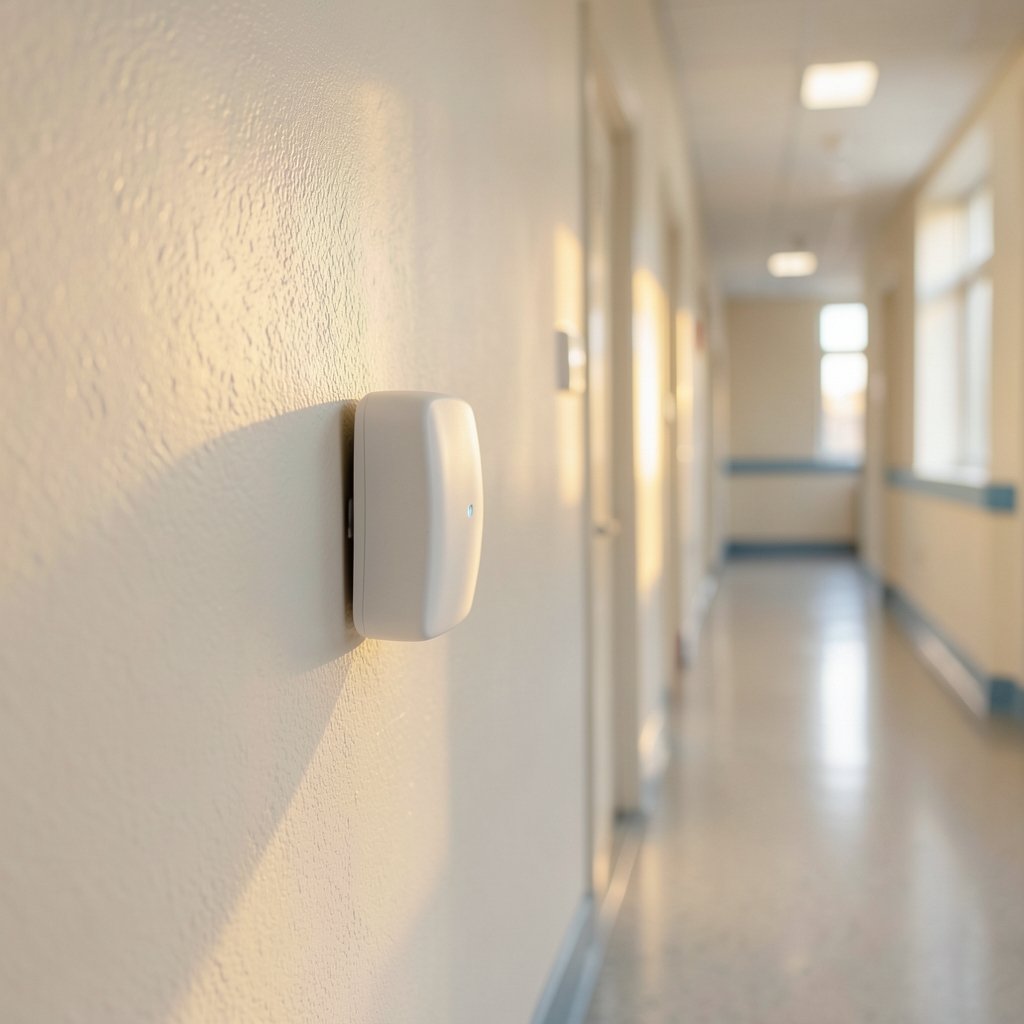
A lamp clicks on in an empty room. The thermostat decides someone is home when the house is silent. The bathroom fan refuses to shut off after everyone has left. If that sounds familiar, the culprit is often a mmWave presence sensor, a clever piece of radar hardware that is far more sensitive than the old motion detectors it replaces, and far more prone to reporting “occupied” when nobody is there.
mmWave sensors are genuinely impressive. They can detect a person sitting perfectly still by picking up the tiny movement of breathing. That sensitivity is exactly what makes them useful, and exactly what makes false positives such a common complaint. This guide explains why these sensors misfire, which causes are fixable in five minutes, and which ones mean you bought the wrong device for your room.
How mmWave Presence Sensors Actually Detect People
Most consumer presence sensors use frequency-modulated continuous wave (FMCW) radar, usually at 24 GHz or 60 GHz. The sensor transmits a continuous radio signal and listens for reflections. When those reflections shift slightly, the sensor reads it as movement. This is called the micro-Doppler effect, and it is why a mmWave sensor can tell the difference between a sleeping person and an empty bed. (Millimeter wave)
Compare that to a passive infrared (PIR) sensor, which only reacts to changes in heat across its field of view. A PIR sensor goes blind the moment you stop moving. A mmWave sensor keeps reporting presence because your chest is still rising and falling.
| Feature | PIR motion sensor | mmWave presence sensor |
|---|---|---|
| Detects still people | No | Yes, via breathing movement |
| Sees through drywall | No | Yes, often |
| Detects through glass | No | Yes |
| False triggers from pets | Moderate | High if unconfigured |
| Affected by heat sources | Yes | Rarely |
| Typical detection range | 5 to 12 m | 4 to 8 m, tunable |
That third row is where trouble usually starts. Radio waves do not respect your floor plan. (Radio Frequency Safety)
The Real Causes of False Positives, Ranked
1. The Sensor Is Seeing Through Walls
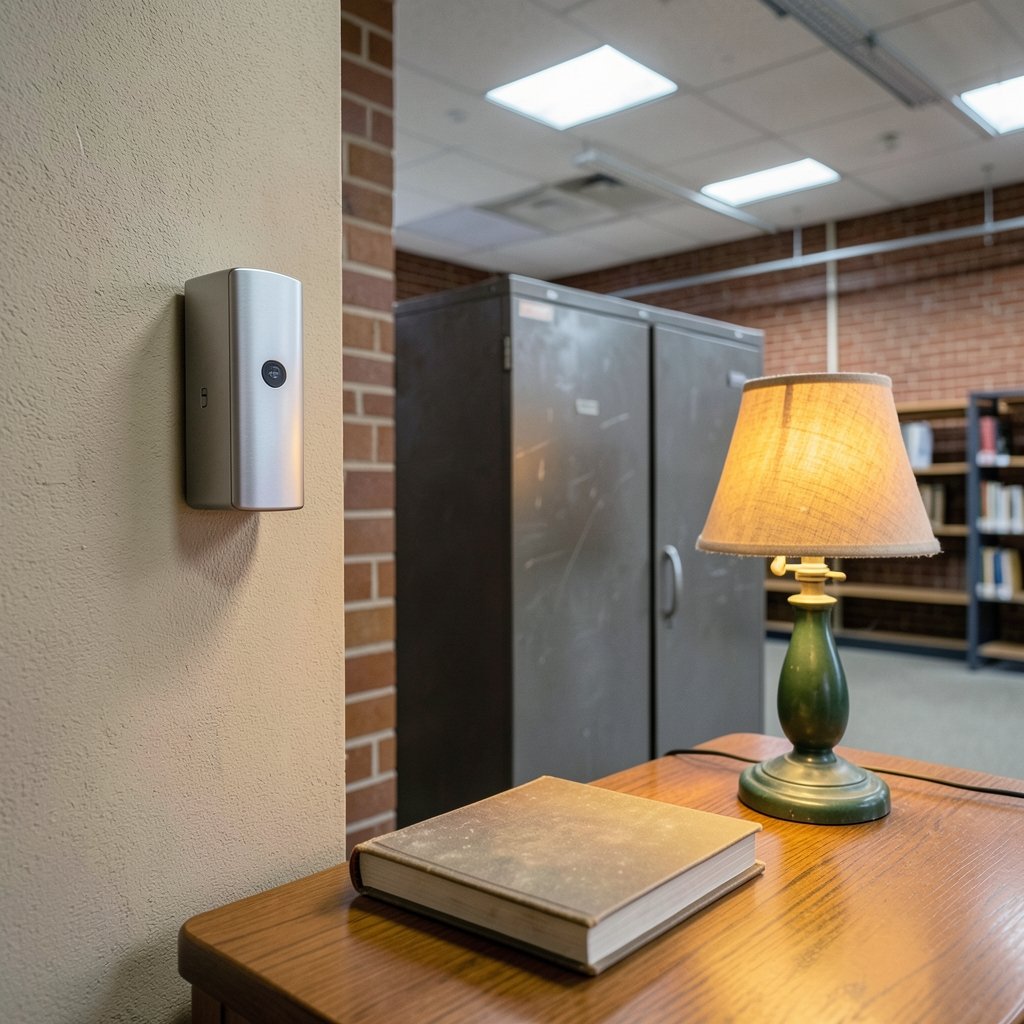
This is the single most common cause, and the one people blame last. A 60 GHz sensor mounted on a wall shared with a hallway will happily detect someone walking past on the other side. Drywall, wood, and glass are largely transparent to these frequencies.
What actually works: mount the sensor so its back faces a solid exterior wall, a brick chimney, or a metal-backed cabinet. If that is impossible, reduce the detection range in the app until the adjacent room falls outside the zone. Many users discover the problem only after moving the sensor six inches.
2. Curtains, Plants, and Air Vents
Anything that moves in still air will register as micro-motion. Sheer curtains near a window, a leafy ficus in front of a radiator, a ceiling fan, or an HVAC vent blowing across a dangling cord can all keep a sensor permanently “occupied.”
Common mistake: aiming the sensor at the most convenient spot on the wall rather than the most sensible one. Vendors consistently advise mounting away from vents, windows, and moving decor, and this advice exists because people ignore it.
Practical fix: walk the room with the sensor in pairing mode and watch the live detection graph in its app. You will usually see the culprit as a steady low-level signal rather than a clean zero.
3. Pets
A cat crossing a room is a legitimate moving target. A large dog sleeping on the floor is a legitimate breathing target. mmWave radar cannot tell a 30 kg Labrador from a 70 kg human.
Some sensors offer pet immunity settings, but these work by raising the detection threshold and can reduce sensitivity to small humans too. If pets are a permanent feature of the household, position the sensor high and angle it downward so the floor is outside the main beam.
4. Reflections and Multipath in Metal-Rich Rooms
Radio waves bounce. In a small bathroom tiled with foil-backed insulation, or a kitchen full of stainless steel appliances, a single reflection can bounce off three surfaces and return to the sensor from an unexpected direction. The sensor reads this as a target at a distance it never actually reached.
This is a fundamental radar behaviour, not a manufacturing defect. The practical workaround is the same as for wall penetration: shorten the range and use detection zones or exclusion zones if the device supports them.
5. Electrical Noise and EMI
Users have reported false triggers near fluorescent ballasts, cheap LED drivers, and large power supplies. This cause is anecdotal rather than well documented in primary literature, so treat it as a last resort when everything else has been ruled out. Moving the sensor a metre away from a suspect device is a cheap test.
6. Default Settings Nobody Changed
A surprising share of “broken” sensors are simply running factory defaults. Out of the box, many devices ship with maximum sensitivity and a short absence delay so that reviewers see fast response times. In a real home, that combination produces exactly the behaviour people complain about.
A Practical Tuning Sequence That Saves Time
Rather than changing five settings at once and guessing which one helped, work through this order. It takes about twenty minutes and isolates each variable.
- Reset to defaults so you have a known starting point.
- Set the detection range to just past the far wall of the target room. Not the maximum.
- Watch the live signal graph for two minutes with the room empty and still. Any non-zero activity is your baseline noise.
- Raise the absence delay to 30 to 60 seconds. This alone eliminates most flicker complaints.
- Lower sensitivity one step at a time, testing after each change.
- Draw exclusion zones over vents, windows, and doorways to adjacent rooms if the app allows it.
- Re-test at the same time of day so lighting and HVAC behaviour stay comparable.
If the sensor still reports presence after all seven steps, the problem is almost certainly physical placement, not configuration.
When the Hardware Is the Wrong Tool
Some rooms simply do not suit mmWave radar. A glass-walled office, a room with a metal ceiling, or a space where the sensor must face a corridor will fight you no matter how carefully you tune it.
In those cases, the honest answer is a hybrid approach: pair a mmWave sensor for still-presence detection with a PIR sensor for gross motion, and let your automation platform require both to agree before turning on the lights. Many smart home platforms support this kind of logic without any coding.
It is also worth knowing that this technology is maturing fast. Industry figures are increasingly optimistic about where sensing is heading, and that optimism is shaping product roadmaps across the consumer electronics world, as seen in reporting on Miyamoto’s positive outlook on generative AI and Nintendo in 2026. The same pattern of rapid iteration applies to radar firmware, which means today’s tuning quirks may be fixed by a software update next quarter. Checking for firmware updates tied to that broader 2026 hardware cycle is a genuinely useful troubleshooting step before assuming a unit is faulty.
Regulatory Context Worth Knowing
The 60 GHz band that many premium sensors use is regulated. In the United States, devices operate under Part 15 rules administered by the Federal Communications Commission, and manufacturers must obtain equipment authorization before selling. In Europe, the relevant harmonised standard is published by ETSI.
These rules govern radio emissions and interference, not detection accuracy. A sensor can be perfectly compliant and still report a ghost in your hallway. The value of knowing this is simpler: it tells you that a false positive is not a sign of an illegal or defective product, so a warranty claim based on “it detects through walls” will usually go nowhere.
What the Research Does and Does Not Tell Us
Here is an uncomfortable truth for anyone shopping for certainty: there is very little peer-reviewed literature quantifying false-positive rates for consumer mmWave presence sensors. Most of what circulates online comes from vendor documentation, community forums, and reviewers who tested one unit in one room.
Radar presence detection itself is well studied in engineering literature, and the underlying principles of micro-Doppler sensing and false-alarm mitigation are solid. What is missing is independent, standardised testing of the specific consumer products on sale. That gap matters because it means two sensors with identical specifications can behave very differently in your home.
The practical takeaway is to treat marketing claims about detection accuracy with healthy scepticism and to buy from retailers with generous return windows. Field reports from communities such as the Home Assistant project are often more useful than spec sheets, precisely because they describe real rooms rather than laboratory conditions.
Common Mistakes That Make Everything Worse
A short list of things that reliably turn a working sensor into a frustrating one:
- Mounting it at chest height facing a doorway, where it detects the whole corridor.
- Leaving sensitivity at maximum “just to be safe.”
- Setting the absence delay to five seconds and expecting stable behaviour.
- Placing two mmWave sensors facing each other. They can interfere with one another.
- Testing for two minutes and concluding the device is broken.
- Blaming the sensor when the real issue is an automation rule that never turns the light off.
That last point deserves emphasis. Plenty of “false positive” complaints are actually false negative automation logic, where the sensor correctly reports presence but the rule that should clear it is misconfigured.
Conclusion
mmWave presence sensors earn their reputation for accuracy honestly, but that accuracy comes from extreme sensitivity, and extreme sensitivity has a price. Most false positives trace back to three things: radio waves passing through walls into adjacent spaces, moving objects the sensor cannot distinguish from people, and factory settings designed to impress rather than to work in a real home.
The good news is that nearly every cause on this list is fixable without buying new hardware. Shorten the range, raise the absence delay, move the sensor away from vents and shared walls, and watch the live signal graph while the room is empty. Do that, and the lamp will stop turning itself on. Do it in the right order, and you will actually understand why it was happening, which is worth more than a lucky fix.
Frequently Asked Questions
Why does my mmWave sensor detect people through walls?
mmWave radar uses radio frequencies that pass easily through drywall, wood, and glass. A sensor mounted on a shared wall will detect motion on the other side. Fix it by reducing the detection range, repositioning the sensor against a solid exterior wall, or setting an exclusion zone if the app supports one.
Can I stop a mmWave sensor from triggering on pets?
Partially. Some sensors offer a pet immunity mode that raises the detection threshold, but this also reduces sensitivity to small children. The more reliable fix is mounting the sensor high and angling it down so the floor sits outside the main detection beam.
What is the best absence delay setting?
For lighting automations, 30 to 60 seconds works well for most rooms. Shorter delays cause lights to switch off while someone is reading or sitting still. Longer delays waste energy. Hallways can use 15 to 30 seconds; living rooms often need 60 or more.
Do ceiling fans and air vents really cause false positives?
Yes. Anything that moves in still air produces micro-Doppler returns that a sensitive radar reads as presence. Dangling cords, sheer curtains, and plants near radiators are common culprits. Watch the live signal graph with the room empty and you will usually spot the pattern.
Are mmWave sensors less reliable than PIR sensors?
They are different, not simply better or worse. mmWave detects still people, which PIR cannot. PIR ignores walls and glass, which mmWave cannot. For rooms with awkward geometry, combining both and requiring agreement between them gives the most dependable result.
Do firmware updates fix false positive problems?
Sometimes. Manufacturers regularly tune detection algorithms and add zone controls through firmware. Before concluding a unit is faulty, check for updates and re-test. If the behaviour persists after updating and retuning, the issue is most likely physical placement rather than software.



