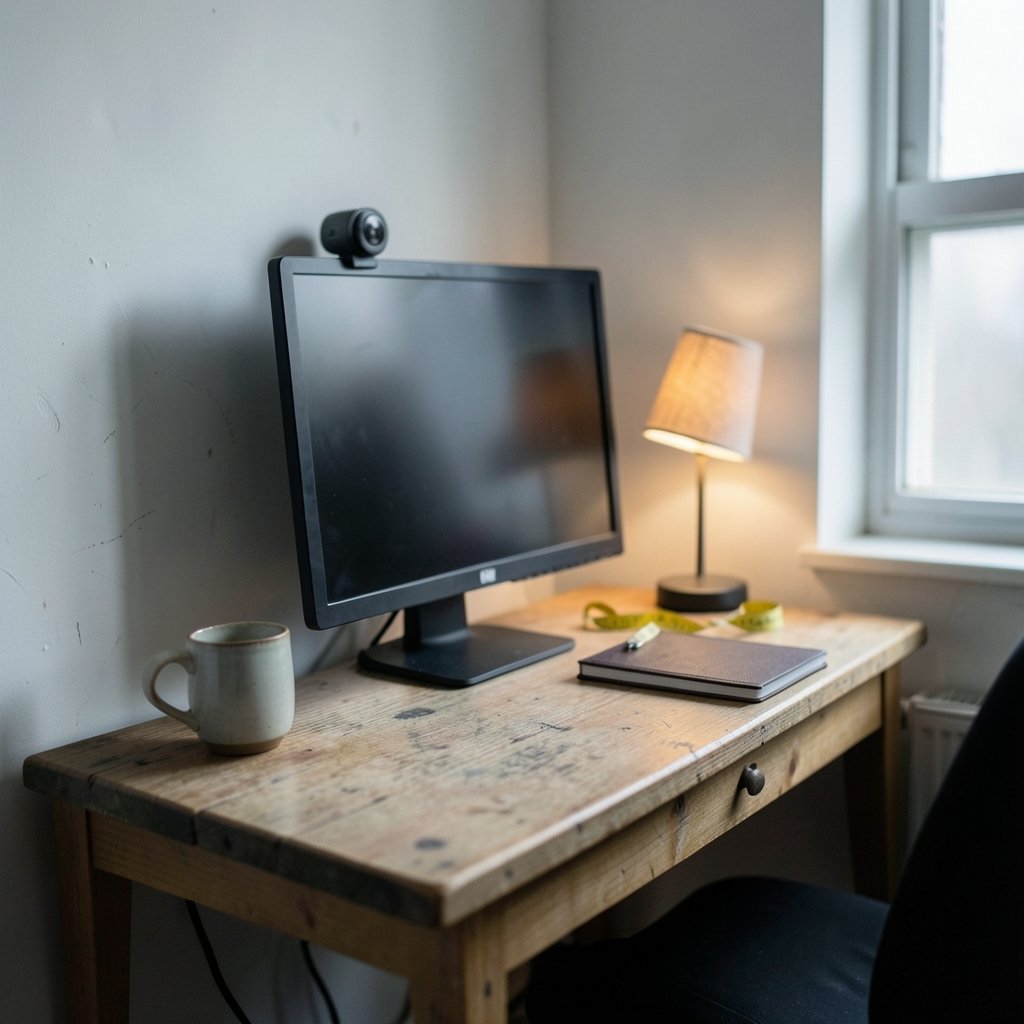
Ever set up a webcam in a cramped home office, only to find your face filling the entire screen while your ceiling fan steals the spotlight? Or worse, you lean back and suddenly you’re a tiny head in a giant room? The culprit is almost always webcam field of view, and in small rooms it matters more than almost any other spec on the box.
This guide breaks down what field of view actually means, why the numbers on the box can mislead you, and how to pick and position a camera so you look sharp in a space the size of a closet.
What Field of View Actually Means on a Webcam
Field of view (FOV) is the angular slice of the world your camera can see. It’s measured in degrees, and here’s the first trap: most manufacturers quote diagonal FOV, not horizontal. A webcam advertised at “78° FOV” is usually capturing roughly 65–70° horizontally in a 16:9 frame. That gap matters when you’re doing distance math.
The second trap is the optics behind the number. FOV depends on focal length and sensor size together. The same lens on a smaller sensor produces a narrower view. Since spec sheets rarely list focal length, comparing FOV across brands is shakier than it looks. If you want the deep technical background, the Wikipedia entry on angle of view covers the optics properly.
For practical purposes, consumer webcams typically land in the 60–90° diagonal range, while wide-angle models stretch to 90–120°. In a small room, that spread is the difference between showing your face and showing your entire bookshelf, laundry pile, and that poster you forgot was there.
Why Small Rooms Change the Math
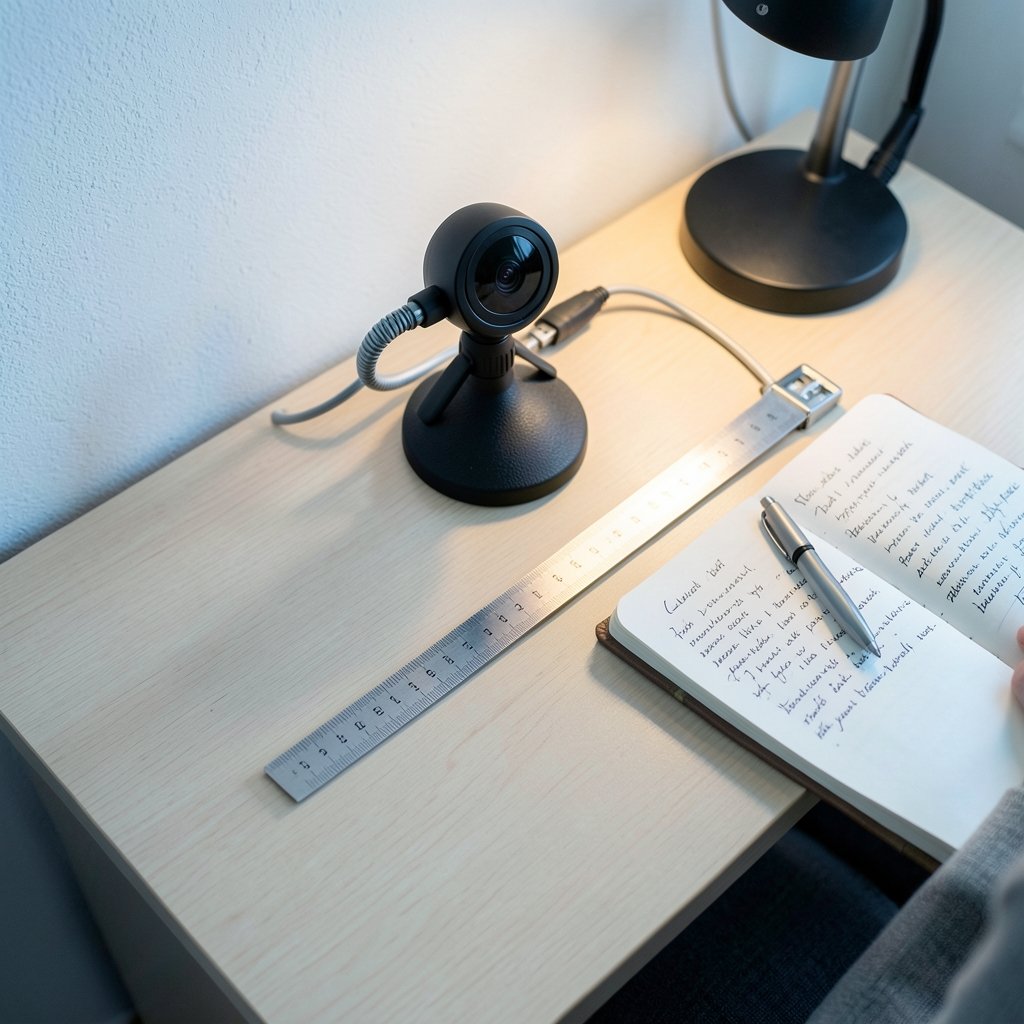
In a big office, you can push your chair back and let a moderate lens do its thing. In a small room, your seating distance is fixed by the walls. That flips the equation: instead of choosing a distance to fit your lens, you choose a lens to fit your distance.
The rule of thumb is simple. Frame width equals roughly 2 × distance × tan(horizontal FOV ÷ 2). Run the numbers for a 68° horizontal lens at 0.6 meters (about two feet, a typical desk setup), and you capture around 0.8 meters of width. That’s a comfortable head-and-shoulders shot. Push the same lens to 1.5 meters and you’re suddenly broadcasting your whole room.
So the honest answer to “what FOV do I need?” is: it depends on how far you sit. A 60–70° horizontal view suits close desk setups. An 80–90° horizontal view works if your desk is deeper or you want some background context. Anything past 100° in a small room usually means distortion, dead space, and a fisheye look that makes you appear to be video calling from inside a snow globe.
Diagonal vs. Horizontal: The Spec Sheet Trap
This is the mistake almost everyone makes. You compare two webcams, one listed at 90° and one at 78°, and assume the first is dramatically wider. Then you plug them in and the difference is smaller than expected, or the “wider” one looks oddly cropped.
Two things cause this. First, diagonal versus horizontal measurement. Second, software cropping. Many webcams and apps apply digital zoom or FOV crop by default. Windows Camera, Zoom, and Teams all offer zoom controls that change your effective field of view without you touching the camera. A webcam marketed at 90° might ship with firmware that crops to something narrower.
The practical fix: ignore the box number until you’ve tested the camera in your actual room with your actual app. If you can’t test before buying, look for reviews that state measured horizontal FOV rather than repeating the marketing figure.
| Spec on the box | What it usually means | What to do |
|---|---|---|
| 78° diagonal | Roughly 65–70° horizontal | Fine for close desk seating |
| 90° diagonal | Roughly 78–82° horizontal | Good for deeper desks or background context |
| 120° diagonal | Very wide, often distorted at edges | Rarely needed indoors; check for cropping |
| “Wide angle” (no number) | Anyone’s guess | Find a measured review or skip it |
Matching FOV to Your Actual Room
Before shopping, measure two things: your eye-to-camera distance when seated normally, and how much background you’re willing to show. Those two numbers settle most of the decision.
The close-desk scenario
If you sit 50–70 cm from the screen, a narrower lens is your friend. A 65–70° horizontal view keeps the frame tight on you and hides the chaos behind. The trade-off is that you can’t lean back without cropping your shoulders, so pair it with a camera that has decent autofocus.
The mid-depth scenario
At 80–100 cm, a 75–85° horizontal view gives you head, shoulders, and a sliver of background. This is the sweet spot for most small home offices, and it’s why so many people land on mid-range webcams after a couple of returns.
The “I want to show my shelf” scenario
If you’re teaching, presenting, or just like context, a wider lens at 90°+ horizontal works, but only if your room is tidy enough to survive it. Wide lenses also introduce barrel distortion at the edges, which makes straight lines bow and can stretch your face if you sit off-center.
A quick practical tip that saves a lot of frustration: mark your ideal seating spot with tape on the floor during setup. Small rooms invite drifting, and a camera tuned for one distance looks wrong at another.
Positioning Beats Spec Sheets
Here’s the part that surprises people: where you put the camera often matters more than its FOV. A modest lens at eye level with a clean background beats a wide lens pointed up your nose at a messy wall.
A few things that actually work in practice:
- Raise the camera to eye level. Laptop lids are too low; a small tripod or a monitor mount fixes this for a few dollars.
- Center yourself using the app’s preview, not guesswork. Most apps show a preview before you join.
- Use software zoom to crop rather than moving furniture. A digital crop from a slightly wide lens is often cleaner than repositioning your whole desk.
- Watch the backlight. A window behind you will blow out the frame no matter how perfect your FOV is.
Common mistakes worth naming: buying the widest lens available “just in case,” trusting the box number without checking whether it’s diagonal, and forgetting that the app itself may crop. Each one leads to the same outcome, a return label and a reordered camera.
If your small-room setup extends beyond the camera, the same space-planning logic applies to other gear. Picking soundbars for small living rooms follows similar rules about matching equipment to room size rather than buying the biggest spec. And if you’re outfitting a home business rather than just a desk, guides like best website builders for small business take the same fit-first approach to tool selection.
When Wide Angle Helps and When It Hurts
Wide lenses get marketed as universally better. They’re not. Here’s the honest split.
Wide angle helps when: you need to fit two people at one desk, you’re demonstrating physical objects, you want to show a whiteboard, or your room is genuinely too shallow to back up.
Wide angle hurts when: you’re the only subject and your room is messy, you sit close enough that distortion stretches your features, or your app crops the edges anyway so you paid for pixels you never see.
There’s also a sensor-size caveat worth repeating. FOV is a product of focal length and sensor size, so two cameras with identical lenses but different sensors will frame differently. Spec sheets almost never state focal length, which is why cross-brand FOV comparisons deserve skepticism.
Budget, Brand, and the Return Policy
In small rooms, the cheapest reliable strategy is to buy from a retailer with a generous return window and test in your actual space. FOV is one of the few specs you can verify in five minutes with a video preview and a tape measure.
A few buying notes that hold up in practice:
- Mid-range webcams from established brands tend to publish more honest specs than no-name models with inflated numbers.
- Models with adjustable FOV or digital zoom give you room to correct after purchase.
- Autofocus and low-light performance matter more than FOV once you’re in the 70–85° horizontal range, because a well-framed but grainy image still looks bad.
For readers running a small operation from home, the same principle of testing tools against real conditions shows up elsewhere. Choosing AI automation tools for small businesses rewards hands-on trials over spec sheets, and even technical decisions like small language models vs large language models come down to matching capability to constraints rather than picking the biggest number.
The Setup Checklist That Actually Works
Before you buy or reposition anything, run through this sequence. It takes about fifteen minutes and prevents most bad purchases.
- Measure eye-to-camera distance at your normal seated position.
- Decide how much background you want visible. Be honest about tidiness.
- Convert any diagonal FOV spec to horizontal before comparing. The formula is horizontal FOV ≈ 2 × arctan(tan(diagonal ÷ 2) × 16 ÷ √(16² + 9²)).
- Test the camera in your app rather than only the manufacturer’s demo tool, because app cropping changes everything.
- Mark your seating spot and keep the camera at eye level.
The single most common mistake is skipping step four. People test in the browser preview, see a beautiful frame, then join a call in a different app and discover the view is cropped tighter or wider. Always test in the app you’ll actually use.
Conclusion
Webcam field of view in a small room is less about chasing a big number and more about matching the lens to your distance, your background, and your app. A 65–85° horizontal view covers most close-desk setups comfortably. Wider lenses earn their keep only when you genuinely need to show more, and they bring distortion and clutter along for the ride.
Measure your distance, convert diagonal specs to horizontal, test in the real app, and keep the camera at eye level. Do those four things and your small room will look intentional rather than accidental, no matter what the box claims.
Frequently Asked Questions
What is a good field of view for a webcam in a small room?
For most small home offices with a desk-distance setup of 50–70 cm, a horizontal field of view around 65–70° frames you nicely from the chest up. If your desk is deeper or you want some background visible, 75–85° horizontal works well. Anything beyond roughly 100° horizontal tends to introduce distortion and show more room than you want.
Is a 90-degree webcam field of view too wide for a small room?
Not necessarily, but check whether the 90° figure is diagonal or horizontal. A 90° diagonal spec usually translates to about 78–82° horizontal, which is perfectly usable at a moderate desk distance. A true 90° horizontal view is wider and will show a lot of background, so it suits tidier rooms or setups where you sit further back.
Why does my webcam look narrower than its advertised field of view?
Two common reasons. First, manufacturers usually quote diagonal FOV, which is always larger than horizontal. Second, many webcams and video apps apply software cropping or digital zoom by default. Check your app’s camera settings for a zoom or field-of-view control before assuming the hardware is at fault.
Can I change my webcam’s field of view without buying a new one?
Often yes. Most video conferencing apps, including Zoom, Teams, and the built-in Windows Camera app, offer digital zoom that effectively narrows your field of view. Some webcams also ship with companion software that lets you crop or switch modes. Digital zoom costs you some resolution, but for a talking-head call it’s usually unnoticeable.
Does sitting closer make a wide-angle webcam look better or worse?
Worse, generally. Wide lenses exaggerate perspective, so at very close range your nose and forehead appear larger relative to the rest of your face, and background lines bow outward. If you must sit close, a narrower lens in the 65–70° horizontal range gives a more flattering, natural-looking frame.
How do I calculate horizontal field of view from a diagonal spec?
Use the formula horizontal FOV ≈ 2 × arctan(tan(diagonal ÷ 2) × 16 ÷ √(16² + 9²)), which assumes a 16:9 frame. In plain terms, a 78° diagonal lens works out to roughly 68° horizontal. It’s an approximation, but it’s close enough to compare cameras before you buy.