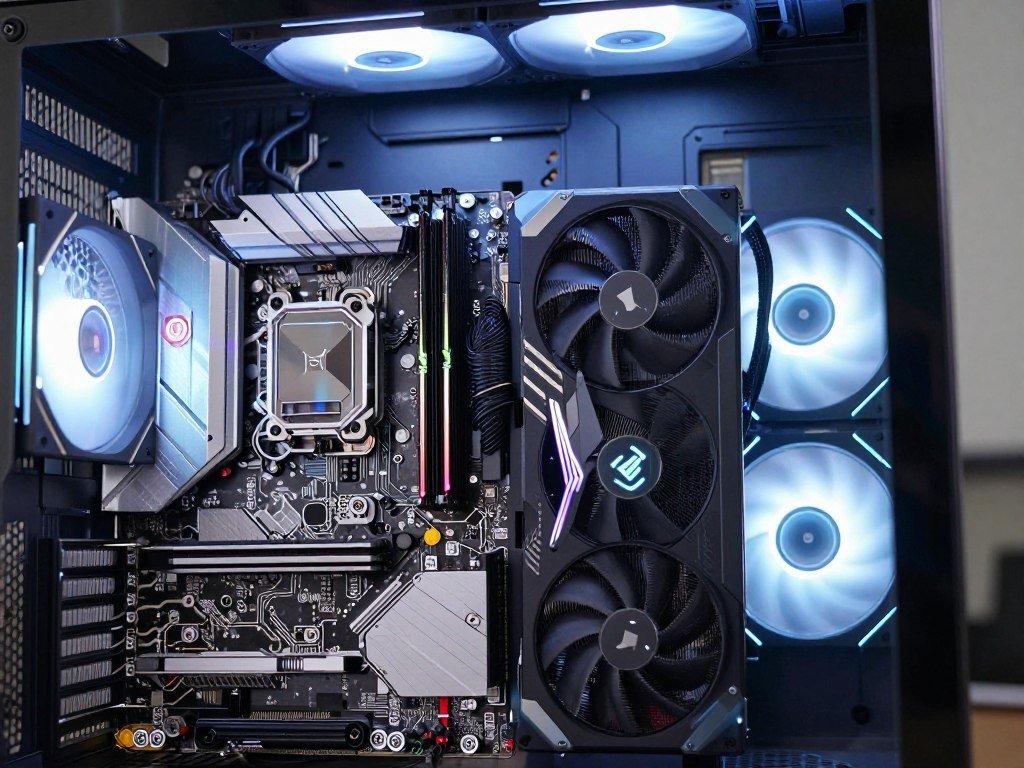
The best gaming motherboard is the one that fits your processor, case and upgrade plans without charging for features you will not use. A new PC build can get expensive fast, so spending more on a board only makes sense when its features match your parts and plans.
In the United States, check compatibility and useful connections before paying extra for gaming branding. The chipset is the motherboard’s feature set for connecting the CPU, storage, expansion cards and external devices. Your budget can go toward the graphics card or other parts when you skip unused extras.
This roundup covers AMD and Intel builds, compact PCs and budget choices. It also explains which connections matter for gaming and how to compare boards without relying on price or appearance alone.
Key Takeaways
- Match the board’s socket and memory type to your CPU and RAM.
- Check the case’s supported motherboard sizes before ordering.
- Count the M.2 sockets and other connections your parts will use.
- Pay for stronger power delivery when your CPU needs it.
- Choose a board by build need, not brand or gaming labels.
Start your shortlist with the CPU you have chosen, since the socket rules out incompatible boards immediately.
Which motherboard platform fits your CPU?
An AM5 board is the match for Ryzen 9000 or 7000, while Intel Arrow Lake requires LGA1851. The CPU platform sets both the socket and supported memory generation, so choose the processor before the motherboard.
AMD Ryzen and Intel processors use different platforms, and board support does not cross between them. AM4 supports DDR4, while AM5 and LGA1851 use DDR5. That rules out mixing a DDR4 kit with a board designed for DDR5, even when the memory looks similar.
| Platform | Socket | Memory generation | Representative CPU family |
|---|---|---|---|
| AM5 | Socket AM5 | DDR5 | AMD Ryzen 9000 and 7000 |
| AM4 | Socket AM4 | DDR4 | AMD Ryzen desktop processors |
| LGA1851 | LGA1851 | DDR5 | Intel Arrow Lake desktop processors |
The table narrows your motherboard choices, but a platform name alone does not confirm support for every chip. CPU makers and board makers can add support through firmware updates, and older boards may need a newer BIOS version.
Check the exact motherboard model and revision against its support page. A motherboard model and BIOS check can help you find the right support list and firmware details.
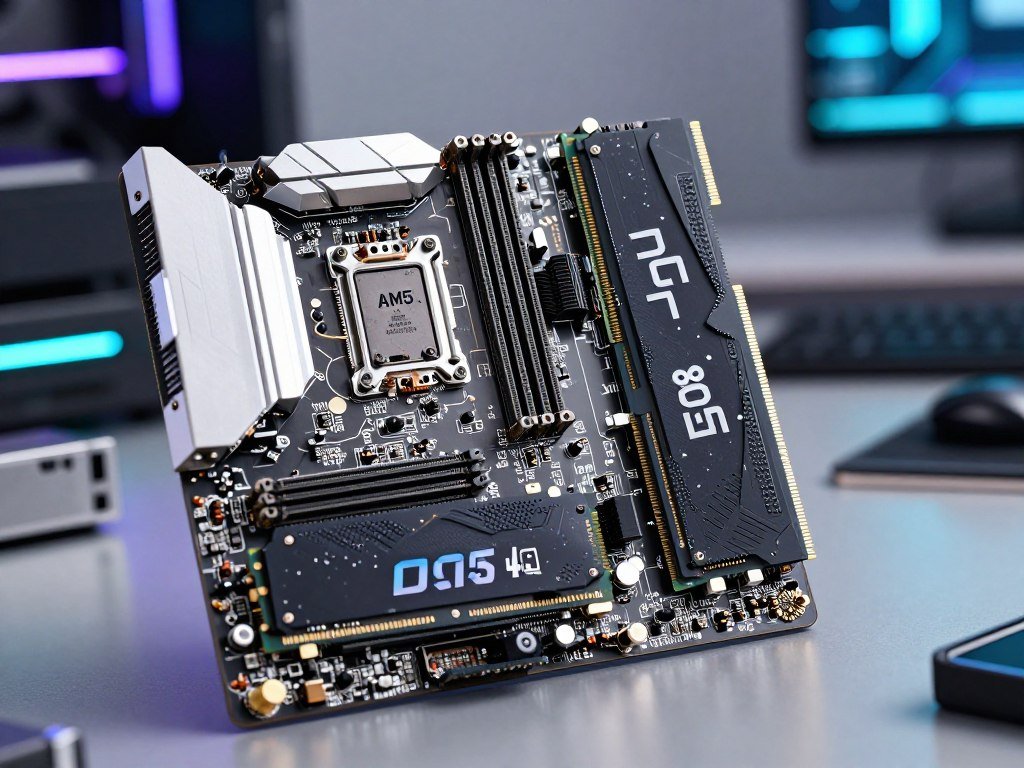
Verify the exact CPU model against the motherboard’s supported-processor list before buying.
Which features matter most for gaming?
A gaming board should first run your chosen CPU reliably and leave the connections you need for your graphics card and storage. Useful features depend on your parts, not on a board’s gaming name.
A motherboard rarely changes frame rates when the CPU, graphics card and memory stay the same. Its value is more often in stable power, room for storage, troubleshooting tools and the connections you need.
- Confirm CPU support and BIOS readiness for the exact processor.
- Check reliable power delivery for the CPU you plan to run.
- Count the PCIe x16 slot and M.2 sockets your build requires.
- Match networking and USB connections to your devices and network.
The PCIe x16 slot is the common connection for a graphics card. DDR5 memory and M.2 storage are separate board features, and neither guarantees higher game frame rates by itself.
Video editing can shift your priorities. More memory capacity, storage expansion and fast external ports may help that work more than gaming-focused appearance.
For large creative tasks, memory needs also depend on the software and project size. A creator-workload overview explains how video editing and other demanding tasks can use memory differently.
Pay for a feature only when you can name the component or workflow that will use it.
How do AM4, AM5 and Intel sockets affect upgrades?
If you already own a working AM4 CPU and DDR4 memory, replacing the board with another compatible AM4 model can avoid a platform-wide upgrade. Keep AM4 when reusing those parts matters most, and choose AM5 for a new AMD build with a longer stated support horizon.
AM4 boards use DDR4, while AM5 boards use DDR5. Switching to AM5 may mean replacing both the board and memory along with the CPU. Intel LGA1851 is a separate platform, so an AMD processor cannot move to an Intel board.
AMD extended Socket AM5 support through 2029. That gives new AMD buyers a stated period for future platform support, though it does not promise that every future CPU will work with every AM5 board.
AMD announced the Ryzen 7 7700X3D for AM5 with eight cores, 104MB total cache and boost speeds up to 4.5GHz. Its launch was scheduled for July 16, 2026, at a suggested U.S. etail price of $329. The Ryzen 7 7700X3D launch details can interest buyers planning an AM5 gaming upgrade.
AMD also announced the Ryzen 7 5800X3D 10th Anniversary Edition for AM4. Availability was scheduled for June 25, 2026, at a suggested U.S. etail price of $349. It gives existing AM4 owners another announced processor option, not a reason to buy an AM4 board for every new build.
Older 2022 recommendations can still help if you are reusing a CPU that fits the board. Their age alone does not make them compatible with a newer processor.
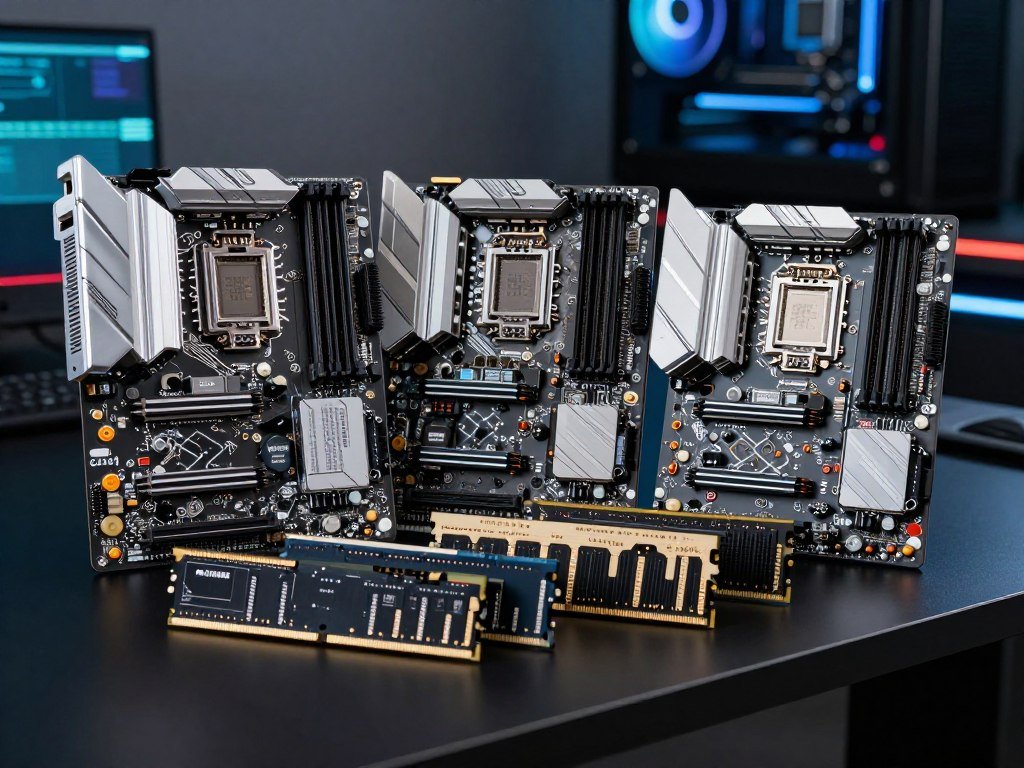
Check the socket and memory type together, because matching one while choosing the wrong other leaves the parts incompatible.
Which AMD chipset tier should you choose?
Choose X870E when you need its richer expansion and connectivity, and consider B850 or B650 when the saved money better serves the graphics card or storage. The higher tier pays off only when you will use its connections or expansion.
X870E boards include PCIe 5.0 support and USB4. B850 and B650 boards generally provide fewer PCIe 5.0 lanes than X870E, while B650 remains an AM5 chipset.
| Chipset | Platform position | PCIe 5.0 emphasis | Useful buyer profile |
|---|---|---|---|
| X870E | AM5 premium tier | Broad support; USB4 included | Builds needing more expansion |
| B850 | AM5 midrange tier | Generally fewer lanes than X870E | Buyers balancing features and cost |
| B650 | AM5 value tier | Generally fewer lanes than X870E | Builds that need core AM5 support |
A chipset label gives you a broad idea of a board’s place in the range, not a full connector list. Individual boards can differ in M.2 sockets, rear USB, network ports and lane sharing.
B850 prices can approach X870 alternatives, so do not assume the newer or higher tier costs much more. Compare the exact board features and price for the parts you will install.
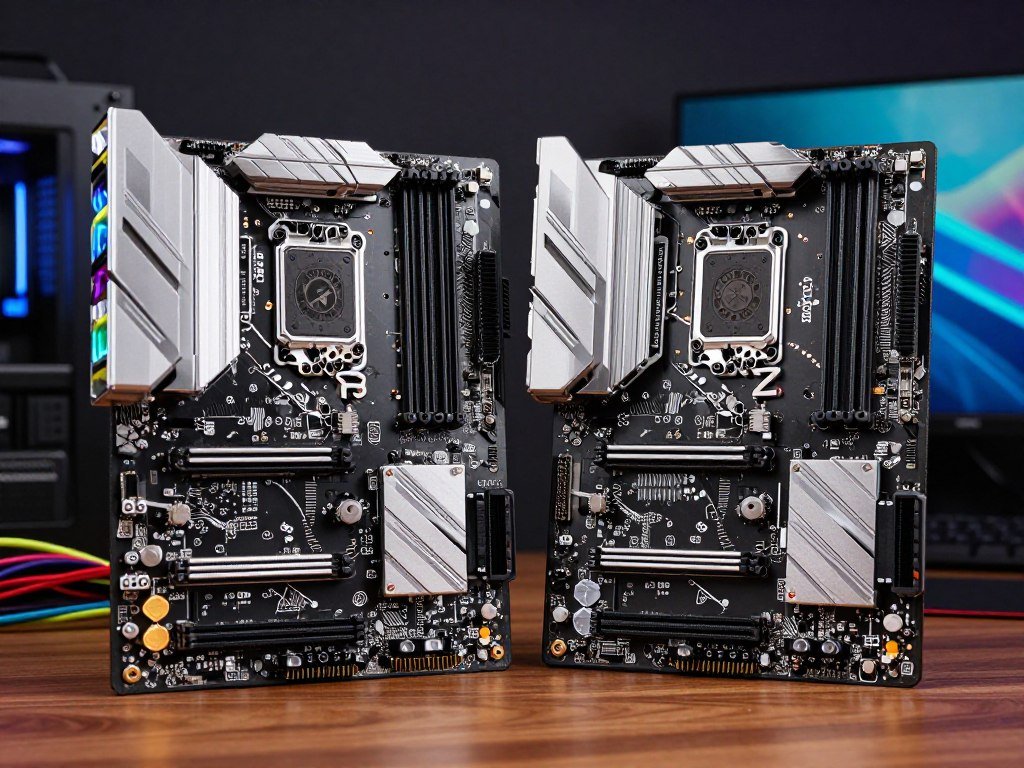
Compare the exact board features, since chipset names alone do not tell you how many useful connectors a model provides.
What should Intel buyers know about Z890, B860 and Z790?
Match the Intel board to the CPU’s socket first: Z890 and B860 belong to LGA1851, while Z790 belongs to LGA1700. Z790 is not a substitute for an LGA1851 board, even when the model names look alike.
Use these checks to compare Intel boards after confirming the processor platform:
- Confirm whether the CPU uses LGA1851 or LGA1700.
- Decide whether you need Z-series tuning options or B-series essentials.
- Compare the available M.2 sockets and rear-I/O connections.
Motherboard overclocking support depends on both the chipset and CPU. A Z-series board may suit a build that needs tuning options, while a B-series model can cover essential connections at a different price.
Older Z790 boards can still make sense for a matching LGA1700 processor. They cannot run an LGA1851 CPU, regardless of their features or price.

Treat a previous-generation board as a value option only when its socket matches the processor you plan to install.
Which motherboard form factor fits your case?
Check the case’s supported motherboard sizes before comparing features, because even a well-matched board is unusable if it does not fit. ATX, Micro-ATX and Mini-ITX differ in size and expansion room.
Standard ATX boards measure 12 inches long and 6.7 to 9.6 inches wide, with up to seven expansion slots. Micro-ATX boards measure 9.6 inches long and 6.7 to 9.6 inches wide, with up to four slots.
| Form factor | Length | Width | Maximum expansion-slot count |
|---|---|---|---|
| ATX | 12 inches | 6.7-9.6 inches | 7 |
| Micro-ATX | 9.6 inches | 6.7-9.6 inches | 4 |
| Mini-ITX | 6.7 inches | 6.7 inches | 1 |
Mini-ITX is the smallest of the three, but its single expansion slot leaves little room for extra cards. A compact board can also have fewer onboard headers for fans, lighting or front-panel connections.
Many ATX cases can fit smaller compatible boards, but a Mini-ITX enclosure cannot take a standard ATX board. Check the case maker’s supported sizes and confirm the exact board form factor.
A case compatibility check can also help if you need to identify an existing board’s size or model.
Leave clearance for the graphics card and cooler as well as the motherboard’s outline.
How many M.2 and PCIe slots does your build need?
Count the drives and cards you plan to install, then check the board manual for shared lanes and disabled ports. A slot count does not prove every connector runs at full speed at once.
Use this short list before choosing a board:
- Confirm the graphics card’s PCIe x16 slot.
- Count the M.2 drives you already own.
- Add the M.2 drives you may install later.
- Check whether a new card or drive disables another connection.
Some boards share lanes between M.2 sockets, PCIe slots and other connections. Installing a drive may reduce another slot’s speed or disable a port, depending on the board design.
The Gigabyte X870 Aorus Stealth has four M.2 sockets, including two PCIe 5.0 x4-capable sockets. It also has 13 rear USB ports, including two USB4 40 Gbps ports.
Those four sockets may suit a storage-heavy build, but the count does not tell you which ports share lanes. Check the board’s lane-sharing diagram before filling every connector.
Do not buy extra slots as a substitute for checking how they connect to the CPU and chipset.
Which USB and networking connections are worth paying for?
The right rear I/O is the one that connects your regular peripherals without relying on a pile of adapters. Count your devices first, then match connection speed to the gear you use.
USB 2.0 supports 480 Mbps, USB 3.2 Gen 1 supports 5 Gbps, and USB 3.2 Gen 2 supports 10 Gbps. USB4 can support 40 Gbps, but many USB 3.2 Gen ports do not mean a board has USB4.
The USB-IF speed tiers are explained in this USB 3.2 naming and speed overview. Check the stated speed and connector type, since labels alone can be hard to compare.
- Count the devices that stay connected to the rear USB ports.
- Separate rear USB ports from the case’s front-panel headers.
- Match fast storage or capture devices to suitable USB speeds.
- Choose Wi-Fi or Ethernet to suit your home network.
Wi-Fi 7 and Ethernet are separate networking features. You can skip built-in Wi-Fi when the PC will use wired Ethernet, but check that the board has the network connection you need.
Front USB ports rely on matching headers inside the case and board. A front-panel USB-C port cannot work through a board that lacks the right header.
Check the case’s front USB connector against the board header before paying extra for a front-panel feature you cannot wire.
Do VRMs, audio and RGB affect gaming?
A strong VRM and adequate cooling are more useful than decorative lighting when a board has to sustain a demanding CPU load. VRM capability matters most with high-power CPUs and sustained work, including overclocking.
The voltage regulator module, or VRM, supplies power to the CPU. Its quality and cooling can affect stable operation, but a higher phase count alone does not prove better power delivery.
Onboard audio gives you a simple way to connect speakers or headphones without adding a sound card. Its value depends on your audio needs and whether you already use a separate device.
RGB headers let you connect compatible lighting strips or fans. RGB lighting changes the look of the PC, not its gaming performance, so treat it as an appearance choice.
A POST code display can show where a PC stops during startup. A clear-CMOS button can reset firmware settings when a build fails to start after a change.
Treat RGB as a personal style choice and verify power delivery against the specific CPU you intend to run.
How can you compare board value before buying?
Compare boards only after filtering out models that cannot run your CPU or fit your case. Like-for-like choices make price and features easier to judge.
Use the same socket and memory generation for a fair comparison. Pangoly’s head-to-head motherboard comparison tool can compare form factor, socket, chipset, supported memory, value and technical specifications.
| Comparison category | Fields to match | Decision it informs |
|---|---|---|
| Compatibility | Socket and chipset | Whether the CPU and board work together |
| Memory and expansion | Memory generation, M.2 and PCIe slots | Whether memory and cards fit your plan |
| Connectivity | USB, networking and audio | Whether you need extra adapters or cards |
A lower price is not a saving if it forces you to buy a needed Wi-Fi adapter or storage card. The same applies if a smaller board forces a case change you did not plan to make.
Compare the details that affect your build, not every number on a spec sheet. A board with extra ports has little value when your setup will not use them.
Recheck current pricing and the exact model suffix, since similarly named boards can have different features.
What is the best budget motherboard for an AMD build?
For a low-cost AM5 build, the Gigabyte B650 Aorus Elite AX combines three M.2 sockets and four SATA ports at $149.99. It is a budget fit when those storage connections matter and Wi-Fi 7 does not.
The board offers a practical set of storage options without requiring a premium chipset. It does not include Wi-Fi 7, so check whether its included networking meets your needs before buying.
Budget means avoiding extras you will not use, not giving up CPU compatibility or required storage. A board that lacks a needed connection can cost more after you add a separate card.
The Asus ROG Strix B550-F Gaming Wi-Fi suits an AM4 build that reuses compatible parts. It supports DDR4, has two M.2 sockets and six SATA ports, and includes Wi-Fi 6E. Its listed price is under $240.
The ASUS TUF Gaming B550-Plus WiFi II is another AM4 ATX option with PCIe 4.0. These AM4 choices make more sense when you already have compatible parts than when you are starting a new AMD build.
Choose the AM4 option only when its socket and DDR4 support match parts you already own or plan to buy.
Best Motherboard for Gaming: MSI MAG B850 Tomahawk MAX WiFi II
The MSI MAG B850 Tomahawk MAX WiFi II is the best fit for a typical AM5 gaming build that wants useful expansion without a flagship-class board. Its balance of features suits buyers who want more than a basic model.
The board adds an M.2 socket, BCLK overclocking and a 64MB BIOS. Those features serve storage expansion, tuning and firmware capacity, rather than promising higher frame rates on their own.
It is listed at $229.99 at most stores after an initial price of $269.99. The MSI MAG B850 Tomahawk MAX WiFi II’s listed price makes it a midrange option rather than a low-cost board.
A typical gaming PC may need one graphics card, a few storage drives and reliable network access. The Tomahawk’s mix can suit that build without requiring the broadest expansion of a high-end board.
Its extra M.2 socket can help if you plan to add another drive later. BCLK overclocking is useful only if you intend to tune the system and understand the settings involved.
This pick is about useful equipment for a well-equipped gaming build. A cheaper compatible motherboard should deliver similar game performance when the CPU, graphics card and memory remain unchanged.
Check the exact Wi-Fi II model name at checkout so you do not confuse it with an earlier Tomahawk version.
Which high-end AMD motherboard suits a no-compromise build?
The Asus ROG Crosshair X870E Glacial is the feature-maximizing choice when a build genuinely needs extensive storage and connectivity. Its connections suit specialized builds, not routine gaming alone.
The Glacial has seven M.2 sockets, dual 10 GbE, Wi-Fi 7, dual USB4 and 14 rear USB ports. It also includes a five-inch LCD and was priced at $1,199.99.
Maximum connectivity: Asus ROG Crosshair X870E Glacial
Choose the Glacial when a high-end build can use its storage, network and rear-I/O options. A game-focused PC with one graphics card and a few drives may leave much of that equipment unused.
The five-inch LCD adds a visible display feature, but it does not improve game performance. The listed price makes the board a deliberate luxury choice rather than a default recommendation.
Premium alternatives: ASRock Taichi, Gigabyte Aero and ASRock Challenger
The ASRock X870E Taichi has 12 rear USB ports and was priced $50 below its direct competition. That makes it worth comparing when rear connections matter more than the Glacial’s full feature list.
The Gigabyte X870E Aero X3D Wood has four M.2 sockets, dual 5 GbE, Wi-Fi 7 and dual USB4. It was positioned under $500, offering a different mix for builds that need fast networking and storage.
The ASRock X870E Challenger costs $290 and includes Wi-Fi 7, four M.2 sockets and two USB4 Type-C ports. Its price and connections may suit buyers who want selected premium features without paying flagship prices.
Set a firm spending ceiling before choosing a flagship, since the extra connections matter only when your build will use them.
What is the best Mini-ITX motherboard for AMD gaming?
The ASRock B850I Lightning WiFi is a value-focused Mini-ITX choice for a compact AM5 gaming PC. At about $200, it gives small-build shoppers an AMD B850 option.
Mini-ITX boards measure 6.7 by 6.7 inches and have one expansion slot. That suits a compact gaming build centered on one graphics card, but limits room for extra PCIe cards.
A small board can also leave fewer onboard headers for fans, lighting or other case connections. Plan those needs before ordering, especially when a compact case offers few ways to add parts later.
Check the graphics card’s length and thickness against the case. Confirm cooler height and space around the board, since compact layouts can place parts close together.
The one expansion slot makes this a poor fit if your plan depends on a second PCIe card. It can work well when your graphics card handles gaming and the board’s built-in connections meet the rest of your needs.
Confirm the case and cooler clearances against the exact layout before committing to a small-form-factor build.
Which Intel motherboard is the best fit for your build?
For most budget-conscious LGA1851 builds, the Asus Prime Z890-P WiFi is a more practical starting point than a flagship board. Its $199.99 price includes Thunderbolt 4 and Wi-Fi 7.
Buy a higher-end model only when your parts or work need its added features. Intel choices range from boards with broad connectivity to simpler models for a typical gaming PC.
High-end Intel: MSI Z890 Godlike
The MSI Z890 Godlike is the no-compromise option. It includes Thunderbolt 4, 10 GbE, Wi-Fi 7 and a four-inch LCD.
Those features suit a build that needs fast wired networking and a broad set of connections. They do not make the board necessary for gaming, and the model’s extra features matter only when your build uses them.
Practical Intel choices: Asus Prime, ASRock Taichi Lite and MSI B860
The Asus Prime Z890-P WiFi is the practical price-conscious Z890 pick at $199.99. It includes Thunderbolt 4 and Wi-Fi 7, giving buyers two useful connections without moving to a flagship board.
The ASRock Z890 Taichi Lite costs $399.99 and has six M.2 sockets. Choose it when that storage expansion justifies the higher price.
The MSI B860 Tomahawk WiFi costs $227 and includes Wi-Fi 7, 5 GbE, three M.2 slots and two Thunderbolt 4 Type-C ports. It offers a different mix for buyers who want more storage and networking connections.
The Asus ROG Strix Z890-F Gaming WiFi is another LGA1851 and DDR5 option with Wi-Fi 7 and Thunderbolt 4. The Z790 Aorus Xtreme and Z790 Taichi Lite suit older LGA1700 CPUs only; the former has PCIe 5.0 GPU and M.2 support, Thunderbolt 4 and 10 GbE, while the latter has a PCIe 5.0 M.2 socket, dual Thunderbolt 4 and eight SATA ports. Their listed prices were $200-$400 below competing flagship boards and $350, respectively.
Verify the Intel CPU socket before comparing Z890, B860 or older Z790 models.
Conclusion
A good gaming build starts with a compatible board, not the longest feature list. Match the socket, memory type and case first, then spend on the expansion and connections your parts will use.
A lower-cost board can be the right choice when it meets your needs. Extra features have value only when they support a real part or task in your build.
Before placing the order, check the exact model’s CPU support list and case fit. Confirm your CPU, memory and case compatibility on the exact model before placing the order.
FAQ
How often should you replace your motherboard?
Replace a motherboard when it fails or no longer supports a part or connection you need, not on a fixed schedule. A working board can stay useful for years if it supports your CPU, memory and devices. Before replacing it, check whether a needed upgrade requires a new socket, memory type or connection.
What is the best website to compare motherboards?
Pangoly is one useful site for comparing motherboards side by side. Its tool covers form factor, socket, chipset, supported memory, value and technical specifications. Compare boards with the same socket and memory generation first, then review the features that affect your build. A comparison tool helps organize details, but the exact model page still matters.
What are motherboard form factors?
Motherboard form factors are standard board sizes, including ATX, Micro-ATX and Mini-ITX. ATX measures 12 inches long and offers up to seven expansion slots; Micro-ATX is 9.6 inches long with up to four. Mini-ITX measures 6.7 by 6.7 inches and has one slot, so it limits extra cards.
What is the best AMD motherboard in 2026?
The MSI MAG B850 Tomahawk MAX WiFi II is this guide’s balanced AM5 gaming pick. It adds an M.2 socket, BCLK overclocking and a 64MB BIOS without taking the flagship route. For a no-compromise build that needs extensive connections, the Asus ROG Crosshair X870E Glacial offers seven M.2 sockets, dual 10 GbE and dual USB4.
Which is the no. 1 motherboard?
The MSI MAG B850 Tomahawk MAX WiFi II is the top pick here for a typical AM5 gaming build. It offers useful expansion without requiring a flagship board. It is not the best match for every PC, since your CPU socket, case size, storage needs and budget can point to another model.
Is AM4 outdated in 2026?
AM4 is an older platform, but it can still suit a PC that reuses a compatible AM4 CPU and DDR4 memory. A new AM4 board may help avoid replacing working parts. AM5 is the better starting point for many new AMD builds, especially if you want AMD’s stated Socket AM5 support through 2029.
Should I buy AM4 or AM5?
Choose AM4 when you want to reuse a compatible CPU and DDR4 memory. Choose AM5 for a new AMD build and its stated support horizon through 2029. AM5 requires a matching processor and DDR5 memory, so compare the cost of those parts with the savings from keeping an AM4 setup.