A good iPhone camera choice starts with the pictures you actually take, not the longest spec list. The right phone depends on your photos, videos, budget, and appetite for hands-on controls. Some people want simple point-and-shoot results; others want more say over each shot.
Variable aperture is a camera feature that changes the size of the lens opening to control incoming light and depth of field. In 2026, the iPhone 18 Pro and iPhone 18 Pro Max lead the flagship pair, while lower-cost models offer practical alternatives.
You do not need every premium feature to take photos you love. A smaller camera system may be enough for everyday scenes, while travel, family events, or video work can make extra reach and control more useful.
Decide which matters most to you before comparing models: reach, low-light results, video control or price.
Key Takeaways
- Choose the iPhone 18 Pro for a camera-first flagship in a smaller size.
- Pick the iPhone 18 Pro Max if you prefer a larger phone.
- Compare the iPhone 17 and iPhone 16 when price matters more.
- Look beyond megapixels to lens reach, light and camera controls.
- Try simple shooting habits before replacing a phone that still works.
Which iPhone Has the Best iPhone Camera for Most People?
For most people who want the strongest camera system, choose the iPhone 18 Pro; choose the Pro Max if a larger phone matters more. Both are CNET’s top camera picks for 2026, and the iPhone 17 is a practical current-model comparison for buyers watching their budget.
The iPhone 18 Pro starts at $1,199, while the iPhone 18 Pro Max starts at $1,299 in 2026. The best iPhone camera phone for you depends on whether you value a smaller body, a larger screen, or a lower price.

| Model | Best fit | Why it belongs on the shortlist |
|---|---|---|
| iPhone 18 Pro | Camera-first buyers | Top 2026 camera pick in a smaller flagship body |
| iPhone 18 Pro Max | Large-phone fans | Top 2026 camera pick with a larger body |
| iPhone 17 | Value-minded buyers | Current-model comparison when cost matters |
The two flagship models suit people who want the strongest camera system available in the 2026 lineup. The standard iPhone 17 gives you another way to weigh the price against the features you expect to use.
Our 2026 phone picks by budget also cover other needs, such as battery life and software support. That wider view can help if your next phone must do more than take pictures.
Compare the total price with the camera feature you expect to use most often.
How Do the iPhone 18 Pro and Pro Max Cameras Compare?
The iPhone 18 Pro Max does not add a different camera system: it shares the iPhone 18 Pro’s cameras and processor in a larger body. Size, rather than a camera upgrade, is the main reason to choose between them.
The matching camera systems mean the Pro Max does not promise better photos just because it is larger. Its larger body may suit people who want more room to frame and review shots, while the Pro is easier to handle for some buyers.
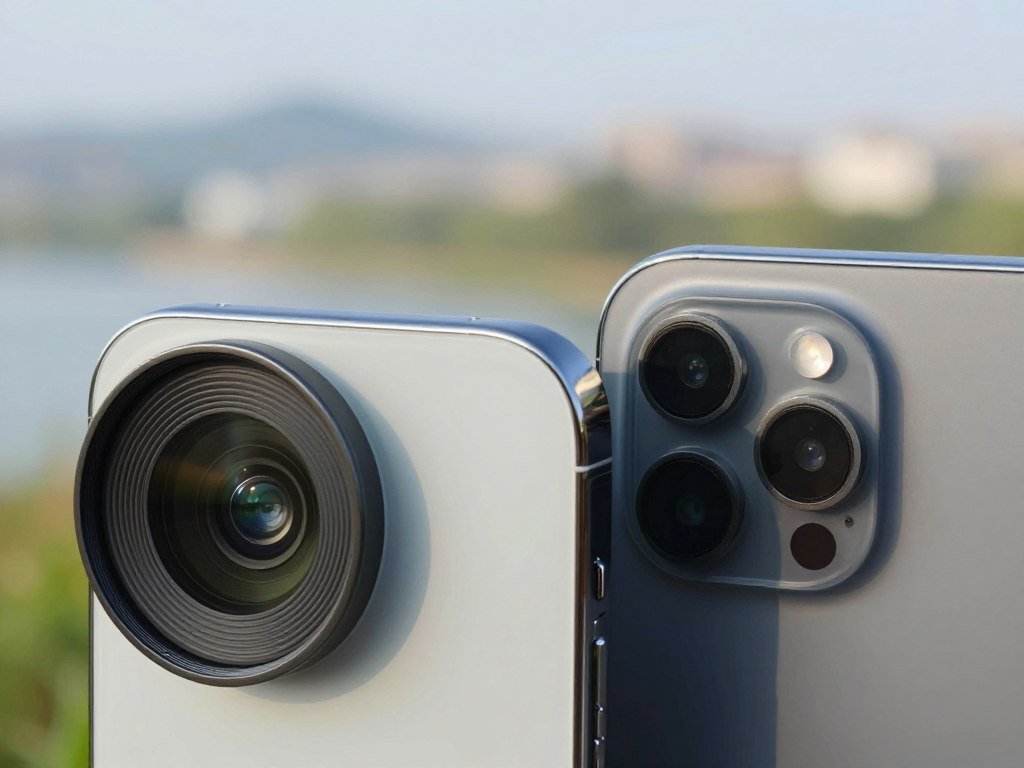
Their shared hardware includes a 48MP Telephoto camera with 4x and 8x optical-quality zoom. “Optical-quality” describes the zoom result, but it does not promise a dedicated optical lens at every zoom step.
The 48MP Main camera also has variable aperture. In a hands-on variable aperture review, a reviewer found its practical effect modest but valued the manual controls.
Shared cameras and zoom options
The Telephoto camera helps frame distant subjects without relying only on a digital crop. For a concert, a child’s game, or a landmark across a plaza, that added reach can matter more than extra screen space.
Since the Pro and Pro Max share their cameras and processor, treat their camera performance as a match. Pick the body you can carry and hold comfortably during a long day of shooting.
Variable aperture and hands-on controls
Variable aperture changes the opening that lets light through the lens. It can also affect depth of field, or how much of a scene appears in focus.
The setting gives you another way to shape a shot, though its effect may feel subtle in everyday use. Manual controls can be more useful when you want to set exposure or focus yourself.
Weigh the Pro Max in your hand if a 249-gram phone may feel unwieldy during long shooting sessions.
For more iPhone camera model comparisons, compare the features you will use with the phone size you prefer.
How Do the iPhone 18 Pro Cameras Handle Night Shots and Moving Subjects?
Night scenes and moving subjects are two situations where the iPhone 18 Pro camera system is built to help. Low-light shooting is a strength of both models, while Focus Tracking is designed to keep moving subjects in focus.
Focus Tracking helps hold focus, but it cannot guarantee a sharp shot when the phone or subject moves too quickly. That limit matters most in dim settings, where a fast-moving scene can be hard to capture cleanly.
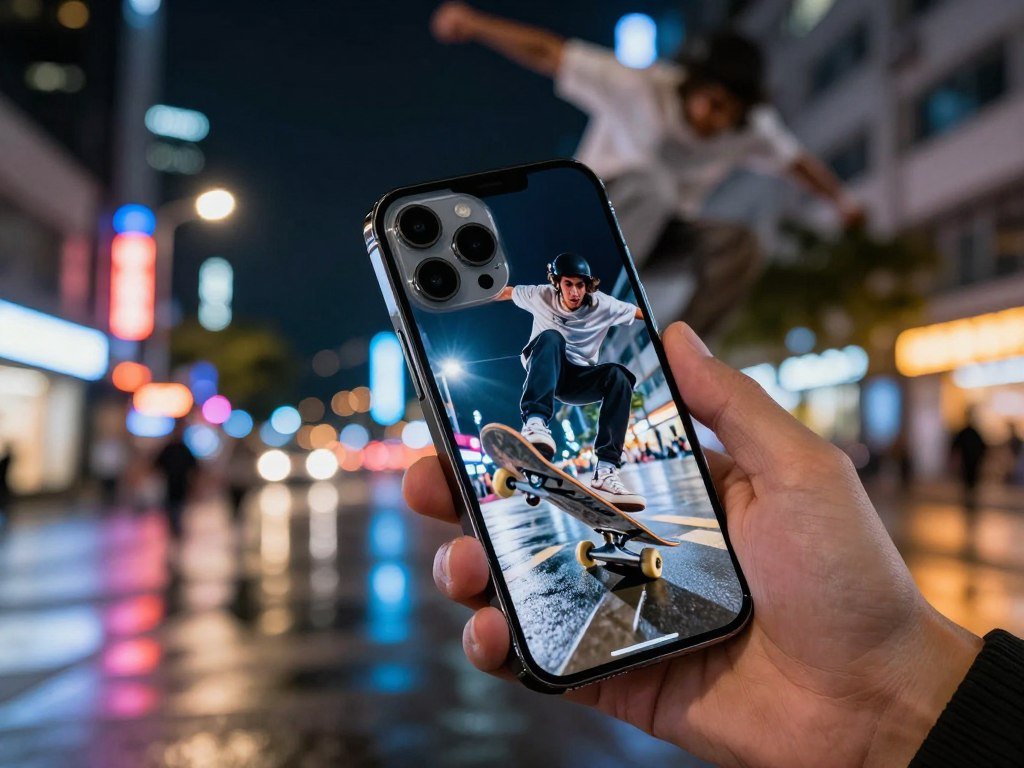
- A static night scene, such as a lit building, gives the camera a steady subject to capture.
- A person moving through a dim room can challenge focus, even with tracking turned on.
- A subject moving during video gives Focus Tracking a job to do while recording.
For a still subject, keep the phone steady and give the camera time to focus. A person walking through a dark space may move faster than the camera can manage.
During video, tracking can help keep attention on the chosen subject as the action changes. It still cannot fix blur caused by sudden movement or a shaky grip.
For a fast-moving subject in poor light, take several frames rather than relying on a single perfect capture.
Is the iPhone 17 Camera Better Than the iPhone 16?
Yes, the iPhone 17 is the stronger overall camera-adjacent upgrade, especially if you use the Ultra Wide camera or review shots outdoors. The Main cameras match at 48MP, but the newer model adds a higher-resolution Ultra Wide camera and other useful changes.
The iPhone 17’s Ultra Wide camera captures more detail, and its battery tests lasted longer than the iPhone 16’s. The iPhone 16 remains capable if those upgrades do not matter to you.

Main and Ultra Wide camera differences
Both phones have a 48MP Main camera. The iPhone 17 steps up to a 48MP Ultra Wide camera, while the iPhone 16 uses a 12MP Ultra Wide camera.
The two Ultra Wide cameras share a 120-degree field of view. The iPhone 17 camera can make 24MP or 48MP images, giving you more detail to work with in a wide scene.
That extra resolution can help when you photograph a room, a group, or a broad landscape. It does not change the lens’s field of view, so the framing remains equally wide.
Storage and battery test results
The iPhone 17 starts with 256GB of storage, double the iPhone 16’s 128GB starting capacity. More space can help if you keep many photos and videos on your phone.
| Attribute | iPhone 17 | iPhone 16 |
|---|---|---|
| Storage starting capacity | 256GB | 128GB |
| Three-hour streaming test battery change | 100% to 89% | 100% to 86% |
| PCMag battery rundown | 24 hours, 31 minutes | 17 hours, 47 minutes |
In CNET’s three-hour streaming test, the iPhone 17 dropped to 89%, while the iPhone 16 reached 86%. PCMag recorded 24 hours and 31 minutes for the 17 and 17 hours and 47 minutes for the 16 in its battery rundown test.
PCMag’s iPhone 17 versus iPhone 16 test also reports Geekbench 6 scores. The iPhone 17’s A19 chip scored 3,653 single-core and 9,246 multi-core, versus 3,267 and 8,004 for the iPhone 16’s A18.
Those chip scores offer supporting context, not a direct measure of photo quality. They show processing differences, but they cannot tell you which image you will prefer.
Screen, durability and charging for shooting
The iPhone 17 has a 6.3-inch screen with a variable 1Hz-to-120Hz refresh rate. The iPhone 16 has a 6.1-inch screen and a 60Hz refresh rate.
The 17’s screen reaches 3,000 nits of peak brightness and has an anti-reflective coating. The 16 reaches 2,000 nits and has no anti-reflective coating, so outdoor framing may be easier to check on the 17.
Apple says Ceramic Shield 2 on the iPhone 17 is three times more scratch-resistant than the previous generation. The 17 also supports 40-watt wired charging and 25-watt wireless charging.
Treat battery-test results as a guide to relative endurance, not a promise of your personal screen time.
Which iPhone Is Best for Selfies and Portraits?
The iPhone 17 is the better pick for flexible selfies because its Center Stage front camera adapts framing to how you hold the phone. The 18MP camera can capture vertical or horizontal selfies, while the iPhone 16 has a 12MP front camera.
Apple’s built-in Camera app is the simplest choice for quick selfies. The square 18MP sensor supports both orientations without requiring you to turn the phone.
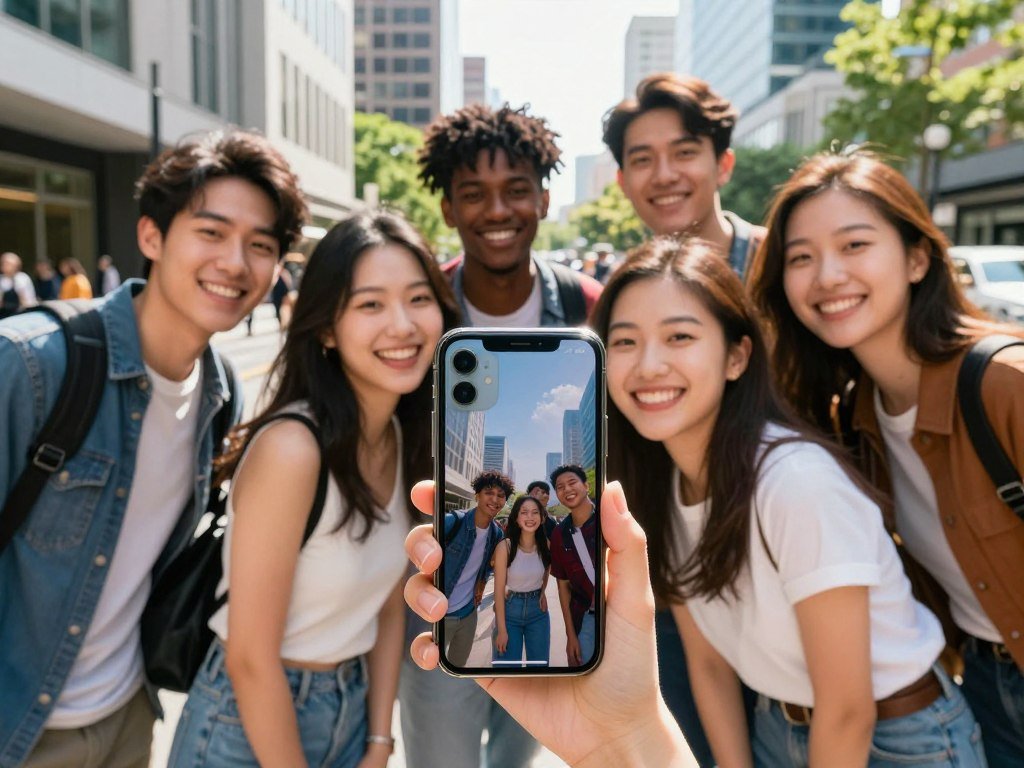
The iPhone 17 front camera also supports video stabilization and Dual Capture. Dual Capture records with the front and rear cameras at the same time, which can show both an event and your reaction.
- Group selfies where you want to fit several people into the frame.
- Vertical or horizontal framing without rotating the phone.
- A front-and-rear-camera reaction clip during an event.
These front-camera features do not make one phone the winner for every portrait style. Portrait mode results also depend on the subject, background, light, and the look you want.
The iPhone 16 remains adequate for simple self-portraits if you do not need Center Stage’s framing options. Its front camera can still handle quick snapshots and video calls.
Check the framing on the screen before recording a group selfie, since the people at the edges are easiest to crop out.
Which iPhone Should You Choose for Video?
For everyday 4K video, either the iPhone 17 or iPhone 16 can record at up to 60 frames per second. Both phones can handle family clips and everyday scenes at that top listed resolution and frame rate.
Resolution and frame rate alone do not decide how footage will look. Light, movement, focus, and the way you hold the phone also shape the result.
Cinematic mode creates a video effect that blurs the background and shifts focus between subjects. It can make a clip feel more like a film scene, though it does not suit every subject or setting.
For an iPhone video app with free manual controls, try Blackmagic Camera. If you want a more advanced Apple video workflow, Final Cut Camera offers another route.
Specialized camera control can help when you want to set focus or exposure yourself. For casual clips, the Camera app may be faster and simpler to use.
A smaller file can be easier to store and share, especially when you record often. Choose a lower recording resolution when conserving storage matters more than capturing the highest available detail.
Which iPhone Camera Apps Add Useful Controls?
Start with Lightroom if you want a free camera and editor in one app, then add a manual-control app only if you will use its extra settings. Lightroom’s basic version is free and includes camera controls and photo-editing tools.
For an iPhone 17, Lightroom suits free everyday capture and editing, while Final Cut Camera suits an Apple video workflow. Both help with different jobs, so you need not install every camera app.
Free camera and editing tools
Adobe Lightroom gives you a camera and editing tools in one free basic app. Use it when you want to adjust a photo after taking it without moving between several apps.
It is a useful first choice for everyday photography and simple edits. If you rarely change exposure or focus yourself, its built-in camera controls may be enough.
Manual controls for still photography
ProCamera offers manual exposure, focus, focus peaking, and white-balance adjustment. It has a free seven-day trial, which gives you time to see whether its controls fit your routine.
Halide Mark III offers manual shutter speed, ISO, and white balance, plus focus peaking. It also includes a dedicated Macro Mode and DNG RAW capture.
Halide Mark III has a seven-day free trial with an annual membership or a one-time purchase option. No single still-photo app is right for everyone; pick one whose controls solve a real problem for you.
Halide Mark III’s manual controls include DNG RAW capture, a file format that preserves more editing data than a standard JPEG.
Dedicated controls for video production
Blackmagic Camera is a free iPhone video app with manual controls, LUTs, streaming, and remote control. LUTs are color settings that change a clip’s look during monitoring or editing.
Apple’s free Final Cut Camera app offers manual shutter speed, ISO, white balance, and focus controls. It supports ProRes and Apple Log on iPhone 15 Pro or later, plus ProRes RAW in open gate on iPhone 17 Pro or later.
Final Cut Camera supports Center Stage framing on iPhone 17 or later and iPhone Air. Its Live Multicam feature can connect up to four devices to preview, record, and sync video angles in Final Cut Pro for iPad.
Check your exact iPhone model’s app compatibility before relying on a specialized recording format or multicamera feature.
Is the iPhone 17e Enough for Everyday Photography?
The iPhone 17e can suit everyday photos if one rear-camera view covers the scenes you usually shoot. Its single rear camera leaves out an Ultra Wide view, which can make tight spaces and group shots harder to frame.
The iPhone 17e also lacks Cinematic video, so you cannot use that mode for its background-blur effect. Its simpler camera system may still be enough if you mostly take ordinary photos.
An Ultra Wide camera provides a wider composition than a single standard view. Without one, you may need to step back, if the room or scene gives you space.
- Do you often photograph groups or tight interiors?
- Does a wider framing option matter for your usual photos?
- Is background-blur video part of your routine?
If you answered no to these checks, one rear view may meet your needs. If wide framing or Cinematic video matters often, consider a phone with those features.
Try framing a group indoors before choosing a phone without an Ultra Wide camera.
Which Older iPhone Models Are Still Worth Buying?
A discounted iPhone 15 or iPhone 16 series model can be worth considering, but an iPhone 14 or older is a poor 2026 purchase. Optical reach is one reason an older Pro model may suit people who often photograph distant subjects.
In 2026, WIRED advises against buying the iPhone 14 or older and says discounted iPhone 15 or iPhone 16 series models are worth considering. Compare the camera you need with the device’s condition and software support.
Older Pro models and telephoto reach
Optical telephoto reach uses lens optics to frame a faraway subject more closely. That can help with wildlife, sports, or a stage when you cannot move nearer.
| Model | Telephoto | Video note |
|---|---|---|
| iPhone 17 Pro Max | 5x optical | No ProRes Log note |
| iPhone 16 Pro | 5x optical | Supports ProRes Log |
| iPhone 16 | 2x sensor crop | No ProRes Log note |
| iPhone 15 Pro | 3x optical | Supports ProRes Log |
The iPhone 16 uses a 2x sensor crop for zoom rather than a dedicated optical telephoto lens. The iPhone 16 Pro and iPhone 15 Pro support ProRes Log video.
A Pro model can be a useful buy when its zoom range matches the subjects you shoot. A higher zoom number does not help much if most of your photos are close-up scenes.
When to avoid an older iPhone
Skip the iPhone 14 or older when buying a phone in 2026. The iPhone XS, iPhone XS Max, and iPhone XR do not support iOS 27.
A lower price cannot make up for software support that no longer meets your needs. Check the exact device’s condition and current software compatibility before you commit.
Confirm software compatibility and the condition of the actual device before paying for a used phone.
Which Camera Specs Matter More Than Megapixels?
A high megapixel count does not tell you whether a phone can frame a distant subject or gather enough light in a dim room. Lens reach and light may matter more than resolution for the scenes you shoot most.
Sensor, lens, aperture, and image processing work together to shape a photo. Megapixels describe image resolution, not a guarantee of better low-light images.
Aperture is shown as an f-number. A lower f-number lets more light pass through the lens, which can help in dim settings.
Optical zoom changes magnification through lens optics, while digital zoom enlarges a crop. The first can bring a distant subject closer without relying only on an enlarged crop.
Compare the focal lengths and camera controls you will actually use. A telephoto lens matters for distant subjects, while a wider lens can fit more into a tight room.
Match each specification to a real shooting situation before treating it as a reason to pay more.
How Can You Get Better iPhone Photos Without Upgrading?
Before changing phones, clean the lens and take one test photo of the scene that usually gives you trouble. Small habits can prevent soft or missed shots without costing anything.
These steps can improve focus and reduce motion blur, but they cannot replace a different lens. Use the Camera app and check the result before an important moment.
- Clean the lens with a soft cloth. Smudges can scatter light and reduce contrast.
- Tap the intended subject in the Camera app to set focus and exposure.
- Hold the phone steadily to reduce blur from your own movement.
- Reframe before taking the picture instead of relying on a digital crop.
A tap on the subject tells the camera where to focus and how to set exposure. If the image still looks soft, check whether the lens has a smudge or your hands moved.
Review a test image at full size so you can spot focus or lens-smudge problems before an important moment.
Conclusion
If camera quality is your main priority, start your shortlist with the iPhone 18 Pro. It is the straightforward camera-first choice for most people, while the iPhone 18 Pro Max suits buyers who prefer a larger phone.
Budget-conscious shoppers can compare discounted models against the camera features they truly need. A lower-cost phone may be a better fit when you will not use advanced controls or extra lens reach.
Before ordering, compare the model’s size and the camera features you will use against your own budget.
FAQ
Which version of iPhone has the best camera quality?
The iPhone 18 Pro and iPhone 18 Pro Max are the 2026 camera picks. They share the same cameras and processor, so the Pro Max does not add a different camera system. Choose between them based on phone size and handling. The Pro Max weighs 249 grams, which may feel heavy during long shooting sessions.
What is cinematic mode on iPhone?
Cinematic mode creates a shallow-depth-of-field look by blurring the background and shifting focus between subjects. It can make a video feel more like a film scene, though the effect may not suit every clip. The iPhone 17e does not include Cinematic video. For a simple family clip, standard video can be easier to use.
Is there a free professional camera app for iPhone?
Yes, Blackmagic Camera is a free iPhone video app with manual controls, LUTs, streaming, and remote control. Adobe Lightroom’s free basic version includes camera controls and photo-editing tools. Lightroom fits everyday photos and edits, while Blackmagic Camera is aimed at video. Try the app that matches the work you plan to do.
Is the iPhone 17 camera better than the 16?
Yes, the iPhone 17 has a stronger Ultra Wide camera, more starting storage, a brighter display, and better results in the cited battery tests. Both models have a 48MP Main camera, so that part is shared. The iPhone 17’s Ultra Wide camera is 48MP, compared with 12MP on the iPhone 16.
Is the iPhone 17 camera really good?
Yes, the iPhone 17 has a 48MP Main camera, a 48MP Ultra Wide camera, and an 18MP Center Stage front camera. It can record video at up to 4K and 60 frames per second. Those features suit many everyday photos, group shots, and clips. The best fit still depends on whether you need a telephoto camera or manual controls.
Which iPhone to stay away from?
Avoid buying an iPhone 14 or older as a new phone in 2026. The iPhone XS, iPhone XS Max, and iPhone XR do not support iOS 27. An older phone may still work for basic tasks, but its age can limit software support. Check the exact model and its condition before buying used.
Which iPhone model is the best to buy right now?
The iPhone 18 Pro is the best choice for most camera-first buyers in 2026. Pick the iPhone 18 Pro Max if you want the larger model, since both share the same cameras and processor. If your budget is tighter, compare standard or discounted models against the camera features you expect to use regularly.
Why not buy iPhone 17?
You might prefer the iPhone 18 Pro if variable aperture and manual camera controls matter most to you. The iPhone 17 still offers a 48MP Main and Ultra Wide camera, flexible Center Stage selfies, and 4K video at up to 60 frames per second. Choose based on the controls you will use, not the newest model name alone.



