

What if the message you are trying to send already has a perfect code, and it has been sitting there for more than 180 years? That is the strange appeal of a morse code translator. It turns ordinary letters into dots and dashes and back again, and people still use it for ham radio, puzzle games, escape rooms, and history projects.
The tool itself is simple. The tricky part is getting the details right. Spacing, timing, and the difference between the original American code and the international version trip up almost everyone the first time. This guide walks through how translation works, where people go wrong, and what to check before you trust any converter you find online.
What a Morse Code Translator Actually Does
A translator maps each character to a pattern of short and long signals. The letter A becomes dot-dash. The letter B becomes dash-dot-dot-dot. A converter reads your text, looks up each character, and joins the results with the right gaps.
That is the whole mechanism. There is no magic and no hidden grammar. The code is a variable-length prefix code, meaning no character’s pattern is the beginning of another character’s pattern. That property is what makes decoding unambiguous, and it is explained in detail in this overview of prefix codes. Without it, a stream of dots and dashes could split into letters in more than one way. (ITU Radiocommunication Sector (ITU-R) overview)
Most translators handle three jobs:
- Text to Morse. Type a sentence, get dots and dashes back.
- Morse to text. Paste a signal string, get readable words.
- Audio or flash output. Play the code as beeps or light pulses so it can be heard or seen.
The third job matters more than beginners expect. Morse was designed for the ear, not the eye. A beep at a steady rhythm is far easier to copy than a wall of symbols on a screen.
The Timing Rules That Make or Break a Translation
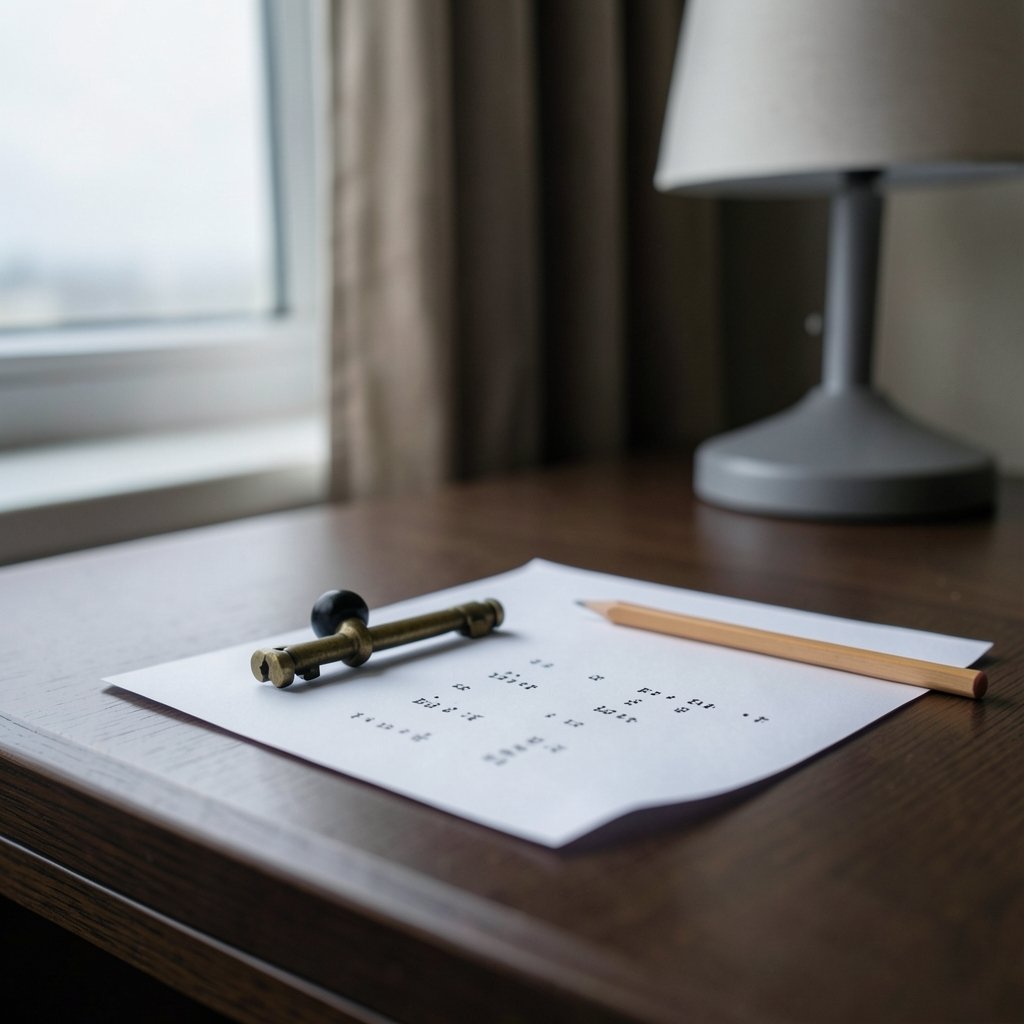
Here is the mistake almost everyone makes. They treat the gaps between letters as optional. They are not. Spacing is part of the code, and a translator that ignores it produces garbage.
The international standard sets a clear rhythm. A dot is one unit of time. A dash is three units. The gap between the parts of one character is one unit. The gap between letters is three units. The gap between words is seven units. Those ratios are what let a trained ear separate “E E E” from “S” without thinking.
In written form, people usually show it like this:
| Gap type | Length | Common written form |
|---|---|---|
| Between parts of a character | 1 unit | No space |
| Between letters | 3 units | Single space |
| Between words | 7 units | Slash or triple space |
So “SOS” is written as three dots, a space, three dashes, a space, three dots. If you collapse the spaces, you get one long string that no decoder can split reliably. This is the single most common reason a pasted signal fails to translate.
Practical tip: when you copy Morse from a website or a chat message, check whether the spaces survived. Many platforms trim repeated spaces, which quietly destroys the word gaps. If a converter returns nonsense, re-add the slashes between words before blaming the tool.
American Morse vs International Morse
There are two codes, and they are not interchangeable. American Morse Code, used on early landline telegraphs, had different spacing and several characters that do not match the international version. International Morse Code was standardized in 1865 and is what the world uses today.
For a translator, this matters in one specific way. If you feed American Morse into an international decoder, some letters will come out wrong, and the spacing will look odd. Most online tools only support the international version and never say so. If you are working from a historical document, check which code the source used before you trust the output.
The international version is also the one tied to the famous distress call. SOS was adopted in 1906 because the pattern is simple and hard to misread. It does not stand for “save our souls” or any other phrase. That is a backronym invented later, and it is worth knowing so you do not repeat it.
How Decoding Works Under the Hood
Decoding sounds harder than encoding, but it is not. Two approaches dominate.
The first is a lookup table. You store every character and its pattern, then match incoming groups against the table. It is fast and easy to read.
The second is a binary tree. Start at the root. A dot sends you left, a dash sends you right, and each leaf is a letter. This method handles streaming input well because you can walk the tree one signal at a time without waiting for a full character to finish.
Both methods rely on the same assumption: the boundaries between characters are known. In real radio traffic, they are not always clean. That is why human operators learn to copy by ear and use context to fill gaps. A translator cannot do that. It has no idea that “T E A” was probably meant to be “TEA” unless the spacing says so.
If you are building your own tool, start with the table approach and add the tree later. Test with short words first, then move to full sentences with punctuation. Numbers and punctuation are where most home-built converters break, because the character set is larger than people assume.
Where Translators Fit in Modern Workflows
Morse code never fully left. It is still a legal amateur radio mode, and it remains popular among operators who enjoy low-power, long-distance communication. It also shows up in unexpected places: puzzle hunts, scouting activities, escape rooms, and accessibility projects that use sound or light patterns.
The tools around it have modernized too. If you spend your day in an editor, you have probably noticed how much AI assistance has crept into everyday coding, and the same wave of tooling has reached niche utilities. A roundup of recent big tech earnings around Copilot, Kiro and Gemini code assist shows how quickly these assistants are being folded into mainstream software. Translators benefit from the same trend: small scripts that once took an afternoon now take minutes.
For developers who want to build a converter, the practical path is short:
- Define the character table for letters, numbers, and punctuation.
- Write the encode function with correct spacing constants.
- Write the decode function using a table or tree.
- Add audio playback with adjustable speed.
- Test against known phrases, including SOS and your own name.
That last step catches more bugs than any other. Encoding your name and decoding it back is a fast sanity check.
Common Mistakes and How to Avoid Them
Most translation errors fall into a handful of patterns. Knowing them saves time.
Collapsing spaces. As covered above, this destroys letter and word boundaries. Always preserve the gaps.
Mixing code standards. American and international Morse are different. Pick one and stay with it.
Ignoring speed. Real Morse is sent at a character speed and an effective speed, and beginners often send too fast. A translator that outputs audio should let you slow it down.
Assuming SOS means something. It does not. It was chosen for its rhythm, not its letters.
Trusting a converter blindly. Tools make mistakes, especially with punctuation and accented characters. Spot-check the output.
There is also a subtler issue. Some converters render dots and dashes with characters that look similar but are not identical, such as different dash lengths or bullet symbols. When you paste that output into another tool, the second tool may fail to recognize the symbols. Stick to plain periods and hyphens when you need portability.
Privacy and Safety When Using Online Tools
A translator is a small utility, but it still handles your text. If you paste anything sensitive into a web converter, you are sending it to someone else’s server. For casual phrases that is fine. For private messages, it is not.
The safer habit is to use an offline tool or a local script. This is the same logic that applies to any browser-based utility, and it is worth reading about what makes a code editor safe and private enough for everyday use if you want a broader picture of how local tools compare with cloud ones. The principle is simple: if the data does not leave your machine, it cannot leak.
For teachers and group activities, an offline translator also avoids the awkward moment when a classroom full of students hits the same website at once and the page slows to a crawl.
Learning the Code Alongside the Tool
A translator is a shortcut, not a substitute for learning. If your goal is to actually read Morse by ear, the tool can help you practice but cannot do the work for you.
The proven method is to learn the sound of each character, not the visual pattern. Beginners who memorize dots and dashes on paper often struggle on air because they are translating twice: sound to symbols, then symbols to letters. Operators who learn by sound skip the middle step.
A practical routine looks like this:
- Learn five letters at a time, focusing on their rhythm.
- Practice copying at a slow, steady speed until it feels automatic.
- Add numbers and punctuation only after the letters are solid.
- Use a translator to check your work, not to do it for you.
This mirrors how people learn other technical skills. Tools accelerate practice, but repetition builds the skill. The same pattern shows up in software learning, where a practical guide to using Claude Code emphasizes hands-on repetition over passive reading. Morse rewards the same approach.
Conclusion
A morse code translator is one of the simplest tools you can use, and one of the easiest to misuse. The code itself has not changed much in more than a century. What changes is how carefully people handle spacing, standards, and speed.
Get those three right and the tool does exactly what you expect. Get them wrong and you will spend an afternoon debugging a message that was never encoded properly in the first place. Start with short words, preserve your gaps, pick one standard, and test the output before you trust it. The dots and dashes have waited this long. They can wait for you to check your spacing.
Frequently Asked Questions
What is a morse code translator?
A morse code translator is a tool that converts plain text into dots and dashes, or converts a signal string back into readable text. Most versions also play the code as audio so you can hear the rhythm.
Is Morse code still used today?
Yes. It remains a legal amateur radio mode and is popular among operators who value simple, low-power communication. It also appears in puzzles, scouting activities, and historical research.
What is the difference between American and International Morse Code?
American Morse was used on early landline telegraphs and has different spacing and several different characters. International Morse was standardized in 1865 and is the version used worldwide today. They are not interchangeable.
Why does my translated Morse code come out as gibberish?
The most common cause is lost spacing. Letter gaps and word gaps are part of the code. If a website or chat app trims repeated spaces, the decoder cannot split the signal correctly. Re-add slashes between words and try again.
Does SOS stand for anything?
No. SOS was adopted in 1906 because the pattern is simple and hard to confuse with other signals. The idea that it stands for “save our souls” came later and is not accurate.
Can I learn Morse code using a translator?
A translator helps with practice and checking, but it will not build real skill on its own. Learn the sound of each character in small groups, practice copying at a slow steady speed, and use the tool only to verify your work.



