

What actually decides whether a gaming setup feels good day to day? It is rarely the biggest exclusive or the flashiest trailer. It is whether your kid can play on a rainy Sunday while you use the TV, whether two people in the same house can play the same game at once, and whether the monthly bill still makes sense in month eight. That is the lens this comparison uses.
The three big ecosystems solve these everyday problems in very different ways. Steam now runs a proper family system. Xbox leans on a “home console” model and a large subscription catalogue. PlayStation uses console sharing plus tiered subscriptions. Below is how to judge each one for real life in 2027, not for a launch-week spec sheet. (Steam family sharing safe private everyday use)
Start With the Household, Not the Hardware
Before comparing features, map the actual household. How many people play? How many screens exist? Is everyone in the same country? Does anyone travel with a laptop or handheld?
These questions matter more than teraflops because sharing rules are where most frustration begins. A household of one adult with a gaming PC and a Steam Deck has almost nothing to share. A household of two adults and two children with one TV has everything to negotiate.
A practical exercise: write down every person, every device, and every game they want to play this year. Then check each platform family against that list. Most buying mistakes happen because people choose the platform first and discover the sharing limits later. (Cross-platform play)
How Steam Families Actually Works
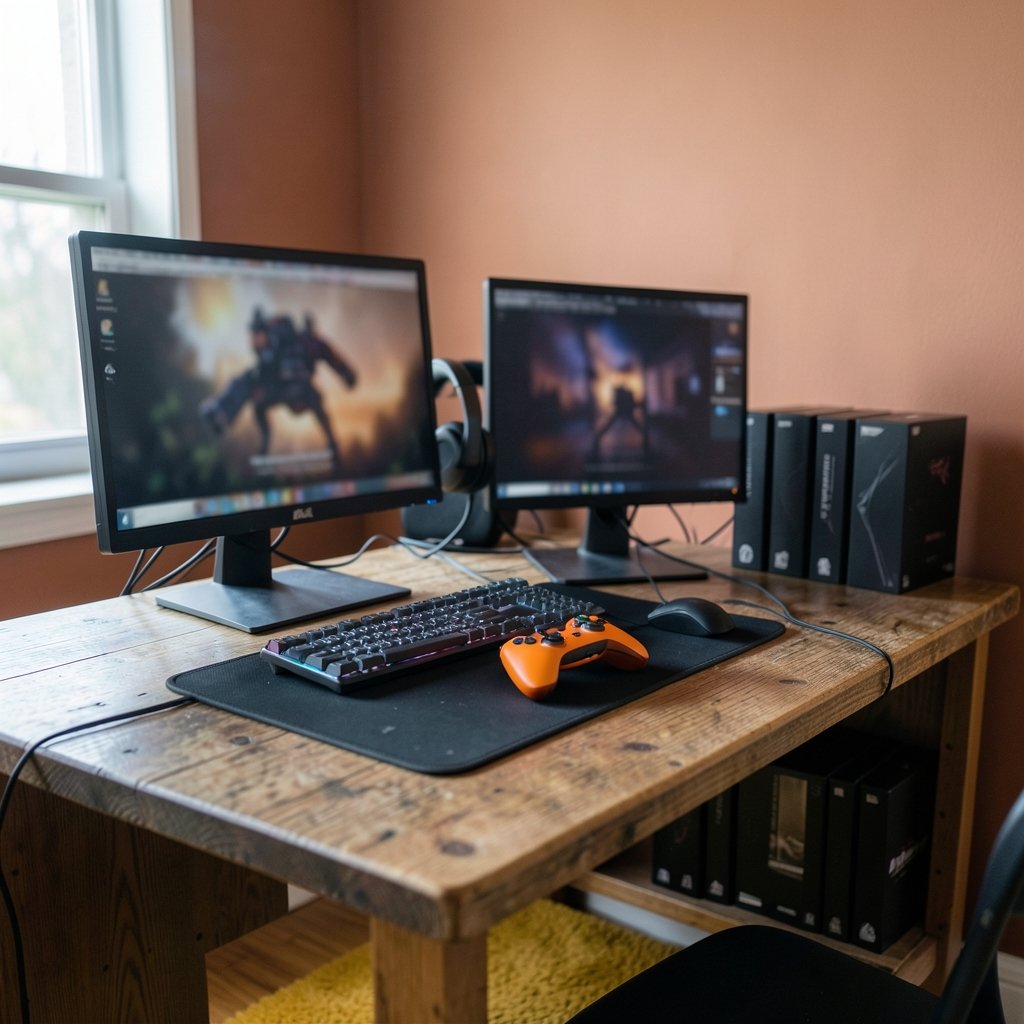
Steam Families left beta in March 2025 and replaced the older Family Sharing system. It allows up to six members in one group, with shared libraries, parental controls, and purchase approval requests for children.
The key everyday detail is simultaneous play. Several family members can play different games from the shared library at the same time. But two people generally cannot play the same game simultaneously unless the library holds multiple copies. That single rule shapes everything.
The Good Parts
For PC households, this is a big upgrade. A parent with a large library can let a teenager work through single-player games without lending an account or a password. Playtime limits and purchase approvals are built in, so a child cannot quietly buy a £60 game at 11pm.
There is also no subscription required for sharing itself. The library is the library. That makes the long-run cost predictable, which is rare in this market.
The Catch
Sharing is region-restricted. Members generally need to be in the same country or region, which is awkward for families split across borders. And the same-game rule means two siblings who both want to play the new co-op release will still need two copies.
Steam also has no all-you-can-play subscription for its main catalogue, so a new household starts from zero. Whether that is a downside depends on how you feel about renting games versus owning them. For a beginner weighing a PC handheld against a console, the practical differences are covered in this look at whether a Steam Deck is worth buying for beginners in everyday use.
Xbox: Home Console Sharing and Game Pass
Xbox uses a long-standing model: one console can be set as the home Xbox, letting other profiles on that machine use the owner’s games and subscriptions. The owner can also sign in on a second console and play at the same time.
In practice, that means two consoles in one house can share a single digital library. It is a genuinely useful arrangement for siblings with separate bedrooms, and it has survived multiple console generations.
The bigger draw is Game Pass, which bundles a rotating catalogue across tiers. For a household that plays many short games rather than a few long ones, a subscription can be excellent value. For a household that plays two games a year, it is money spent on a shelf of things nobody touches.
Cloud gaming is the other differentiator. Xbox has pushed streaming hard, and there are now practical limits worth understanding before relying on it as a main way to play, as explained in this breakdown of the Xbox cloud gaming hour cap that Game Pass players should know.
PlayStation: Console Sharing and Offline Play
PlayStation’s equivalent is console sharing and offline play, formerly described as the primary console setting. One console is designated to share the library, and other accounts on it can play the owner’s games. The account holder can still play elsewhere while signed in.
Functionally, this is close to the Xbox model. The differences show up in the details: how many consoles can be activated, how often settings can be changed, and how subscriptions interact with sharing.
PlayStation Plus runs in tiers, from a basic Essential level to Extra and Premium, with the top tier adding a larger catalogue and cloud streaming. The structure is familiar, and the value question is the same as with Game Pass: does the household actually play enough to justify it?
One practical note that saves real money: prices, tiers, and promotions differ by region and change often. Comparing headline prices without checking the local store is a common mistake, and this comparison of PlayStation vs Xbox price covers how to read those numbers sensibly.
The Comparison That Actually Matters
Here is the same household problem viewed through each platform family.
| Everyday question | Steam Families | Xbox home console | PlayStation console sharing |
|---|---|---|---|
| Can two people play different games at once? | Yes, from the shared library | Yes, across two consoles | Yes, across two consoles |
| Can two people play the same game at once? | Usually only with multiple copies | Yes, if both own or share access | Yes, if both own or share access |
| Is a subscription required to share? | No | No, but most catalogue value sits in Game Pass | No, but most catalogue value sits in Plus |
| Built-in playtime limits and purchase approvals? | Yes, for child accounts | Yes, via family settings | Yes, via family management |
| Works across borders? | Generally no | Region-dependent | Region-dependent |
| Best fit | PC and handheld households | Multi-console living rooms | Multi-console living rooms |
The table hides one thing: friction. Steam Families requires everyone to have a Steam account and a device capable of running the games. Consoles require everyone to be on the same console family. Neither is hard, but both fail in specific situations, usually when someone moves out or travels for months.
Cost Over Three Years, Not Three Weeks
Hardware is the visible cost. Subscriptions are the sneaky one. A household paying for a top-tier subscription on two accounts for three years spends far more than the console itself.
A useful rule: add up twelve months of subscriptions plus one new release per person, then compare that against buying the same games outright. For heavy players, subscriptions usually win. For occasional players, they usually lose.
Hardware timing matters too. A new console generation or a mid-cycle refresh changes the maths, and the first-boot experience is where a lot of buyers form their opinion. If a Steam Machine is on the shortlist, this walkthrough of a Steam Machine vs Xbox Series X setup and first boot in 2026 is a useful reality check on what day one actually feels like.
Parental Controls: Where the Real Differences Hide
All three ecosystems offer family management, and all three are adequate. The differences are in granularity.
Steam Families added per-child playtime limits and purchase approval requests, which is a strong package for PC households. Xbox and PlayStation offer app-based controls that cover screen time, spending, and communication settings, and both are mature.
The mistake parents make is setting controls once and never revisiting them. A twelve-year-old and a fifteen-year-old need different rules, and every store update moves the menus around. A ten-minute review each school term prevents most arguments.
A second mistake: assuming controls apply across the whole household. They usually apply per child account, so an adult profile on the same console can bypass everything. Set up separate profiles properly on day one.
The Subscription Trap Nobody Warns You About
Rotating catalogues are designed to feel generous. The games you want are usually there, until they are not. Titles leave, and a game half-finished in March may be gone in June.
That is not a scam, but it changes behaviour. Subscribers tend to start more games and finish fewer. If the household values finishing things, buying outright is often the better emotional and financial deal.
There is also the stacking problem. A household with a Game Pass subscription, a PlayStation Plus subscription, and a few PC store purchases is paying three times for overlapping catalogues. Pick one primary subscription per household and treat the others as occasional month-by-month purchases.
Cross-Play, Cloud, and the Devices You Already Own
Cross-play is now common for big multiplayer titles, so the “my friends are on the other console” argument has weakened. It has not disappeared, though. Some titles still exclude certain platforms, and party chat and friend lists remain easier inside one platform family.
Cloud gaming is the wildcard. It lets a laptop or tablet act like a console, which is genuinely useful for a second screen in a busy house. But it depends on connection quality and, increasingly, on fair-use limits. Anyone planning to rely on it should test it during peak evening hours before cancelling anything.
Handhelds complicate the picture further. A PC handheld follows the Steam library. A console handheld follows the console library. Neither travels perfectly, and both need a case, a charger, and realistic expectations about battery life.
A Simple Evaluation Method for 2027
Use this sequence, in order, and most of the confusion disappears.
- List every player, device, and country in the household.
- Check the sharing rule for the same game. This is the single biggest source of daily friction.
- Estimate subscription months per year, honestly. Most households overestimate.
- Check refund and consumer rights in your region before buying digital. Digital purchases carry statutory protections in many places, and it is worth reading a plain-language overview of EU consumer rights when shopping to see what applies where you live.
- Confirm parental controls on a child account, not an adult one.
- Buy the hardware last, after the household plan works on paper.
Step four is the one people skip. Refund windows vary by platform and region, and a documented baseline helps set expectations, such as Steam’s refund policy of generally within two hours of playtime and fourteen days. Console storefront policies tend to be tighter and vary more by country. Knowing this before purchase is far cheaper than learning it after.
Conclusion
The honest answer is that no platform family wins outright in 2027. Steam Families is the strongest option for PC and handheld households that want sharing without a subscription, provided everyone lives in the same region and accepts the same-game limit. Xbox and PlayStation both offer mature home-console sharing and large subscription catalogues, and the choice between them usually comes down to which catalogue the household actually plays and which controller feels right.
The winning move is to plan the household first and buy the hardware second. Write the list, check the same-game rule, count the subscription months, and confirm the parental controls on the right account. Do that, and the everyday experience takes care of itself. Skip it, and even the best console will feel like the wrong purchase by February.
FAQ
Can two people in a Steam family play the same game at the same time?
Usually not, unless the family library contains more than one copy of that game. Different games from the shared library can be played simultaneously by different members. This is the main practical difference from console home sharing, where two consoles can often run the same title at once.
Is a subscription required to share games on any of these platforms?
No. Sharing itself does not require a subscription on Steam, Xbox, or PlayStation. Subscriptions matter because they provide access to large catalogues, and most households end up judging value by how much of that catalogue they actually play rather than by the tier name.
Do Steam Families members need to live in the same country?
Generally yes. Sharing is region-restricted, so members typically need to be in the same country or region. Households split across borders should check the current rules before relying on shared libraries, because this is one of the most common surprises.
Which platform is best for a family with young children?
All three offer child accounts with playtime limits and purchase approvals, and all three are workable. Steam Families is strong for PC households, while Xbox and PlayStation offer mature app-based controls. The bigger factor is setting controls on the child account rather than the adult one, and reviewing them each term.
Is Game Pass or PlayStation Plus better value?
It depends on how many games the household finishes per year. Heavy players who move through many short games usually get good value. Households that play two or three long games a year often spend less by buying those games outright, especially once overlapping subscriptions are counted.
How often do these sharing rules and prices change?
Frequently enough that any comparison should carry a date. Tier names, catalogue contents, prices, and sharing terms have all shifted in recent years. Before buying, check the official support pages for the current wording rather than relying on a guide written months earlier.



