

What if the biggest difference between a good and a great picture on your PlayStation has nothing to do with the console at all? That is the strange truth about HDR calibration on the PS5 and the PS5 Pro. People spend hours comparing teraflops, upscaling, and frame rates, then set up their console in a room where a window throws glare across the screen and the calibration was done at midnight. The result is a washed-out image that makes expensive hardware look ordinary.
This guide looks at how HDR calibration actually works on both machines, why room lighting matters more than most buyers expect, and what to plan for as we move toward 2027. It stays honest about what is confirmed and what is still guesswork.
The Short Answer: Same Menu, Different Muscle
Here is the part that surprises people. The PS5 Pro does not reinvent HDR calibration. Sony’s mid-generation upgrade, released on November 7, 2024, keeps the same system-level HDR adjustment screen that the standard PS5 has used since a September 2022 firmware update. You still get a multi-step process where you nudge sliders until on-screen patterns are barely visible. (ITU-R BT.2100 HDR television standard)
What the Pro changes is everything around that menu: a stronger GPU and PlayStation Spectral Super Resolution (PSSR), Sony’s machine-learning upscaler. In supported titles, the company says PSSR targets 60fps with image quality comparable to or better than native 4K. Those are marketing claims, so treat independent technical analysis as the better measure of real-world results.
So the graphics gap is real, but it lives in resolution, stability, and detail. HDR calibration is the shared layer underneath. If that layer is wrong, the Pro’s advantages get buried.
| Feature | PS5 | PS5 Pro |
|---|---|---|
| HDR calibration menu | Three-step system process | Same three-step system process |
| Headline graphics tech | Fixed-function GPU | Stronger GPU plus PSSR upscaling |
| HDR format support | HDR10 output | HDR10 output |
| Dolby Vision for games | Not supported | Not supported |
| Launch | November 2020 | November 7, 2024 |
For a deeper hardware breakdown, this comparison of ps5 pro vs ps5 specs walks through the internal differences in plain language.
How PS5 HDR Calibration Actually Works
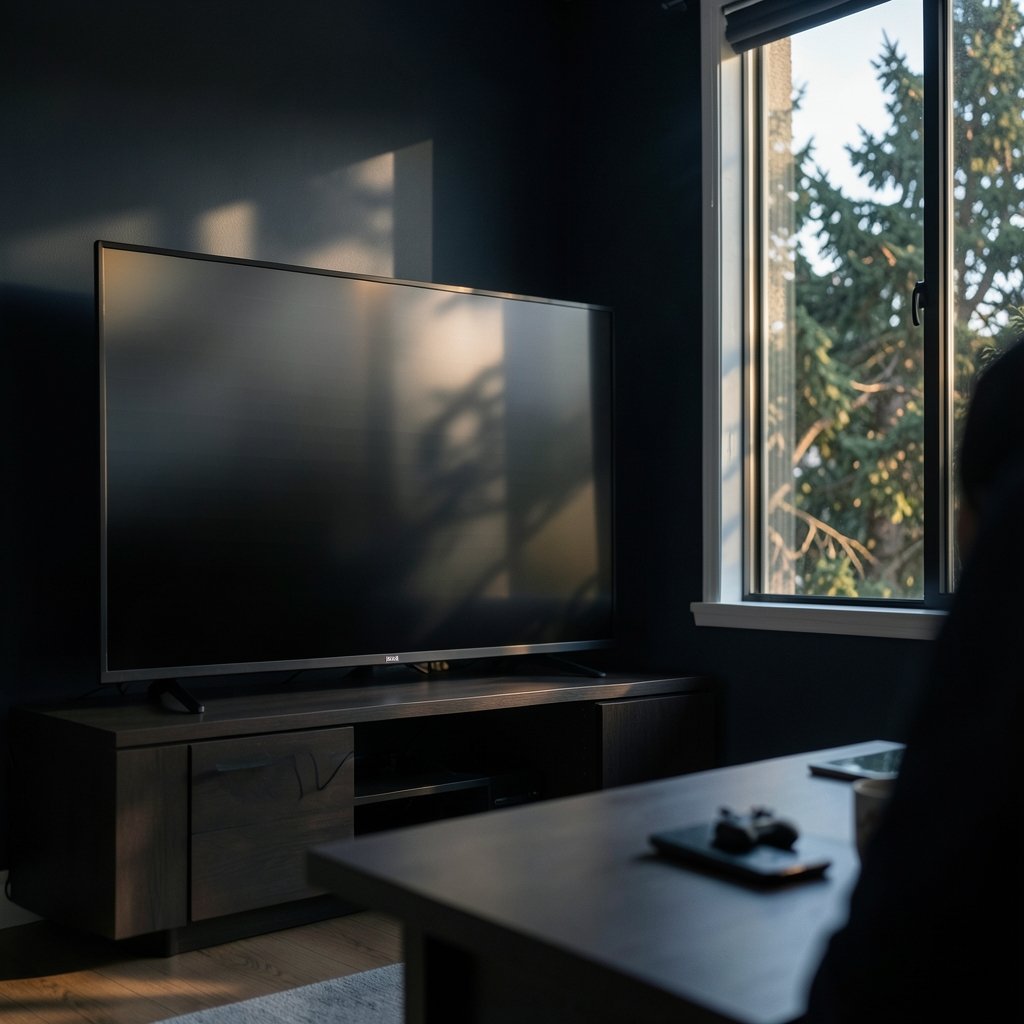
Since September 2022, the PS5 asks you to set three points on a calibration screen, roughly a darkest level, a mid level, and a brightest level. The instruction is consistent: adjust until the test pattern is just barely visible. That “barely visible” wording is the whole game. It is designed to find the edge of what your display can show without clipping detail.
Two practical mistakes show up again and again.
The first is rushing. People tap through the screens in thirty seconds, often with a game paused in the background or a bright phone screen nearby. The second is calibrating in conditions that do not match how they actually play. A calibration done in a dark room at night can look crushed and dim the next afternoon.
Sony’s own support guidance ties the settings to the display and the viewing environment, and recommends re-adjusting if the TV or the room lighting changes. That single sentence is the most underrated piece of setup advice in console gaming.
Why the Brightest Step Causes the Most Trouble
The brightest calibration point is where rooms do the most damage. In a bright room, your eyes adapt to the ambient light, so a test pattern that is genuinely at the display’s limit can look dim. The temptation is to push the slider higher. Do that and you tell the console your TV can reach brightness it cannot, which leads to clipping: bright highlights lose detail and turn into flat white blobs.
In a dark room, the opposite error appears. People set the brightest point too low because the pattern already feels intense, and the image loses punch in daylight scenes.
The fix is boring but effective: calibrate in the light you play in most, and redo it when the seasons change. A north-facing room in winter is a different room in June.
What HDR Standards Mean for Your Setup
HDR is not one thing. HDR10 uses static metadata, meaning brightness information is set once for the whole piece of content. HDR10+ and Dolby Vision use dynamic metadata that adjusts scene by scene. The PS5 family outputs HDR10 for games, and Dolby Vision is not supported for games on either console as of the latest confirmed information.
This matters because static metadata puts more weight on your calibration. The console and TV have to agree on a fixed brightness ceiling, and your room lighting influences how you perceive that ceiling. Dynamic formats can compensate scene by scene; HDR10 leans on you getting the setup right.
Why Room Lighting Changes Everything
This is not console folklore. It is display science. International standards for HDR television, including ITU-R BT.2100, describe viewing conditions as part of the system, not an afterthought. Ambient illumination lifts the black level your eyes perceive and shrinks the effective dynamic range of the image. A TV capable of deep blacks in a dark room can look grey and flat in a sunlit one, and no firmware update fixes physics.
The Three Lighting Problems That Ruin HDR
Direct glare. Sunlight or a lamp reflecting off a glossy screen wipes out shadow detail. Even a high-end panel cannot compete with a mirror reflection.
Raised black level. Light bouncing around the room lifts the darkest parts of the image. Space scenes and horror games suffer most, because the blacks that should anchor the picture go milky.
Pupil adaptation. Your eyes adjust to the brightest thing in view. In a bright room, they narrow, and subtle highlight detail disappears. In a dark room, they open up and shadow detail becomes visible.
Bias Lighting: The Cheap Fix That Works
Bias lighting is a documented technique where a soft light sits behind the display, usually a neutral white strip. It raises the light level around the screen without shining on it, which lowers how much your eyes adapt to the bright screen and improves perceived blacks. It is one of the few upgrades that costs little and changes a lot.
A practical setup looks like this:
- Mount a neutral-white LED strip on the back edge of the TV, pointing at the wall.
- Aim for a soft glow, not a spotlight. You should barely notice it.
- Match the color temperature to your room’s main lighting, usually warm white in living rooms.
- Re-run HDR calibration with the bias light on if you always play with it on.
The most common mistake is going too bright. A blinding halo behind the TV makes the picture feel dimmer, which defeats the purpose.
Does the PS5 Pro Handle HDR Differently in Bright Rooms?
Based on confirmed information through late 2024, no. There is no documented Pro-specific HDR menu, and the calibration workflow is identical. The Pro’s benefits show up in resolution and frame stability, and those can make a calibrated HDR image look sharper and more consistent. But a badly calibrated Pro in a glare-filled room will lose to a well-calibrated base PS5 in a controlled one.
That is worth repeating, because the upgrade conversation rarely says it. If someone is deciding between the two consoles and their room is a lighting disaster, the money might be better spent on curtains and a bias light first. This breakdown of ps5 pro vs ps5 covers the hardware side if the room is already sorted.
What to Expect in 2027
Honesty first: no verified source describes 2027-specific firmware or HDR behavior. Anything here is projection, not fact.
That said, a few reasonable expectations follow from current trends:
TVs will keep getting brighter. Mini-LED and OLED panels have pushed peak brightness upward for years, which makes calibration more important, not less, because the gap between what a panel can do and what a room allows grows wider.
More games will lean on upscaling. PSSR-style reconstruction is likely to become standard, which means the sharpness conversation shifts further from raw pixels and closer to display setup.
Ambient light sensing may improve. Some TVs already adjust picture settings based on room light. Whether consoles integrate with that more deeply is unknown, but it is a logical direction.
Firmware could change the menu. Sony has updated HDR calibration before, in 2022, so a future revision is plausible. Check release notes rather than assuming the current process is permanent.
The safe planning advice for 2027 is unglamorous: invest in light control, calibrate for your real room, and treat the console as one part of a chain that includes the panel, the room, and your eyes.
Practical Calibration Routine That Actually Works
Here is a routine worth stealing, built around the mistakes people make most often.
- Set the room to normal. Use the lighting you actually play in. Do not calibrate in a cave if you game at noon.
- Turn on the bias light if you use one, and leave it on.
- Kill competing light sources. Cover the phone, dim the lamp that reflects off the screen.
- Run the three-step calibration and take your time on each pattern. Stop at barely visible, not clearly visible.
- Test with real content. Load a game with bright skies and dark interiors, and check whether highlights hold detail.
- Recheck after changes. New curtains, a moved lamp, or a seasonal shift in daylight all justify a re-run.
If you are weighing a console upgrade alongside this, the practical breakdown in ps5 pro vs slim helps separate the models without the marketing noise.
Common Mistakes Worth Avoiding
Calibrating once and never again is the big one. So is copying someone else’s slider values from a forum. Every panel, every room, and every pair of eyes is different, and the calibration screen exists precisely because there is no universal number.
Another frequent error is judging HDR by the calibration patterns alone. Patterns test limits; games test enjoyment. Judge the final result in motion, in a scene you know well.
Conclusion
The PS5 Pro vs PS5 graphics conversation usually centers on chips and upscaling, and those differences are real. But HDR calibration is the shared foundation both consoles stand on, and room lighting is the variable most people never touch. A three-step menu, a pair of curtains, and a modest bias light can change the viewing experience more than a hardware upgrade, especially in a bright room.
As 2027 approaches, expect brighter panels, more AI upscaling, and possibly smarter ambient sensing. None of that removes the basic rule: calibrate for the room you actually play in, and revisit it when the light changes. The console is only as good as the conditions you give it.
FAQ
Does the PS5 Pro have different HDR calibration settings than the PS5?
No. As of confirmed information, both consoles use the same three-step HDR calibration menu introduced in a September 2022 update. The Pro adds a stronger GPU and PSSR upscaling, but the HDR workflow is unchanged.
Should I calibrate HDR in a dark room or a bright room?
Calibrate in the lighting you use most often. If you usually play at night with lamps on, calibrate then. If weekend afternoons are your main gaming time, calibrate with daylight present. Consistency between calibration and play matters more than darkness itself.
Why does my HDR picture look washed out during the day?
Ambient light raises the perceived black level and reduces contrast, which makes the image look flat. Direct glare makes it worse. Bias lighting, curtains, and a calibration done in daytime conditions all help.
Does the PS5 support Dolby Vision for games?
No, based on the latest confirmed information. The PS5 and PS5 Pro output HDR10 for games, which uses static metadata. Dolby Vision is not supported for game output on either console.
What is the brightest HDR calibration step for?
It sets the display’s peak brightness ceiling so highlights do not clip. Set it too high and bright details turn into flat white; set it too low and the image loses punch. Aim for the pattern to be just barely visible.
Will firmware updates change HDR calibration by 2027?
That is unknown. Sony has revised the process before, so a future update is possible, but no verified source describes 2027-specific changes. Check official release notes rather than relying on rumor.



