

Which PlayStation 5 should you actually buy in 2027? It sounds like a simple question, but stand in a store aisle or scroll a product page and the three models blur together fast. They share a name, a game library, and a controller. The differences hide in the details: how big the box is under your TV, how loud it runs during a long session, how a game looks on the screen you already own, and how much the whole thing costs once you add storage or a disc drive.
This guide skips the spec-sheet bragging and focuses on the everyday experience. That means the things you notice on a Tuesday night after work, not the numbers a marketing slide shouts at you. It also means being honest about what the extra money buys, and what it doesn’t.
Why the Three-Model Question Is Harder Than It Looks
Sony has never made the choice easy. The original PS5 launched in November 2020. The smaller “PS5 Slim” (Sony just calls it PS5, model CFI-2000) arrived in late 2023 with a 1TB SSD and a detachable disc drive on the disc version. The PS5 Pro followed on November 7, 2024, at $699.99 in the US, with a stronger GPU, no built-in disc drive, and a machine-learning upscaler Sony calls PSSR (PlayStation Spectral Super Resolution).
Here is the catch that trips up most buyers: all three play the same games. There are no Pro-exclusive titles. The differences live in performance modes, resolution, ray tracing, and frame-rate stability. So the real question isn’t “which console is best?” It’s “which console fits how I actually play?”
That framing matters more in 2027 than it did at launch, because the library is mature, patches are widespread, and the secondhand market is full of every model. A used original PS5 can be a genuinely smart buy. A Pro can be overkill. The trick is knowing which camp you’re in.
The Specs That Actually Change Your Evening
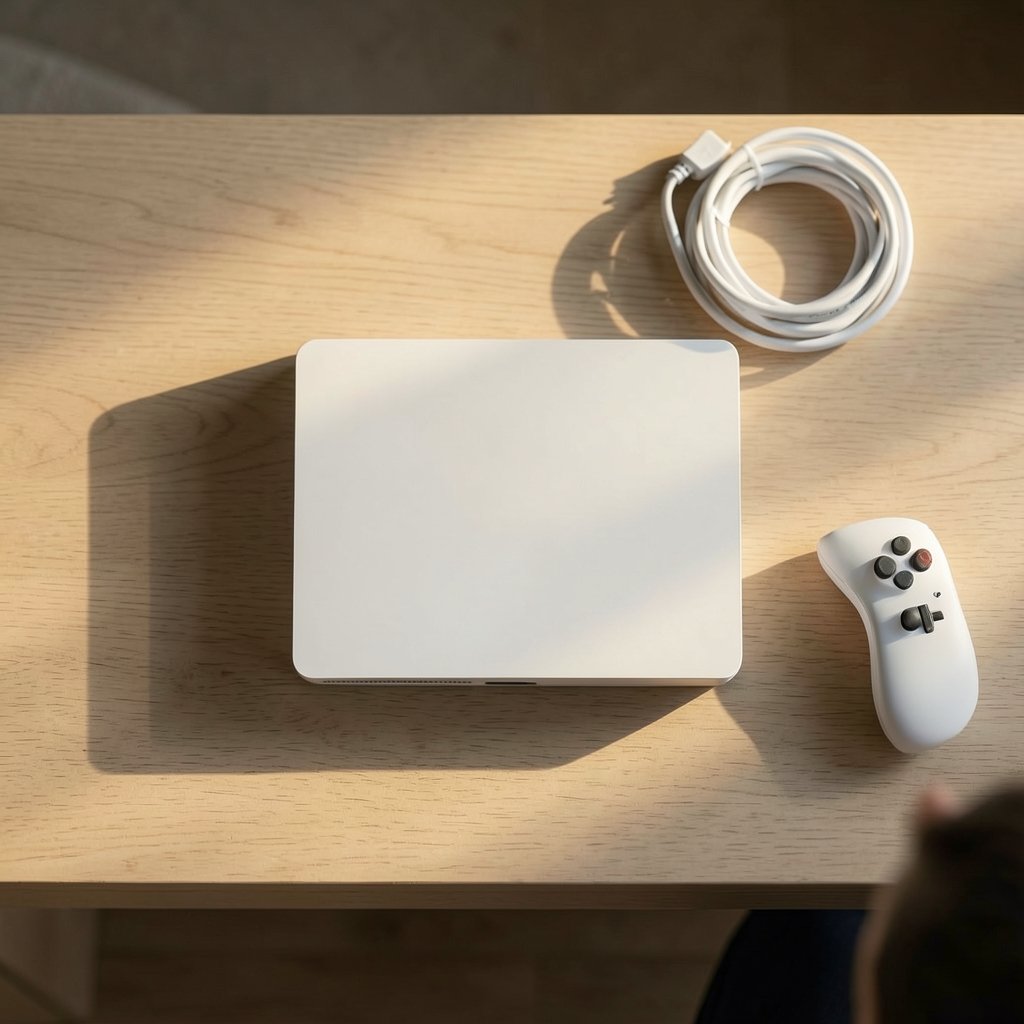
Plenty of comparison charts list teraflops and memory bandwidth. Useful for engineers, less useful for players. What matters is what those numbers do on your screen. For a deeper technical breakdown, the PS5 Pro vs PS5 specs comparison covers the hardware in detail.
| What you notice | Base PS5 | PS5 Slim | PS5 Pro |
|---|---|---|---|
| Physical size | Largest | Smallest | Mid-size |
| Disc drive | Built in | Detachable (disc model) | Sold separately |
| Storage | 825GB | 1TB | 2TB |
| Performance modes | Solid 60fps in most games | Same as base | More stable, higher ceilings |
| Ray tracing | Limited | Limited | Noticeably stronger |
| Upscaling | Standard | Standard | PSSR (ML-based) |
| Typical price position | Lowest used | Mid | Highest |
The pattern is clear. The Slim is about size and convenience. The Pro is about image quality and frame stability. The original is about value.
One more thing that doesn’t show up in tables: noise and heat. A smaller chassis with the same class of chip has to work harder to stay cool. In practice, the Slim runs quietly in most living rooms, but a cramped cabinet with poor airflow will make any of these consoles audible. Give it space. That single habit prevents more complaints than any spec upgrade.
The Screen You Own Decides More Than the Console
This is the point almost every buying guide underplays. A PS5 Pro plugged into a 2018 budget TV will look almost identical to a base PS5. The Pro’s advantages, especially PSSR and stronger ray tracing, need a display that can show them off: 4K resolution, good HDR, and ideally VRR (variable refresh rate), which lets the screen match the console’s frame rate and smooths out dips.
If you’re unsure whether your TV supports these features, check the settings menu for HDMI 2.1, 120Hz, and VRR toggles. If they’re missing, the Pro’s headroom is largely wasted on you. That’s not a knock on the Pro. It’s just physics and economics.
The same logic applies to monitors. A cheap panel with slow response times will smear motion no matter which console feeds it. If you’re weighing a display upgrade against a console upgrade, the gaming monitor guide for beginners and everyday use is worth reading before you spend a dollar on hardware.
Practical rule: match the console to the screen, not the other way around. Upgrading the display first usually delivers a bigger visible jump than upgrading the console.
Where the Pro Genuinely Earns Its Price
Independent technical analysis has found that PS5 Pro gains vary widely by title. Some games show large improvements in resolution and ray tracing. Others look nearly identical to the base console, especially older titles that never received a Pro patch. A few actually run worse until patched.
So the Pro rewards a specific kind of player:
- Someone with a capable 4K/HDR/VRR display
- Someone who plays demanding, recent, patch-supported games
- Someone sensitive to frame-rate dips and shimmering image quality
- Someone who values image sharpness over sheer frame count
If you mostly play older titles, indie games, or family multiplayer, the Pro’s advantages shrink to near zero. You’d be paying a premium for hardware your library can’t use.
There’s also a supply wrinkle. Pro stock and pricing have been uneven, and refurbished units have appeared at inflated prices in some markets, a situation the PS5 Pro shortage and refurbished pricing breakdown explains. If you’re shopping the Pro secondhand, verify the seller, confirm the warranty, and check whether the unit includes the stand and any disc drive. Those extras add up fast.
Where the Slim Wins on Everyday Practicality
The Slim’s appeal is unglamorous but real. It takes up less shelf space. It’s lighter if you move it between rooms. The detachable disc drive means you can buy digital now and add discs later, or replace a failed drive without scrapping the console. The 1TB SSD is a meaningful bump over the original’s 825GB, and modern games are enormous.
For most households, this is the sensible default. It plays everything, fits almost anywhere, and costs less than the Pro. The PS5 Slim vs PS5 Pro comparison lays out the trade-offs side by side if you’re torn between the two.
A practical tip from experience: the Slim’s detachable drive needs a one-time internet pairing when you attach it. Do that before you settle in for a movie night, not during one. Also, keep the drive’s connector clean. Dust in that slot is a common cause of “disc not recognized” complaints.
The Original PS5 Still Makes Sense for Some Buyers
Don’t dismiss the launch model. It has a built-in disc drive, which means no separate purchase and no pairing step. Used prices are often the lowest of the three. If you’re buying for a teenager’s bedroom, a secondary TV, or a first console on a budget, a well-kept original is hard to beat.
The risks are the usual used-hardware risks: fan wear, dust buildup, and unknown history. Ask for the serial number, test it in person if you can, and listen for rattles or grinding. A console that’s been in a smoke-free, well-ventilated spot will usually outlast one crammed into a hot cabinet.
If you’re comparing the launch model and the Pro directly, the PlayStation 5 Pro vs PS5 breakdown covers what changed and whether it matters for your setup.
Storage, Discs, and the Hidden Costs
Storage is where the “cheap” console stops being cheap. Modern blockbuster games can exceed 100GB each. On the original’s 825GB drive, that’s a handful of installs before you’re juggling. The Slim’s 1TB helps. The Pro’s 2TB helps a lot.
Every model accepts an NVMe M.2 SSD for expansion, and prices for these drives have fallen steadily. Adding a 1TB or 2TB drive is often the single best upgrade you can make, and it’s cheaper than jumping to a pricier console model. Just confirm the drive meets Sony’s speed requirements and includes a heatsink.
Disc drives are the other hidden cost. The Pro has none built in, so physical game collectors need to buy one separately. If you rent discs, borrow from a library, or buy used physical copies to save money, factor that in. Digital-only buyers can ignore it entirely.
Matching the Console to Your Actual Habits
Forget the spec war for a moment and answer four honest questions:
- What screen will this console live under, and does it support 4K, HDR, and VRR?
- How many hours a week will you play, and do you care about image quality or just fun?
- Do you buy discs, or is everything digital?
- What’s your all-in budget, including storage and any disc drive?
A player who answers “1080p TV, ten hours a week, mostly digital, tight budget” should buy the Slim or a used original and put the savings into games. A player who answers “65-inch OLED with VRR, plays nightly, chases the best version of new releases” is the Pro’s target customer.
There’s no shame in either answer. The worst outcome is paying for headroom you never see.
Common Mistakes Buyers Make
A few traps show up again and again:
- Buying the Pro without a capable TV. The most expensive mistake, and the most common.
- Skipping the SSD upgrade. Running out of space mid-game is a weekly annoyance.
- Ignoring airflow. Consoles in closed cabinets run hot and loud.
- Forgetting the disc drive. Physical collectors who buy a Pro sometimes discover this at checkout.
- Overpaying on the used market. Check recent sold listings, not asking prices.
- Assuming a patch exists. Older games may never get Pro enhancements.
Each of these is easy to avoid with five minutes of homework.
How to Decide in One Evening
If you want a fast process, try this. Check your TV’s gaming features first. Then list the five games you’ll actually play and look up whether they have Pro patches. Then set a total budget that includes storage and, if needed, a disc drive. Finally, compare the three models against that budget.
For most people, the answer lands on the Slim. It’s the balanced choice: small, capable, disc-flexible, and reasonably priced. The Pro is a genuine upgrade for the right setup, and the original remains a bargain for budget buyers. The PS5 Pro vs gaming PC question is worth asking too if you’re weighing a console against a desktop, since the two solve different problems.
Conclusion
The PS5, PS5 Slim, and PS5 Pro are not three tiers of the same experience. They’re three answers to three different questions. The Slim asks “how do I fit great games into my living room without overspending?” The Pro asks “how do I get the sharpest, steadiest image my TV can show?” The original asks “how do I play everything for the least money?”
Answer honestly about your screen, your habits, and your budget, and the choice becomes obvious. In 2027, the smartest buy isn’t the newest or the most powerful. It’s the one whose strengths you’ll actually notice on a random Tuesday night.
Frequently Asked Questions
Do all three PS5 models play the same games?
Yes. The PS5, PS5 Slim, and PS5 Pro share the same game library. There are no Pro-exclusive titles. The differences show up in resolution, frame-rate stability, ray tracing, and upscaling quality, not in which games you can play.
Is the PS5 Pro worth it without a 4K TV?
Usually not. The Pro’s advantages, especially its machine-learning upscaler and stronger ray tracing, need a display that can show them. On a 1080p or older panel, the visible difference from a base PS5 or Slim is often minimal.
Does the PS5 Pro include a disc drive?
No. The Pro ships without a built-in disc drive, and one is sold separately. If you buy physical games, rent discs, or use discs to save money, add that cost to your budget before deciding.
How much storage do I really need?
More than you think. Large games can exceed 100GB each, so the original’s 825GB fills quickly. The Slim’s 1TB and the Pro’s 2TB help, but adding an NVMe M.2 SSD is often the cheapest and most useful upgrade for any model.
Is a used original PS5 a good buy in 2027?
It can be, especially for a second room or a tight budget. Check the fan for noise, confirm it’s been kept in a ventilated spot, test it in person if possible, and compare against recent sold prices rather than asking prices.
What features should I check on my TV before buying?
Look for 4K resolution, HDR support, and VRR (variable refresh rate), ideally with HDMI 2.1 and 120Hz. If those are missing, spend on a display upgrade first. It usually delivers a bigger visible improvement than a console upgrade.



