
What good is a shiny new all-in-one liquid cooler if it won’t fit your case, can’t talk to your motherboard, or ships without a bracket for your CPU? That is the question every builder should ask before dropping $150 to $300 on a cooler. The NZXT vs Corsair vs Arctic AIO debate usually turns into a noise-and-temperatures argument, but the real deciding factors are far less glamorous: socket support, radiator clearance, header budgets, and software that still works in a few years. This guide walks through the checks that actually matter, in the order that saves you the most frustration. (Notion alternatives their limitations check before switching)
Why 2027 Changes the Calculation
A cooler bought today will likely outlive the CPU it was bought for. Pumps and radiators commonly survive two or three platform swaps, which is exactly why forward-looking buyers treat an AIO as a long-term part. The catch is that the mounting hardware and the control software are the parts that age fastest.
As of 2024 and 2025 product lines, NZXT Kraken and Corsair iCUE/Hydro coolers ship with mounting kits for Intel LGA 1700 and LGA 1851 plus AMD AM4 and AM5. Arctic’s Liquid Freezer III, launched in 2024, added an offset AM5 mounting option. What Intel’s next desktop socket looks like, and whether AMD follows AM5 with something new, is not confirmed. That uncertainty is the whole reason a compatibility checklist beats brand loyalty. General background on how liquid cooling loops and radiators work is worth a refresher if this is your first AIO. (Computer cooling)
Check One: Socket Support and Mounting Kits
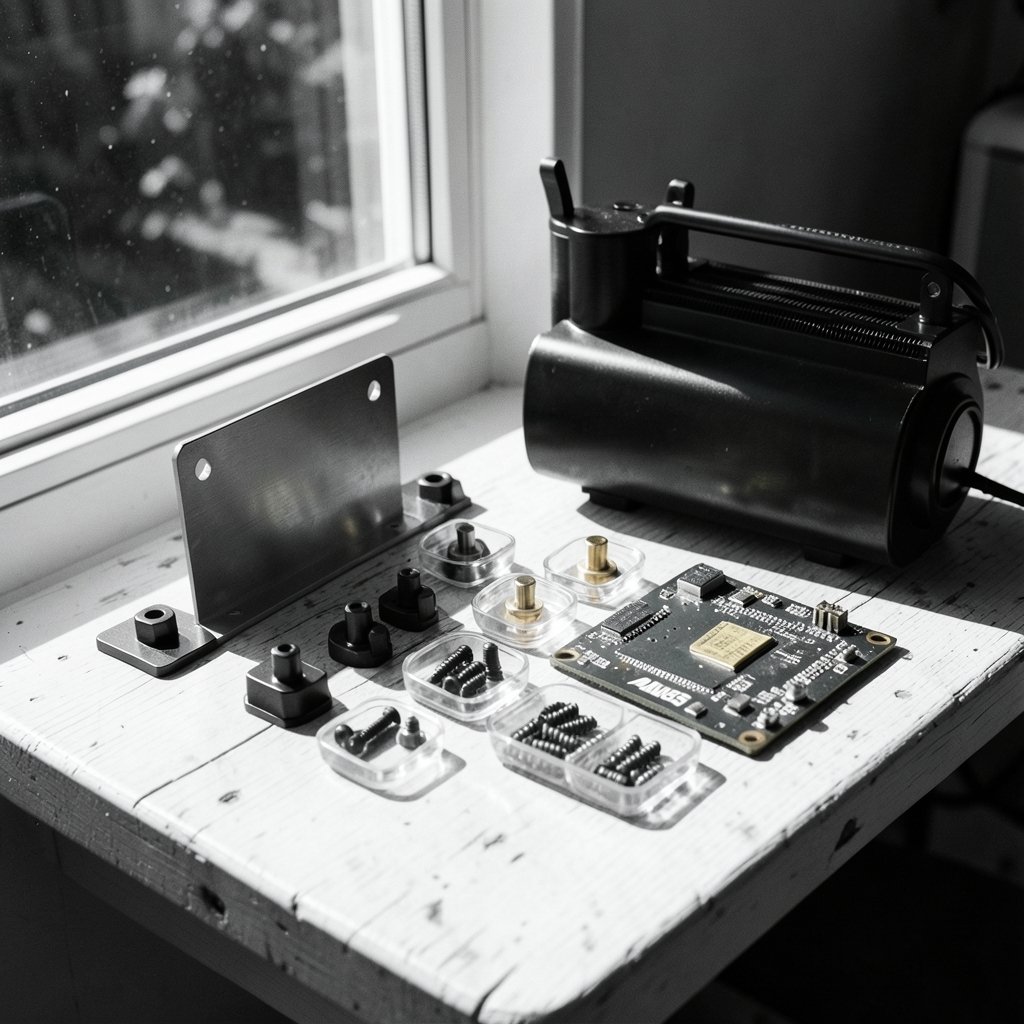
This is the first gate, and it is the one people skip. A cooler is only compatible with a CPU if a bracket exists for that socket, and brackets are not universal.
What to verify
- Find the cooler’s official compatibility list and confirm your exact socket; checking the brand family alone is not enough.
- Check whether the bracket ships in the box or must be ordered separately. Some vendors ship new-socket kits free on request; others charge.
- For AM5, confirm whether the kit includes an offset mount. Arctic’s offset design shifts the cold plate to better center it over the compute dies, and it is a genuine difference in mounting approach rather than a marketing line.
- If you plan to upgrade the CPU later, ask whether the vendor has announced support for the successor socket. If the answer is silence, assume nothing.
A practical habit: photograph the socket area of your board and the cooler’s mounting hardware before installation. If something does not line up, that photo is your evidence for a return. (Cursor alternatives have real limits check before switching)
Check Two: Radiator and Case Clearance
Radiator size matters more than brand, and it is where most returns originate. Common AIO sizes are 240, 280, 360, and 420 mm. The 280 and 420 mm models use 140 mm fans and need wider mounting rails, so a case that swallows a 360 mm radiator may refuse a 280 mm one.
The clearance math
Add the radiator thickness (typically 27 to 38 mm) to the fan thickness (typically 25 to 30 mm). That total is the depth you need behind the mounting rails. Then check three more things: whether the case spec sheet lists radiator support for your exact size, whether the top mount collides with the motherboard’s VRM heatsinks, and whether tube routing clears the GPU.
| Cooler family | Common sizes | Fan size | Typical warranty | Software required? |
|---|---|---|---|---|
| NZXT Kraken | 240, 280, 360 | 120/140 mm | 3 to 6 years by model | CAM for pump and RGB control |
| Corsair iCUE/Hydro | 240, 280, 360, 420 | 120/140 mm | Commonly 5 years | iCUE for pump, fans, RGB |
| Arctic Liquid Freezer III | 240, 280, 360, 420 | 120/140 mm | Up to 6 years in some regions | Largely PWM via motherboard headers |
Warranty terms change and vary by region, so confirm current figures on the vendor’s own pages rather than trusting a table like this one. The pattern, though, is consistent: Arctic leans on long coverage and minimal software, while NZXT and Corsair lean on integrated controllers and polished ecosystems.
Check Three: Pump Height, RAM, and VRM Clearance
Pump block height is the quiet killer of small-form-factor builds. Tall VRM heatsinks and high-profile RAM can collide with a pump block, especially on ITX boards where everything is packed tight. Arctic’s Liquid Freezer III uses a thicker, offset pump design, which is great for AM5 thermals but demands a closer look at clearance diagrams.
Do not guess from photos. Pull the vendor’s dimension drawing and measure from the motherboard surface to the top of your tallest RAM stick, then compare. If you are already planning a broader platform refresh, it is worth checking whether your current machine even supports the operating system you intend to run, since a Windows 11 upgrade check can change your whole build timeline.
Check Four: Header and Power Budget
AIOs with integrated controllers need an internal USB 2.0 header, and some motherboards only have one or two. Add a Corsair or NZXT cooler with an RGB controller, a front-panel USB-C hub, and a lighting node, and you can run out fast. Before buying, count:
- Internal USB 2.0 headers on the board
- PWM fan headers (Arctic coolers typically rely on these)
- SATA power connectors from the PSU, if the controller needs one
- Free space behind the motherboard tray for cable routing
If your build is already tight on headers, a cooler that runs entirely off motherboard PWM is the lower-risk choice. That is Arctic’s pitch, and it is a real advantage for people who dislike extra software.
Check Five: Software, Product Family, and Support Windows
This is where brand identity matters most. Corsair’s iCUE and NZXT’s CAM are full control suites: pump curves, fan curves, RGB lighting, and firmware updates all live in one app. They are also the apps that can break after a major OS update, and they are the reason some builders avoid these coolers entirely.
Arctic’s approach is the opposite. Most control happens through motherboard headers, so the cooler works without any vendor software at all. You lose per-fan RGB choreography and gain a cooler that behaves identically on a fresh Windows install.
Questions to ask before a 2027 upgrade
- Does the vendor still list your cooler in its current software? Check the supported-products list rather than relying on the download page alone.
- Is the software supported on the OS version you plan to run? Support status for future Windows releases is unconfirmed, so verify closer to the time.
- Will the controller still receive firmware updates? Controllers are often the first part to lose support.
- Does the cooler work if the software fails? A cooler that defaults to a safe pump speed is far less stressful than one that stops responding.
If you are weighing a switch to different tools anyway, the same logic applies across your whole setup. People evaluating note apps run into similar lock-in traps, which is why it pays to review Notion alternatives and their limitations before switching rather than after.
Check Six: Thermal Headroom and Honest Ratings
Vendor TDP ratings for AIOs are marketing figures, not a standard. No single standards body governs them, so a “350W capable” claim from one brand is not directly comparable to another’s. The reliable comparison is independent testing at a fixed noise level: how many degrees does the coolant rise, and how loud are the fans doing it?
In practice, a 360 mm radiator from any of these three brands handles a modern high-end desktop CPU comfortably. The differences show up in noise, in fan quality, and in how the pump behaves at low load. Buy for the radiator size your case supports and the noise level you can live with, not for a number on the box.
Common Mistakes That Cost People Money
- Buying the cooler before measuring the case. Measure first, buy second, always.
- Assuming the bracket is included. Some kits ship separately, and a missing bracket can stall a build for a week.
- Forgetting the USB header. A cooler with an RGB controller and no free header means a return or a hub purchase.
- Trusting a spec sheet over a dimension drawing. Drawings include the details that matter.
- Ignoring the return window. Install within it, test thermals and noise, and keep the packaging until you are satisfied.
A Practical Pre-Purchase Checklist
- Confirm your exact CPU socket and whether the cooler’s kit covers it, including AM5 offset mounting.
- Measure case clearance for radiator length, width, and combined radiator-plus-fan thickness.
- Check pump block height against RAM and VRM heatsink height using the vendor’s dimension drawing.
- Count internal USB 2.0 headers, PWM headers, and SATA power connectors.
- Decide whether you want vendor software or pure motherboard PWM control.
- Verify current warranty terms and the software’s supported-products list.
- Confirm the return policy and keep the box until the system has run stable for a week.
If your upgrade also involves a laptop or a second machine, run the same kind of pre-check there. Anyone planning a platform refresh should check if their PC supports Windows 11 before upgrading, because an unsupported machine changes the budget and the timeline in ways a cooler purchase does not.
How the Three Brands Actually Differ
NZXT sits in the middle: clean design, capable CAM software, solid performance, and warranty coverage that varies by model. Corsair offers the widest size range and the most mature software and product lineup, with iCUE tying coolers, fans, keyboards, and memory into one app. Arctic undercuts both on price while offering long warranties and a software-free approach, at the cost of a chunkier pump and less lighting flexibility.
None of these is the “best” cooler in the abstract. The best one is the one whose mounting kit covers your socket, whose radiator fits your case, whose pump clears your RAM, and whose software you are willing to maintain for the next several years.
Conclusion
The NZXT vs Corsair vs Arctic AIO question is really a compatibility question wearing a brand costume. Socket support, radiator clearance, pump height, header budget, and software longevity decide whether a cooler works in your machine, and those factors matter far more in 2027 than any spec-sheet wattage. Measure your case, count your headers, pull the dimension drawings, and confirm the bracket situation before you buy. Do that, and whichever of the three you pick will quietly do its job for years. Skip it, and you will be the person mailing a radiator back in original packaging.
FAQ
Does Arctic’s Liquid Freezer III fit AM5 out of the box?
Yes, as of the 2024 launch the Liquid Freezer III includes AM5 mounting with an offset option designed to center the cold plate over the compute dies. Confirm the exact kit contents for your model and region before ordering, since bundle contents can change.
Is Corsair iCUE required to run a Corsair AIO?
No, but it is strongly recommended. Without iCUE you lose control over pump curves, fan curves, and RGB lighting, and the cooler may run on default profiles. If you dislike mandatory software, factor that into your choice.
Can I use a 280 mm radiator in a case that fits a 360 mm?
Not necessarily. A 280 mm radiator uses 140 mm fans and needs wider mounting rails, so a case rated for a 360 mm radiator may not accept a 280 mm one. Check the case spec sheet for each size individually.
How do I know if a cooler supports my future CPU socket?
You cannot know for certain until the vendor announces it. What you can do is check whether the vendor has a history of shipping free or low-cost brackets for new sockets, and whether the cooler’s mounting hardware is designed to be swapped.
How long do AIO coolers usually last?
Pumps are the wear item, and warranties of three to six years reflect that. Many coolers run well past their warranty, but pump noise and coolant loss are signs to watch. A cooler with a long warranty and no mandatory software is easier to keep running.
Do I need a free USB header for an AIO?
Only if the cooler has an integrated controller. Arctic coolers typically run off motherboard PWM headers and need no USB connection, while NZXT and Corsair models with controllers usually require one internal USB 2.0 header. Count your headers before buying.



