
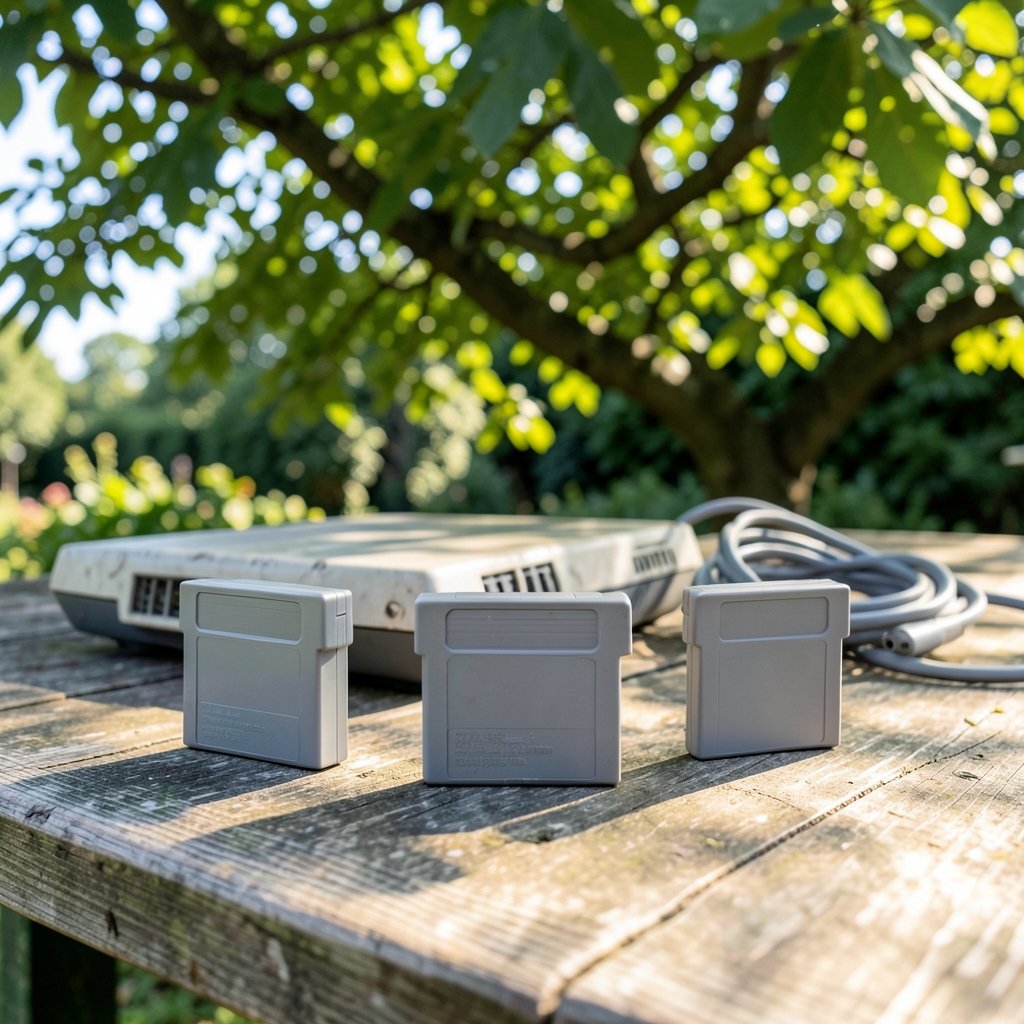
What actually changes when you swap one N64 flash cartridge for another? The short answer: not the games. All three of these carts play the standard library from an SD card. What changes is everything around the games — how you move files, how saves behave, how often firmware lands, and how much control you get when something goes wrong. That surrounding machinery is the workflow, and in 2027 it is the main reason to pick one cart over another. (Google drive alternatives by use case fits your workflow)
This comparison looks at the EverDrive 64 Pro, the SummerCart64, and the EverDrive 64 X7 through that lens. Specs matter less than the daily routine each device creates.
Why the Workflow Matters More Than the Spec Sheet
A flash cartridge is a cartridge-shaped board that holds game data on removable storage instead of a mask ROM chip, which is why one cart can stand in for an entire shelf of games. If that concept is new to you, the background on what a flash cartridge is and how it emulates a retail cart is worth five minutes before you shop. (Flash memory)
Once basic playback is equal, the differences show up in the friction points. How long does it take to add a homebrew ROM? What happens to a save file when the battery in your controller pak dies? Can you update the firmware without hunting for a specific SD card format? Do you get help when a game glitches, or do you get a GitHub issue thread? (Iphone 17 pro vs pro max real differences size battery)
Those questions separate the three carts far more cleanly than any feature grid.
The Three Carts in Plain Terms
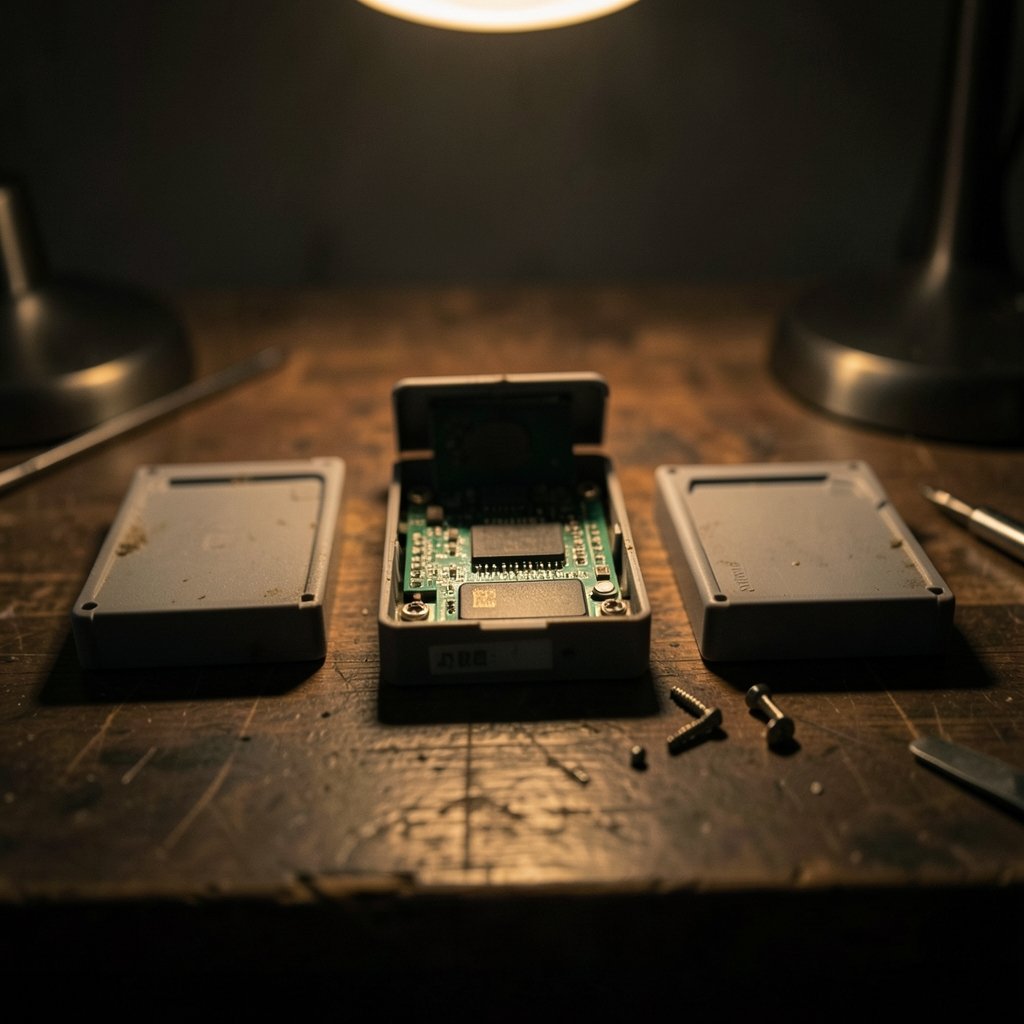
The EverDrive 64 X7 is the long-running flagship from Krikzz, sold from roughly 2018 onward. It is a polished consumer product with a graphical menu, in-cartridge firmware updates via SD card, and save-state support. It is the cart most people picture when they hear “EverDrive.”
The SummerCart64 is an open-source, community-designed cartridge that became public around 2023 to 2024. Its schematics and firmware are public, which means its menu, features, and update cadence are driven by contributors rather than a single vendor.
The EverDrive 64 Pro is the newest Krikzz model. Its exact launch timing and full spec sheet should be checked against the vendor’s own product documentation before you buy, because the Pro’s feature set is the piece of this comparison most likely to shift. Treat any 2027 claim about it as forward-looking rather than settled. (Chatgpt go vs plus vs pro paid plan comparison workflow)
Menu and Firmware: Closed Polish vs Open Iteration
This is the sharpest workflow split.
EverDrive carts run Krikzz’s closed-source OS. The menu is consistent, the update process is documented, and firmware updates happen by copying a file to the SD card and booting the cart. You get a predictable experience with a single point of support.
The SummerCart64 runs open-source firmware with a community-maintained menu. Updates and features depend on the open-source project rather than a vendor roadmap. That cuts both ways: you may get experimental features faster, and you may also get a release that behaves differently than the last one.
| Workflow step | EverDrive 64 X7 | EverDrive 64 Pro | SummerCart64 |
|---|---|---|---|
| Menu source | Vendor OS | Vendor OS | Community firmware |
| Update method | SD card firmware file | SD card firmware file | SD card, project releases |
| Update cadence | Vendor-driven | Vendor-driven | Contributor-driven |
| Support channel | Vendor | Vendor | Project community |
| Predictability | High | High | Varies by release |
A practical tip: whichever cart you choose, keep a known-good firmware file on a separate folder of your SD card. The most common mistake people make is updating firmware the night before a retro game night and discovering a regression with no fallback.
Save Handling and Save States
Saves are where casual users get burned and where the workflow difference becomes concrete.
EverDrive X7 and Pro write saves to the SD card and support save states. That means you can suspend a game mid-level, power down, and come back later — a genuinely useful feature for anyone playing in short sessions.
SummerCart64’s save and save-state behavior is defined by its open firmware and has evolved across releases. Before you commit, check the current release notes for save-state parity with the EverDrive line, because this is exactly the kind of detail that changes between versions.
The workflow advice here is boring and important: back up your SD card’s save folder on a schedule. Every one of these carts stores saves on removable media, and removable media gets lost, corrupted, or reformatted by accident. If you already run a careful local backup habit for notes or documents, apply the same discipline here — the approach in this guide to local-first note tools and how they handle sync and backups translates almost directly to save management.
64DD, Cheats, and Special Hardware
The 64DD was Nintendo’s disk-drive add-on for the N64, and disk images for it are a niche but real draw for collectors. The EverDrive 64 X7 supports 64DD disk images, with the emulation feature added in later OS versions. SummerCart64’s 64DD support depends on firmware version, and the Pro’s status should be confirmed against current vendor documentation.
Cheat support, typically GameShark-style codes, also varies by device and firmware. Verify per-device before assuming parity, especially on the SummerCart64 where the feature set moves with the project.
The workflow lesson: if 64DD titles or cheat codes are the reason you are buying, confirm the feature on the exact firmware version you will run, not on a forum post from two years ago.
The Developer and Tinkerer Angle
Here the SummerCart64 wins on flexibility by design. Its schematics and firmware are public, which suits developers, hardware hackers, and anyone who wants to understand or modify the tool rather than just use it.
The SummerCart64 also has documented USB connectivity for PC-side tooling, which developers use for loading and debugging. EverDrive’s PC interaction is mainly SD-card based — you pull the card, copy files, and put it back. For most players that is fine. For someone iterating on a homebrew build twenty times an evening, the USB path is a real workflow advantage.
If you enjoy tuning hardware to your own taste, the mindset is similar to the one behind small hardware mods like the keyboard foam mod and the sound differences it actually produces — the appeal is control, not convenience. That same instinct is what makes an open cartridge attractive.
Which Cart Fits Which Workflow
Match the cart to how you actually play, not to a feature count.
- You want to set it and forget it. The EverDrive 64 X7 is the safe pick. Mature firmware, vendor support, save states, 64DD images, and a menu that does not surprise you.
- You want the newest vendor hardware. The EverDrive 64 Pro is the forward-looking choice, but verify its current spec sheet and firmware status before buying, since it is the newest and least documented of the three.
- You want to tinker, develop, or modify. The SummerCart64 is the obvious fit. Open firmware, public schematics, and USB tooling for PC-side work.
- You split time between emulation and real hardware. Any of the three works, but keep your ROM library organized in one folder structure so moving between setups stays painless. The same logic of picking tools by use case rather than by brand applies here as it does when choosing among cloud storage options by workflow.
- You play in short bursts. Prioritize save states, which points to the EverDrive line unless SummerCart64’s current release notes confirm parity.
Common Mistakes to Avoid
The mistakes are remarkably consistent across all three carts.
Buying on price alone and discovering the cheap card is a clone with stale firmware. Clones exist for the EverDrive line, and they do not get vendor updates. Buy from the official source or a reputable retailer.
Formatting the SD card wrong. These carts are picky about file system and cluster size. Follow the vendor’s or project’s documentation exactly rather than guessing.
Ignoring firmware version when troubleshooting. Half of all “this game does not boot” reports trace back to an old or mismatched firmware build. Note your version before you post for help.
Skipping save backups. Covered above, worth repeating.
Assuming features transfer between carts. A cheat code file that works on one cart may need a different format on another. Test before a long session.
Setting Up a Workflow That Lasts
A little structure goes a long way. Keep three folders on your SD card: games, saves, and firmware. Keep a copy of the current firmware in the firmware folder so you can roll back. Keep a dated backup of the saves folder on your computer.
Then treat updates as a deliberate step, not an impulse. Read the release notes, check whether save-state or 64DD behavior changed, and only then update. That single habit prevents most of the frustration people blame on the hardware.
If you also maintain a writing or productivity setup alongside your gaming gear, the discipline is the same one behind a practical Claude writing workflow that actually holds up: small, repeatable steps beat heroic one-off efforts.
Conclusion
The EverDrive 64 Pro, SummerCart64, and EverDrive 64 X7 all play the N64 library. The real decision is about the routine around the games. Choose the X7 for maturity and vendor support. Choose the Pro if you want the newest Krikzz hardware and are willing to verify its current specs. Choose the SummerCart64 if open firmware, public schematics, and USB developer tooling matter more to you than a single vendor’s roadmap.
Whichever you pick, back up your saves, keep a rollback firmware on hand, and read release notes before updating. Those three habits matter more than the logo on the cartridge.
FAQ
What is the main difference between the EverDrive 64 Pro and the X7?
Both run Krikzz’s closed-source OS with SD-card firmware updates and save states. The Pro is the newer model, so its exact spec sheet and firmware maturity should be checked against current vendor documentation before buying. The X7 is the long-established flagship with a well-documented feature set.
Is the SummerCart64 harder to use than an EverDrive?
Not necessarily harder, but less predictable. Its open-source firmware is maintained by contributors, so features and behavior can shift between releases. Users who read release notes and enjoy tinkering tend to be happy; users who want a fixed, vendor-supported experience may prefer an EverDrive.
Do all three carts support save states?
The EverDrive X7 and Pro support save states. SummerCart64’s save and save-state behavior is defined by its open firmware and has changed across releases, so check the current release notes for parity before you rely on it.
Can these carts run 64DD disk images?
The EverDrive 64 X7 supports 64DD disk images, with the feature added in later OS versions. SummerCart64 support depends on firmware version. Confirm the current status for both the SummerCart64 and the Pro at the time you buy.
Why does the SummerCart64 appeal to developers?
Because its schematics and firmware are public and it has documented USB connectivity for PC-side tooling. That makes loading, debugging, and modifying builds faster than the pull-the-SD-card routine that EverDrive carts rely on.
What should I back up first after setting up an N64 flash cartridge?
Your saves folder. All three carts store saves on removable media, which can be lost, corrupted, or reformatted by accident. Keep a dated copy on your computer and refresh it after long sessions.



