
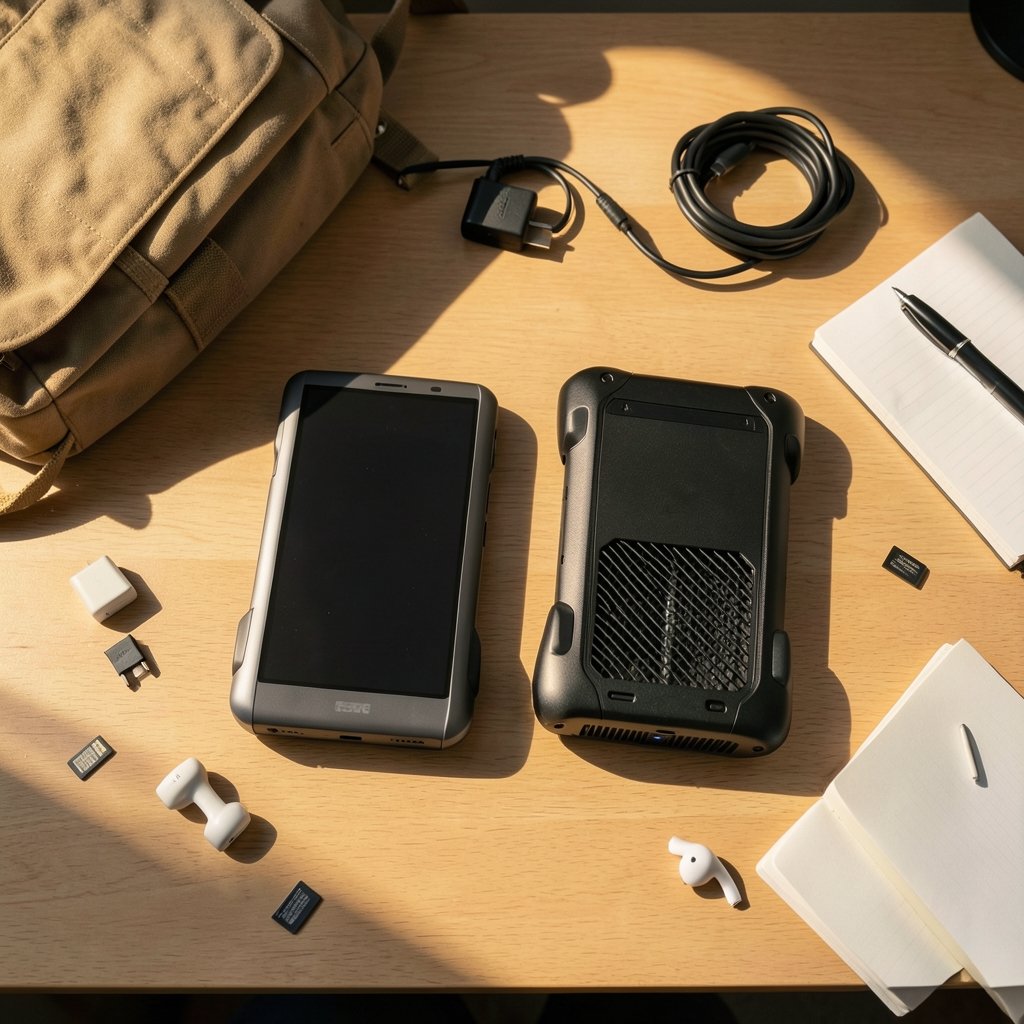
What if the handheld you buy in 2027 is less about frame rates and more about how fast it can run a local AI model, wake from sleep, and fit into your actual workday? That is the question worth asking about the Ayaneo Next 2 and the GPD Win 5. Both devices chase the same AMD Strix Halo platform, so the spec sheet stops being the interesting part fast. The workflow does not.
This comparison looks at where the two machines genuinely diverge: memory behavior, ports, cooling, vendor software, and Linux support. It also flags what nobody can honestly claim about 2027 yet. Treat every observed fact as dated to late 2026, and treat 2027 statements as projections, because that is what they are.
Why the chip story is a dead end
The most useful thing to understand first is that the Next 2 and the Win 5 are not a processor fight. Both target AMD’s Ryzen AI Max+ 395, part of the Strix Halo family with a Radeon 8060S integrated GPU and a unified memory pool shared between CPU and GPU. When two handhelds run the same silicon, the differences that survive are chassis, input/output, thermals, and software layers.
That reframing matters because most “versus” content online still argues about cores and clocks. For a buyer in 2027, those arguments will age badly. Firmware updates, driver maturity, and accessory ecosystems will change the experience far more than a few hundred megahertz.
One honest caveat before going further: the Win 5’s exact configuration has been reported inconsistently, and vendors routinely revise SKUs, RAM tiers, and pricing between announcement and shipping. Pin any specification claim you read to a dated source. If the Win 5 ships with a different SoC than expected, the entire framing below changes.
The unified memory question, and why it decides your workflow
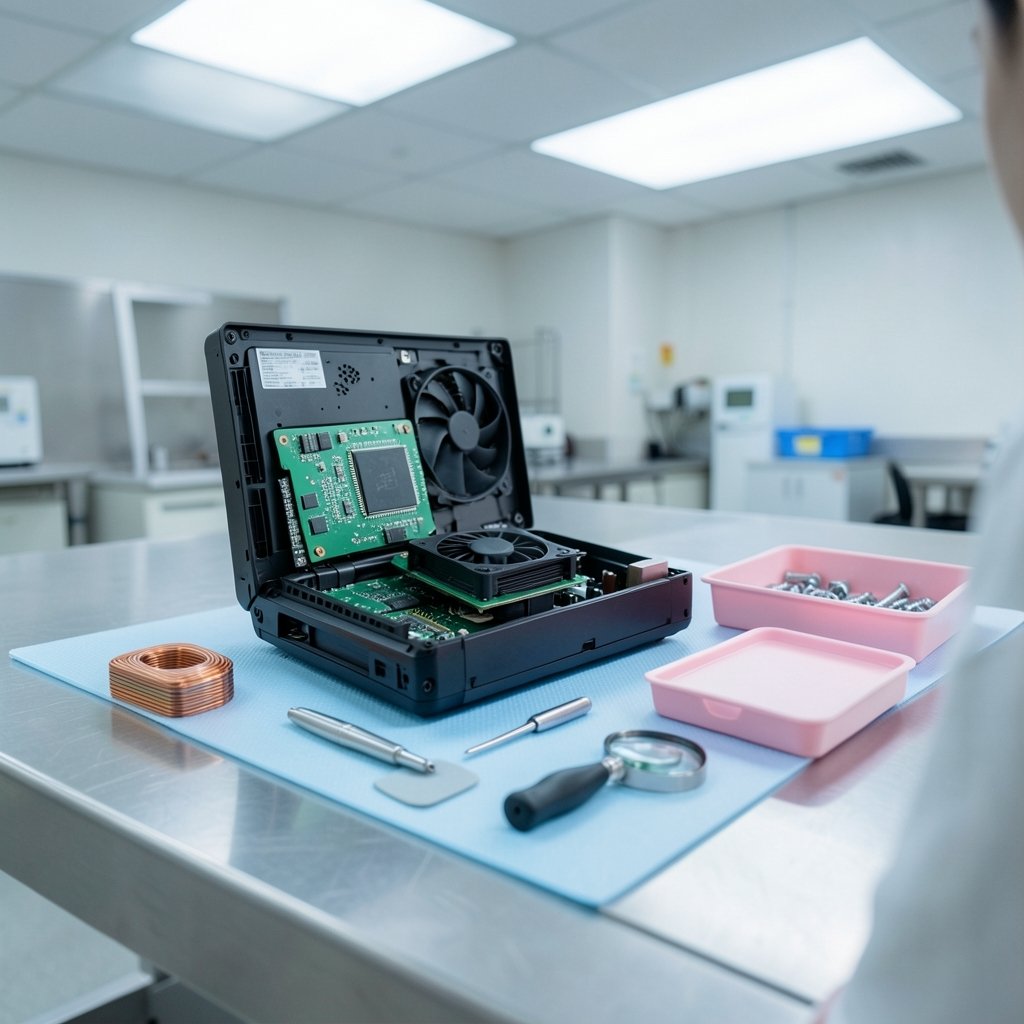
Strix Halo’s defining trait is a large unified memory pool, commonly 32 to 128 GB depending on SKU, shared between the CPU and GPU rather than split into separate VRAM and system RAM. That architecture is why these handhelds get discussed as local AI machines at all. A discrete-GPU handheld cannot offer the same headroom for large models, because its VRAM ceiling is fixed and small.
In practice, this creates three distinct workflows:
| Workflow | What unified memory buys you | What it costs you |
|---|---|---|
| Local LLM inference | Room for larger quantized models without offloading tricks | Memory bandwidth becomes the bottleneck, not capacity |
| Creative work (editing, 3D, compiling) | Fewer out-of-memory failures on big projects | Shared pool means GPU and CPU compete for the same bandwidth |
| Pure gaming | Generous texture budgets | Diminishing returns once the iGPU saturates |
The trap people fall into is assuming more memory equals more speed. It does not. Unified LPDDR5X at roughly 256-bit class bandwidth is the real limiter for AI workloads, and exact figures vary by SKU, so do not trust a quoted number unless it traces back to a primary AMD source. The practical takeaway: if your workflow is running a 70B-class model locally, capacity gets you in the door, but bandwidth decides whether it feels usable.
For readers comparing this kind of hardware decision more broadly, the same logic of matching tool to workflow shows up in benefits Canva alternatives where other tools actually win — capability lists rarely tell you which tool fits your day.
Ports, cooling, and the chassis differences that actually bite
If the silicon is shared, the chassis is where Ayaneo and GPD have historically diverged most. Expect differences in screen size and panel type, cooling design, battery capacity, and expansion. The one port question that matters most for a 2027 workflow is external GPU support. OCuLink and USB4 appear across this class of device, but not always on both, and not always at the same bandwidth.
A few practical checks before buying either:
- Confirm whether the model you are ordering has OCuLink, USB4, or both, and at what lane configuration.
- Check the sustained power ceiling, not the boost figure. Handhelds throttle, and the chassis decides how much.
- Look at fan noise under a 30-minute load, not a 30-second one. Vendor spec sheets never mention this.
- Verify the sleep and resume behavior on the exact firmware build shipping now, not the one from a launch review.
Cooling deserves special attention because it silently shapes everything else. A handheld that holds a higher sustained power envelope will run local models faster and game more smoothly, but it may also be louder and hotter in your hands. There is no free lunch, and reviewers who only benchmark short bursts miss it.
Vendor software is the real dividing line
Here is the part that rarely makes spec tables: Ayaneo Space and GPD’s utility suite behave differently, and those differences compound over a workday. TDP profiles, per-application profiles, overlay behavior, and update cadence all vary by vendor, and all of them change with firmware. Feature parity as of late 2026 is genuinely unverified, so anyone claiming one vendor “wins” software should show their work.
What actually works in practice is testing the software layer against your own routine:
- Set a low-power profile for writing and browsing, and confirm it survives a reboot.
- Create a per-app profile for your AI workload and check whether it holds when you switch windows.
- Test the overlay during a video call, because overlays that steal focus are a common complaint.
- Watch how quickly the vendor ships driver updates after an AMD release.
A common mistake is judging vendor software from a launch-day review. Firmware matures. A device that felt rough at announcement can be solid eighteen months later, and the reverse is also true when a vendor moves on to its next product.
Linux support: the workflow axis most buyers ignore
SteamOS and Bazzite-class distributions have become a legitimate second workflow on AMD handhelds, and kernel and driver support for new AMD hardware has evolved steadily through 2025 and 2026. The status as of November 2026 is not something to assume, though. Check current reporting and distro release notes before you commit, because support can regress as well as improve.
If you want to follow that development yourself, Phoronix’s Linux hardware coverage tracks kernel and GPU driver support for new AMD silicon more closely than most general tech outlets. For the distribution side, the Bazzite documentation explains how a SteamOS-like system is set up and what it expects from the hardware.
Why does this matter for a 2027 purchase? Because a handheld that runs Linux well gives you a second life: a leaner gaming environment, better sleep behavior in some cases, and freedom from vendor utilities you may not want. A handheld that does not runs Windows forever, whether you like it or not. (Handheld PC)
What 2027 actually changes, and what it does not
Nobody can observe the 2027 software state of either device today. What can be said is directional. Driver maturity will improve for both, because AMD’s platform support tends to deepen over a product’s life. Vendor utilities will either mature or be abandoned, and history suggests both outcomes happen. Linux support will likely get better, but the pace depends on upstream kernel work rather than either vendor’s promises.
So the honest 2027 projection is this: the hardware gap between the Next 2 and the Win 5 will probably narrow, while the software and ecosystem gap could widen in either direction. Buy for the chassis, ports, and vendor track record you can verify now. Do not buy for a firmware roadmap.
The same principle applies to almost every device decision. Whether you are weighing note-taking tools in Obsidian vs Logseq local-first notes compared by workflow or picking a writing assistant in use Claude writing practical workflow that actually works, the tool that fits your routine beats the one with the better feature list.
A practical buying framework
Rather than declaring a winner, here is how to decide for yourself. Score each device against your actual week.
| Question | Why it matters | How to check |
|---|---|---|
| Does it hold sustained power without throttling? | Determines AI and gaming consistency | Look for 30-minute load tests |
| Which expansion ports does my SKU have? | External GPU support changes the ceiling | Confirm OCuLink and USB4 per model |
| How mature is the vendor utility? | Profiles and overlays shape daily use | Read recent owner reports, not launch reviews |
| Does Linux run well today? | Gives you a second workflow option | Check current kernel and driver status |
| How loud is it under load? | Affects calls, focus, and shared spaces | Watch measured noise tests |
If your workflow is local AI first, weight memory capacity and bandwidth heavily, then cooling. If it is gaming first, weight sustained power and screen. If it is a hybrid work machine, weight the software layer and Linux support, because those decide whether the device fits into your day or fights it.
One more practical tip: buy from a seller with a clear return window. Handheld ergonomics and fan noise are personal, and no review can tell you whether a device feels right in your hands after three hours. A fifteen-minute test in your own chair beats a hundred spec comparisons.
Conclusion
The Ayaneo Next 2 and the GPD Win 5 share a platform, which means the interesting differences live in the chassis, the ports, the cooling, and the software layers each vendor ships. In 2027, those differences will matter more than any clock speed, because firmware and driver maturity will shift the experience in ways no launch-day review can predict. Buy for what you can verify now: sustained performance, expansion options, vendor track record, and current Linux support. Treat every 2027 claim, including the ones in this article, as a projection rather than a promise. The device that fits your workflow is the one you can test, not the one with the longest feature list.
FAQ
Does the Ayaneo Next 2 use the same chip as the GPD Win 5?
Both target AMD’s Ryzen AI Max+ 395, part of the Strix Halo family with a Radeon 8060S integrated GPU. That shared platform is why the comparison should focus on chassis, ports, cooling, and software rather than processor specs.
What does unified memory actually change for a handheld?
It lets the CPU and GPU draw from one large pool, commonly 32 to 128 GB depending on SKU. That gives you room for larger local AI models and big creative projects, but bandwidth, not capacity, becomes the real bottleneck once you push demanding workloads.
Is Linux a realistic option on these handhelds in 2027?
It is realistic to consider, but not safe to assume. Kernel and driver support for new AMD hardware has improved through 2025 and 2026, yet the status as of late 2026 needs checking against current reporting and distro release notes before you rely on it.
Which device is better for local AI work?
Capacity and bandwidth decide that, not brand. A model with more unified memory headroom helps, but sustained cooling and power limits matter just as much, because a device that throttles will finish inference slower regardless of how much RAM it has.
How much should I trust 2027 claims about either device?
Very little, and that includes projections in this article. Neither device’s 2027 firmware or software state is knowable today. Buy for verifiable traits like ports, sustained performance, and current vendor support, and treat roadmaps as intentions rather than facts.
What is the biggest mistake buyers make with these handhelds?
Judging vendor software from a launch-day review. Utilities and firmware mature over a product’s life, so a device that felt rough at announcement can be solid later, and one that launched well can be abandoned when the vendor moves to its next model.



